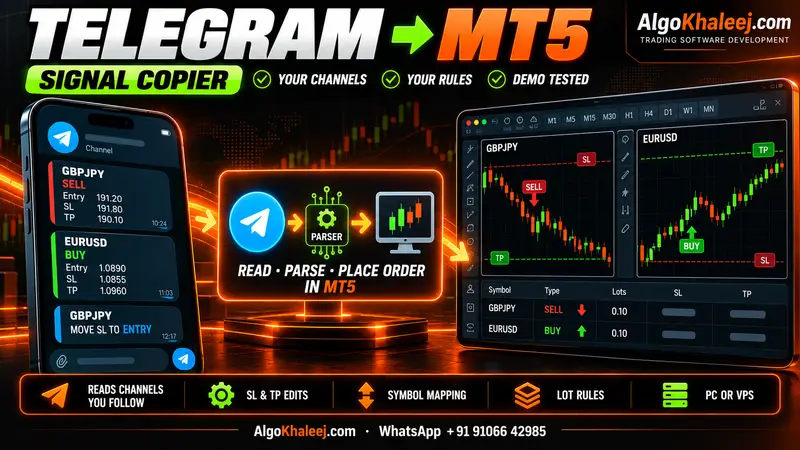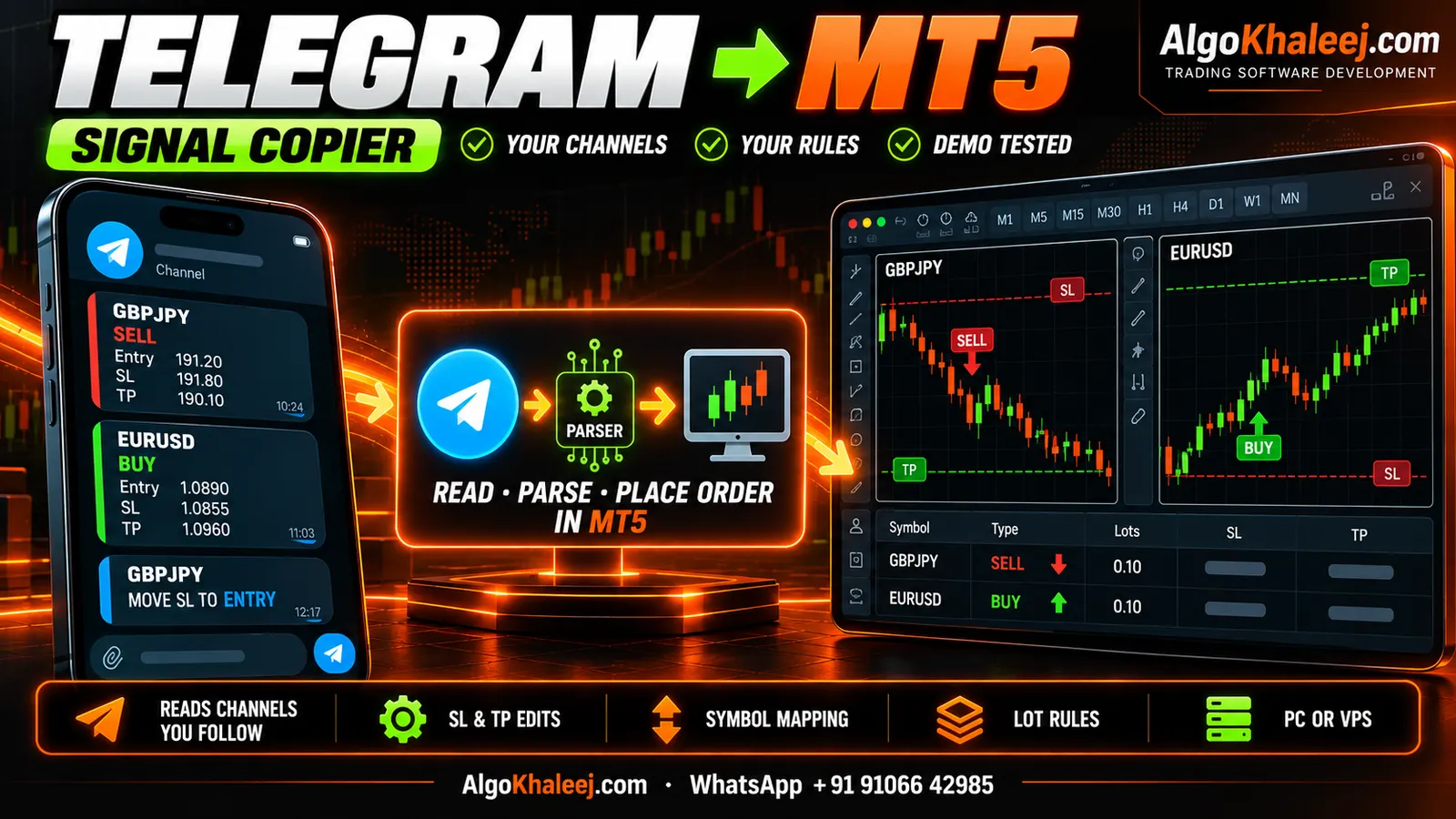
Many traders in the UAE and Saudi Arabia follow signal channels on Telegram. But copying each trade by hand is slow, and one missed post can mean a missed entry. A copier lets you copy Telegram signals to MT5 without watching the channel all day. Then each order goes to MetaTrader 5 with your own lot and risk rules.
How to copy Telegram signals to MT5: the big picture
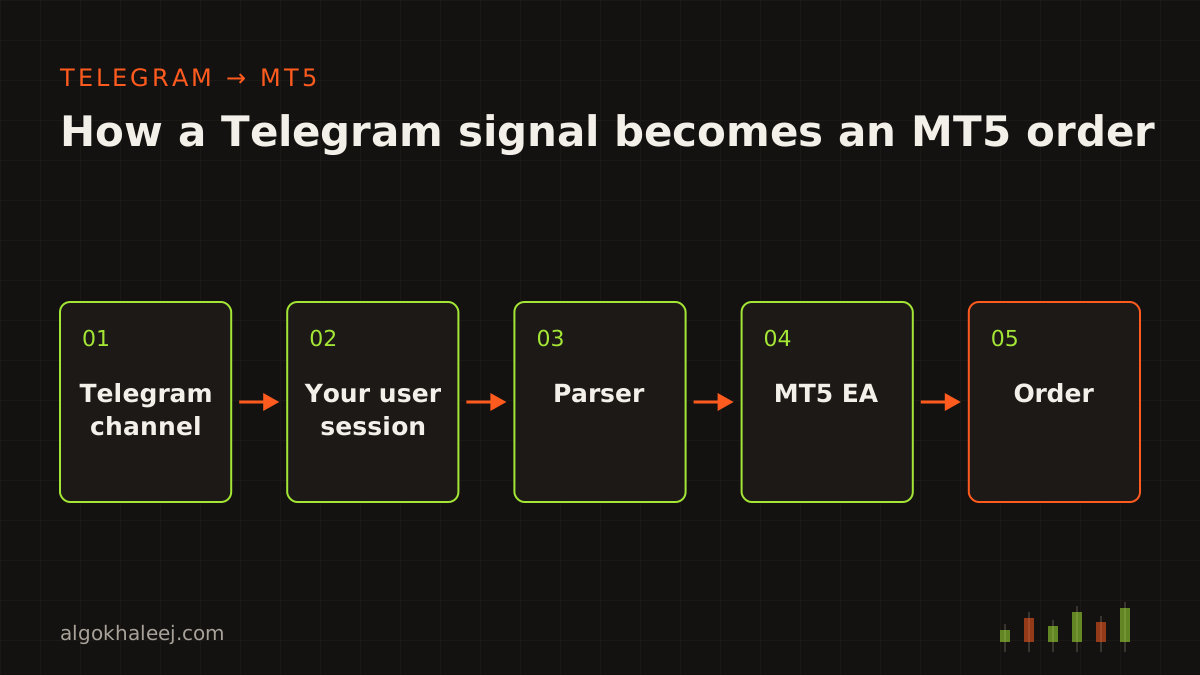
Every copier has three parts. First, a Telegram reader receives new posts from the channels you follow. Next, a parser turns each post into order data: symbol, side, entry, SL and TP. Finally, an MT5 Expert Advisor (EA) checks your rules and places the trade.
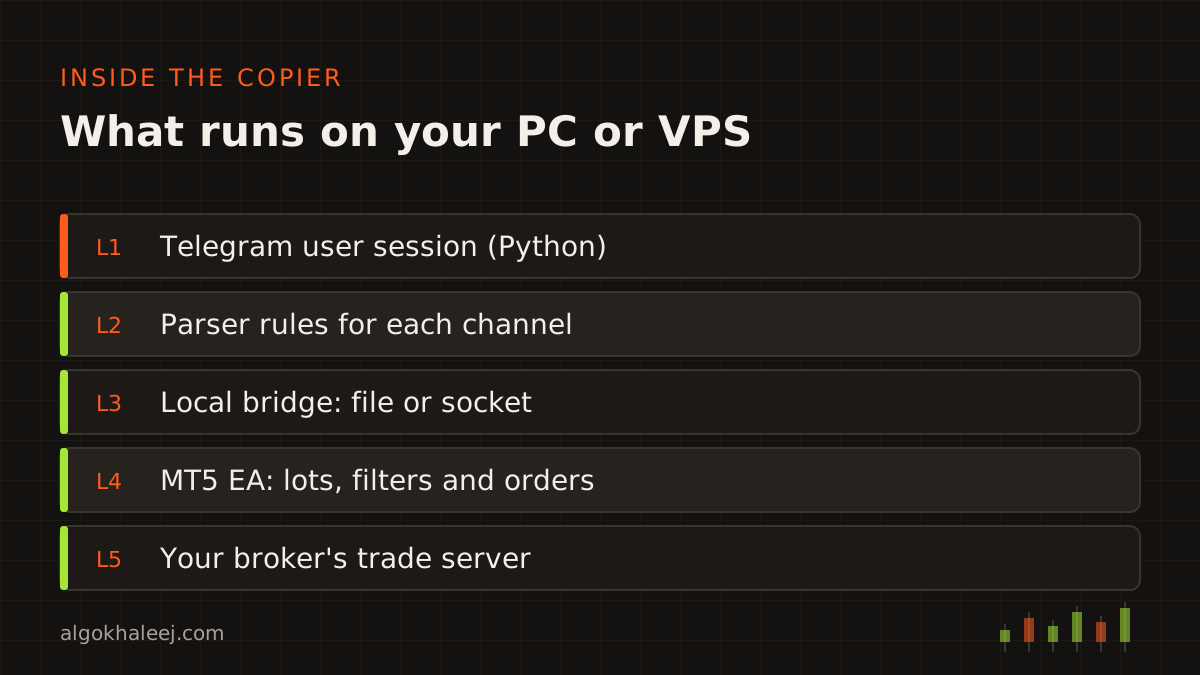
The reader and the parser usually run as a small Python app on the same PC or VPS as MT5. They hand each signal to the EA through a local file or a local socket. As a result, nothing leaves your machine except normal traffic to Telegram and your broker.
AlgoKhaleej does not sell signals. You copy channels you already follow and trust. We build and support the software, while you make every trading decision.
Bot or user session: which one reads your channel?
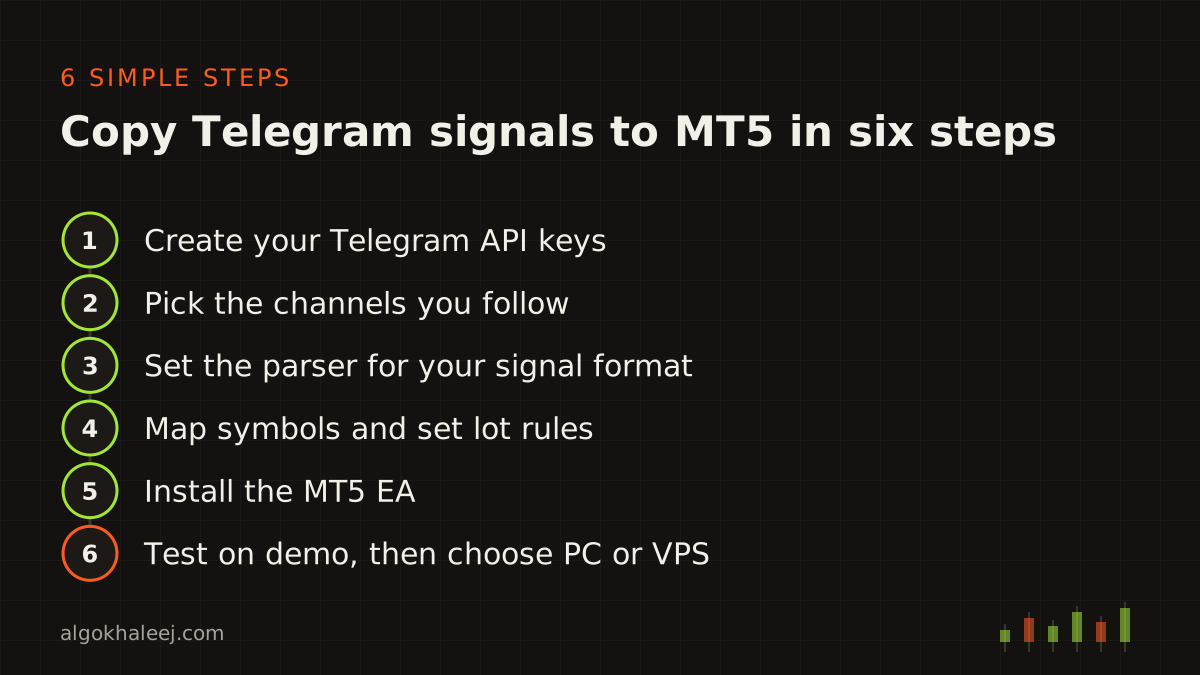
Telegram offers two ways in, and the choice matters. A bot uses the Telegram Bot API. It is quick to set up, but it only sees chats where someone added it. To read a channel, the bot must be an admin there. So a bot works for your own channel, but not for a provider’s channel.
A user session uses the main Telegram API, the same one the Telegram apps use. It logs in as your account, so it can read any channel you joined. That is why a copier for someone else’s channel uses this method.
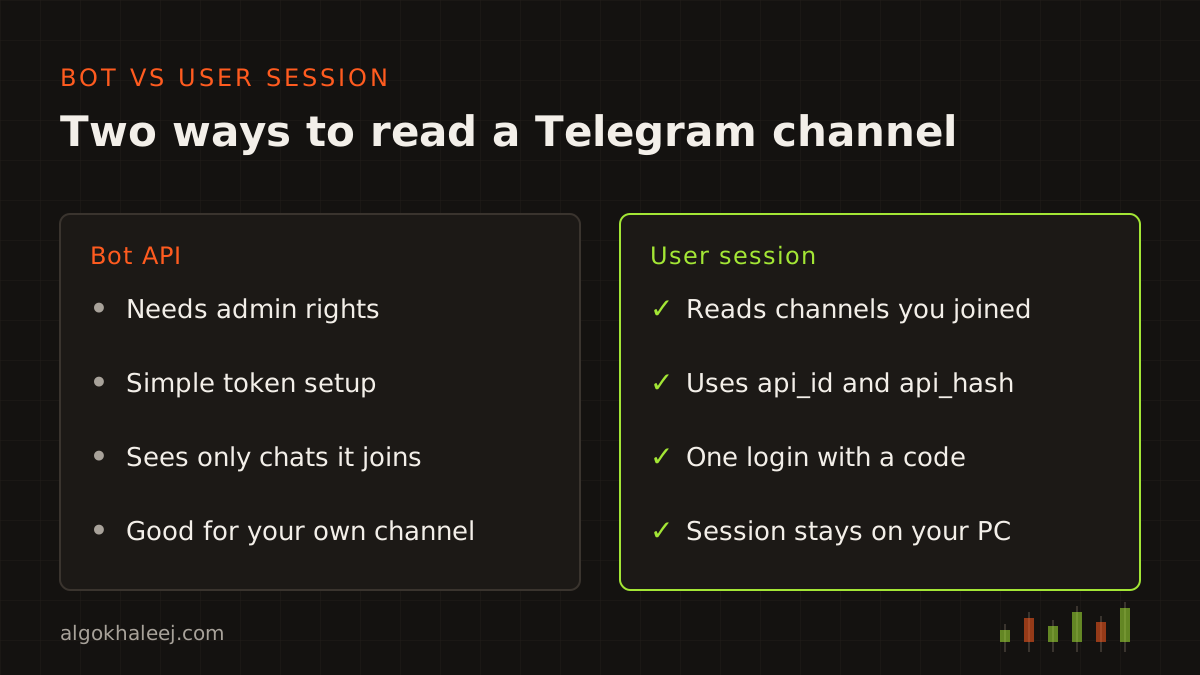
Step 1: Create your Telegram API keys
First, open my.telegram.org and log in with your phone number. Then create an app, and Telegram shows you an api_id and an api_hash. You need these two values before any copier can copy Telegram signals to MT5 from a channel you joined. You enter the login code once, plus your two-step password if you set one.
After that, a session file stays on your machine. Treat it like a password, because anyone who copies it can use your account. Telegram explains these keys in its official Telegram API documentation.
Step 2: Pick the channels you follow
Next, choose the channels and groups the copier should watch. You must be a member of each one, and private channels work too. Start with one channel, then add more once the parser handles it well. Each source can also carry its own settings, such as a different lot size or symbol map.
Step 3: Set the parser for your signal format
Channels write signals in many styles. Still, most posts follow a pattern like this one:
XAUUSD SELL 4120 - 4125
SL 4132
TP1 4115
TP2 4108
TP3 4100
The parser finds the symbol, the side, the entry zone, the SL and each TP. You then pick how to enter a zone like this. For example, the EA can enter at market, at the middle of the range or with a pending order.
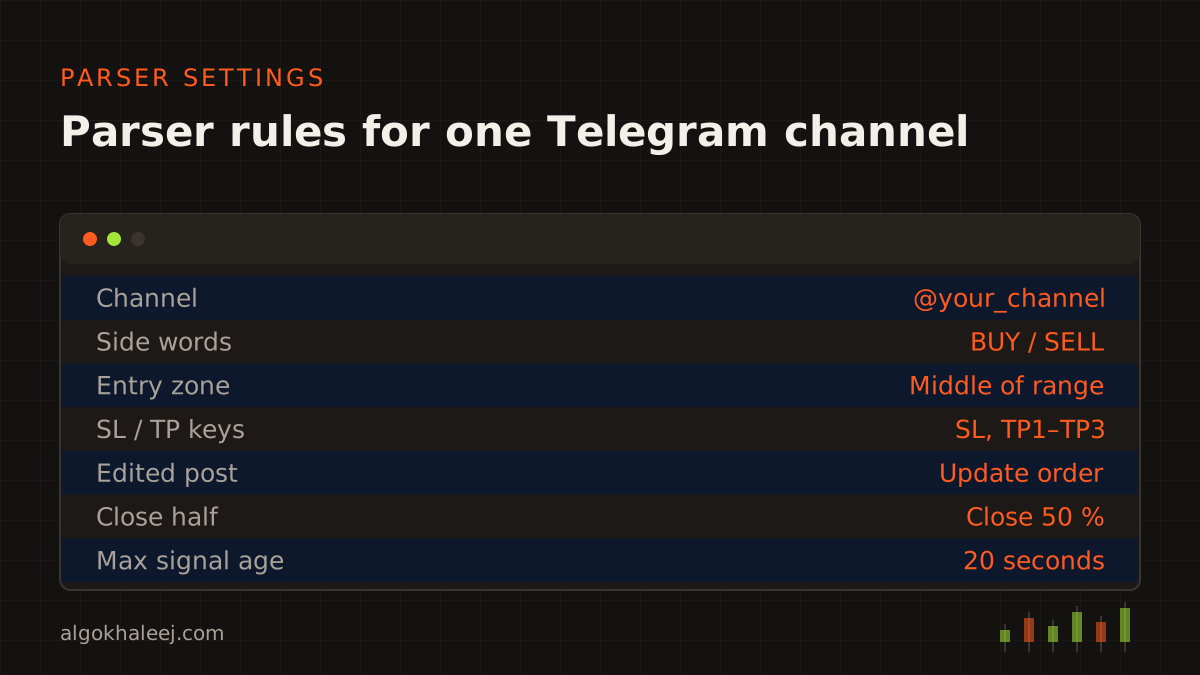
Follow-up posts matter just as much. Providers often write “close half now”, “move SL to entry” or “TP1 hit”. The parser links each one to the open trade, usually through Telegram’s reply feature. So the EA can close part of the trade or move the stop.
Edits are common too. When an admin edits a post, Telegram sends an update, and the copier can adjust the open order. Without these rules, the copier would treat each new message as a fresh trade.
Step 4: Map symbols and set lot rules
When you copy Telegram signals to MT5, your broker may not use the channel’s symbol names. For example, the channel writes XAUUSD, while your account shows XAUUSD.m or GOLD. A symbol map fixes this once for every signal.
Then set the lot rules. You can trade a fixed lot, a risk percent from the SL distance or a multiple of the provider’s lot. You can also split one signal across several TPs, such as 0.02 lots on each of three targets. Add caps for max lot, max open trades and max spread, too.
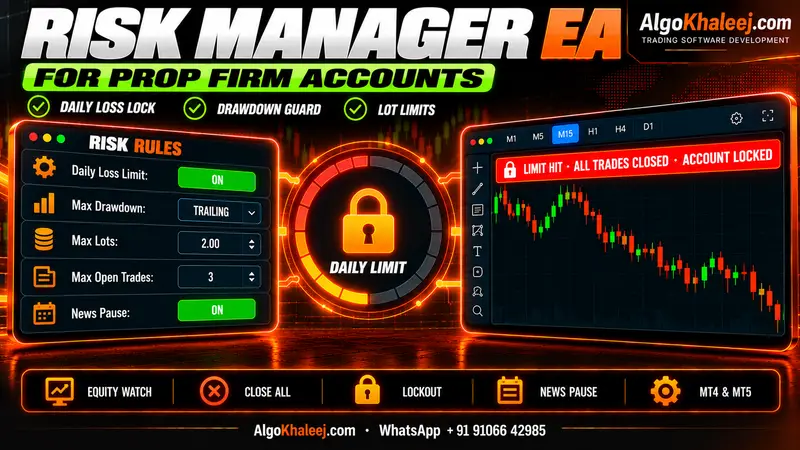
Prop firm traders should add the firm’s daily and overall limits as hard rules. Our prop firm risk manager EA page shows how those guards work.
Step 5: Install the MT5 EA
Copy the EA file into the MQL5\Experts folder, which you can open from File > Open Data Folder. Next, attach the EA to one chart and turn on Algo Trading in the toolbar. In the inputs, set the magic number, the symbol map and your lot rules.
One chart is enough, because the EA can trade every mapped symbol from there. Then check the Experts tab. The EA should report a live link to the Telegram reader within a few seconds.
![[SCREENSHOT: MT5 Experts tab with a parsed Telegram signal and its order on a demo account]](/img/en/blog/copy-telegram-signals-to-mt5/screenshot.svg)
Step 6: Test on demo, then choose PC or VPS
Testing matters more than any other step when you copy Telegram signals to MT5. So run the copier on a demo account for at least a week. During that time, compare each order with the post that caused it. Check the symbol, side, lots, SL and every TP.
After that, post a few test messages in a private channel you own. For example, try a typo, a missing SL and an edited entry, and watch how the copier reacts.
When the results match, decide where the copier will live. A home PC works if it stays on while the market is open. However, a Windows VPS keeps MT5 and the reader online around the clock, so you miss fewer posts.
Safe habits for your accounts
Before you copy Telegram signals to MT5 on a live account, build a few habits. They help protect both your Telegram account and your trading account:
- Turn on two-step verification in Telegram.
- Keep the session file and the api_hash private.
- Check your broker’s terms and your local regulations before you trade live.
- Start live trading with small lots, then raise them slowly.
- Review the copier log once a week, even when everything looks fine.
Get a Telegram copier built for you
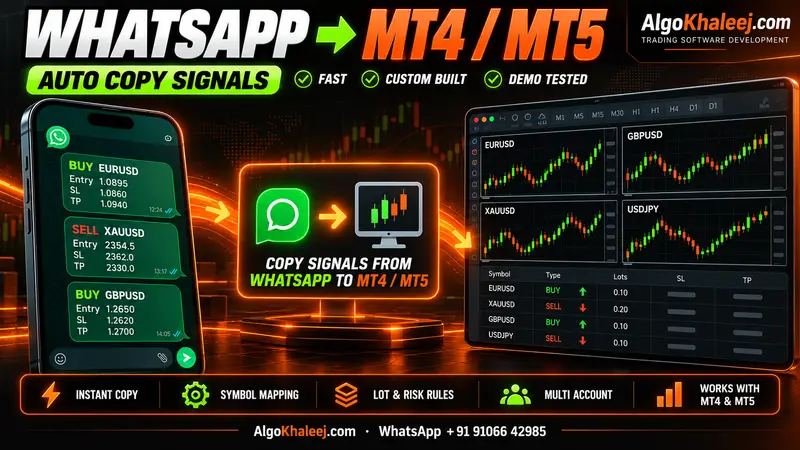
You can set this up with ready-made tools, or we can build a copier around your channels and rules. See our Telegram signal copier for MT5 service for features and delivery. Every build starts on your demo account, so you test it before the final payment. If some of your sources are WhatsApp groups, read how to copy WhatsApp signals to MT4 and MT5. For TradingView alerts instead, see our TradingView to MT5 bridge.