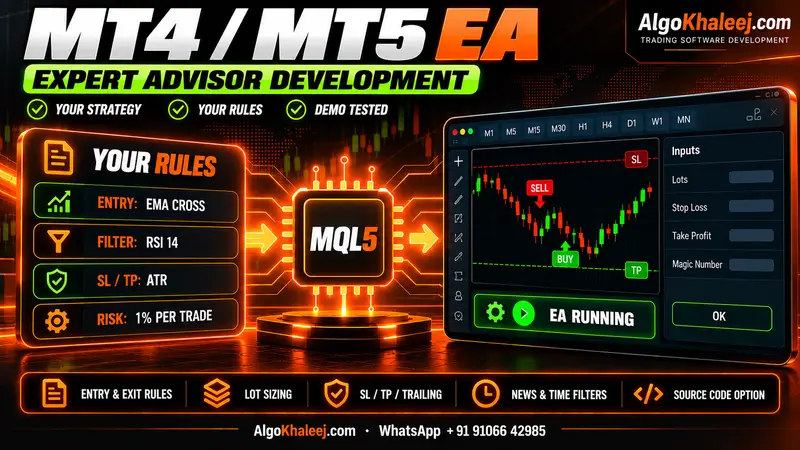
Expert advisor development cost by service
Custom trading services start from $50, and each ready tool costs $150. Websites and broker API scripts start from $100, while mobile apps start from $300. Treat a starting price as a floor, because the scope sets the final quote. All amounts are in US dollars.
| Service | Typical scope | Price (USD) |
|---|---|---|
| MT4 / MT5 Expert Advisor | One strategy, plus lots, SL, TP and alerts | From $50 |
| Custom indicator | Arrows, levels or a panel, plus alerts | From $50 |
| TradingView to MT5 bridge | Webhook alerts to orders, such as buy, sell and close | $150 (ready tool) |
| Pine Script indicator or strategy | Your rules on TradingView, plus alert conditions | From $50 |
| Telegram signal copier | Reads channels you follow, then places trades | $150 (ready tool) |
| WhatsApp signal copier | Reads WhatsApp groups you joined, then places trades | $150 (ready tool) |
| Trade copier | Copies trades between your own accounts | $150 (ready tool) |
| Swap-free mode | Closes trades before rollover when you choose | From $50 |
| Prop firm risk tools | Daily loss and drawdown guards, plus trailing | $150 (ready tool) |
| Strategy conversion | Pine Script or MQL4 code moved to MQL5 | From $50 |
| Broker API automation | A Python script for your broker’s official API | From $100 |
| Website development | Business site, online store or landing page, plus SEO basics | From $100 |
| Mobile app development | Android and iOS app, plus its admin dashboard | From $300 |
| Hosting and maintenance | Hosting, SSL, email, backups and updates in your name | From $50 |
Swap-free mode and prop firm tools can also sit inside a new EA. In that case, we price them as part of one project. A swap-free mode keeps an EA compatible with swap-free or Islamic accounts. It is a technical option, so check your broker’s terms too.
What changes the expert advisor development cost
Two EAs can look alike and still need very different amounts of work. Since the price follows the work, these points move it up or down:
- Rules and filters: each extra entry rule, exit rule or filter adds code and test cases.
- Platforms: an MT4 and an MT5 version of one EA means two code bases, so it costs more.
- Symbols and timeframes: one chart is simpler than a basket of symbols that share a risk limit.
- Order logic: partial closes, grids and baskets need more care, plus more testing.
- Connections: Telegram, webhooks and broker APIs add a second system that needs its own error handling.
- Panels and alerts: an on-chart dashboard or push alerts add screen design and extra checks.
- Source code: if you want the .mq4 or .mq5 file, we add it to the quote at the start.
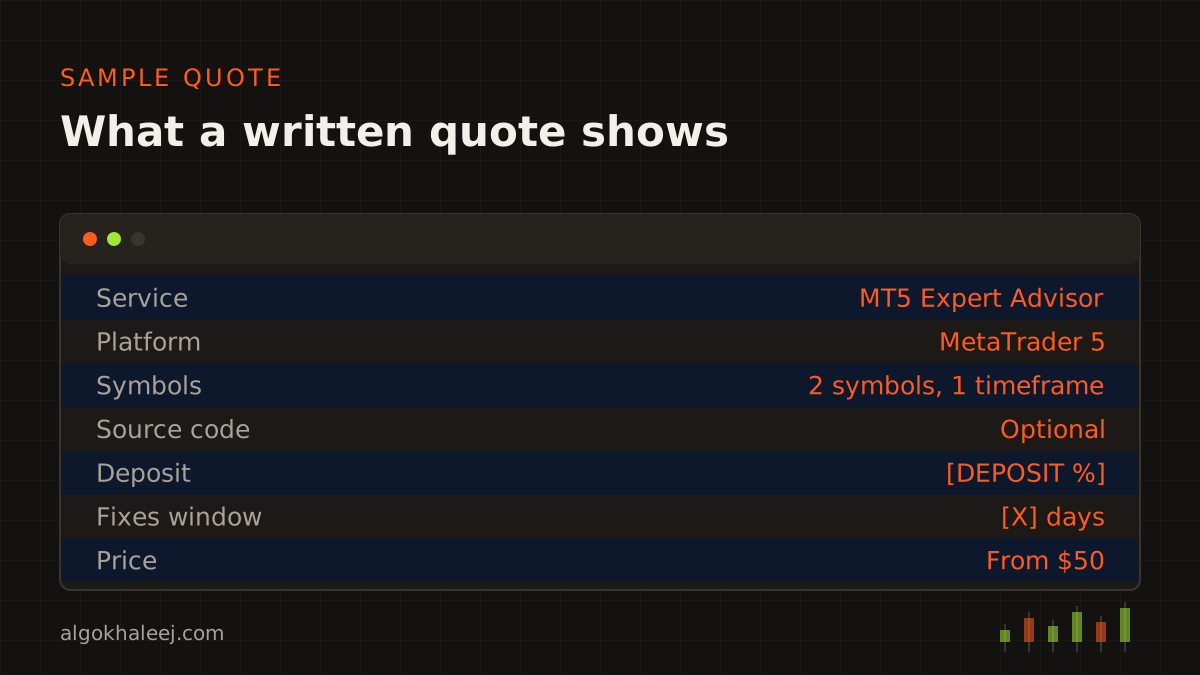
On the other hand, a clear spec keeps the expert advisor development cost down. When you send exact rules and example screenshots, we spend less time on questions. As a result, your quote stays lean.
What every quote includes
Every quote covers the full path from idea to working tool, so the expert advisor development cost has no hidden extras. You get:
- A written spec that lists every rule, input and limit.
- A demo build that you test on your own demo account first.
- Fixes for anything that does not match the spec, before and after delivery.
- The compiled file (.ex4, .ex5 or script) once you pay the balance.
- A settings guide that explains each input in plain English.
- One setup call, so you can run the tool with us on the line.
- days of fixes and support after delivery.
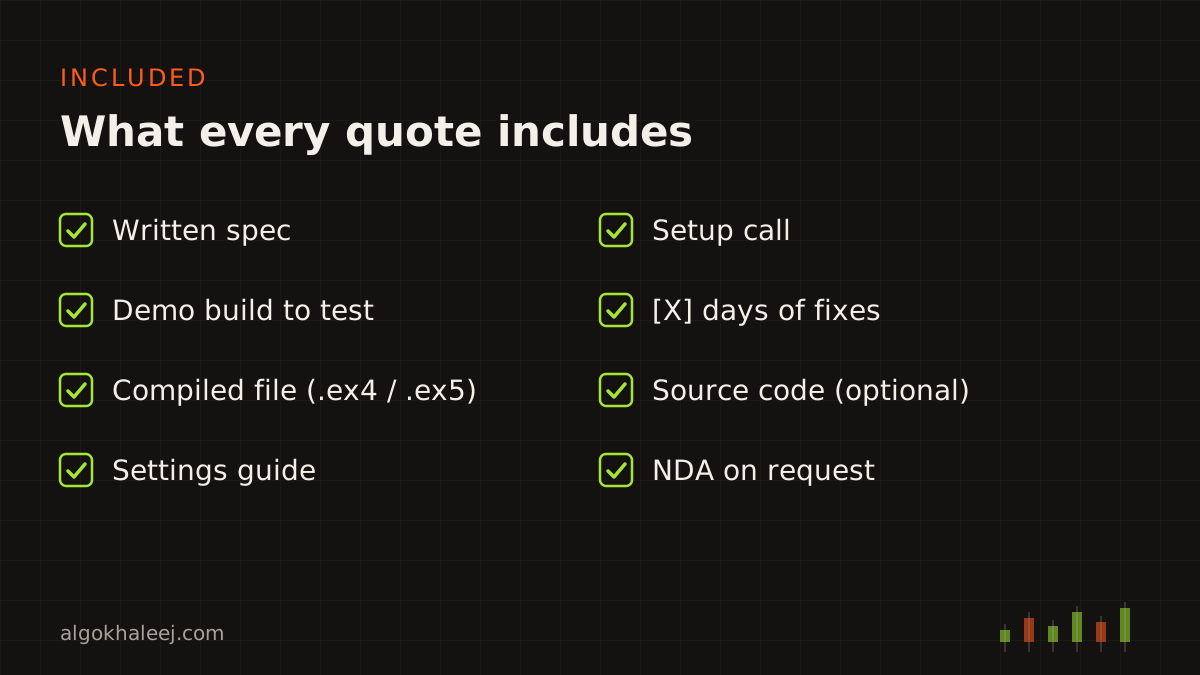
We also sign an NDA on request, before you share your strategy. Your rules stay private, and we never reuse them for other clients.
Payment terms in US dollars
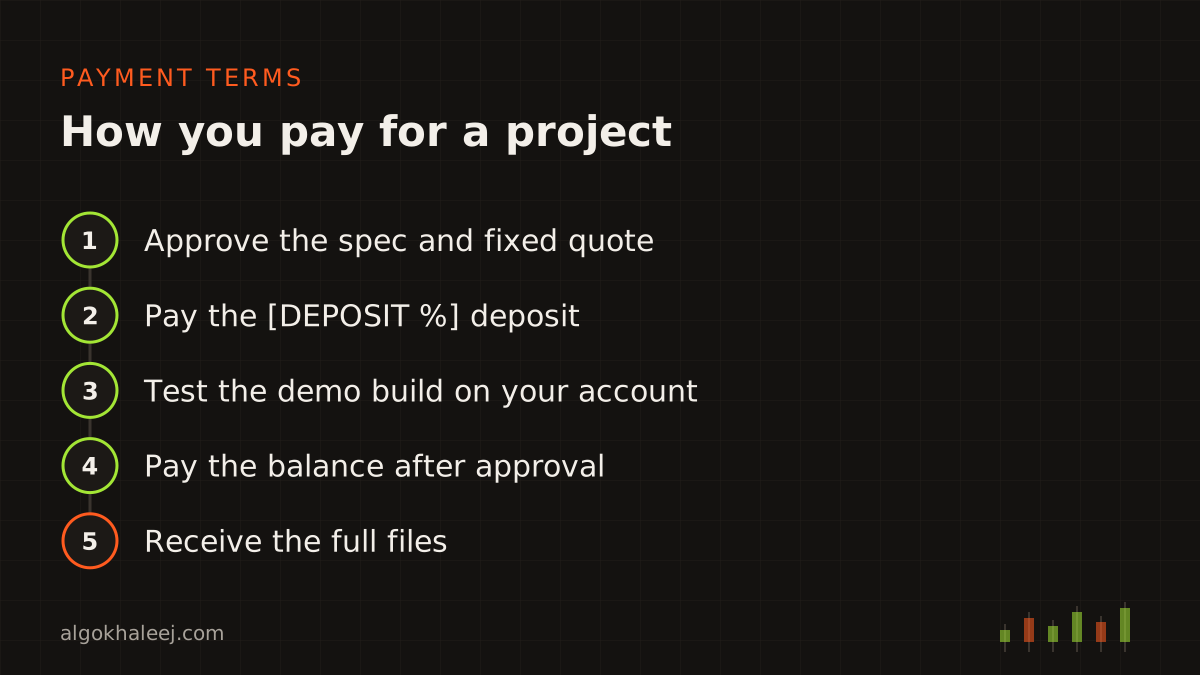
You pay the expert advisor development cost in two main parts, and always in USD. Your bank or payment app may show the amount in AED, SAR or another currency, but the price itself stays in dollars.
- Deposit: you pay [DEPOSIT %] of the quote before coding starts.
- Balance: you pay the rest after you test and approve the demo build.
- Milestones: larger projects can split into stages, so you pay for each stage as you approve it.
- Methods: we accept [PAYMENT METHODS].
Until the final payment, the demo build can carry an account lock or an expiry date. After it, you receive the full version, plus the source code if you ordered it. The refund policy and the terms of service explain the full rules.
Fixes, support and change requests
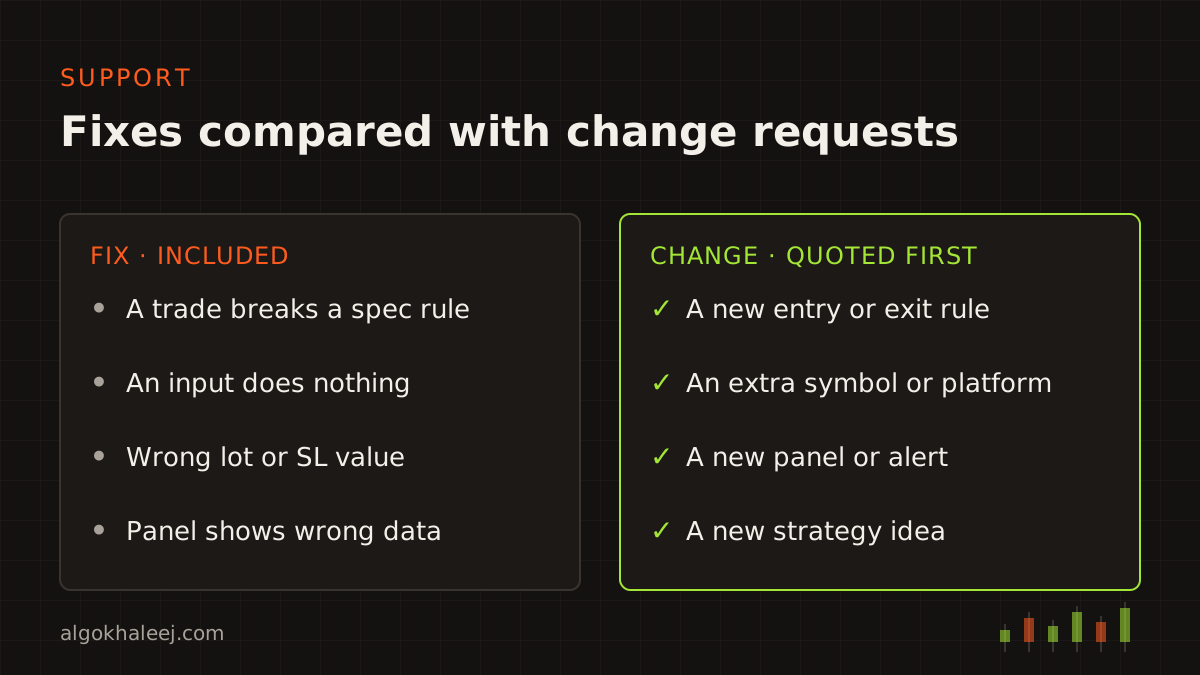
Fixes and changes are not the same thing, so we keep them apart.
A fix covers anything that does not work as the approved spec says. For example, the EA opens a trade outside your hours, or an input does nothing. Fixes cost nothing during testing and for [X] days after delivery.
A change request adds something new. That could be a new entry rule, an extra symbol, a second platform or a new panel. We quote each change first, and we only start once you agree.
After the support window ends, we still help. Small updates get a short quote, while bigger ones get a new written spec.
How to get a fixed quote
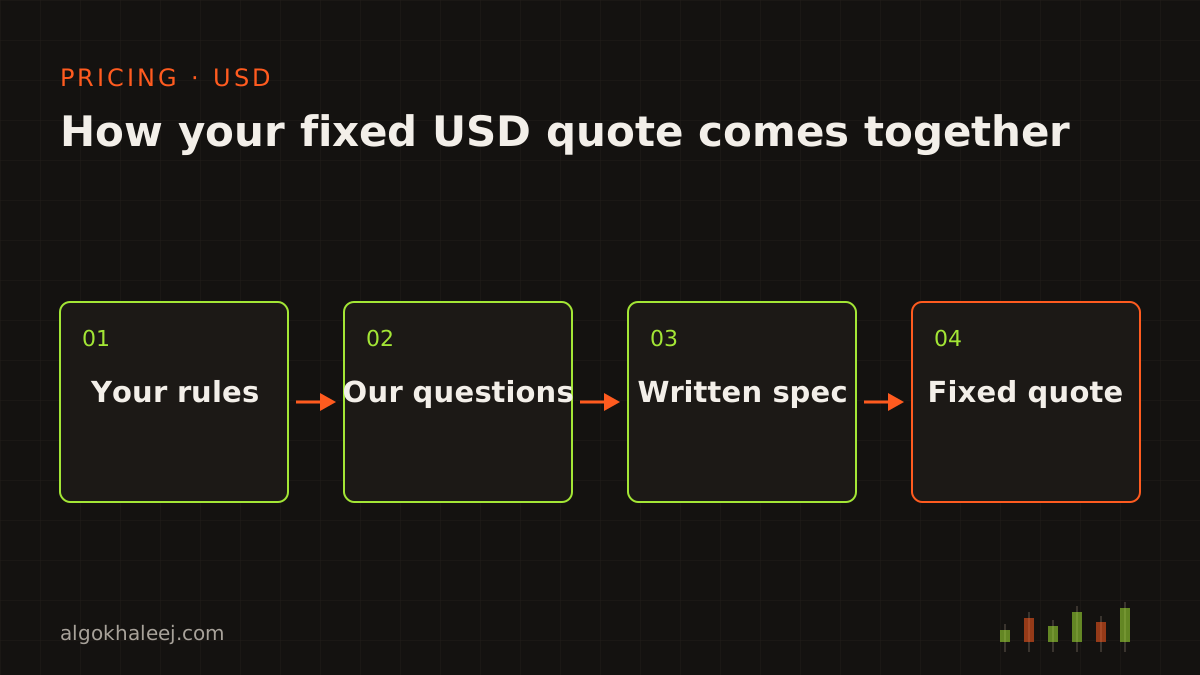
First, send your rules on WhatsApp, by email or through the contact page. Screenshots and voice notes help too. Next, we ask questions until every case is clear. Then we write the spec and send a fixed price in USD, with a delivery date.
The whole path, from the first message to the support window, sits on our custom EA development process page. If you still have questions about the expert advisor development cost, the trading software development FAQ answers the common ones.
Before you plan a budget, you can also see what MetaTrader can automate in the official MetaTrader 5 algo trading help.