Who this Python service is for
Broker API trading automation makes sense when your work goes beyond one chart. It suits traders who:
- trade forex or stocks with a broker that offers an official API,
- want a Python model to place trades on MT5 through the terminal,
- copy fills into a spreadsheet by hand at the end of each day,
- need alerts or a daily report without watching a screen.
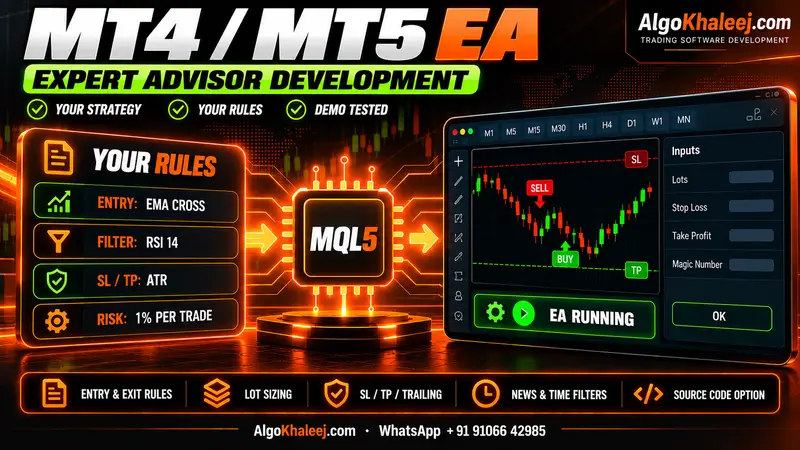
If your strategy lives on one MT5 chart, an MT5 Expert Advisor is often simpler. So we tell you which route fits before we quote.
6 tasks we automate in Python
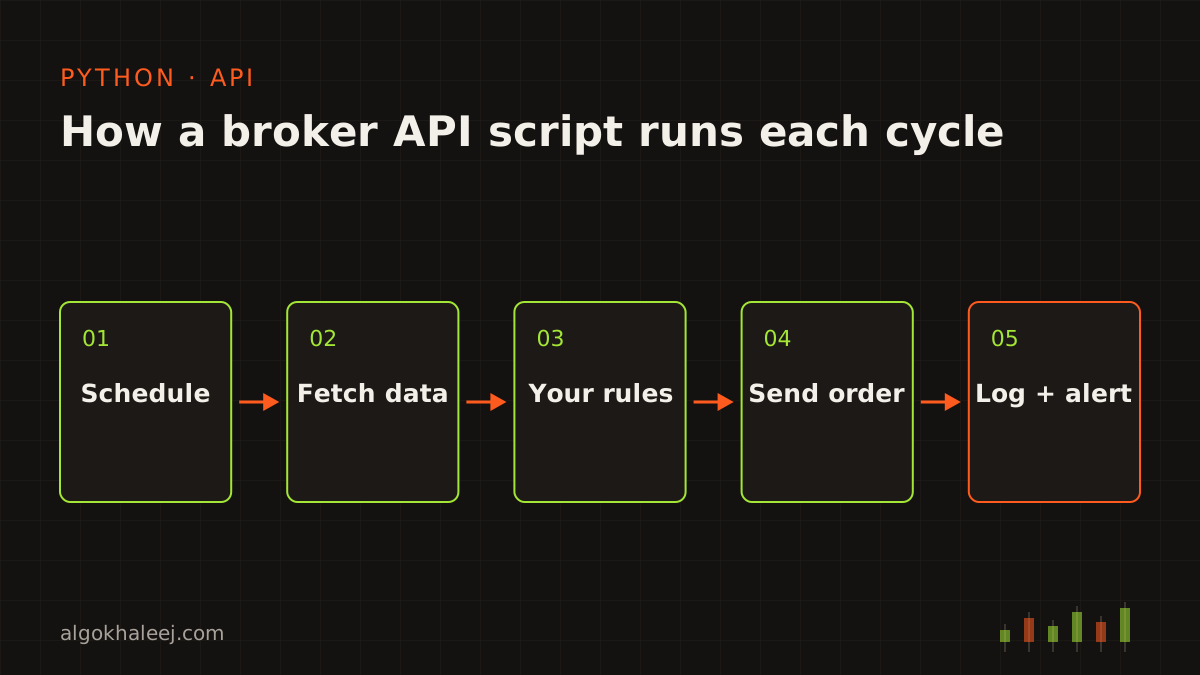
Most broker API trading automation jobs mix the same six tasks:
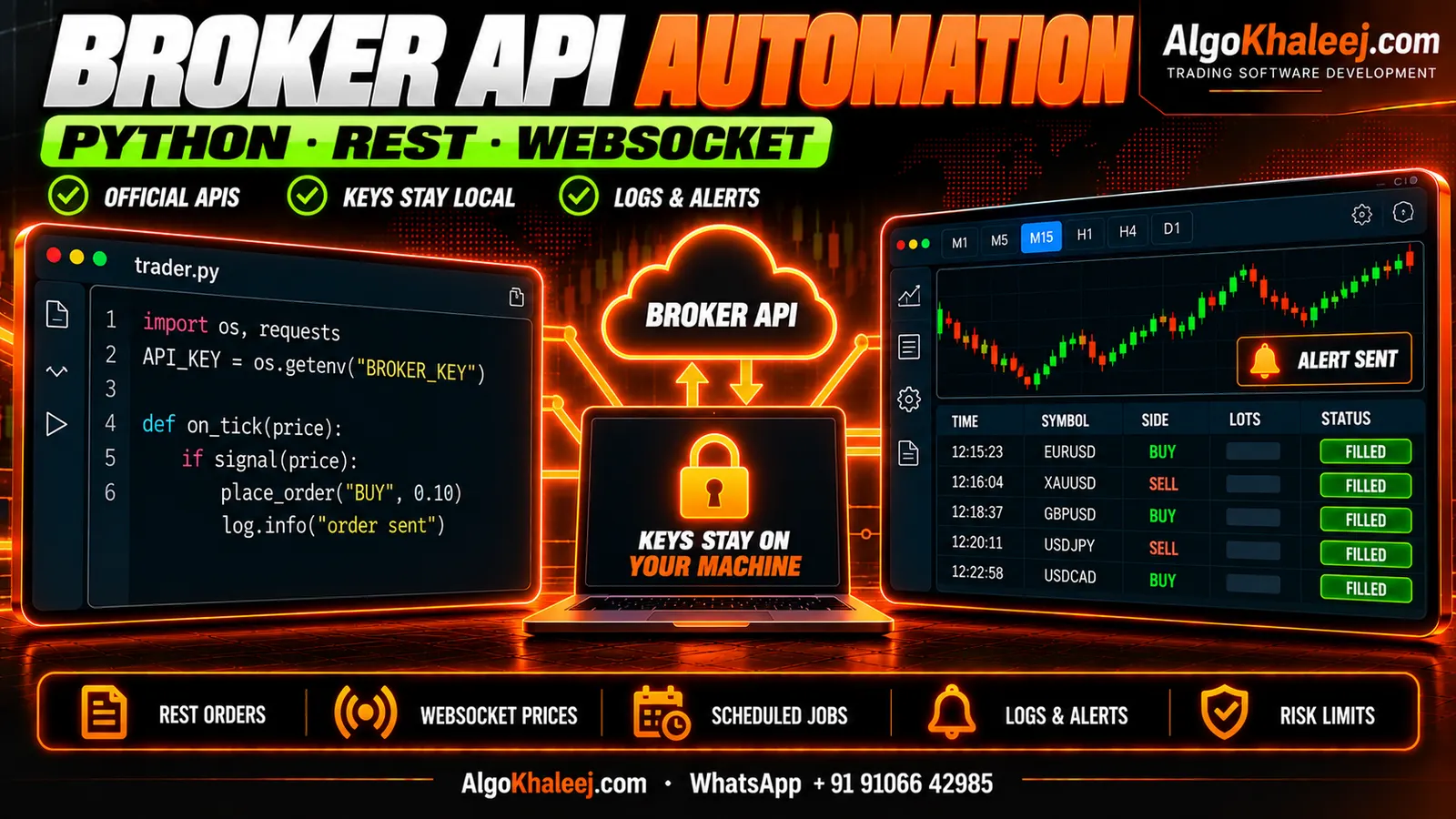
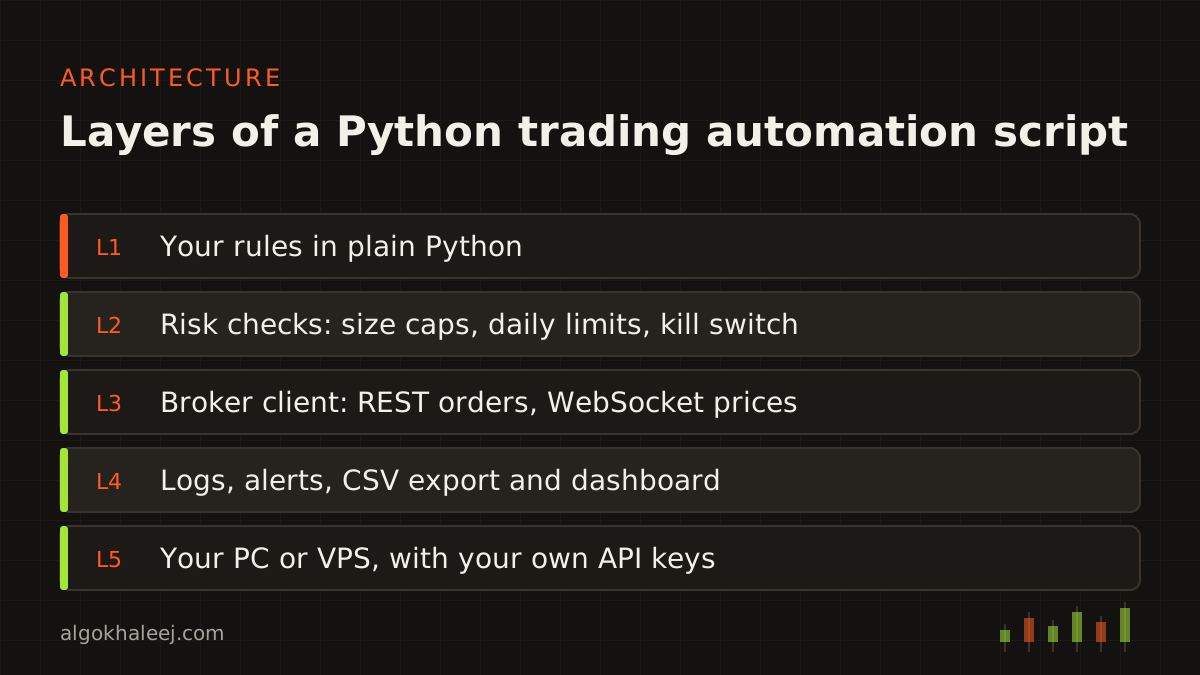
- Rule-based orders: the script reads prices, applies your rules and sends orders with a stop and target.
- Scheduling: jobs run at fixed times, such as every five minutes or once at the market open. Windows Task Scheduler or a Linux service starts them for you.
- Logging: every request, order and error goes into a dated log file, so you can trace what happened and when.
- Alerts: messages reach your Telegram bot or email when an order fills, a rule triggers or a job fails.
- Data export: trade history, positions and prices go into CSV or Excel files for your own records.
- Dashboards: a simple local page in your browser shows open orders, recent fills, job status and errors.
Official broker APIs: REST and WebSocket
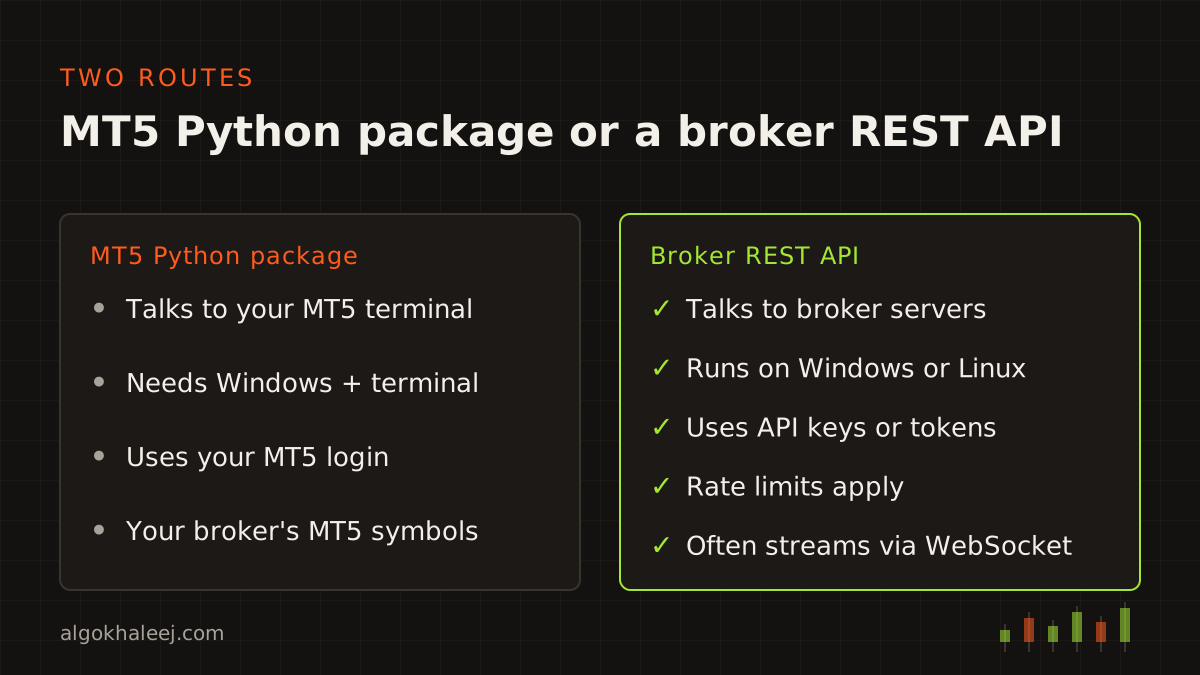
Most forex and stock brokers that offer an API use two channels. A REST API handles requests, such as placing an order or reading your positions. A WebSocket stream pushes live prices and order updates to the script.
Each broker also sets its own limits. For example, many cap the number of requests per minute, and access tokens often expire after a set time. So our scripts track the rate limit, renew tokens and retry with short waits after a network error.
A retry brings one classic risk: a duplicate order. Where the API supports it, every order carries a client ID. Before a retry, the script checks that ID, so the same order never goes out twice. On top of that, a kill switch stops new orders when the script hits a daily limit or too many errors.
The MetaTrader5 Python package
MT5 traders have a second route. The official MetaTrader5 package lets Python talk to a running MT5 terminal on Windows. With it, a script can read rates, check positions and send orders through your normal MT5 login. MetaQuotes documents each function in the MetaTrader5 Python package reference.
This route suits Python models that need MT5 prices, and traders who want reports from MT5 history. However, the terminal must stay open, so a Windows VPS is the usual home for these scripts.
Your API keys stay with you
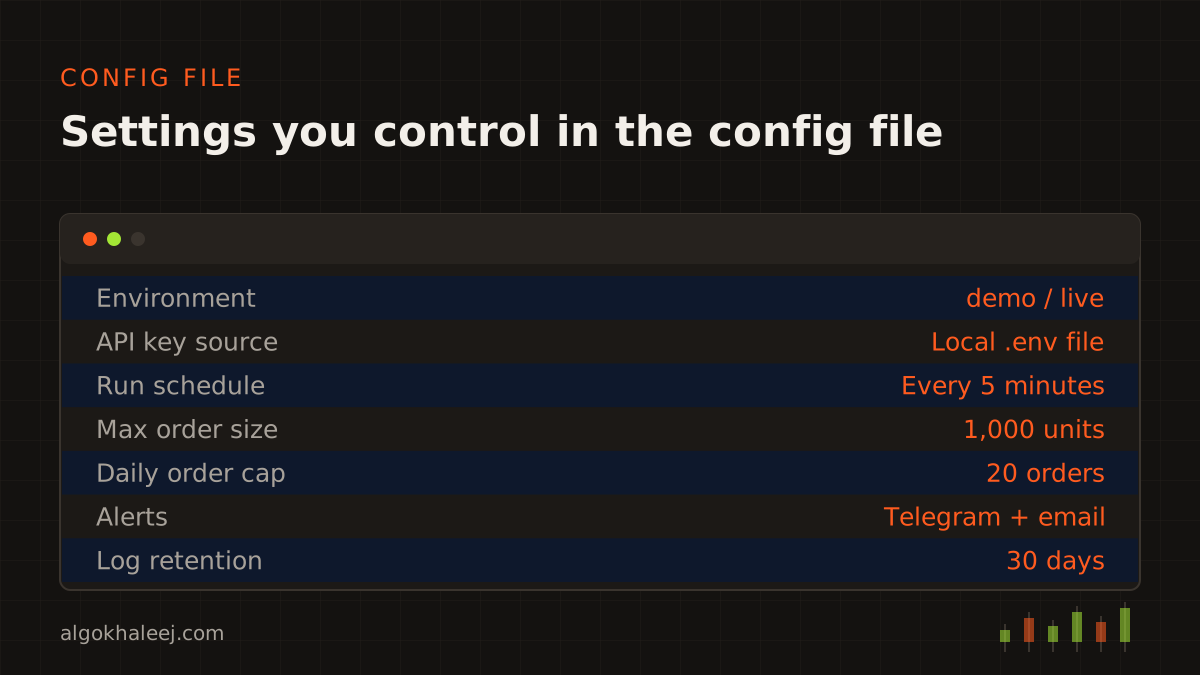
In broker API trading automation, your keys are the most sensitive part. That is why we never ask for your live keys. Instead, we build and test with demo or paper keys that you create. You then add your live keys to a local config file yourself.
- No keys in code: the script loads keys from that local file or from Windows environment variables.
- Least access: turn off any key permission the script does not need, such as withdrawals.
- Clean logs: keys and tokens never appear in log files or alerts.
Before you start, check your broker’s API terms and your local regulations. Some brokers ask you to apply for API access, while others limit automated trading on certain account types.
How a broker API trading automation project works
- Rules: you send your rules and a link to your broker’s API docs. We read the docs and confirm what the API allows before we quote.
- Code: next, we write clean Python with comments, plus a config file for every setting you may change.
- Backtest on demo: after that, the script runs against the broker’s demo or paper environment. Where it makes sense, we also replay your rules on past data first.
- Deliver: finally, you get the files, a setup guide and a walkthrough on your PC or VPS.
What you receive
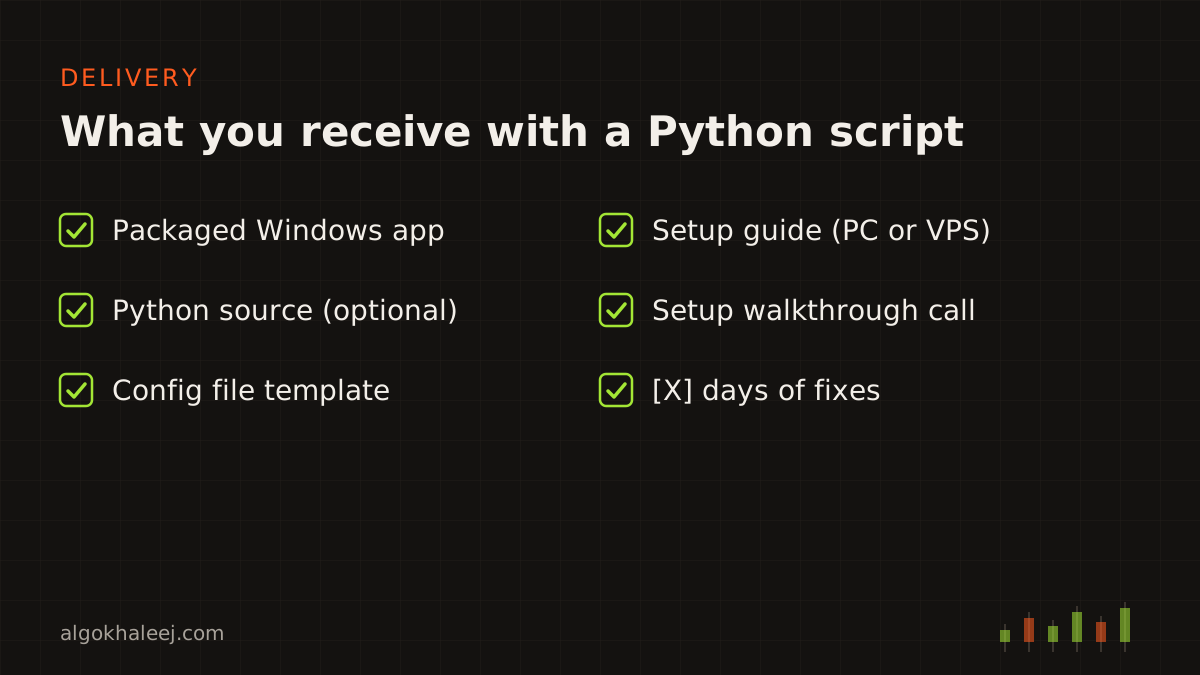
Each broker API trading automation project ends with a package you can run and maintain:
- a packaged Windows app that runs without a Python install,
- the Python source code with comments, if you chose that option,
- a requirements.txt file and a config template,
- a setup guide for your PC or VPS, plus a walkthrough call,
- days of fixes after delivery.
Safe delivery on a demo or paper account
The trial runs against your broker’s demo or paper environment, never a live account. We ship it as a packaged app with an expiry date. After the final payment, you get the full build and, if you chose it, the Python source.
Pricing for broker API trading automation
A single scheduled script with logs and alerts starts from $100. A full rule-based trading script with a dashboard costs more, because it needs more testing. You get one fixed USD quote once we have read the API docs. Our expert advisor development cost page compares typical ranges across services.
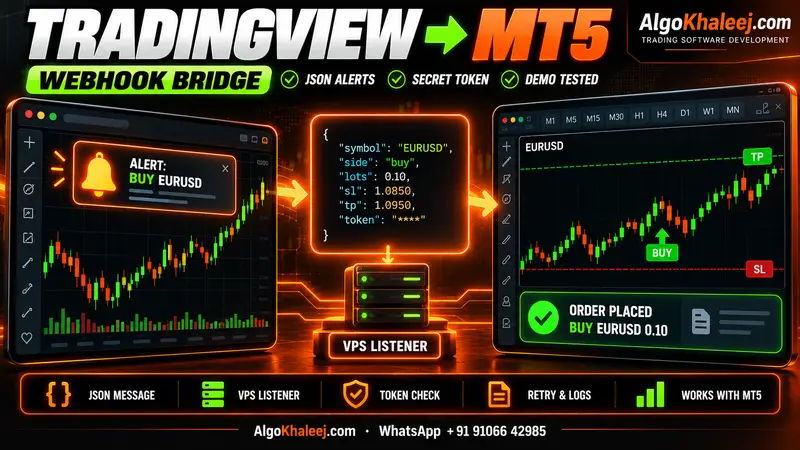
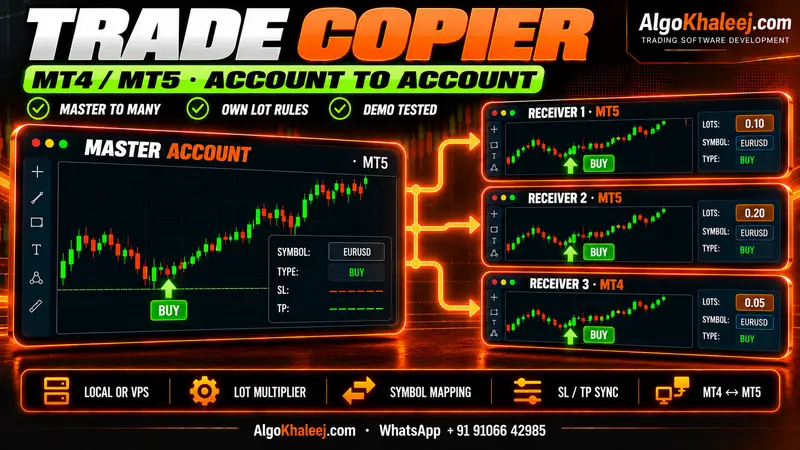
Prefer to keep TradingView as your signal source? Our TradingView to MT5 bridge turns alerts into MT5 trades. To mirror trades across your own accounts, see the MT5 trade copier.