The custom EA development process in 12 steps
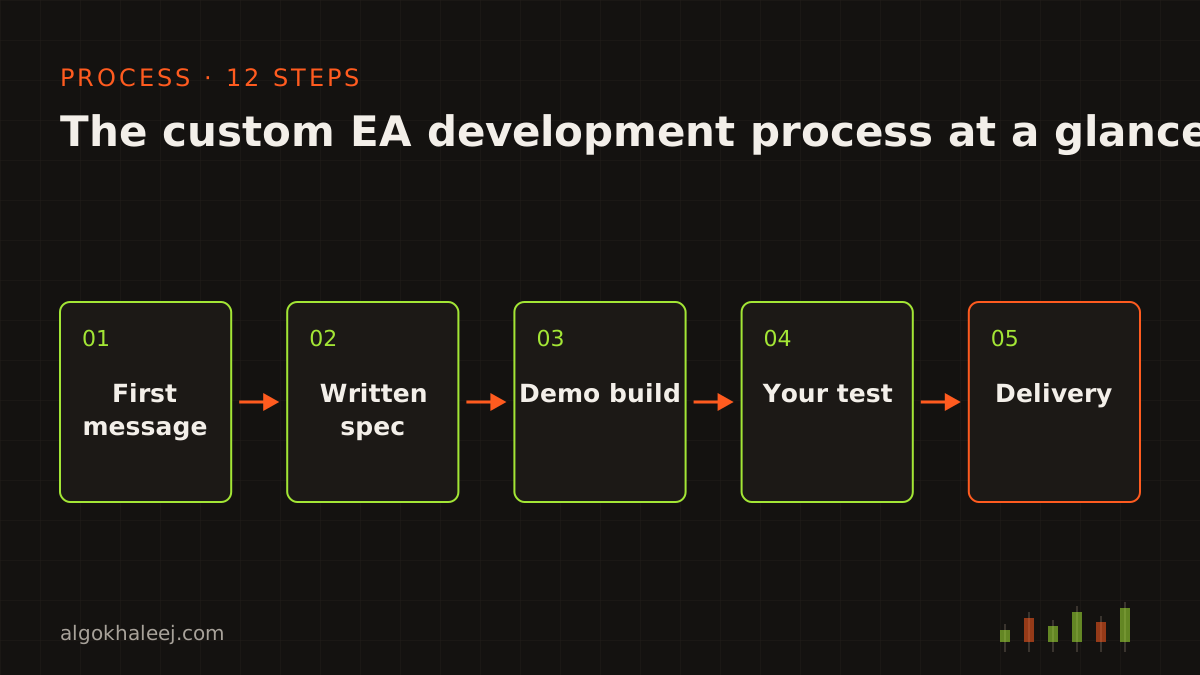
Every project runs on the same path, whether you need an EA, an indicator or a copier. Here is the full custom EA development process in order:
- First message: you send your idea and rules in your own words.
- Questions: we ask until every case is clear.
- Written spec: we write the rules down, then you approve them.
- Quote: you get a fixed price in USD, plus a delivery date.
- Deposit: you pay [DEPOSIT %], so coding can start.
- Coding: we write clean, commented code, then compile it.
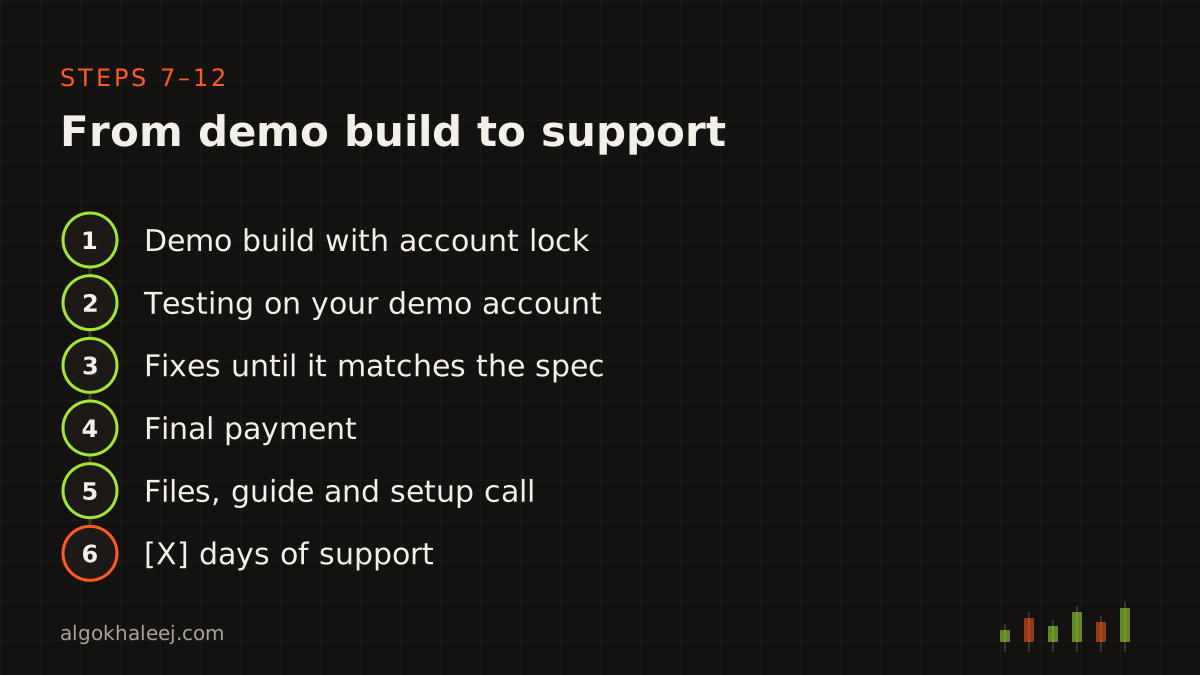
- Demo build: you receive a trial version with an account lock or an expiry date.
- Testing: you run the build on your own demo account.
- Fixes: we correct anything that differs from the spec, then send a new build.
- Final payment: you pay the balance once you approve the build.
- Delivery: you get the full files, a settings guide and a setup call.
- Support: we fix issues for [X] days after delivery.
Steps 1–2: your first message and our questions
Your first message can be short. Send it on WhatsApp, by email or on Telegram, in your own words. A voice note works too. Screenshots of past setups help a lot, because they show what you expect the tool to do.
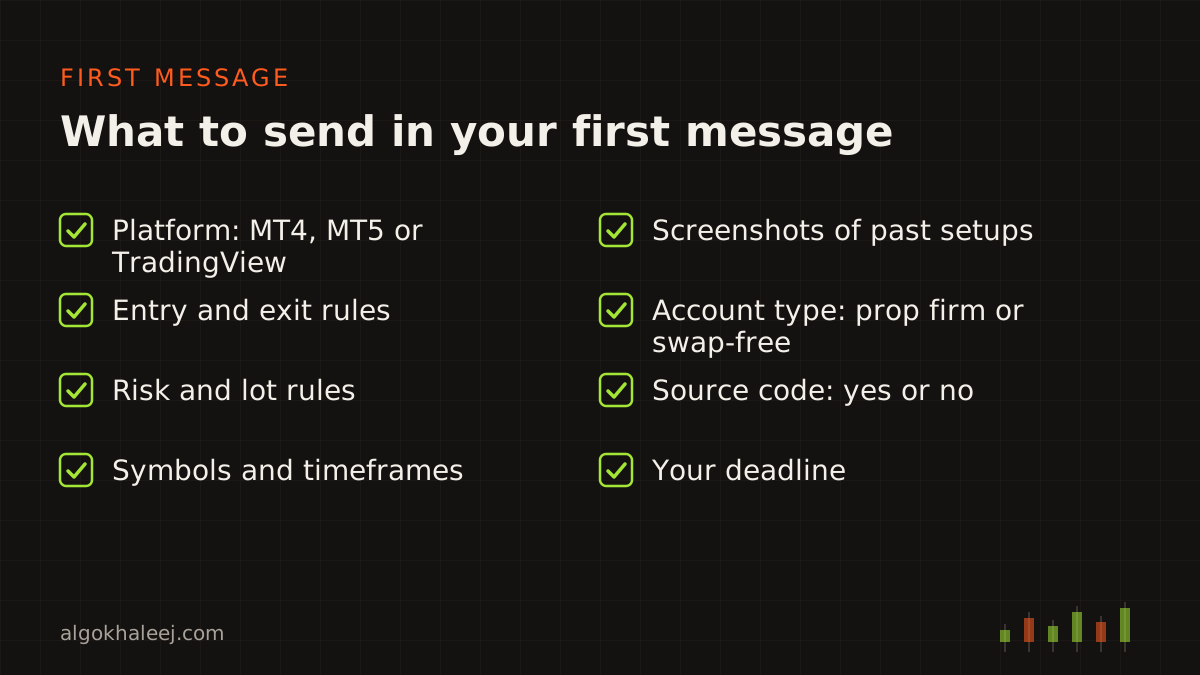
Next, we ask questions. This is the most important part of the custom EA development process, since most bugs start as unclear rules. For example, we ask what happens when a new signal arrives while a trade is open. We also ask how the EA should act near news, at the weekend or when the spread is wide.
Steps 3–4: written spec and fixed quote
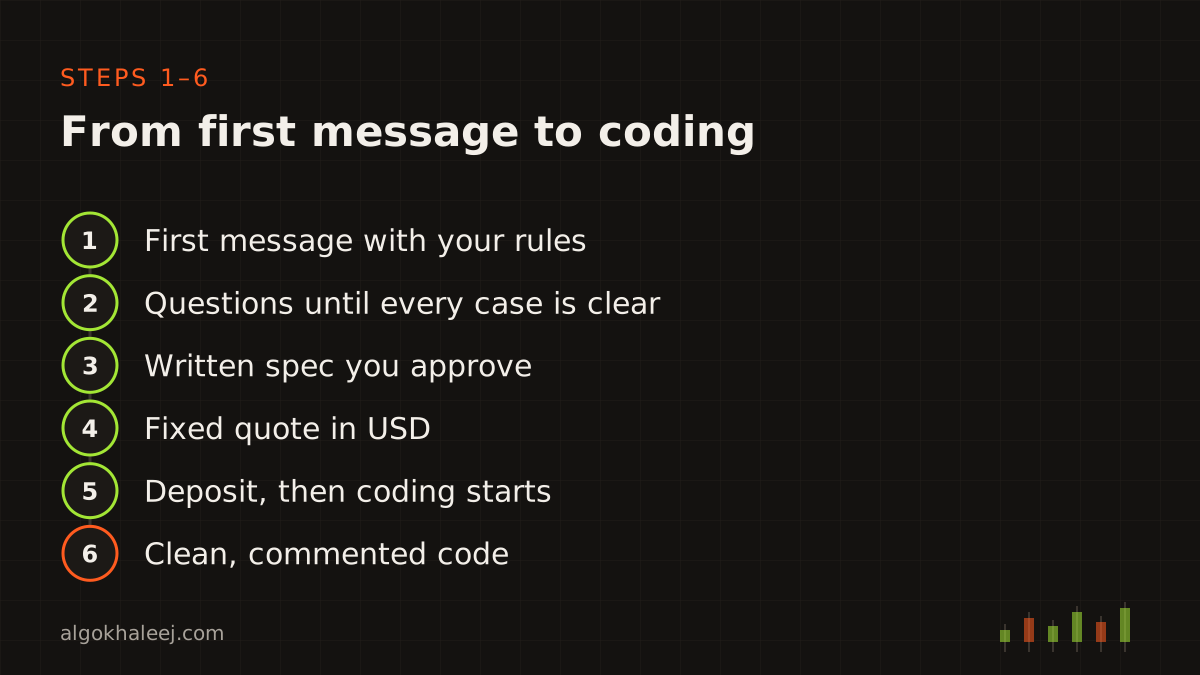
Once the rules are clear, we write a short spec. It lists every entry rule, exit rule, filter, input and limit, in plain English. You read it, ask for changes and then approve it in writing. A reply on WhatsApp or email is enough.
After that, you receive a fixed quote in USD with a delivery date. The price follows the spec, so it does not change unless the spec does. You can compare typical prices on our expert advisor development cost page.
Step 5: the deposit, then coding starts
To book your place in the custom EA development process, you pay a deposit of [DEPOSIT %] of the quote. We accept [PAYMENT METHODS], and every amount is in US dollars. The balance waits until you have tested and approved the demo build.
Steps 6–7: coding and the demo build
Now we write the code in MetaEditor: MQL4 or MQL5 for MetaTrader, Pine Script for TradingView, or Python for broker APIs. We keep the strategy logic apart from the risk and order code. As a result, later changes stay small and safe. In addition, Git tracks every version, so we can roll back if a change goes wrong.
When the first version is ready, you receive a demo build. It runs only on the demo account number you gave us, or it stops after an expiry date. That way, you can test the full logic before you pay in full.
Steps 8–9: testing on your demo account and fixes
Testing is your part of the custom EA development process, and it matters most. Attach the build to a demo chart, then let it run through real market hours. Check each trade against the spec: entry time, lot size, stop loss, TP and exit.
You can also replay history in the MT5 Strategy Tester. The official MT5 Strategy Tester guide explains each setting. Still, a backtest is only a first check, because live spreads and fills differ.
When something looks wrong, send us the trade time and a screenshot of the Experts tab. Then we find the cause, fix it and send a new build. This loop repeats until the build matches the approved spec.
![[SCREENSHOT: MT5 Experts tab with EA log lines during a demo test]](/img/en/process/tester.svg)
Steps 10–12: final payment, delivery and support
After you approve the demo build, you pay the balance. Then you receive the full delivery package:
- the compiled file (.ex4, .ex5 or script) without the trial lock,
- the source code (.mq4 or .mq5), if you ordered it,
- a settings guide that explains every input,
- a setup call, so we can install the tool with you on your PC or VPS.
Support is the last step of the custom EA development process, and it starts on delivery day. For [X] days, we fix anything that does not work as the spec says, at no extra cost. New features count as change requests, so we quote them first. Read the refund policy to see what happens if you cancel.
Time zones and how calls work
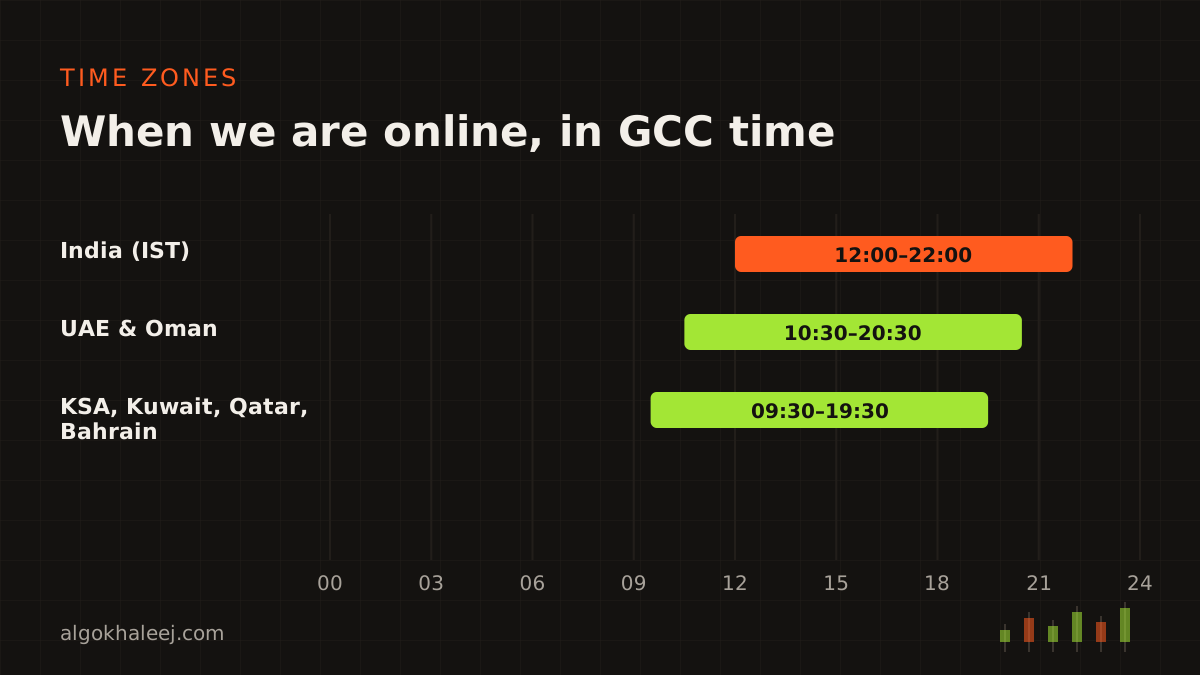
We work remotely from India, Sunday to Friday, from 12:00 to 22:00 India time. That is 10:30 to 20:30 in the UAE and Oman, and 09:30 to 19:30 in Saudi Arabia, Kuwait, Qatar and Bahrain. We take Saturday off.
Most of the project runs on WhatsApp messages, so you can reply when it suits you. However, two moments work better as a call: the spec review and the setup. For those, we book a WhatsApp voice or video call, or a screen share, at a time that suits your day. We always confirm the slot in your local time, so nobody mixes up the hours.
Weekends differ across the GCC, too. The UAE rests on Saturday and Sunday, while Saudi Arabia, Kuwait, Qatar, Bahrain and Oman rest on Friday and Saturday. So Sunday works well for UAE traders, and Friday works well for traders in Saudi Arabia.
Ready to start the custom EA development process? Send your rules through the contact page, or read about MT5 Expert Advisor development first.