
How to choose from our trading bot development services
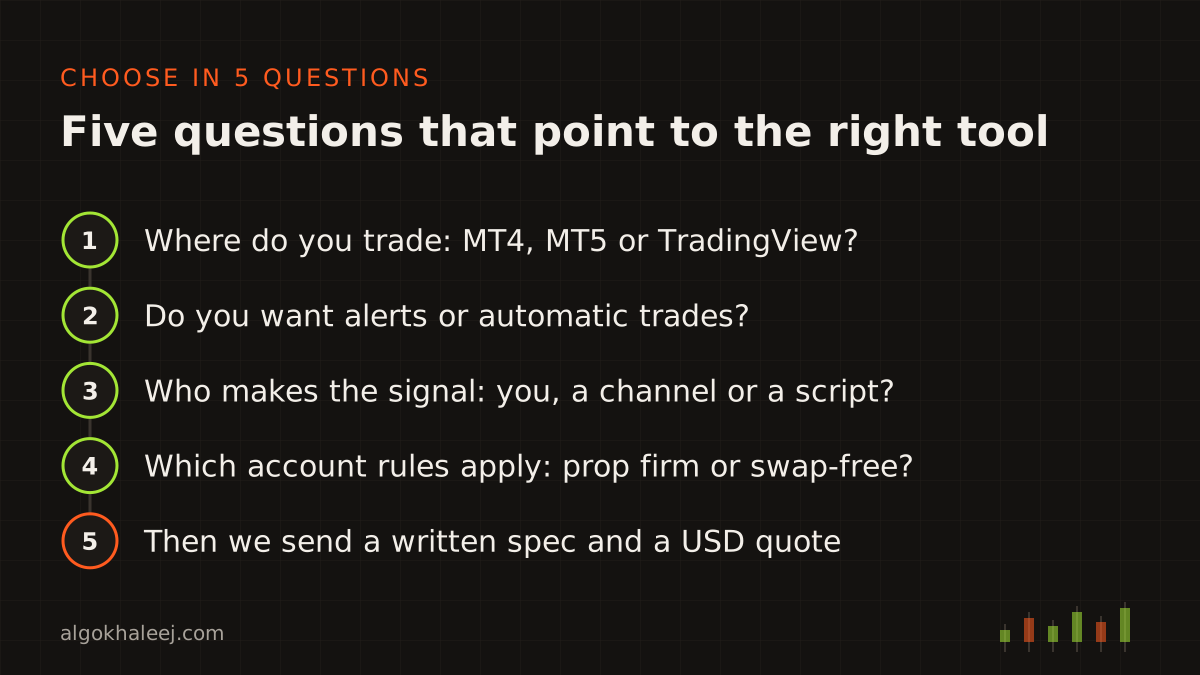
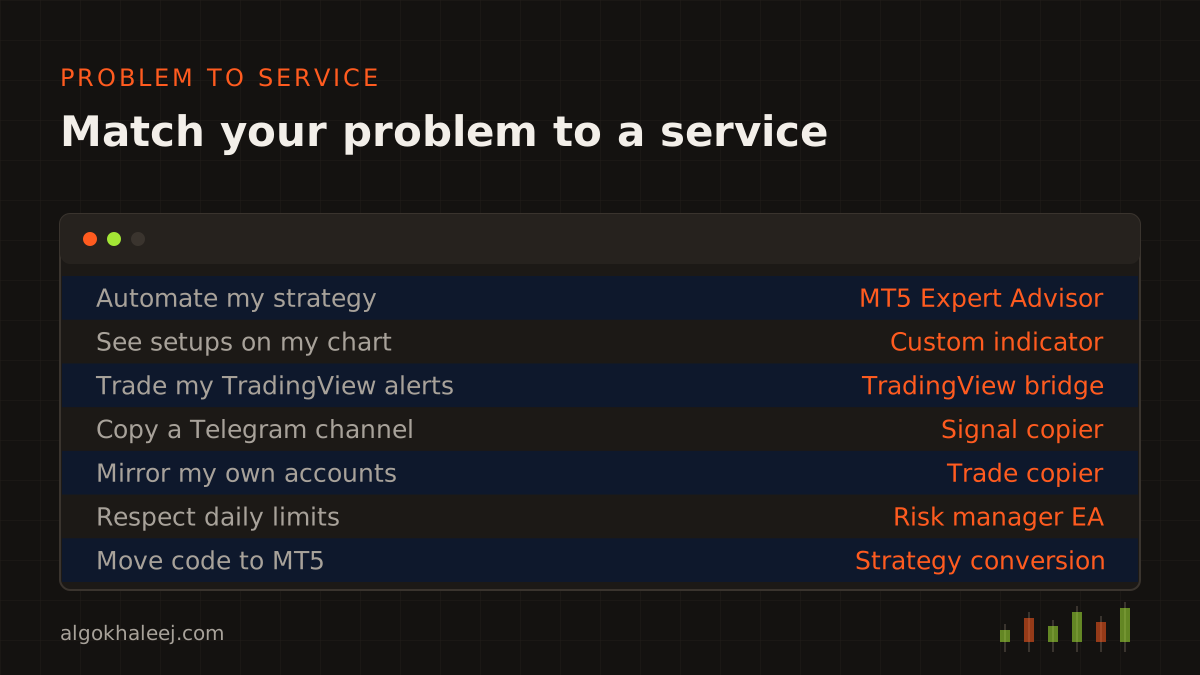
Our trading bot development services all start from your own rules. The difference lies in where each tool runs and what it does with a signal. So pick by the problem you have today, not by a product name. The eight sections below match the problems we hear most often.
Automate a strategy you already trade
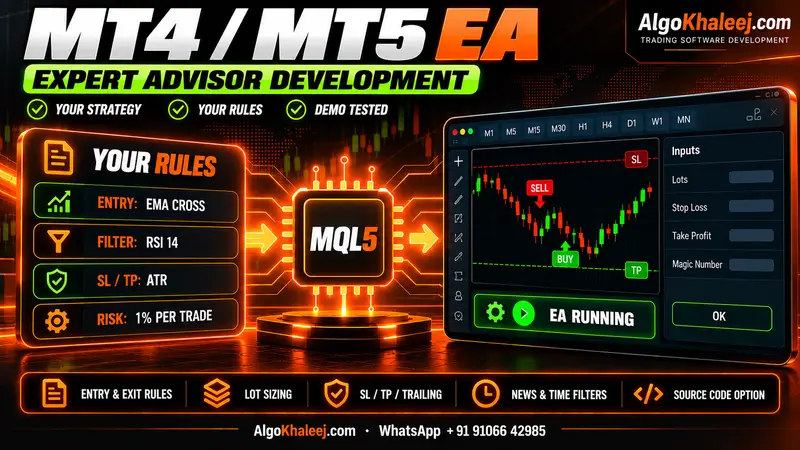
You follow clear rules on MT4 or MT5, yet you still sit at the screen to place each trade. An Expert Advisor runs those rules for you, with your stops, sizes and filters. Read about MT5 Expert Advisor development, which covers MT4 builds as well.
See your setups on the chart
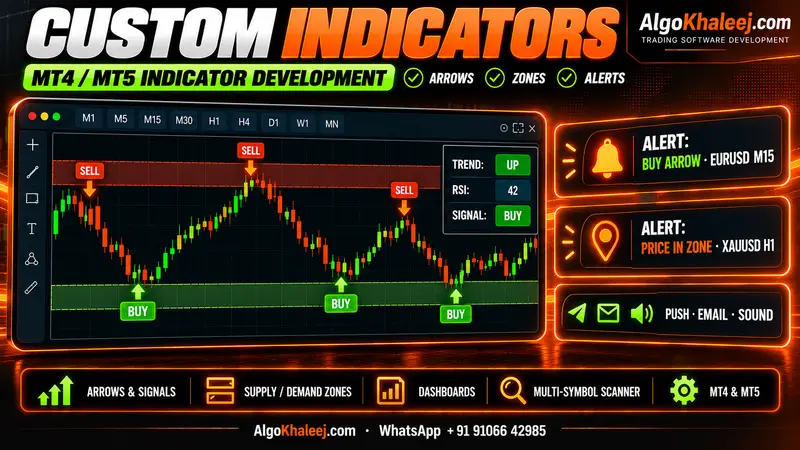
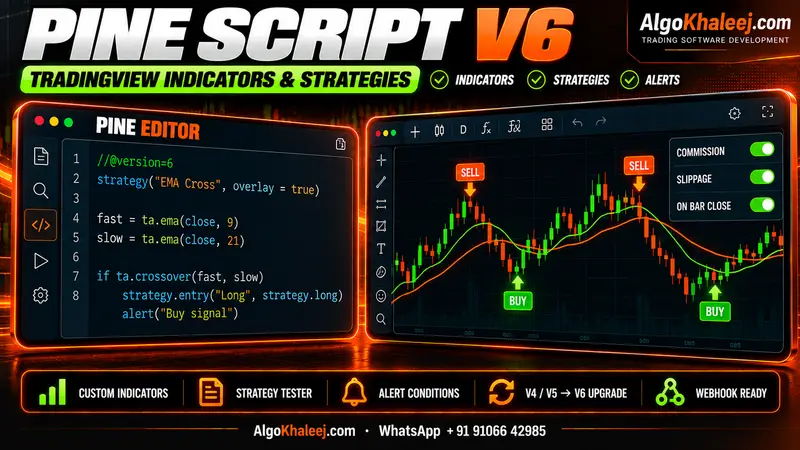
Maybe you do not want automatic trades at all. Instead, you want arrows, zones or a dashboard that marks your setups. A custom MT5 indicator does that inside MetaTrader. For TradingView charts, a Pine Script developer builds the same idea in Pine.
Connect TradingView to MetaTrader
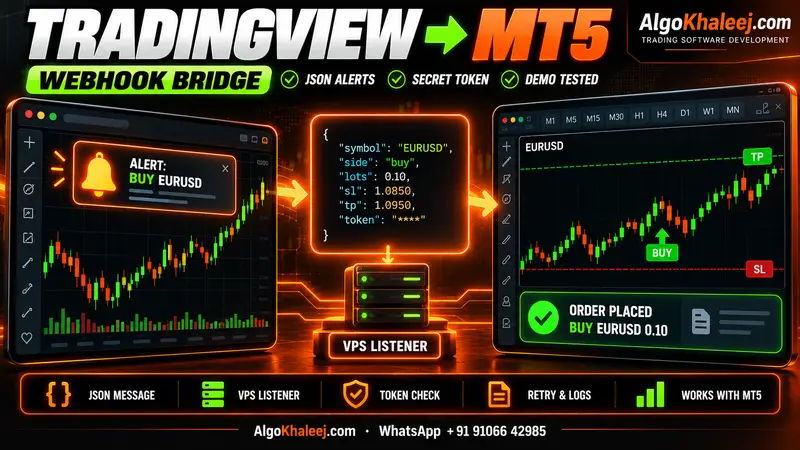
Your signals come from TradingView alerts, but your account sits on MT4 or MT5. A TradingView to MT5 bridge turns each alert into a trade. Keep in mind that webhook alerts need a paid TradingView plan with two-factor login switched on.
Copy trades from a channel or between accounts
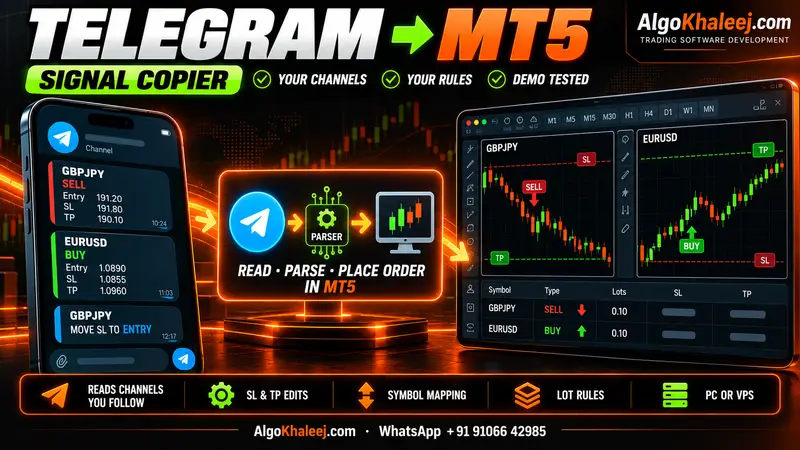
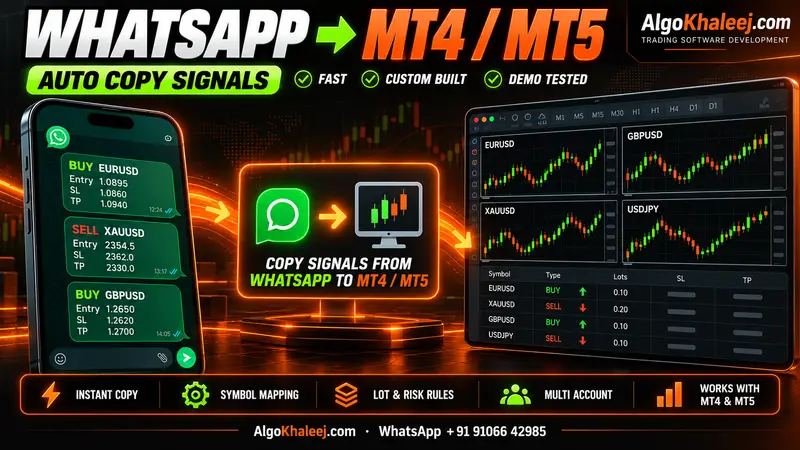
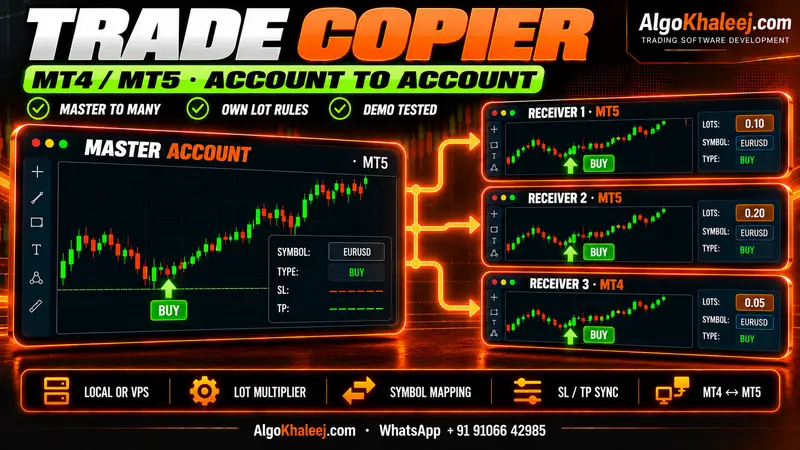
Two tools cover copying. A Telegram signal copier for MT5 reads the channels you follow and places those trades on your account. In contrast, an MT5 trade copier mirrors trades from one of your accounts to others. Both copy your own sources, since we never sell signals.
Control risk on a funded account
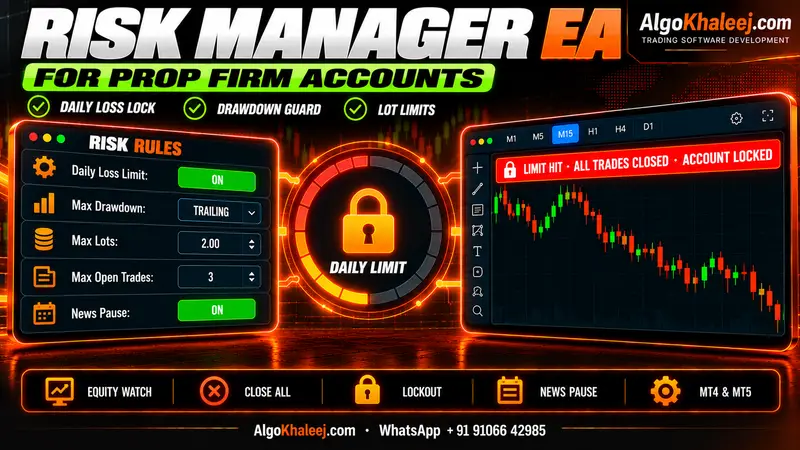
Prop firm challenges come with strict daily loss and drawdown limits. A prop firm risk manager EA watches the whole account and closes every trade when a limit hits. It also works next to your manual trades and other EAs.
Trade a swap-free or Islamic account
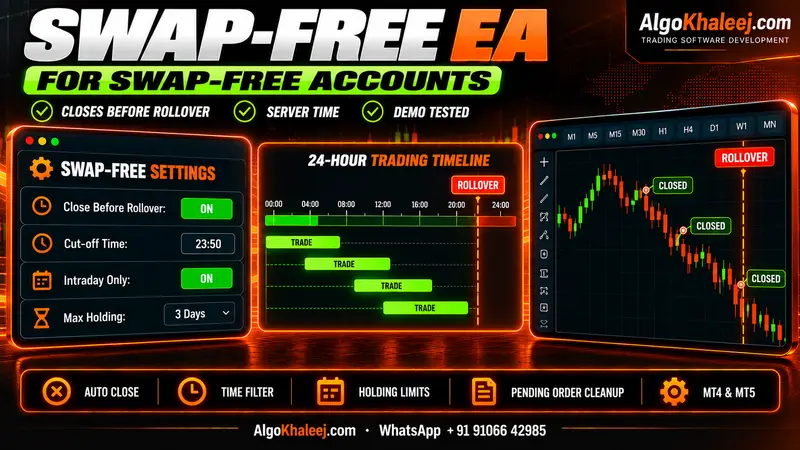
On a swap-free account, timing matters more than usual. A swap-free EA is compatible with swap-free / Islamic accounts and can close trades before rollover in broker server time. Brokers set their own terms here, so we match the EA to yours.
Move a strategy to another platform
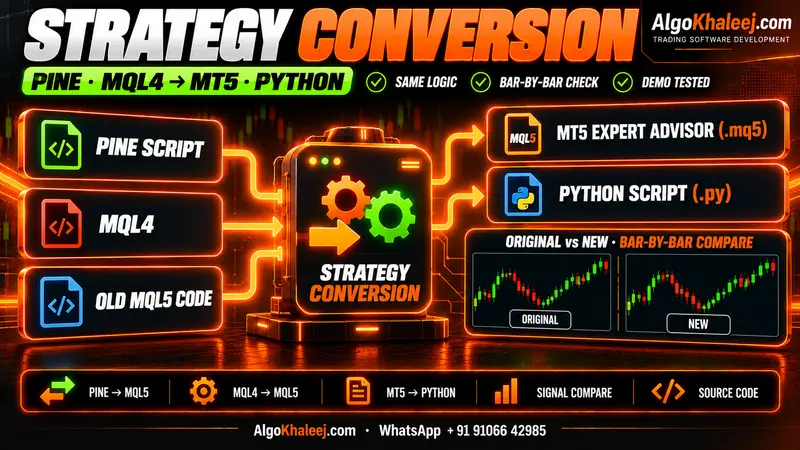
Your logic may already exist in Pine Script or MQL4, but you need it on MT5. Our Pine Script to MQL5 conversion service rewrites it, then compares signals bar by bar. It also covers MQL4 to MQL5 and MQL to Python.
Automate a broker API with Python
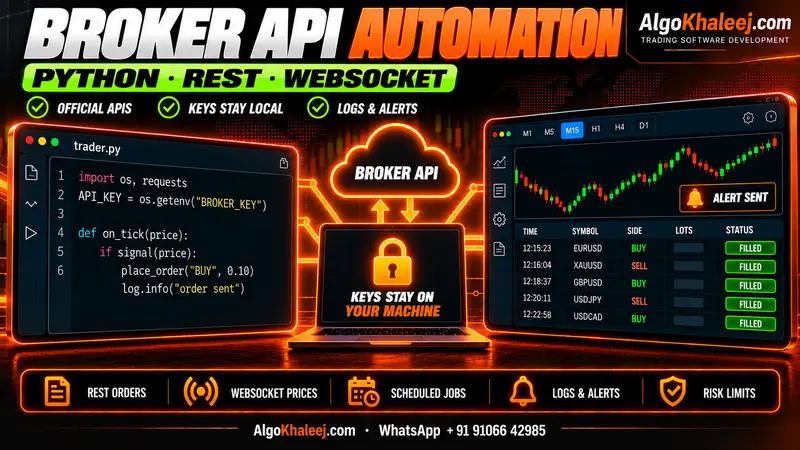
Some forex and stock brokers offer an official API. In that case, broker API trading automation in Python can place orders, run schedules, write logs and send alerts. The same approach works with the MetaTrader5 Python package.
Platforms we build for
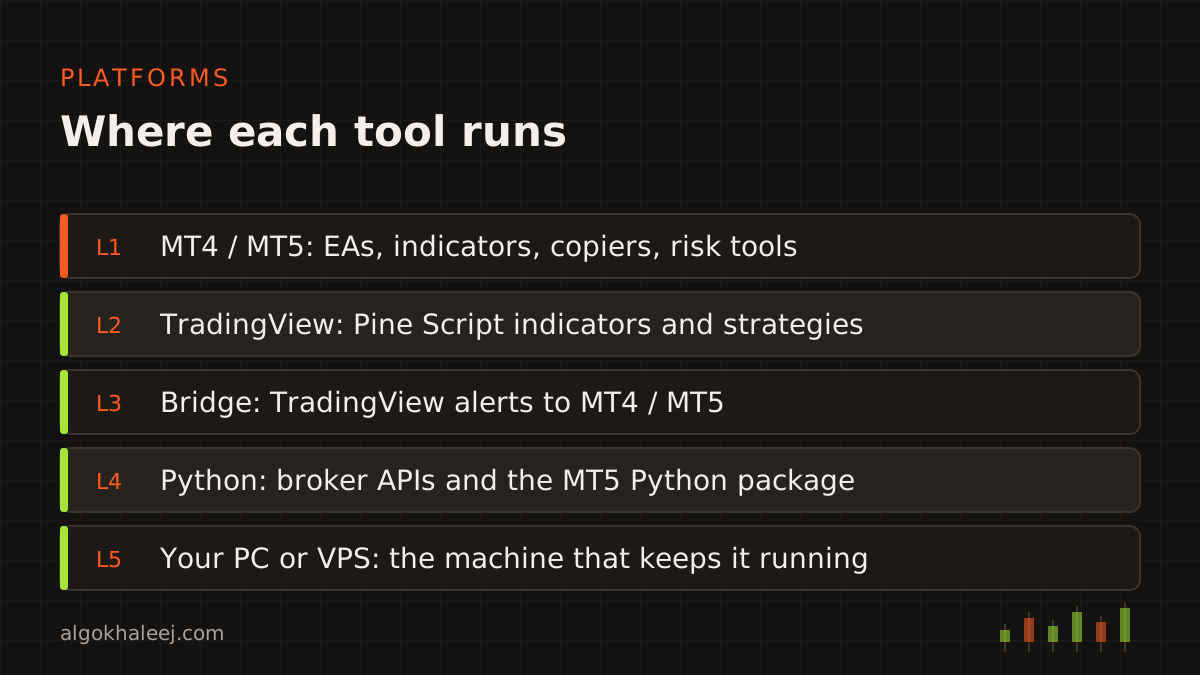
All of our trading bot development services run on four platforms. MT4 and MT5 use MQL4 and MQL5, the languages in the official MQL5 reference. TradingView uses Pine Script, while broker APIs and data work use Python. Plus, one project can span two platforms, such as a Pine indicator that feeds an MT5 EA.
How delivery works for every service
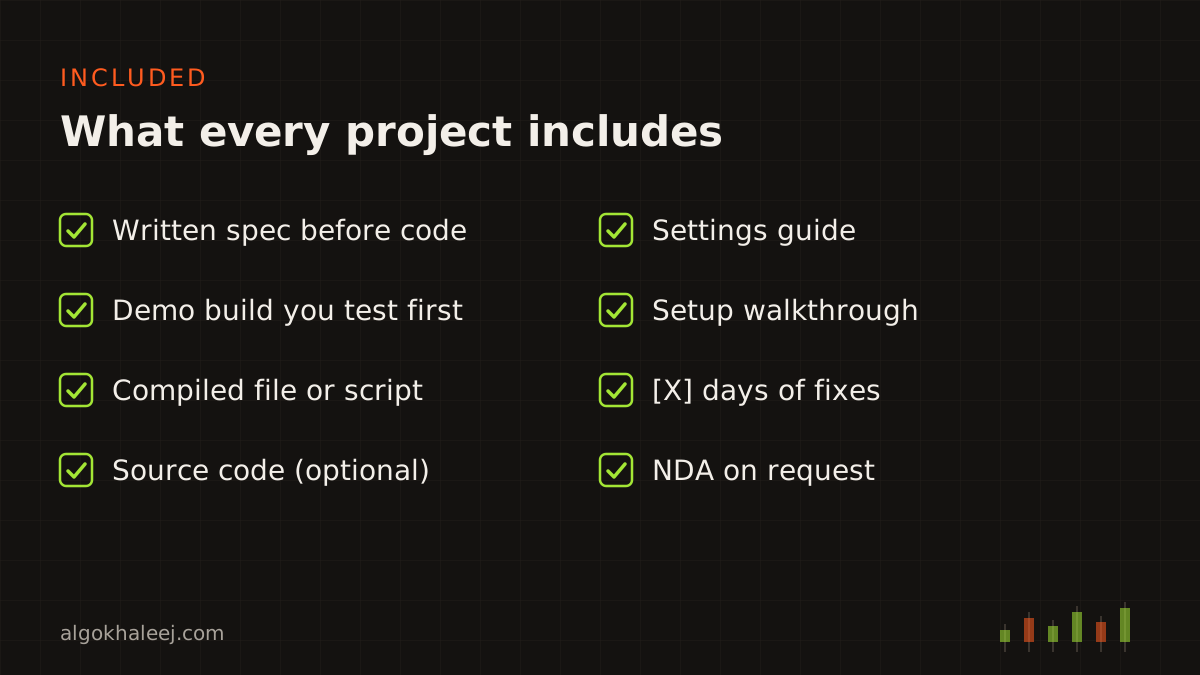
Every one of our trading bot development services follows the same four steps. First, you send your rules, and we write a short spec. Next, you get a fixed quote in USD and then a demo build. After that, you test it on your own demo account before the final payment. Finally, you receive the files, a settings guide and a setup call.
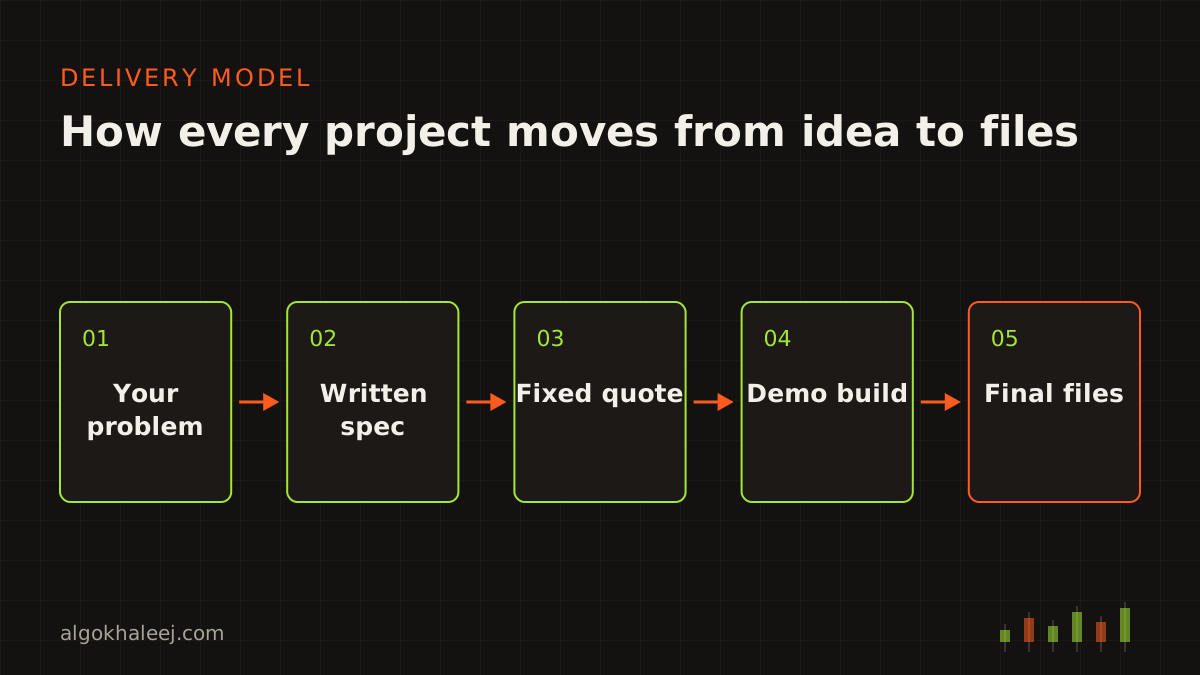
Trial builds can carry an account lock or an expiry date. Source code is an option, and we sign an NDA on request. For a step-by-step timeline, read our custom EA development process page.
Pricing for trading bot development services
Custom services such as a small indicator start from $50, and broker API scripts start from $100. Ready tools such as copiers cost $150 each. We quote one fixed USD price per project, even when it spans several tools. See typical ranges on our expert advisor development cost page.
Countries we serve
We offer these trading bot development services remotely from India to traders in all six GCC countries. For local hours and weekends, see our pages for the UAE, Saudi Arabia, Kuwait, Qatar, Bahrain and Oman.