Who custom MT5 indicator development is for
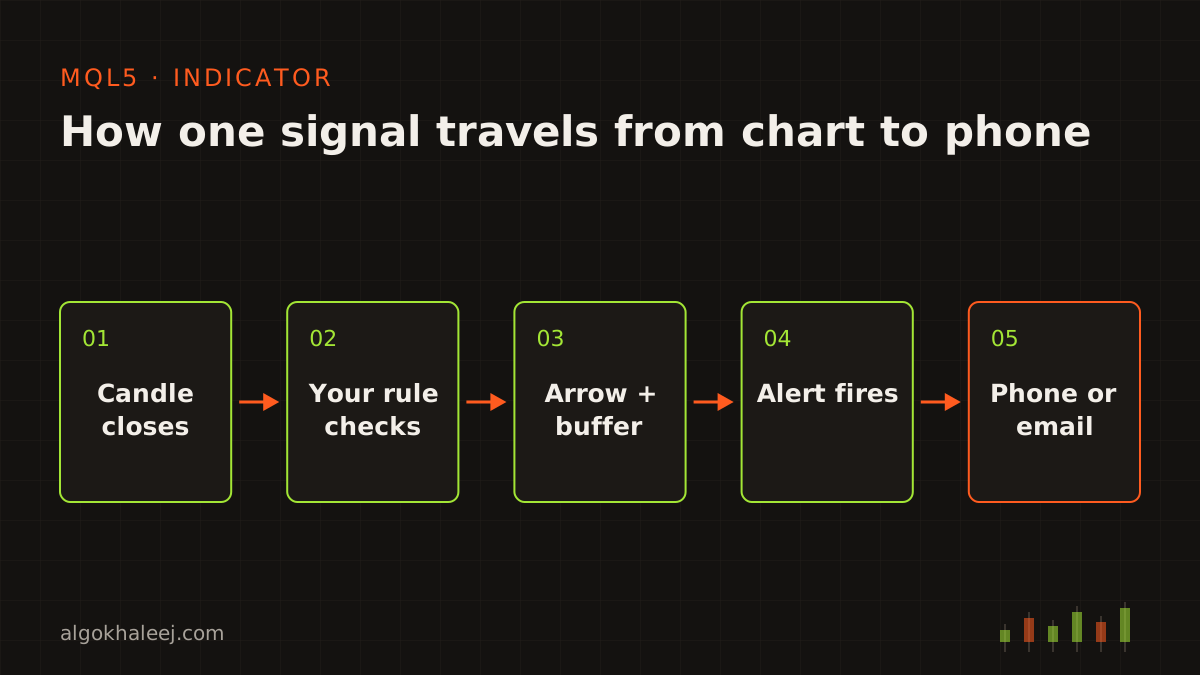
Many traders find the same setup by eye, chart after chart. A custom indicator does that search for you and marks each setup once the candle confirms it. This service suits you when you:
- spot one pattern by hand and want it marked on every chart,
- watch many symbols or timeframes and need one screen that sums them up,
- plan to automate later and want to test the signal first,
- use an MT4 indicator today and need it on MT5 as well.
An indicator never places trades. It shows what your rules see, so every decision stays with you. When you want the trades placed too, the same logic can move into an MT5 Expert Advisor.
Six tools we build into custom indicators
In custom MT5 indicator development, every request starts from your rules, so no two indicators look alike. Still, most orders combine these six building blocks.
1. Arrows and entry marks
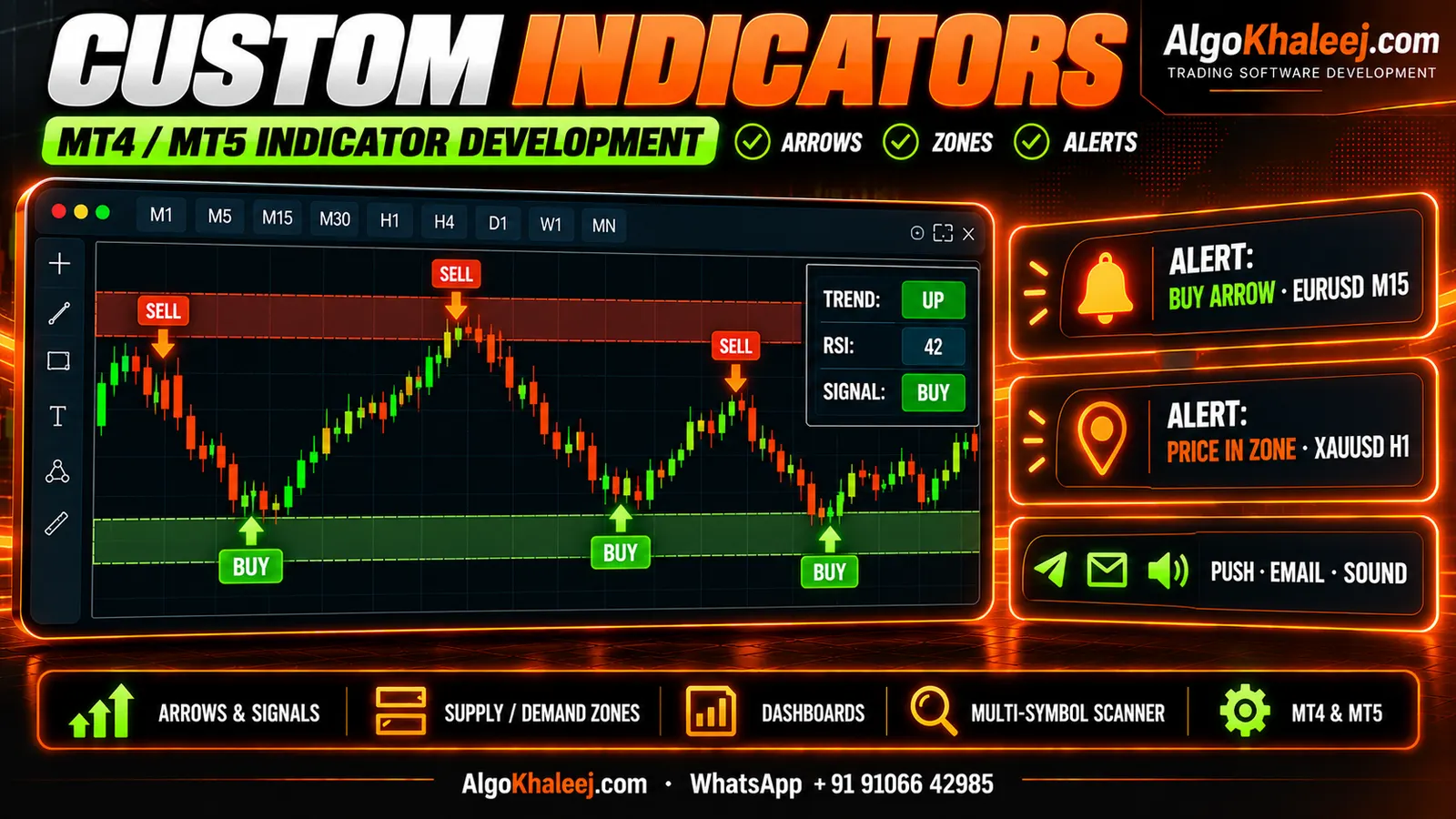
Arrows show where your entry rule fired, on the exact candle. You choose the shape, the size and the gap from price. Each arrow can also draw the stop loss and target your rules suggest.
2. Zones and levels
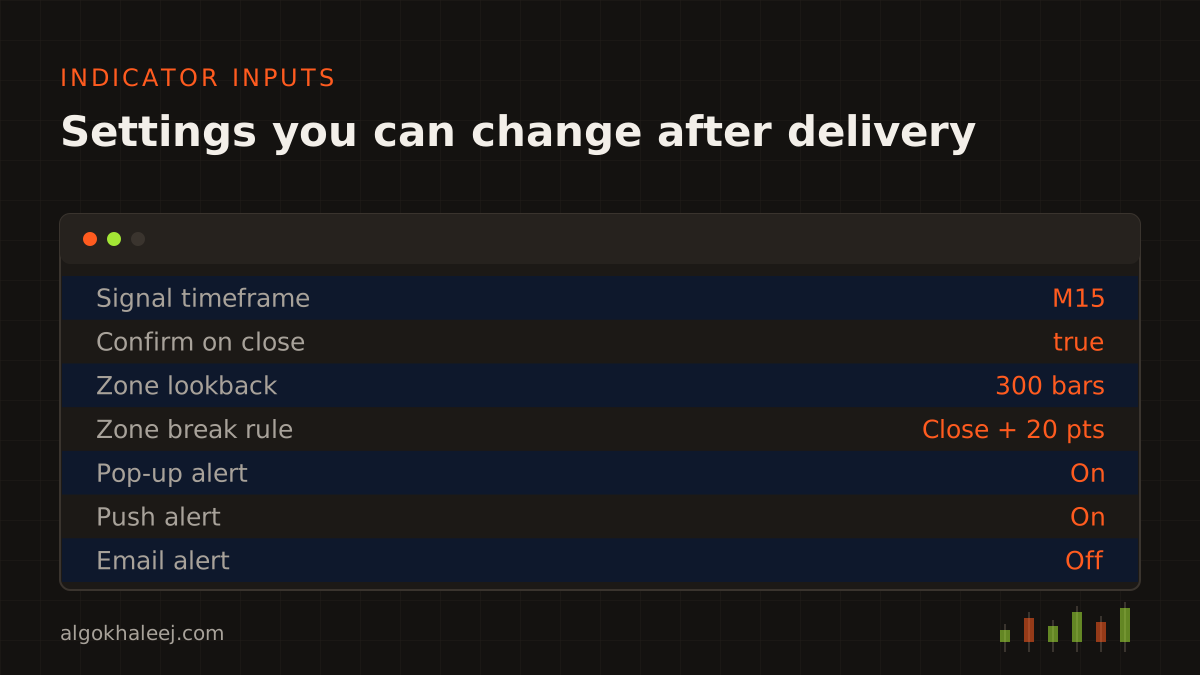
The indicator can mark supply and demand zones, session ranges, the previous day’s high and low, or round numbers. Then it extends each box or line until price breaks it. You decide what counts as a break, for example a close beyond the zone plus a buffer in points.
3. Dashboards
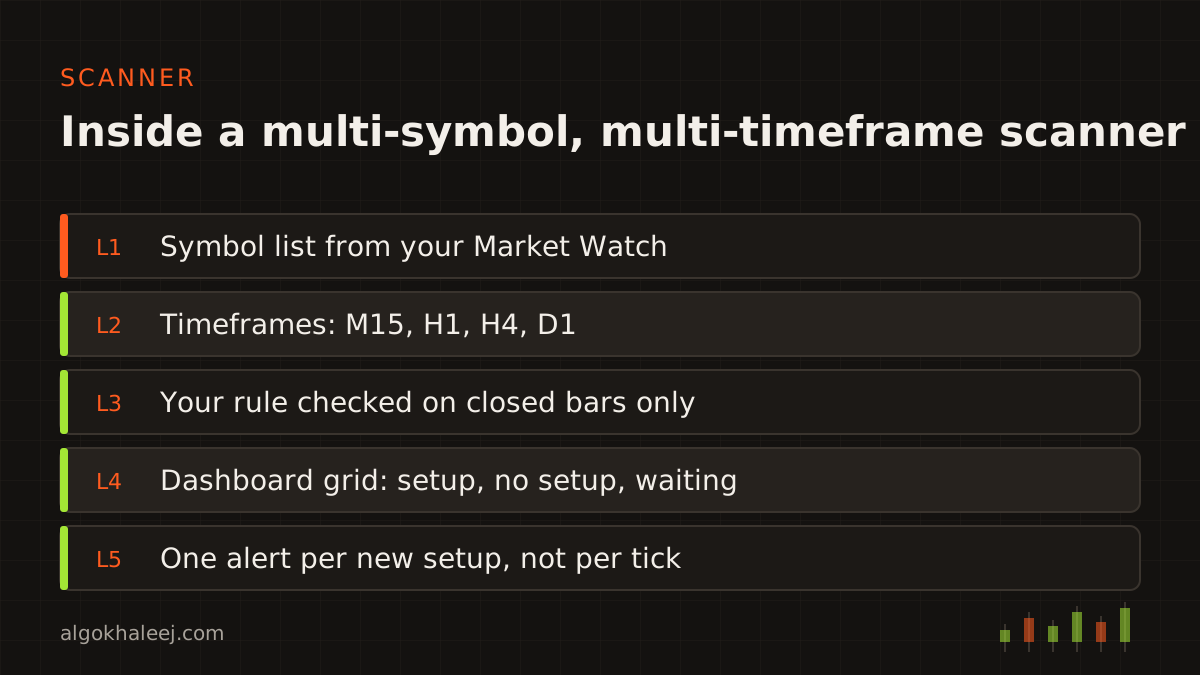
A dashboard sits in one corner of a chart and shows a small grid. Symbols run down the side, while timeframes run across the top. Each cell shows the state of your rule, such as trend up, trend down or no setup.
4. Multi-timeframe and multi-symbol scanners
A multi-timeframe scanner checks one rule on M15, H1, H4 and D1 at once. A multi-symbol scanner runs that check across your whole Market Watch list. As a result, one screen can replace twenty open charts. On the first run, MT5 may need a few seconds to load history for each symbol. So the scanner waits for that data instead of showing a false state.
5. Alerts
Alerts fire once per new signal, never once per tick. You can get them as a terminal pop-up, a push message on your phone or an email. Push alerts need the MetaQuotes ID from your MT5 mobile app. Also, MT5 allows at most ten push messages a minute, so we group signals when many fire together.
6. Buffers an EA can read
Every signal also goes into an indicator buffer. That matters if you plan to automate later. An EA reads the buffer with iCustom and CopyBuffer, so it acts on the same values you saw on the chart. The settings guide lists each buffer, for example buffer 0 for buy arrows and buffer 1 for sell arrows.
MT4 versions too
Plenty of traders still run MT4 next to MT5. So our custom MT5 indicator development work covers MQL4 versions too. We can also port an MT4 indicator you already use. The two languages differ in many details, so each version gets its own test. If your idea lives on TradingView instead, see our Pine Script to MQL5 conversion service.
Repainting, explained honestly
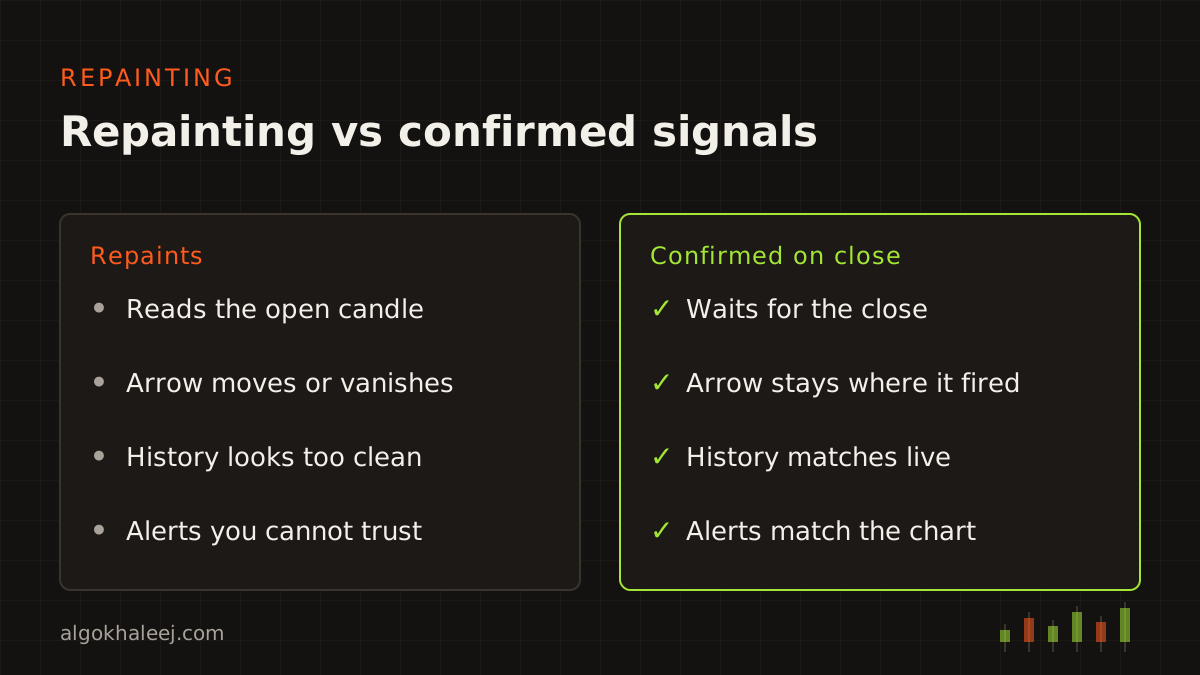
Repainting is the first thing to settle in custom MT5 indicator development. It means an indicator changes its past signals: an arrow appears, then moves or vanishes a few candles later. On history, such a tool looks perfect, because you only see the arrows that stayed. In live trading, however, you also saw the ones that disappeared.
Most repainting comes from three habits:
- reading the current candle before it closes,
- using tools that need future bars, such as fractals or a ZigZag,
- taking a higher-timeframe value before that candle has closed.
Our default avoids all three. Every signal waits for its candle to close, and the arrow then stays on that candle for good. Higher-timeframe values come from the last closed bar only. If your method needs future bars, we say so before we code it. Then we mark the bar where the signal became final, so you know how late it really is.
You can check this yourself. Run the indicator in the Strategy Tester’s visual mode and watch each arrow appear. After the test, compare the chart with what you saw during the run. With a non-repainting build, both views match.
Custom indicators and the MT5 mobile app
Here is a limit to know before you order. The MT5 mobile app does not run custom indicators or EAs. It only offers its own built-in indicators. So your indicator runs in the desktop terminal on a PC or VPS, while your phone gets the alerts. That limit applies to all custom MT5 indicator development, so we plan around it from the start.
In practice, this split works well. The terminal watches the charts all day. Meanwhile, you get a push alert, open the app and decide what to do. If you want the terminal online when your PC is off, a VPS keeps it running.
How custom MT5 indicator development works
Each project moves through four steps: rules, code, backtest and delivery.
Rules. You describe your setup in plain words, ideally with a few marked screenshots. Then we ask about edge cases, for example a buy and a sell on the same candle.
Code. Next, we write the indicator in MQL5 and keep each rule in its own function. We also separate the signal logic from the drawing code. That way, a new alert or filter later does not disturb the arrows.
Backtest on demo. After that, you replay history in the Strategy Tester’s visual mode and watch a live demo chart. You check that each arrow sits where your rules say it should. If one sits in the wrong place, we correct the code and send a fresh build.
Deliver. Finally, we send the files and the settings guide, and a short call gets the indicator onto your charts. Indicators follow the same path as our EAs, which our custom EA development process page lays out in detail.
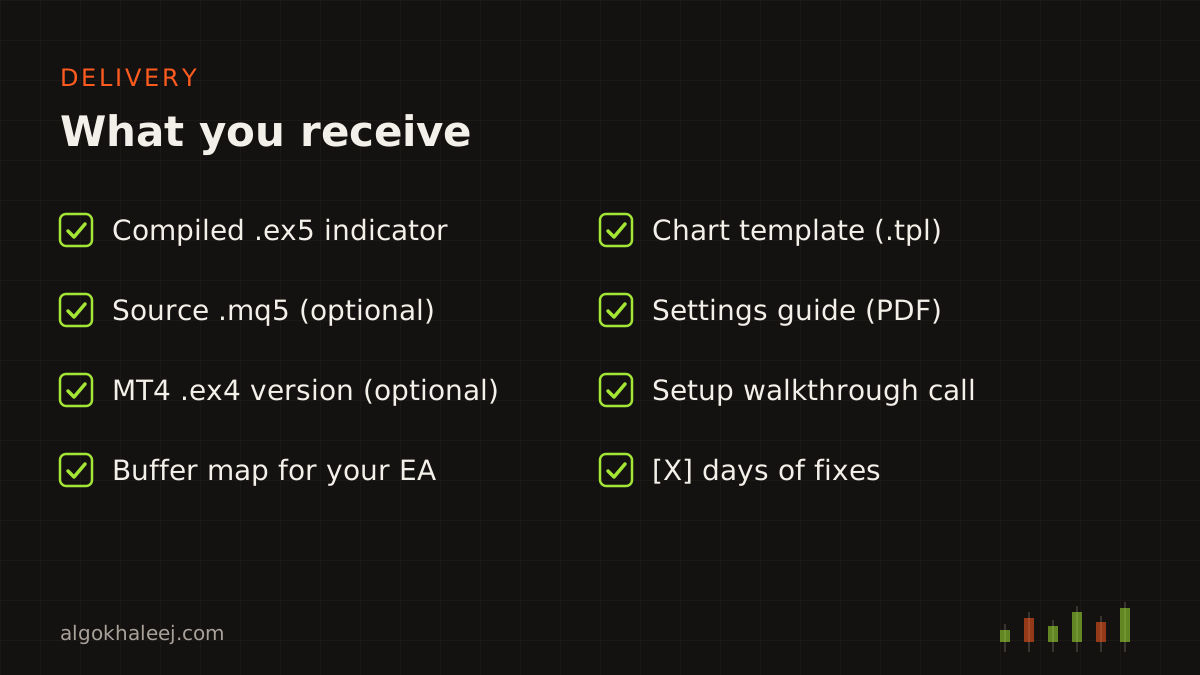
What you receive
Your custom MT5 indicator development package includes:
- the compiled .ex5 indicator, ready to drop on any chart,
- its .mq5 source code, if you chose that option,
- an MQL4 version for MT4, when you ordered one,
- a buffer map, so a future EA can read every signal,
- one chart template with your inputs already saved,
- a settings guide and a setup walkthrough call,
- [X] days of fixes after delivery.
Safe delivery: test first, then pay the balance
Your first build is a trial. We lock it to the demo account number you give us, and we can add an expiry date. Test it on live demo charts until you are sure. When you are happy with it, you pay the balance and get the full version without the lock. Any source code you ordered comes in the same delivery. We also sign an NDA on request, because your setup belongs to you.
Pricing for custom MT5 indicator development
A single-rule arrow indicator with alerts starts from $50. Zones, dashboards and multi-symbol scanners cost more, since they need extra drawing code and longer tests. Either way, you get a fixed quote in USD before any work starts. Typical ranges for every project size are on our expert advisor development cost page.
For the technical side, the official MQL5 documentation covers indicator buffers, iCustom and the alert functions in depth. And if you would rather chart on TradingView, our Pine Script developer service builds the same tools there too.