Who MT5 expert advisor development is for
This service suits traders who already have a clear plan and want it to run on its own. It is a good fit when you:
- trade a written strategy by hand and want it coded without changes,
- run an MT4 EA today and need a clean MT5 version,
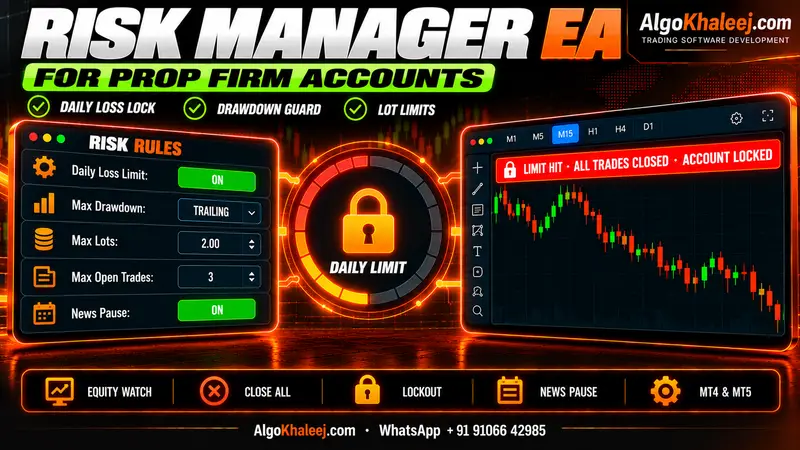
- pass prop firm challenges and need strict daily limits in the code,
- want filters, alerts or a chart panel that ready-made bots do not offer.
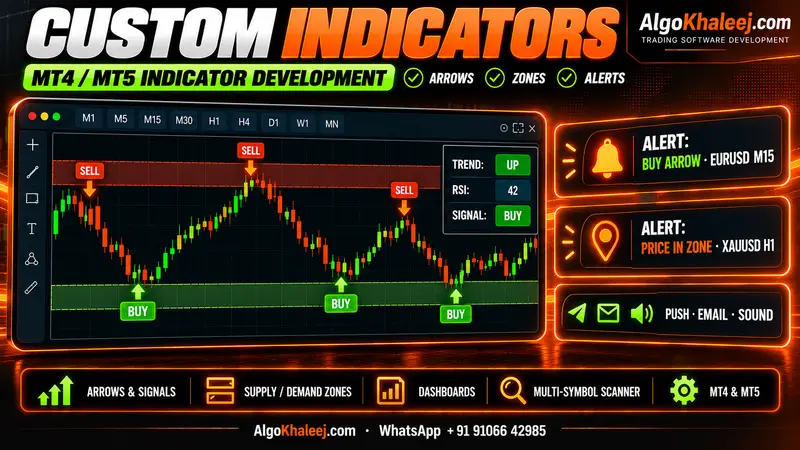
On the other hand, it is not a shortcut to a strategy. If you do not have rules yet, start with a custom MT5 indicator that marks your setups. Then you can turn those setups into an EA later.
What we build into your EA
Every Expert Advisor follows your rules, so no two projects look the same. Still, most traders ask for a similar set of building blocks:
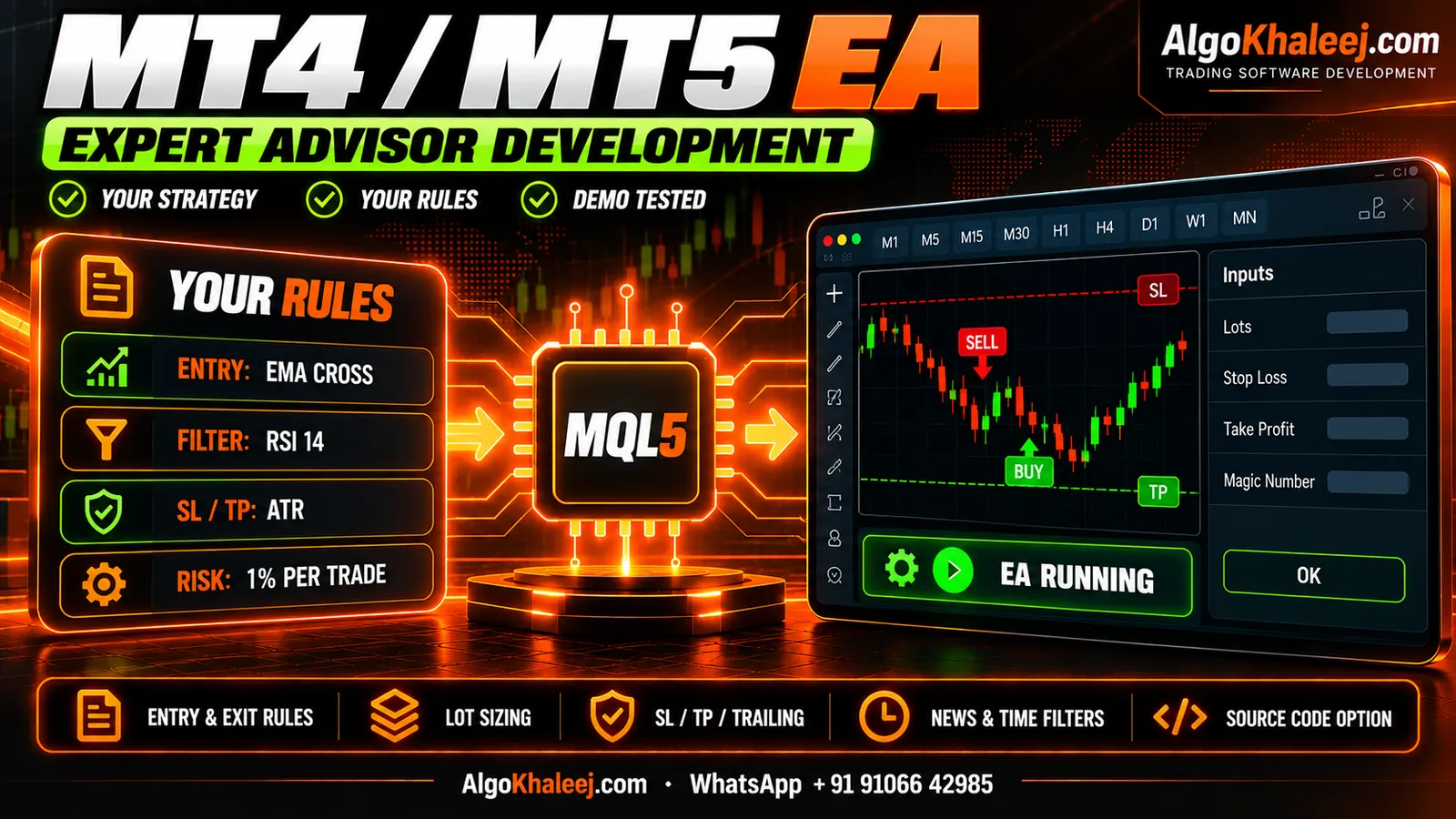
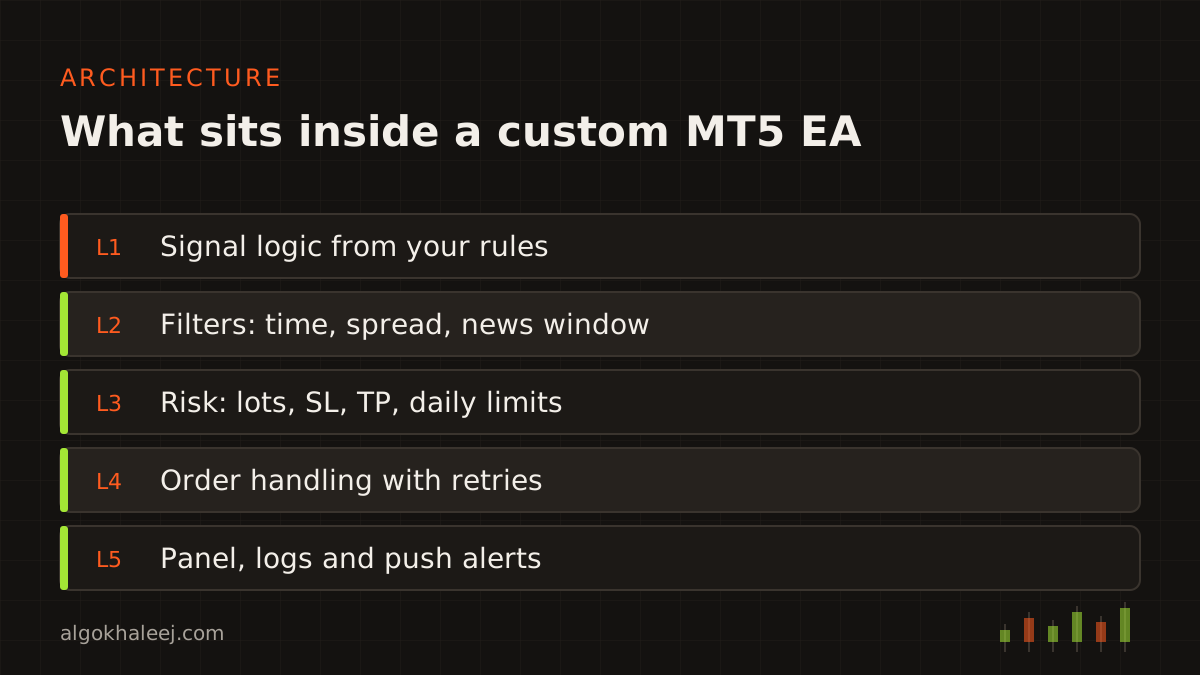
- Entry logic from your indicators, price levels, candle patterns or time windows.
- Exit logic with stop loss, TP, break-even, trailing stop and partial close.
- Position sizing by fixed lots or by a risk percentage of balance or equity.
- Filters for spread, trading hours, days of the week and news windows you choose.
- Account guards such as a daily loss limit, a maximum drawdown and a trade count limit.
- Alerts to the MT5 terminal, to your phone through push notifications, or by email.
- A chart panel that shows the EA’s state, open risk and today’s numbers.
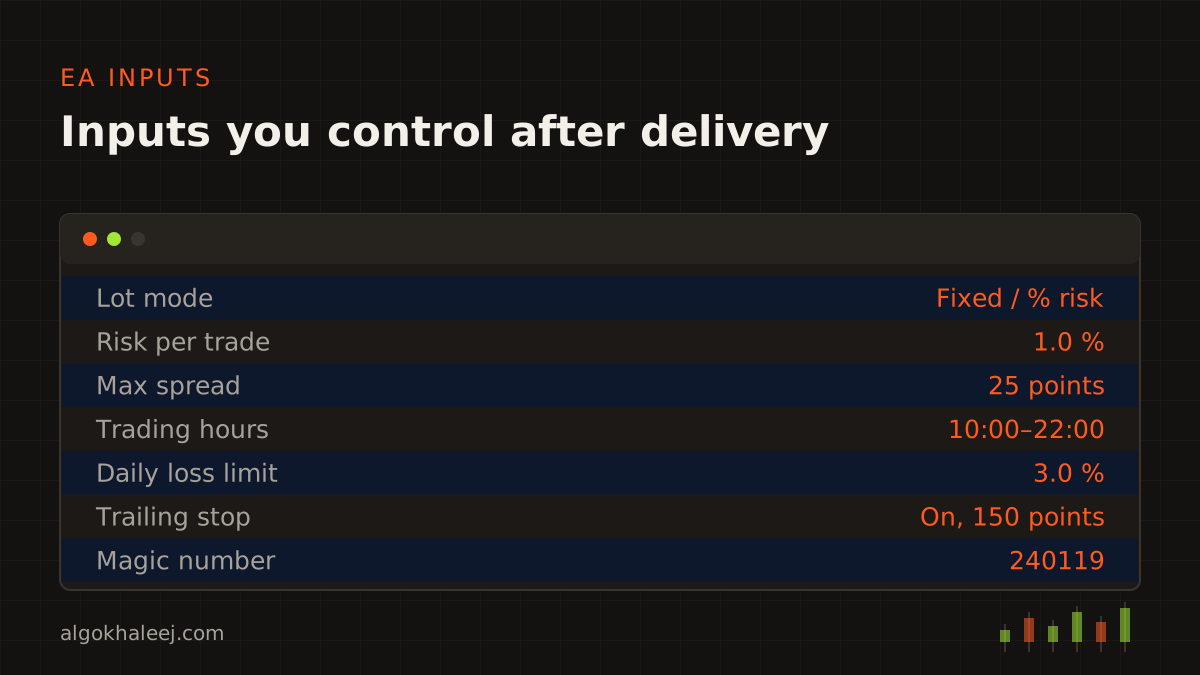
All settings appear as inputs, so you can change them without new code. In addition, every input has a plain-English name and a note in the settings guide.
How MT5 expert advisor development works
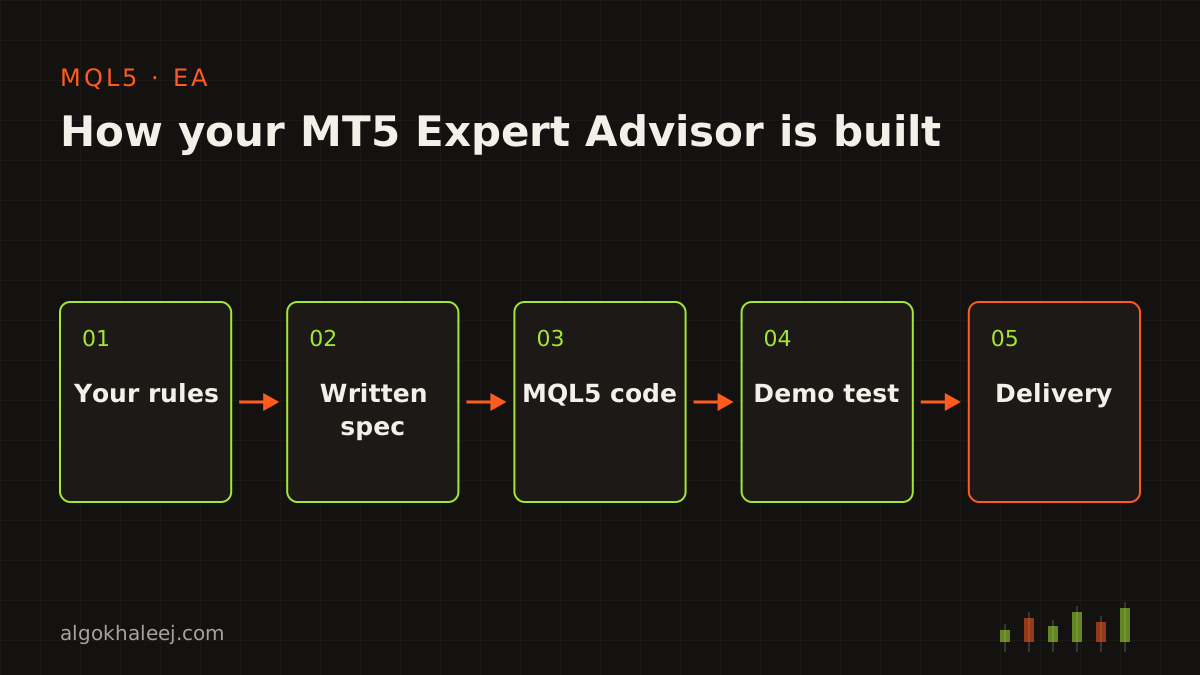
We follow four clear steps: rules, code, backtest and deliver.
Rules. You send your strategy in your own words, with screenshots if you like. Then we ask questions until every case is clear, for example what happens when a new signal arrives while a trade is open.
Code. Next, we write the EA in MQL5 with clean, commented functions. We keep the strategy logic apart from the risk and order code. As a result, later changes stay small and safe.
Backtest on demo. After that, you run the build in the Strategy Tester and on your own demo account. You check that each trade matches your rules. If something differs, we fix it and send a new build.
Deliver. Finally, you receive the final files, the settings guide and a short setup call.
If you want to read how the terminal tests an EA, MetaQuotes explains it in the official MT5 Strategy Tester guide.
What you receive
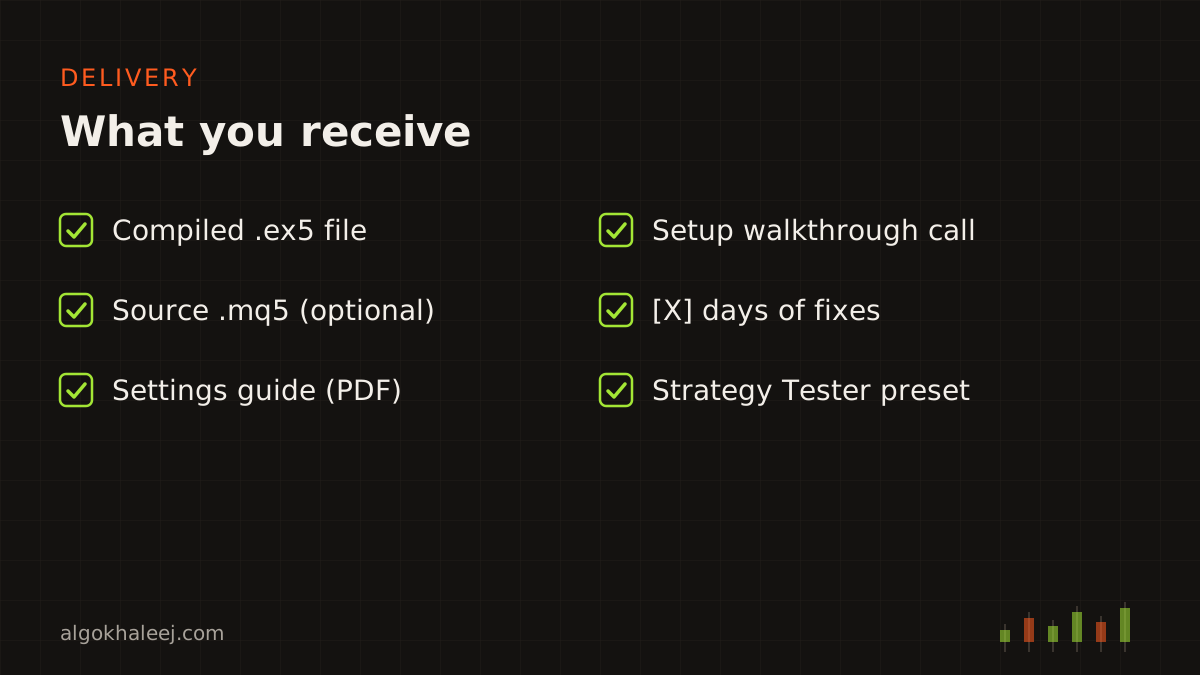
Each MT5 expert advisor development project ends with the same clear package:
- the compiled .ex5 file, ready to attach to a chart,
- the .mq5 source code if you chose that option,
- a settings guide that explains every input,
- a setup walkthrough over a call or a screen share,
- [X] days of fixes and support after delivery,
- a saved Strategy Tester preset for your symbol and timeframe.
Safe delivery for your account
Before you pay in full, you test a trial build on your demo account. The trial can be locked to your account number, and it can stop working after an expiry date. Once you approve the results and pay the balance, you receive the full version. If you ordered the source code, it comes with it.
We also sign an NDA on request. Your strategy stays private, and we never sell or reuse it.
Pricing for MT5 expert advisor development
A simple EA with one entry rule and basic risk settings starts from $50. Multi-symbol EAs, grid or basket logic, and custom panels cost more because they need more testing. Every quote is fixed in USD before we start. See the full table on our expert advisor development cost page, or read how we run each custom EA development process.
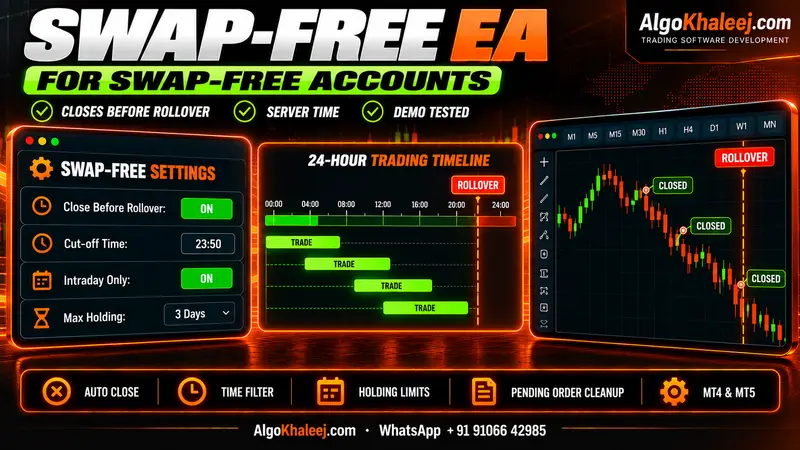
Do you trade a swap-free account or a prop firm challenge? Then look at our swap-free EA options and our prop firm risk manager EA, since both add limits to the same core code. If your EA runs on MT4 today, our Pine Script to MQL5 conversion service also covers MQL4 to MQL5 rewrites.