Who this conversion service is for
A Pine Script to MQL5 conversion makes sense when the logic already works for you, but it lives on the wrong platform. The same goes for old MQL4 code. This service fits traders who:
- built a strategy in Pine Script and want it to trade on MT5,
- own an MT4 EA or indicator that has to move to MT5,
- want MQL logic in Python for research or for live use,
- tried a conversion before and never saw the signals match.
We convert code that you wrote or have the right to use. Protected and invite-only scripts stay closed to us. If you only know how a tool behaves, we can rebuild it from your written rules instead.
Three conversion paths
Pine Script to MQL5
Most requests start here. A Pine indicator usually becomes an MT5 custom indicator, while a Pine strategy becomes an Expert Advisor. We also carry over your inputs, alerts and chart labels where MT5 offers the same feature.
MQL4 to MQL5
MT4 code does not run on MT5, so it needs a rewrite. In MQL4, a call such as iMA() returns a value at once. MQL5 returns a handle instead, and you read the values with CopyBuffer(). Orders change too, because MQL5 splits orders, deals and positions.
MQL to Python
Some traders want their MQL logic in Python. One reason is research on exported data. Another is live trading through the MetaTrader5 Python package, which reads prices and sends orders through your MT5 terminal. Our broker API trading automation page covers that setup.
What changes in a Pine Script to MQL5 conversion
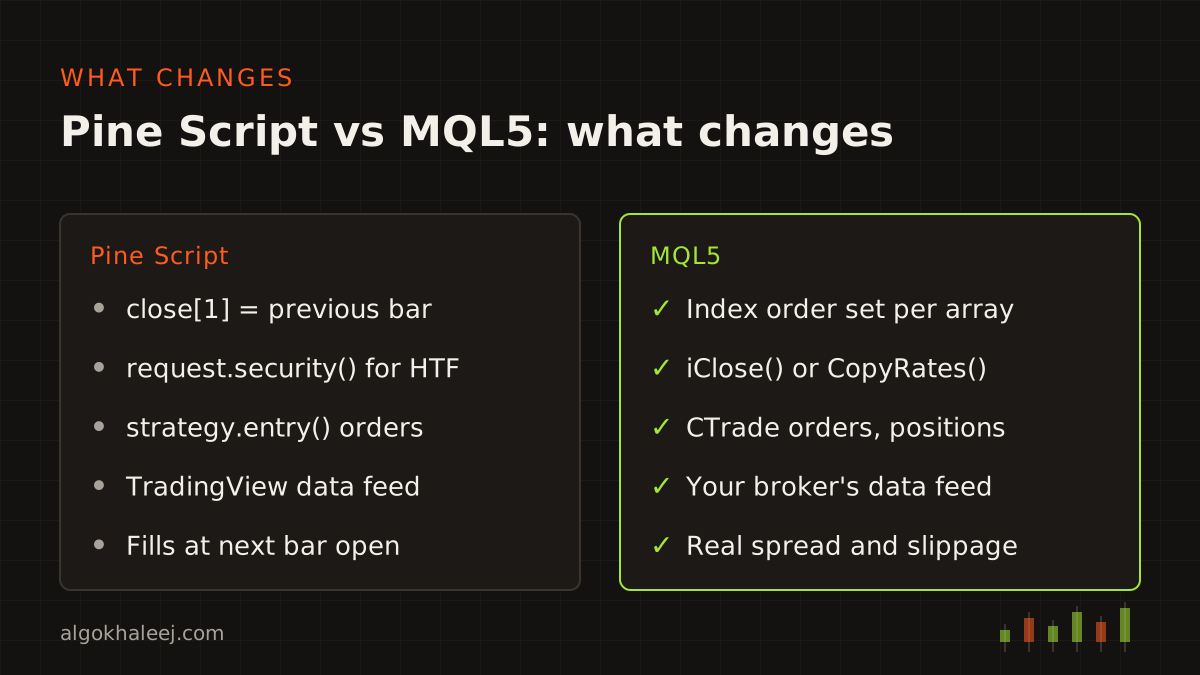
The two languages look alike, but they treat bars and orders in different ways. These are the gaps we handle on every job:
- Bar indexing: in Pine,
close[1]is the previous bar. MQL5 arrays start from the oldest bar unless you set them as series. So a direct copy ofclose[1]can read the wrong bar. - Repainting: a Pine script repaints when its past signals change later. Signals on the open bar and pivots that confirm late are common causes. On MT5 we usually act on closed bars only, so a signal may show one bar later than on a repainting chart.
- Higher timeframes:
request.security()can return a higher-timeframe value that is still forming. In MQL5 we read the last closed bar withiClose()orCopyRates(), then match bars by time. - Order model: a Pine strategy fills on a simulated broker, by default at the next bar’s open. An opposite
strategy.entry()also reverses the position. On an MT5 hedging account, the EA must close the old trade itself, or both stay open. - Built-in formulas: Pine’s
ta.atr()smooths true range with RMA, while the standard MT5 ATR uses a simple average. So we copy the formula, not just the name.
How we check a Pine Script to MQL5 conversion
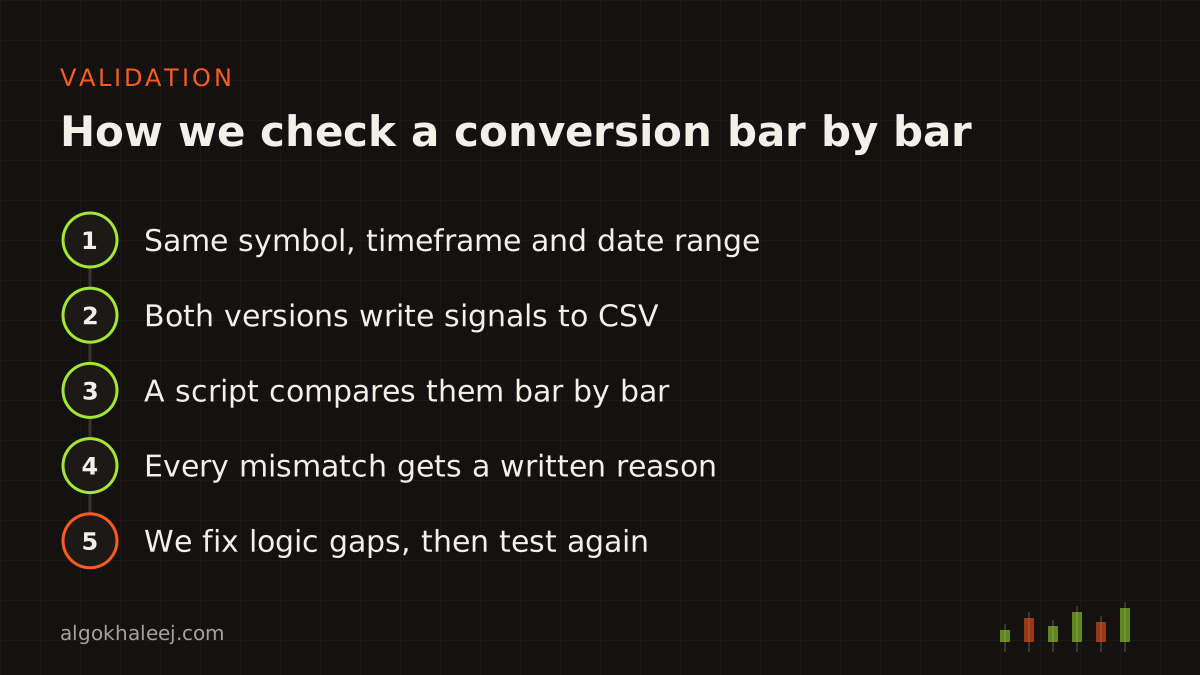
We never judge a conversion by eye. Instead, we run both versions on the same symbol, timeframe and date range. Each version writes its signals to a CSV file with the bar time, direction, entry, stop and target. A small script then compares the two files bar by bar and lists every mismatch.
Next, we explain each mismatch. Either it is a logic gap that we fix, or it is a data gap that we write down. You get both files and the list, so you can check our work yourself.
Why results are close but not identical
Expect close results from any Pine Script to MQL5 conversion, not a perfect copy. TradingView data comes from its own feed, while your MT5 chart uses your broker’s prices. Daily candles also follow the broker’s server time, so daily and weekly signals can shift. On top of that, spread, slippage and fill rules differ. As a result, trades can differ even when every signal matches.
The official Pine Script documentation explains how TradingView runs a script on each bar. We match that behaviour on MT5 wherever the platform allows it.
How a conversion project works
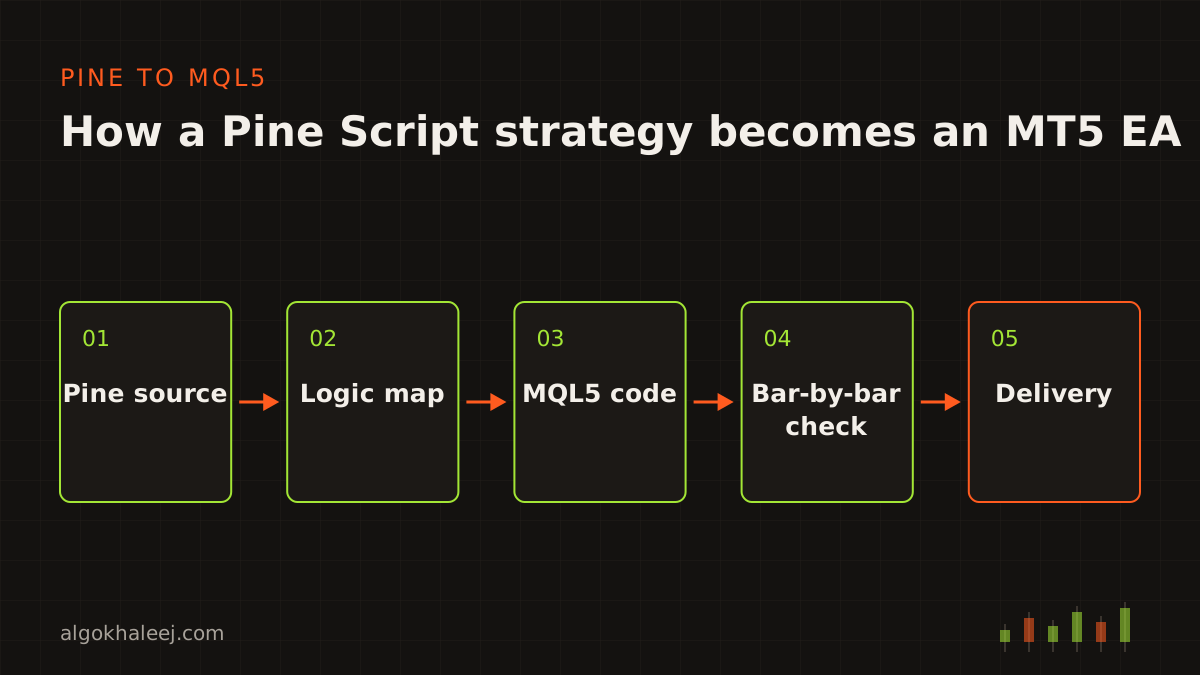
Every Pine Script to MQL5 conversion follows the same four steps, and so do MQL4 and Python jobs.
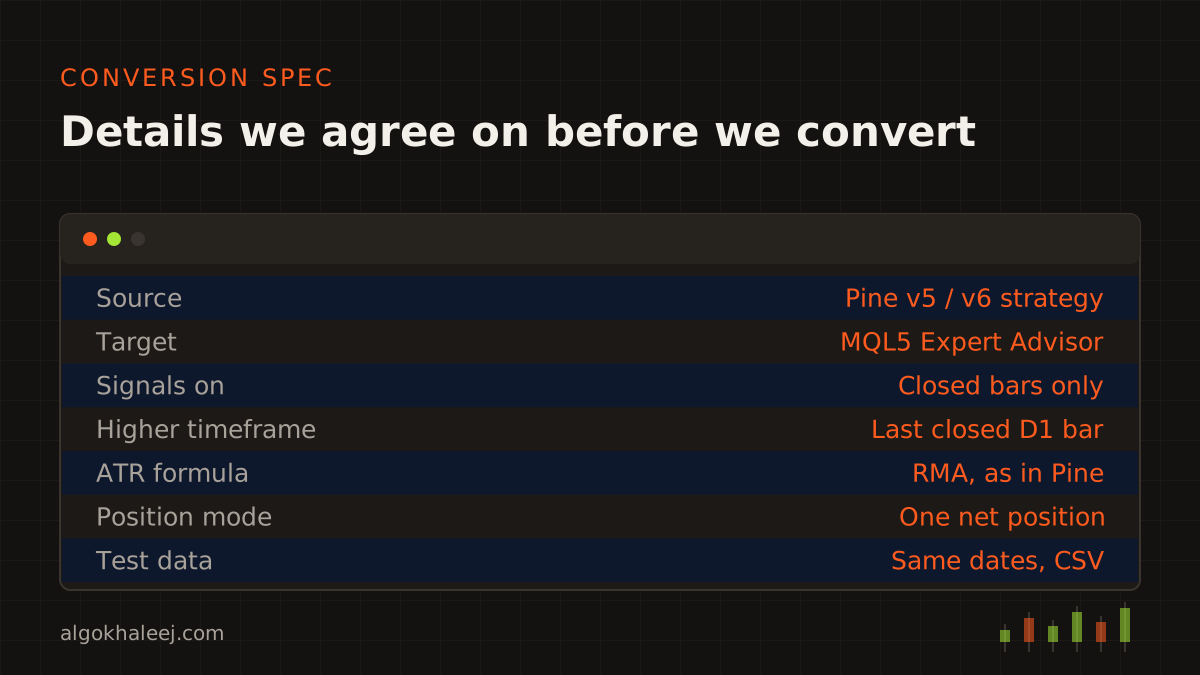
- Rules: you send the source code and explain how you use it. We then agree on a short spec, such as closed bars or every tick, the position mode and the test dates.
- Code: next, we rewrite the logic in clean, commented MQL5, MQL4 or Python.
- Backtest on demo: after that, we share the comparison report, and you run the build on your demo account.
- Deliver: finally, you get the files, the report and a setup call.
What you receive
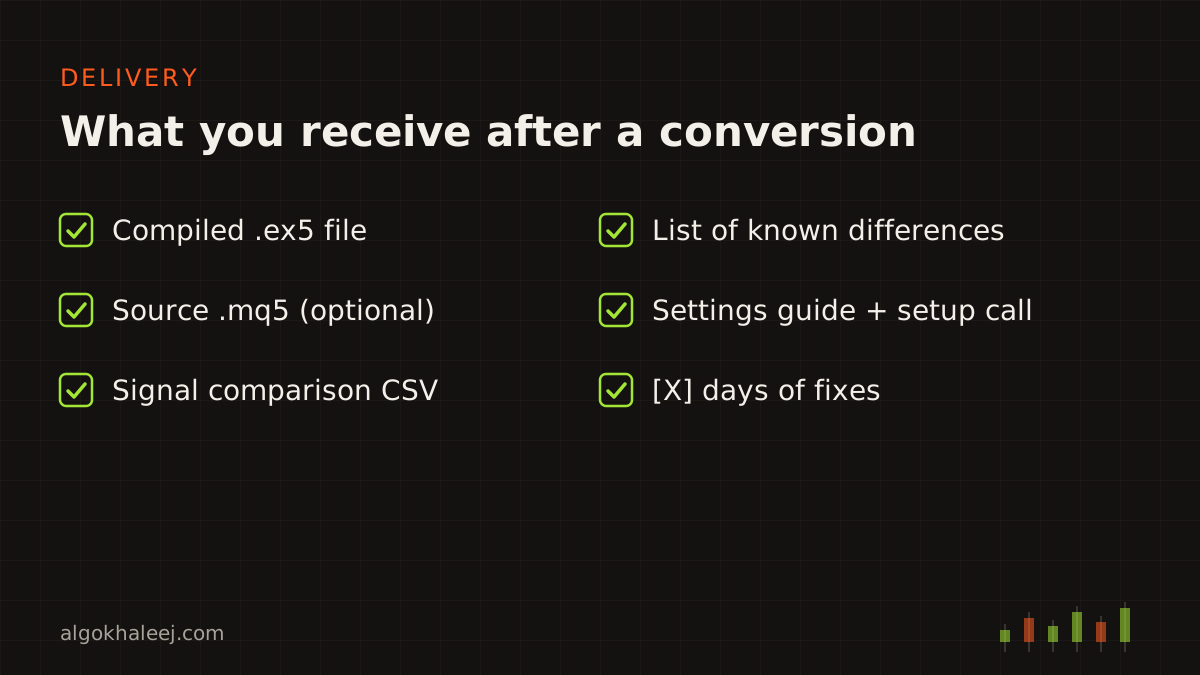
Each conversion ends with files you can check yourself:
- a compiled .ex5 file for MT5, or a packaged app for Python jobs,
- the .mq5 source code, if you chose that option,
- the signal comparison CSV files and the list of known differences,
- a settings guide and a setup walkthrough,
- days of fixes after delivery.
Safe delivery
The trial build runs on your demo account next to the original, so you can compare them yourself. It stops on a set date or works only with your account number. After the final payment, you receive the unlocked version and, if ordered, the .mq5 source.
Pricing for a Pine Script to MQL5 conversion
A small indicator conversion starts from $50, while a full strategy conversion costs more. The final price depends on the length of the code and on how many timeframes and symbols it uses. Our expert advisor development cost page lists typical ranges by project size.
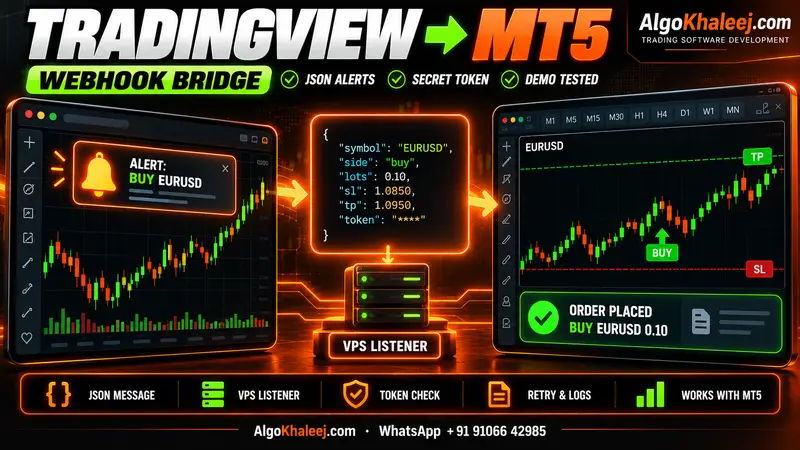
Need changes on the TradingView side first? Our Pine Script developer service covers that. Would you rather keep TradingView as the signal source? Then a TradingView to MT5 bridge sends your alerts to MT5 without a full rewrite.