Who this service is for
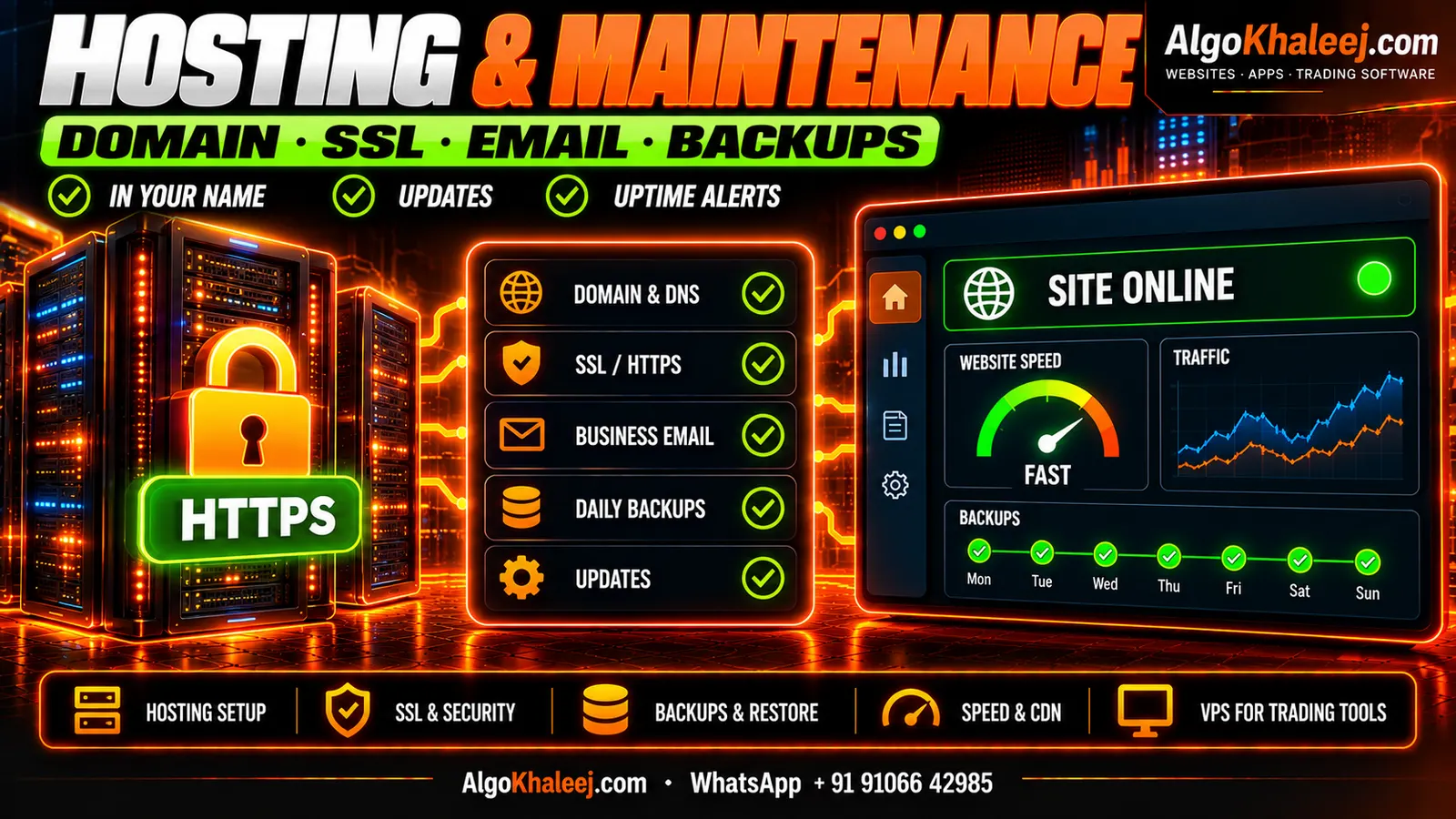
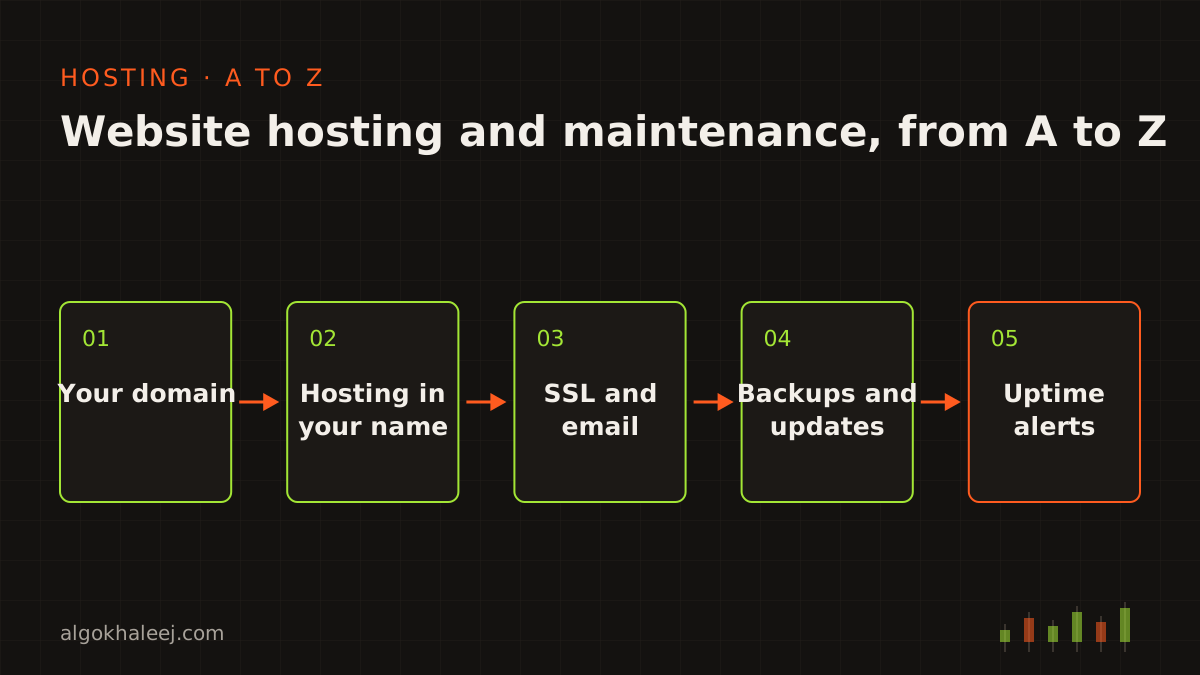
You run a business in the UAE, Saudi Arabia, Qatar, Kuwait, Bahrain or Oman. Your website brings in calls, orders or bookings, so it has to stay online. Yet nobody on your team has time to renew certificates, read server logs or test backups. That is where website hosting and maintenance comes in.
We handle the technical side from A to Z. It does not matter who made your site. Perhaps we built it through our website development service, or another developer built it years ago. We also look after the servers behind apps from our mobile app development work. All of it happens remotely from India, during working hours that fit GCC time.
Your domain and hosting stay in your name
Good website hosting and maintenance starts with one rule: you own everything. The domain, the hosting account and any VPS sit in your name, and you pay the provider directly. We never resell hosting or add a margin on top. So if you stop working with us one day, your site keeps running and nothing has to move.
For our access, we ask for a separate login with only the rights the work needs. You can remove it at any time. In short, we do the setup and the upkeep, while you keep the keys.
Choosing hosting by need: shared, cloud or VPS
There is no single right plan for every site. Instead, we match the hosting to your traffic, your software and your budget. Then we open the account with you, in your name, on a short screen-share call.
Shared hosting
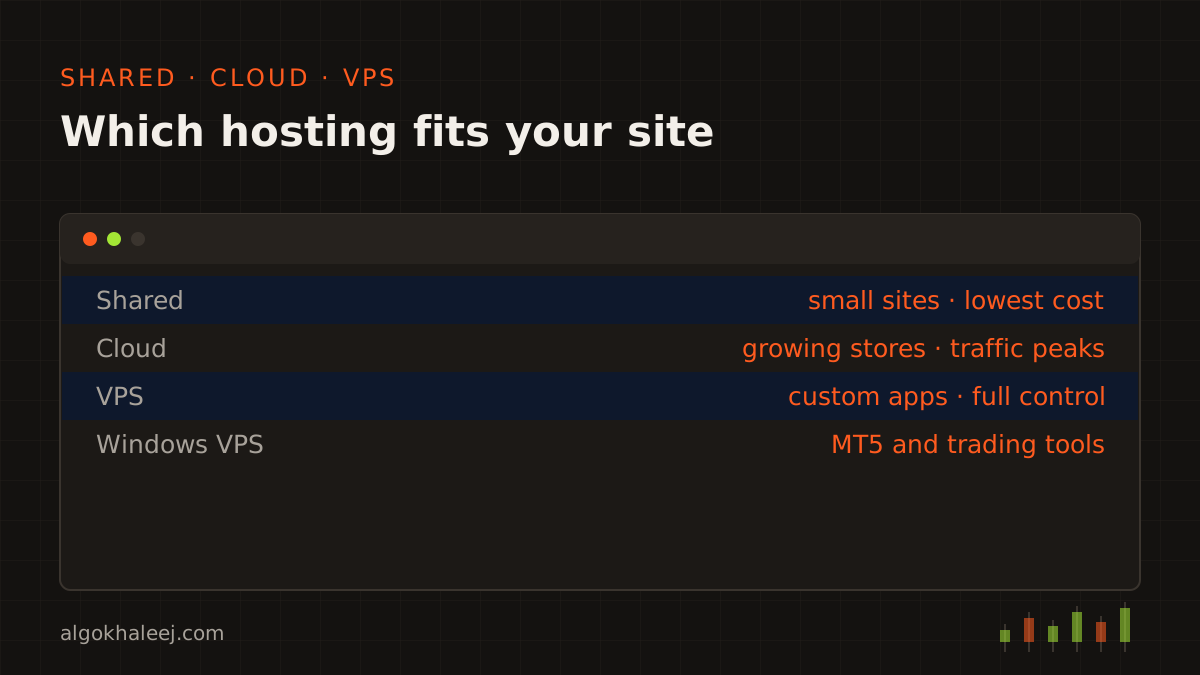
Shared hosting suits a company profile, a small WordPress site or a landing page. It costs the least, because many sites share one server. However, a busy site next door can slow yours down, and you cannot install your own server software.
Cloud hosting
Cloud hosting fits a growing store or a site with traffic peaks, such as a Ramadan sale. You can add memory and CPU in minutes, and you pay for what you use. It takes a little more setup, so we handle that part for you.
VPS hosting
A VPS gives you a private slice of a server with full control. It is the right home for custom apps, Node.js backends, app APIs and trading tools. In return, someone has to patch it and watch it. That someone is us.
Domain connection and DNS
Your domain is the name people type, while DNS tells the internet where that name points. One wrong record can take a site or its email offline. So we set each record with care, then check it from outside your network.
Typical DNS work includes:
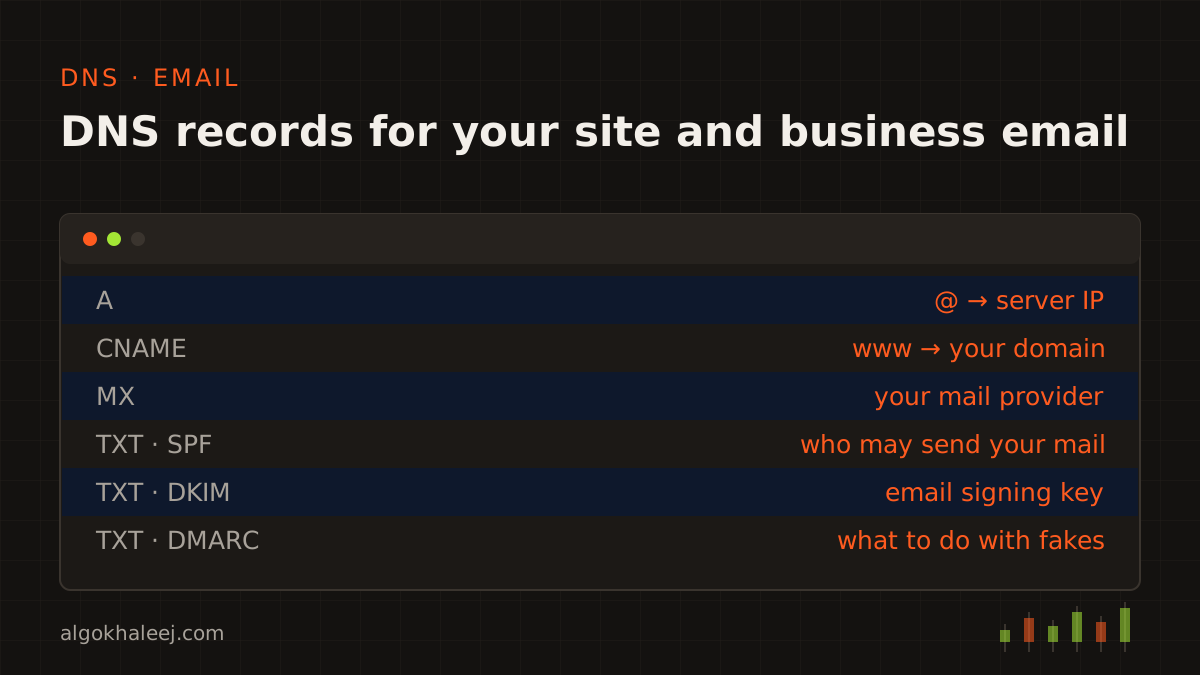
- pointing the domain and its www version to your hosting,
- adding the records your email needs, as in the panel below,
- connecting subdomains, for example shop or app,
- turning on auto-renew, so the domain does not expire by accident,
- locking the domain against unwanted transfers.
SSL and HTTPS on every page
SSL, or more exactly TLS, encrypts the link between a visitor and your site. Without it, browsers mark your pages as “Not secure”, and many visitors leave. Google also recommends HTTPS for every site.
So we install a free certificate from Let’s Encrypt or from your host. It renews on its own before it expires. After that, we redirect every http address to https and fix mixed content, such as an old image link. Finally, we check that no page shows a warning. The Let’s Encrypt guide explains how these free certificates work.
Business email on your own domain
An address like info@yourcompany.com looks more trustworthy than a free webmail address. We set up business email with the provider you choose. Then we add the DNS records that help your mail reach the inbox:
- MX routes incoming mail to the right server,
- SPF lists the servers that may send mail for you,
- DKIM signs each message, so other servers can tell it really came from you,
- DMARC tells other servers what to do with mail that fakes your name.
After that, we connect each mailbox to phones and laptops. Then we send test messages to confirm that they land in the inbox, not in spam.
Backups you can actually restore
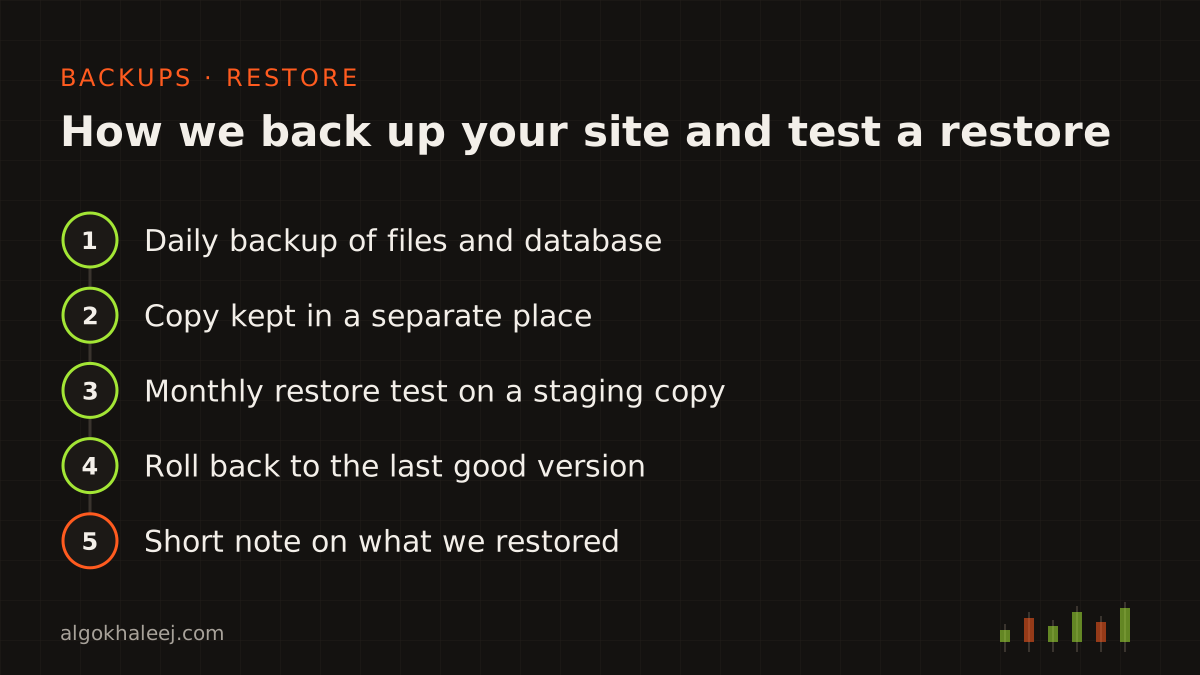
Backups are the safety net of website hosting and maintenance. Yet a backup only counts if it restores, so we test ours instead of just copying files. Each site gets automatic daily backups of its files and database. We keep a copy in a separate place, so one failed server cannot erase both. Then, once a month, we restore a backup to a test copy of your site and check that it works.
If something breaks, for example after a bad plugin update, we roll back to the last good version. You get a short note on what happened and what we restored.
Updates for WordPress and Node.js sites
Old software is one of the most common ways into a website. So updates are the most frequent task in website hosting and maintenance, and they run on a fixed schedule.
WordPress core, themes and plugins
For WordPress sites, we update the core, the theme and every plugin. First, we take a fresh backup. Next, we apply the updates on a staging copy and test key pages, forms and checkout. Only then do we update the live site. We also remove plugins you no longer use, because each one adds risk.
Node.js packages
For Node.js sites and app backends, we check packages with npm audit and apply safe updates. We also keep Node.js itself on a release that still gets security fixes. When a major update needs code changes, we explain why and quote it before we start.
Security basics we put in place
Security is the part of website hosting and maintenance that people notice only when it fails. Most attacks are not personal. Bots scan the web all day for weak passwords and old plugins. Simple habits stop many of them:
- strong, unique passwords kept in a password manager,
- two-factor login (2FA) on hosting, domain, email and admin accounts,
- a firewall that blocks bad traffic and repeated login attempts,
- least access, so each person and plugin gets only the rights it needs,
- removal of old users, unused plugins and leftover test files.
We also review login logs during each maintenance visit. Still, no setup can stop every attack. That is why tested backups matter so much.
Uptime alerts that reach you first
With our website hosting and maintenance, an automated monitor checks your site every few minutes. If the site goes down, an alert reaches you and us at once, at any hour. You get the same alert when the SSL certificate nears its expiry date. Sending the alert is automatic, but the fix needs a person. So we respond during our working hours, Sunday to Friday. That is 10:30–20:30 in the UAE and Oman. In Saudi Arabia, Kuwait, Qatar and Bahrain, it is 09:30–19:30.
Many problems show up early this way, for example a full disk or a domain about to expire. As a result, we can often fix them before your visitors notice.
Speed: caching, CDN and Core Web Vitals
A slow site loses visitors before they read a word. So speed work is part of every website hosting and maintenance plan we run:
- page and server caching, so repeat visits load faster,
- a CDN that serves your files from servers near your visitors,
- image compression and modern formats such as WebP,
- lazy loading for images further down the page,
- fewer and lighter scripts and plugins.
We measure before and after with Core Web Vitals. These are the loading, response and stability metrics that Google uses in Search. Google explains each one on web.dev. On many sites, large images and heavy plugins cause most of the delay, so we start there.
Moving to new hosting with little or no downtime
Maybe your current host is slow, costly or hard to reach. In that case, we move your site to a new account in your name, step by step:
- We copy the files, the database and the email settings.
- Next, you check the copy on a temporary link before anything changes.
- A day ahead, we lower the DNS TTL so the switch spreads faster.
- Then we switch DNS at a quiet hour for your business.
- Finally, we keep the old hosting until every check passes on the new one.
Most visitors notice nothing at all. Large stores and busy mailboxes may see a short pause, so we agree on the timing with you first.
A Windows VPS for your trading tools
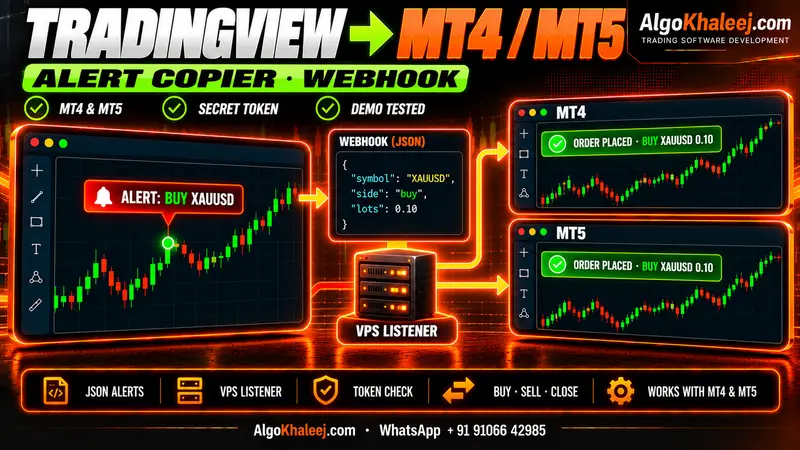
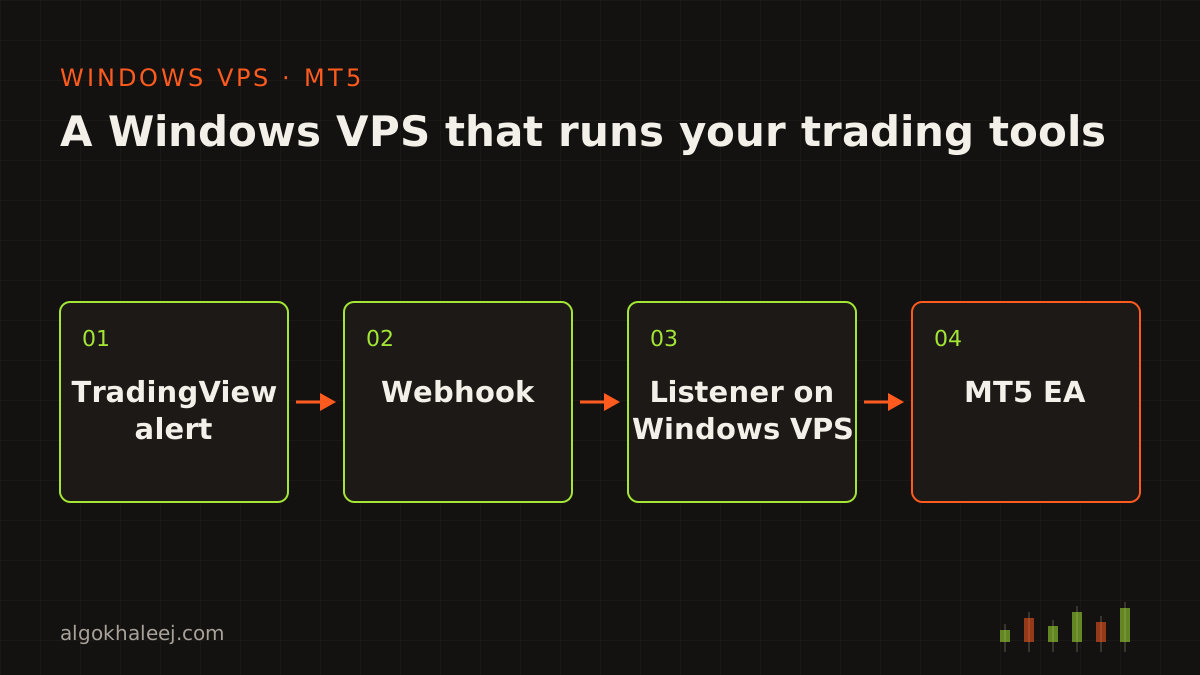
Our website hosting and maintenance also covers the servers behind trading tools. After all, trading software is our core work, and many of our clients trade. Tools such as an MT5 expert advisor or a TradingView webhook listener need a machine that never sleeps. So we set up a Windows VPS in your name and install MT5. Next, we lock down remote access and run the listener as a service that restarts on its own.
For the full alert-to-order setup, see our TradingView to MT4/MT5 copier. When the provider offers a choice, we pick a VPS location near your broker’s servers. A shorter route means less delay. Windows updates then run on a schedule you approve, so a restart never lands in the middle of a trade.
How we take over your site in 6 steps
Every website hosting and maintenance job follows the same path, whoever built your site:
- Audit: you send your domain name, and we check the hosting, DNS, SSL, email and backups.
- Quote: next, you get one fixed quote in USD for the agreed scope.
- Accounts: together, we open or tidy the accounts in your name.
- Setup: we connect the domain, SSL and email, then secure and speed up the site.
- Handover: you receive a sheet that lists every account, DNS record and setting.
- Care: if you choose a monthly plan, regular updates and alerts start right away.
What a website hosting and maintenance plan includes
Setup is a one-time job. Upkeep is what keeps a site healthy month after month. A monthly plan usually covers:
- updates, backups and restore tests on a fixed schedule,
- uptime and SSL alerts, plus a check of every alert we receive,
- security reviews of logins, users and plugins,
- a Core Web Vitals check, with fixes when scores slip,
- small text and image edits within the agreed hours,
- patches for your VPS, if you have one,
- a short monthly report in plain words.
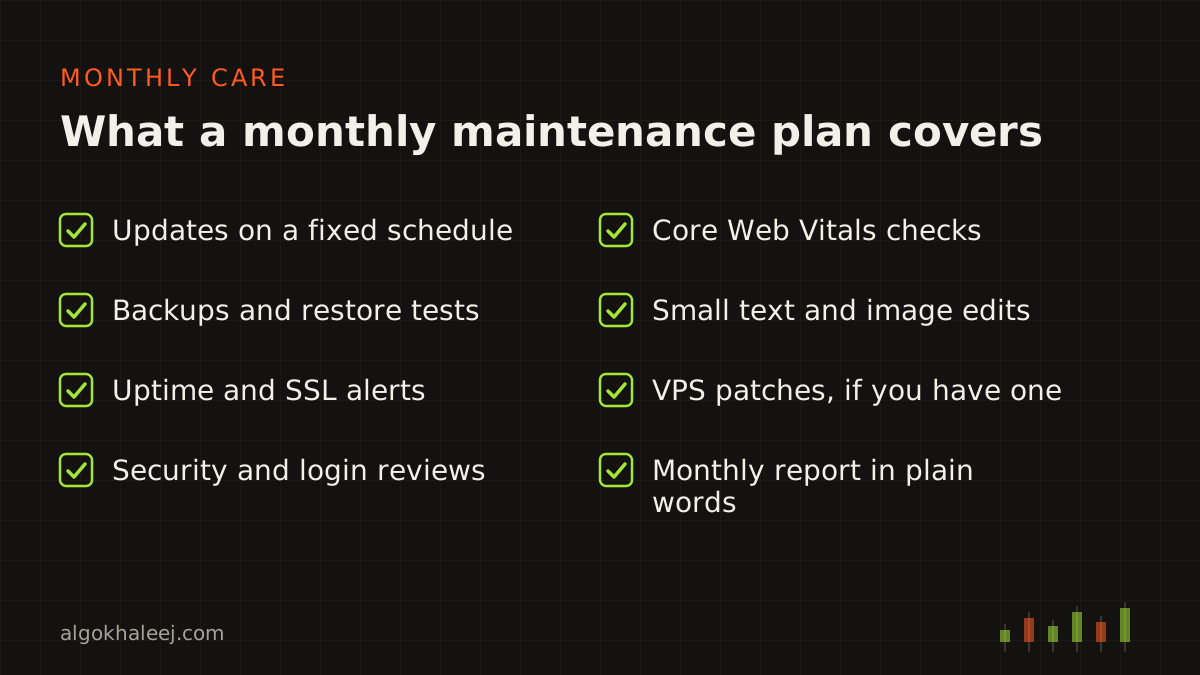
We agree on the exact list and the monthly hours before we start. That way, you know what you pay for, and there are no surprise bills.
Price of website hosting and maintenance
Website hosting and maintenance work starts from $50. That covers a focused job, such as connecting a domain, installing SSL or setting up business email. Hosting and domain fees stay separate, because you pay them to the provider directly, in your own name.
Bigger jobs get one fixed quote in USD once we see the scope. These include moving a large site, hardening a VPS or a monthly care plan. You can compare all our starting prices on the pricing page. Or simply contact us with your domain name, and we will reply during working hours with a quote.