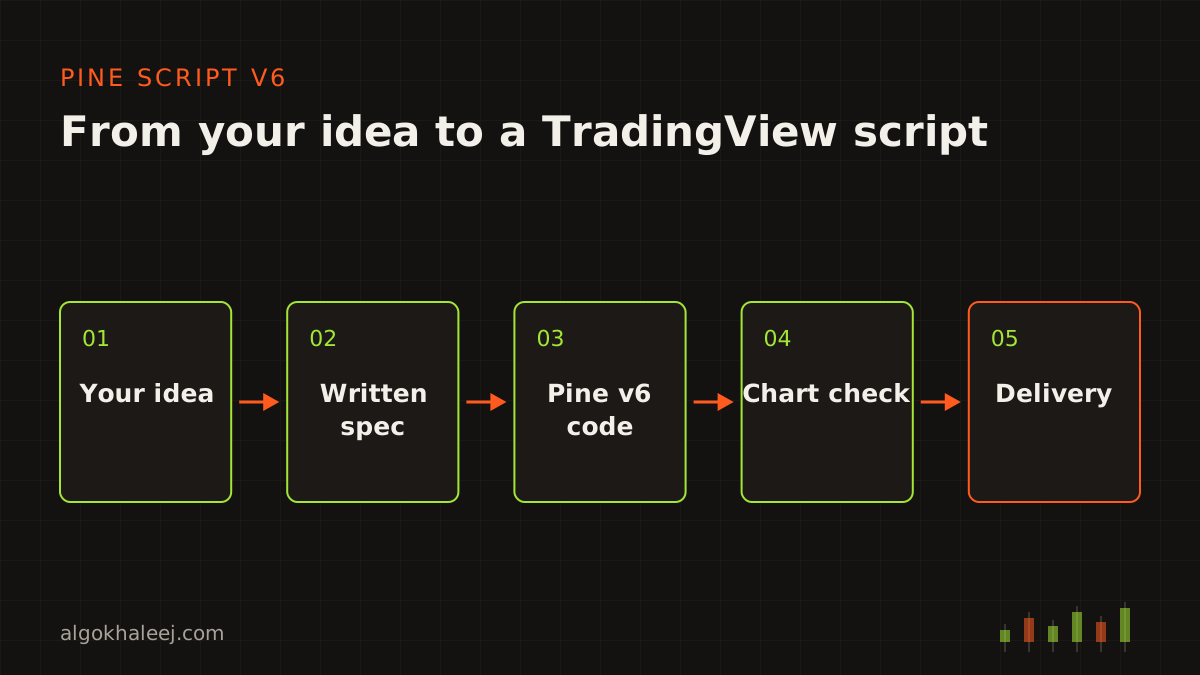
Who needs a Pine Script developer
TradingView makes charting easy, but coding your own rules takes time to learn. A Pine Script developer saves you that time. This service suits you if you:
- chart on TradingView and want your own indicator instead of a public one,
- test a strategy idea and need honest Strategy Tester settings,
- run an old v4 or v5 script that shows warnings or lacks new features,
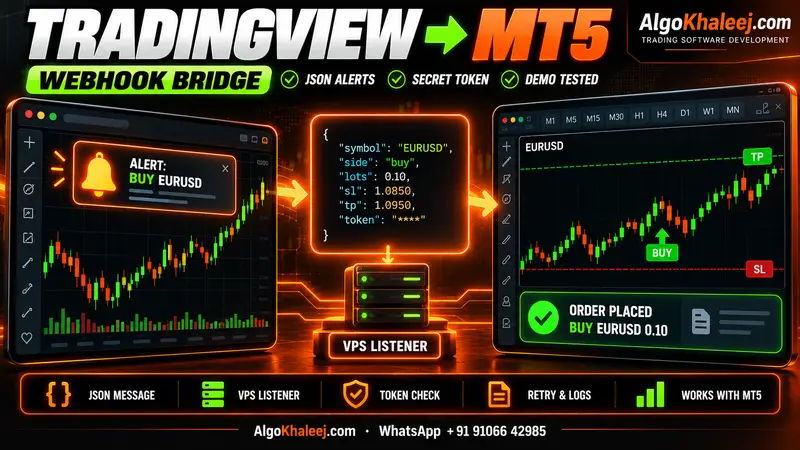
- plan to send your alerts to MT5 later through a bridge.
Some people call this role a TradingView indicator programmer or a strategy developer. Whatever the name, the job stays the same: your rules, written as clean Pine Script you can read and keep.
What a Pine Script developer builds for you
Most projects combine a few of these six tools.
1. Indicators
We draw your rules with lines, bands, labels, boxes and tables. For example, a box can mark the Asian session range, while a table shows the trend on four timeframes.
2. Strategies
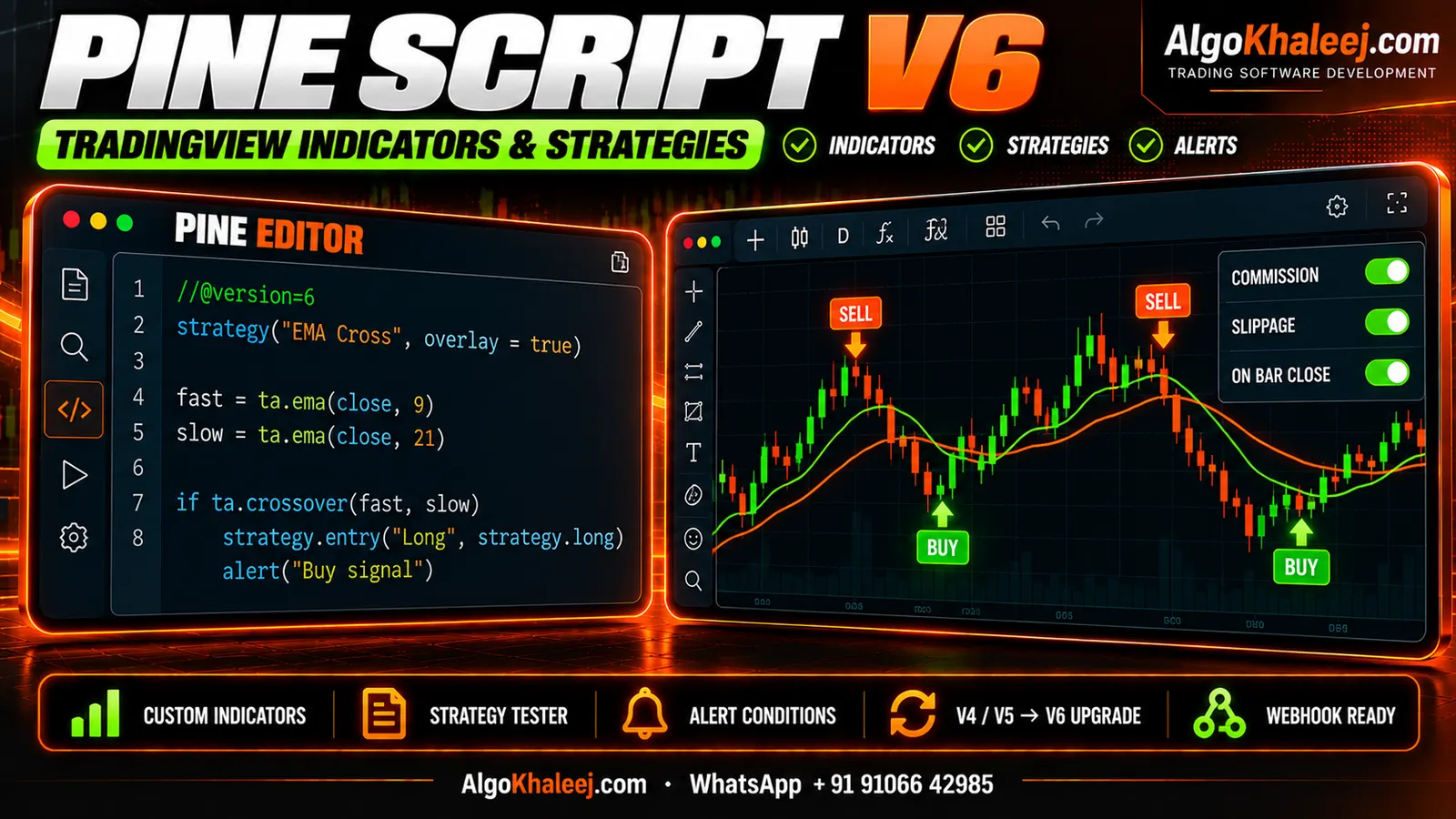
A strategy places simulated trades on history, so you can study how your rules behaved. We code entries, exits, stop loss, targets and position size, plus filters such as session times or a daily trade limit.
3. Alert conditions
Indicators use alertcondition() or alert(), so your setups appear in TradingView’s alert dialog. Strategies send alerts when orders fill, and each order can carry its own message. That message can be plain text for your phone or JSON for a bridge.
4. Multi-timeframe tools
A script can read higher timeframes with request.security(). The catch is repainting: a higher-timeframe value keeps changing until that candle closes. So we use confirmed values by default, and entry alerts fire once per bar close.
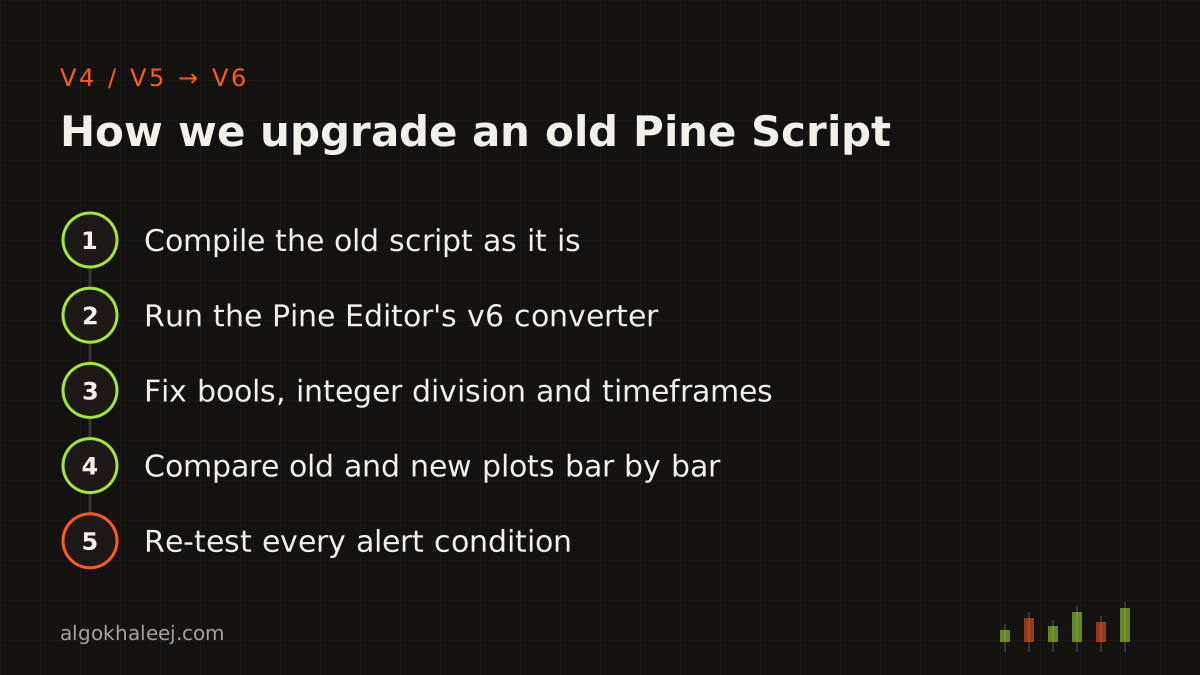
5. Upgrades from v4 and v5
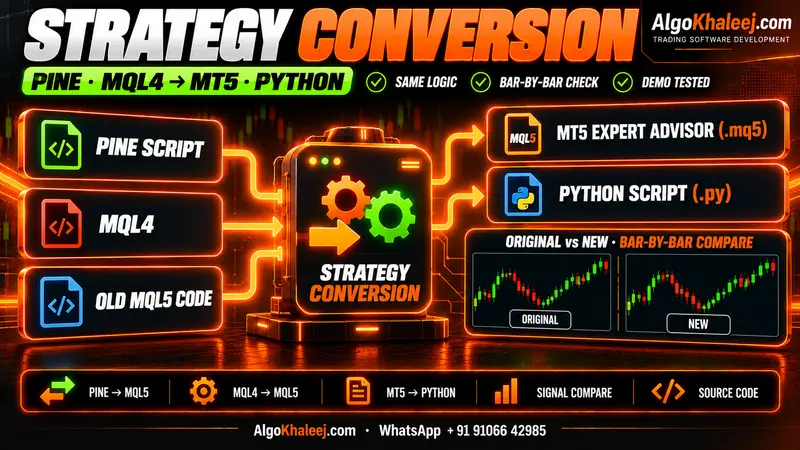
Pine Script v6 changed several rules. For example, a bool can no longer be na, and dividing two whole numbers can now return a fraction. The Pine Editor’s converter handles most syntax, yet these changes can quietly alter results. That is why we compare the old and new plots bar by bar before you switch.
6. Protected and private scripts
Your code stays yours. You can keep the script private on your own account. Or you can publish it as protected or invite-only, so others can use it without seeing the source. Public scripts must follow TradingView’s house rules, so we help you write a description that fits them.
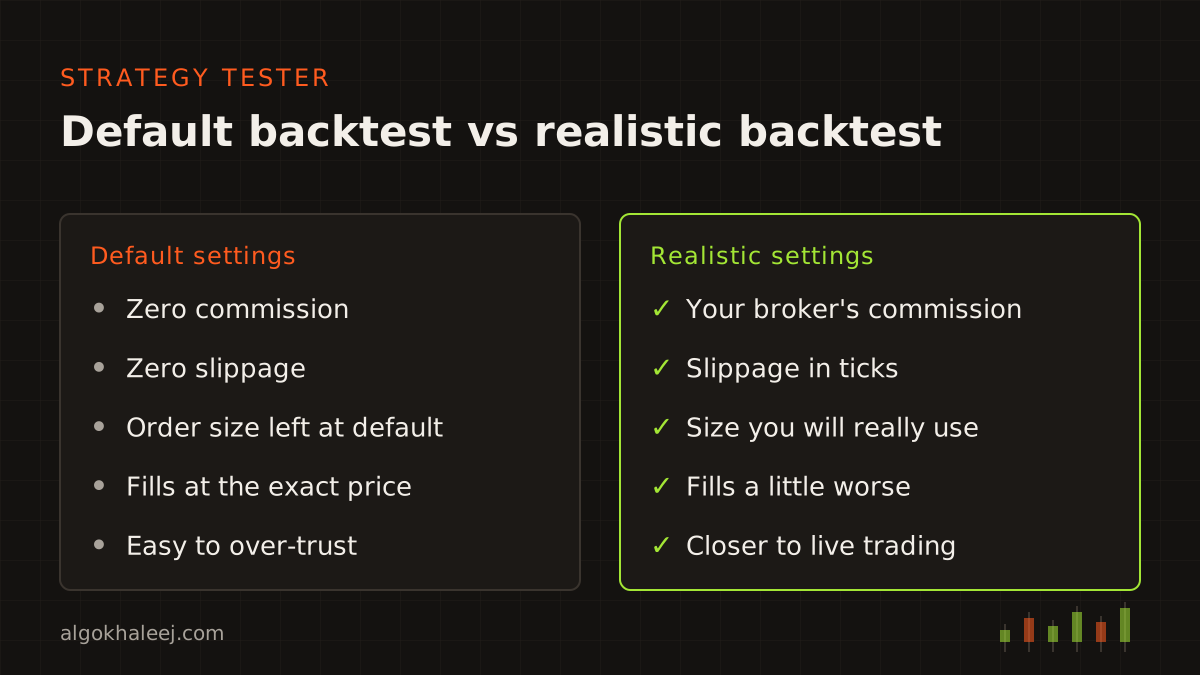
Strategy Tester settings, and what a backtest can tell you
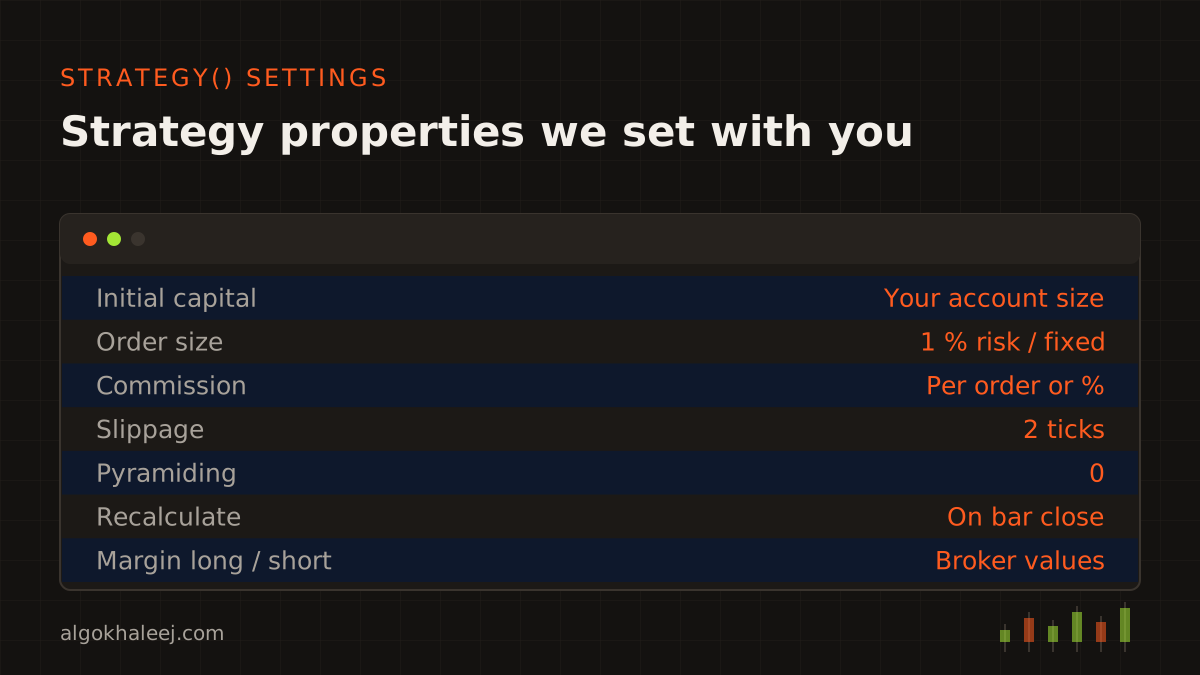
A backtest is only as honest as its settings. By default, a Pine strategy assumes no commission and no slippage. That flatters any strategy that trades often. So a careful Pine Script developer sets these properties to match your broker:
- commission per order or as a percent, from your broker’s fee table,
- slippage in ticks, so fills land a little worse than the chart price,
- capital and order size that match the account you plan to use,
- fill options such as the bar magnifier, when your plan includes it.
Even with good settings, a backtest is a record of the past, not a forecast. It cannot know future spreads, news spikes or missed fills. Treat it as a test of your rules, and then watch the script on live charts before you rely on it.
How we work as your Pine Script developer
Rules. Send your idea as text, a voice note or a marked chart. We then turn it into a short spec that lists every input and alert.
Code. Next, we write the script in Pine Script v6. Inputs sit in clear groups with plain-English names, and comments explain each block.
Backtest on demo. For strategies, you review the Strategy Tester with realistic costs. For indicators, you watch the plots on history and then on live candles. If you also trade the setup on MT5, you can follow it on a demo account there.
Deliver. Finally, you get the script, the guide and help adding it to your chart.
What you receive
Each project ends with a clear handover:
- the Pine Script v6 source, or protected access if you prefer,
- alert message templates for your phone or a bridge,
- strategy properties set to your broker’s costs, for strategies,
- a settings guide for every input and alert,
- a setup walkthrough over a call or screen share,
- [X] days of fixes after delivery.
Safe delivery on TradingView
You test the script on your own charts before the final payment. During the trial, you get access without the source code, for example as an invite-only script. That access can end on a set date. After the final payment, you receive the full source or permanent access, as agreed. As your Pine Script developer, we never reuse your code for other clients, and we sign an NDA on request.
Pricing for Pine Script work
Hiring a Pine Script developer for a one-rule indicator with alerts starts from $50. Strategies with full cost settings, multi-timeframe tables and v4 or v5 upgrades cost more, depending on their size. You see a fixed USD price before we write any code. You can compare typical ranges on our expert advisor development cost page.
Taking your script to MT5 later
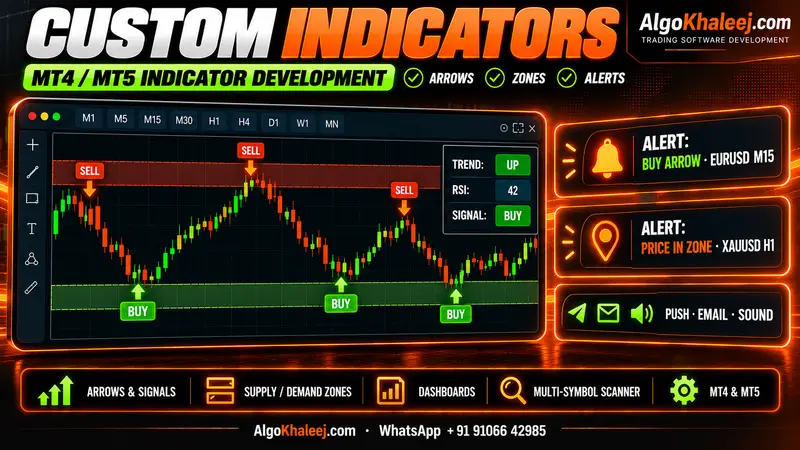
Many traders start with a Pine Script developer and later want the same logic in MetaTrader. Because we write clean, commented code, the rules carry over well to a Pine Script to MQL5 conversion. Or, if you only want MT5 orders from your alerts, a TradingView to MT5 bridge keeps the script on TradingView. Need the same tool as a chart indicator inside MT5? Then see our custom MT5 indicator service.
The official Pine Script documentation covers the language in full, if you want to read along.