Who a swap-free EA is for
This service suits traders who hold a swap-free or Islamic account and want automation that fits its terms. It is a good match when you:
- trade a clear strategy by hand and want it coded as it is,
- run an EA today that holds trades overnight with no rollover rules,
- pay an admin fee or face a holding limit on longer trades,
- need every time setting in broker server time, not your local clock.
One point comes first. We write software, not religious rulings. So your EA can be compatible with swap-free / Islamic accounts, but we do not certify religious compliance. If that question matters to you, ask a qualified adviser and read your broker’s account terms.
What we build into your swap-free EA
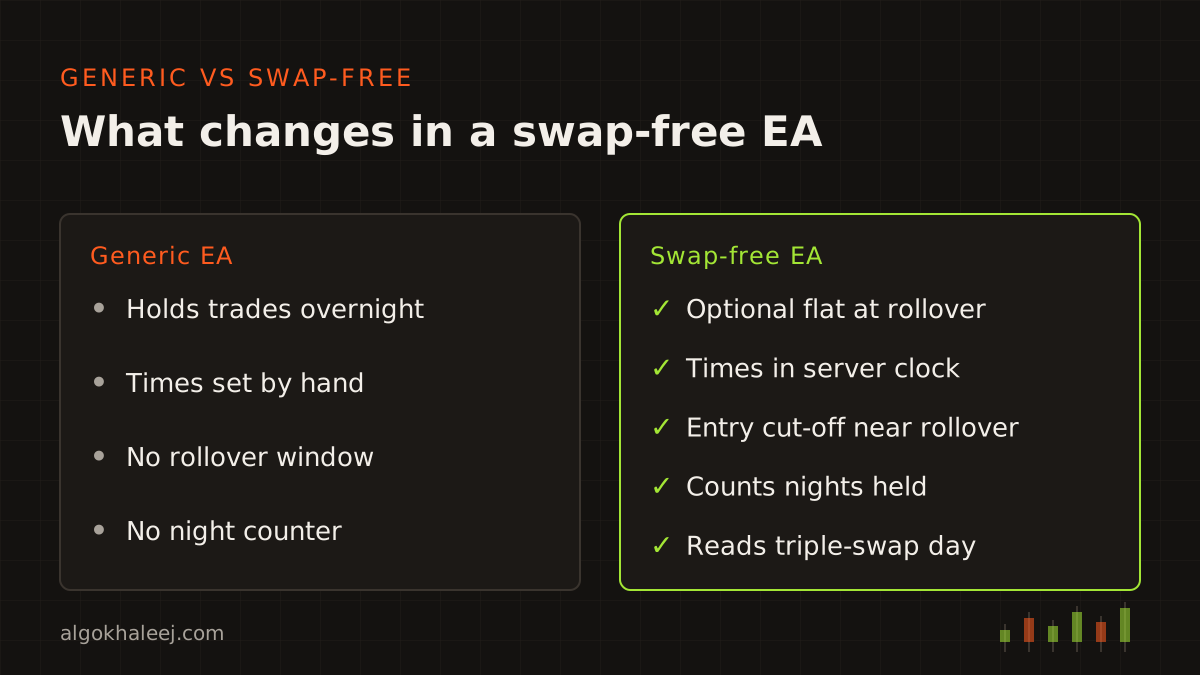
Most traders ask for a mix of the same five options. Each one is an input, so you can switch it on or off at any time.
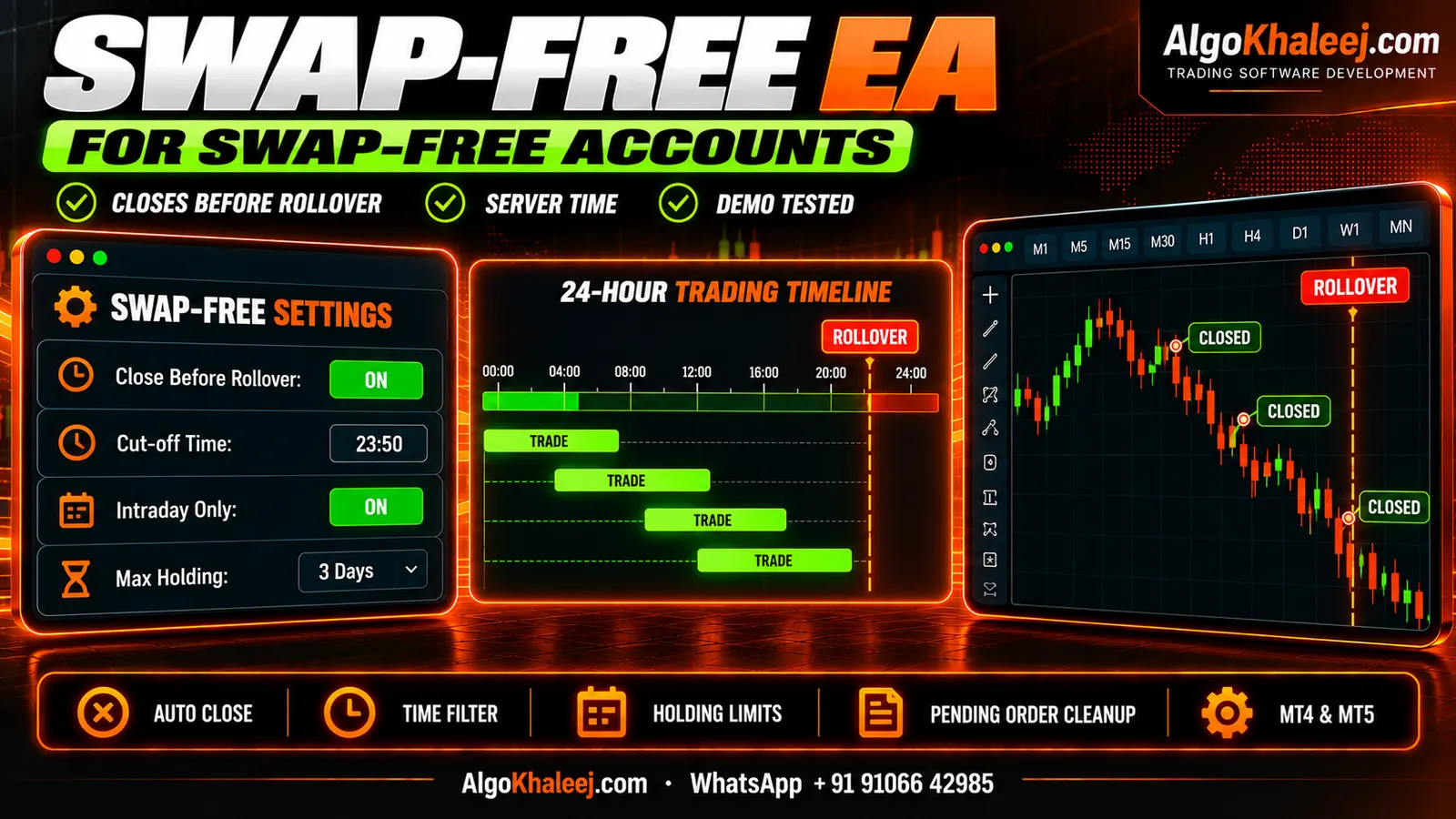
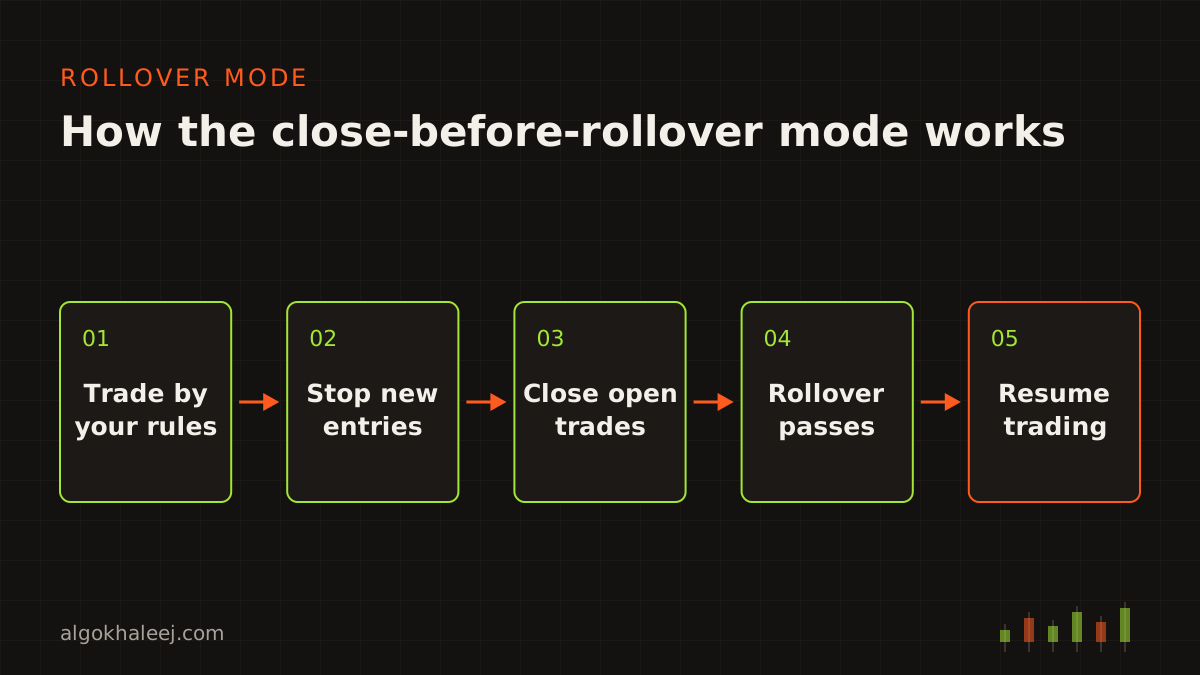
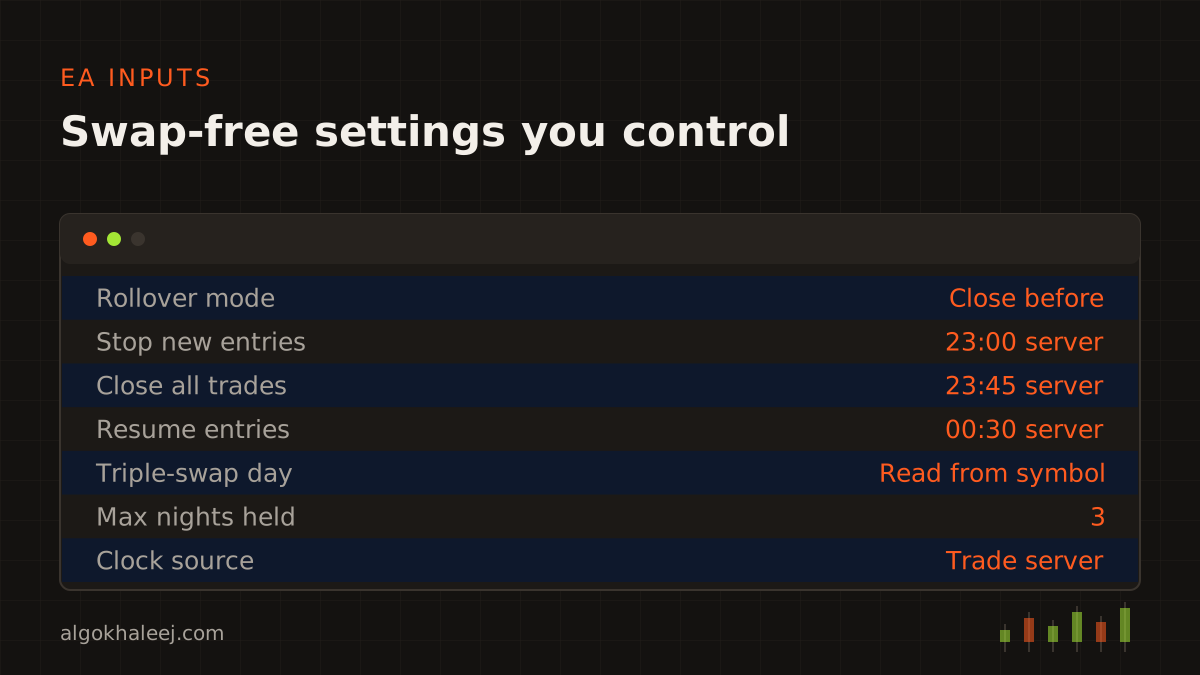
- Close before rollover: the EA closes its trades shortly before the daily rollover, for example at 23:45 server time. After rollover, it waits until spreads settle, then it trades by your rules again.
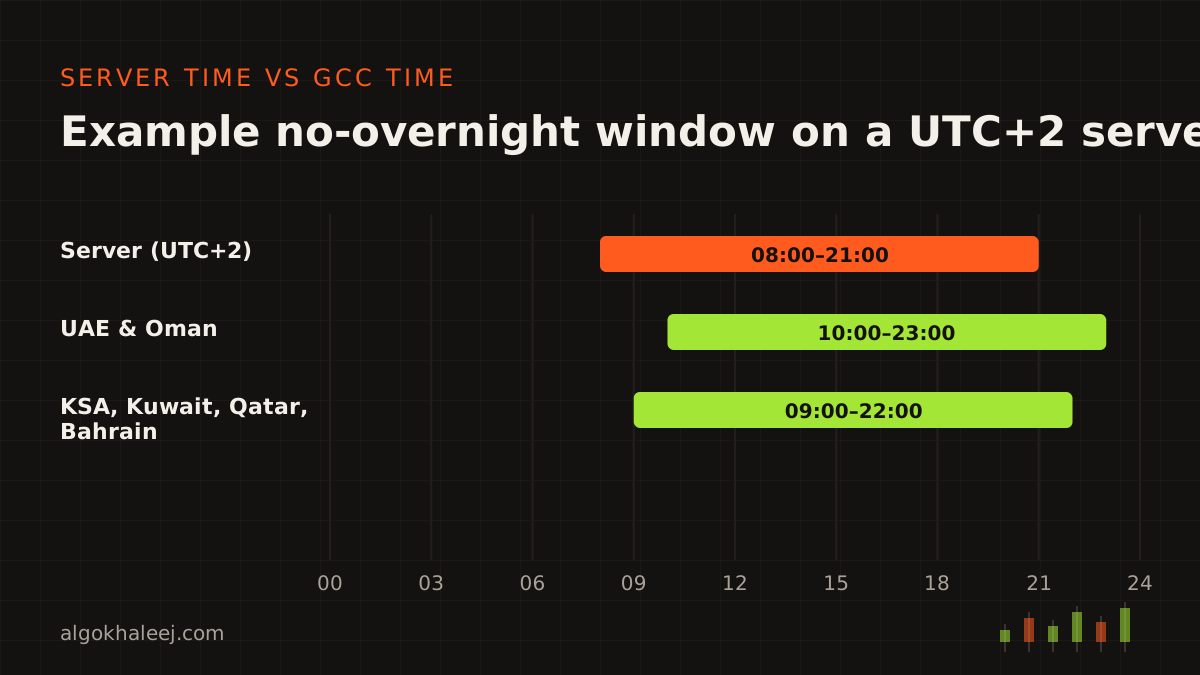
- No-overnight mode: the EA trades only inside a daily window, such as 08:00 to 21:00 server time. Outside that window, it stays flat.
- Entry cut-off: no new trades in the last hour before rollover. That way, a fresh trade never closes minutes after it opens.
- Triple-swap day check: the EA reads the triple-swap weekday from the symbol settings. It is often Wednesday for forex, but it can differ by symbol, so the EA never guesses.
- Holding limit: a counter closes any trade after the number of nights your broker allows.
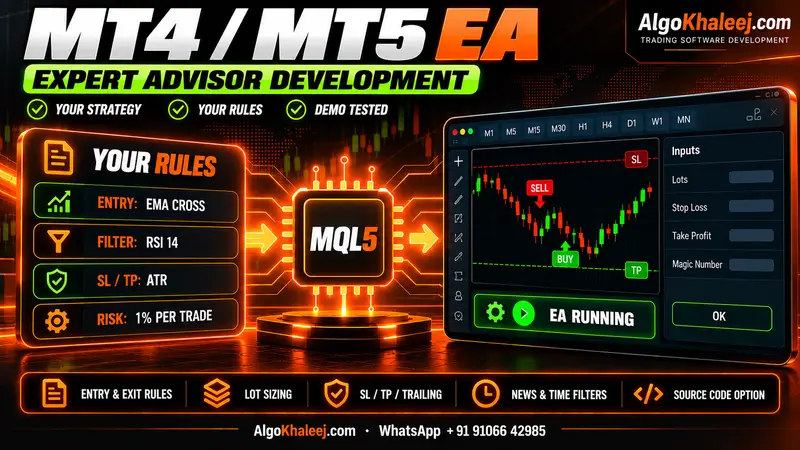
You can combine the options or use just one. For example, a swing trader may skip the nightly close and rely on the holding limit alone. On top of that, you keep the usual EA features, such as stops, TP, trailing and alerts. Our MT5 Expert Advisor development page lists them all.
Server time vs GST and AST
Most rollover bugs come from the clock. Your EA must follow the broker’s server time, not the clock on your PC or phone.
The UAE and Oman use GST, which is UTC+4. Saudi Arabia, Kuwait, Qatar and Bahrain use AST, which is UTC+3. None of them change their clocks during the year. Many broker servers, however, move one hour when US clocks change. For example, a server on UTC+2 in winter often runs on UTC+3 in summer.
So rollover moves on your local clock. On many brokers, it falls at 00:00 server time. On a UTC+2 server, that is 02:00 in the UAE and 01:00 in Riyadh. When US clocks move forward in spring, it comes one hour earlier.
That is why we never hard-code your local time. Instead, the EA reads the trade server time and applies every setting in that clock. As a result, the close time stays right after each change.
There is one more local detail. Rollover falls in the middle of the night in the Gulf, so your terminal must be online at that hour. A VPS keeps the EA running while you sleep.
Broker terms: fees, holding days and checks
Swap-free accounts differ from one broker to the next. Some brokers charge a fixed admin fee instead of swap, for example once a trade stays open for a few nights. Others cap how many days you can hold a trade, or review accounts that hold positions for long periods. So read your broker’s swap-free terms before you go live, and check your local regulations too.
We then match the EA to those terms. For example, if your broker allows three free nights, the counter closes each trade before the fourth rollover. The EA can also show the swap values that your terminal reports for each symbol. That way, you see what your account reports before the first trade.
The checks read your login, server name and account type through the standard MQL5 account properties. As a result, each check runs on the exact account you trade.
Already have an EA?
If you own the .mq4 or .mq5 source code, we can add the rollover module to it. Your strategy logic stays the same, and only the time rules change. A compiled file alone cannot take new code, though. Instead, we can build a small helper EA that watches every trade on the account and closes them all before rollover. Your old EA may try to reopen trades, so we test the pair together on demo first.
How a swap-free EA project works
The project follows our usual path: rules, code, backtest on demo, then delivery.
- Rules: you send your strategy and your broker’s swap-free terms. Together we fix the close time, the cut-off and the holding limit in server time.
- Code: next, we write the EA in MQL5 or MQL4. The rollover module stays apart from the strategy logic, so later changes stay small.
- Backtest on demo: after that, you run the build in the Strategy Tester and on a demo account. You also let it run through at least one real rollover.
- Deliver: finally, you receive the files, the settings guide and a short setup call.
What you receive
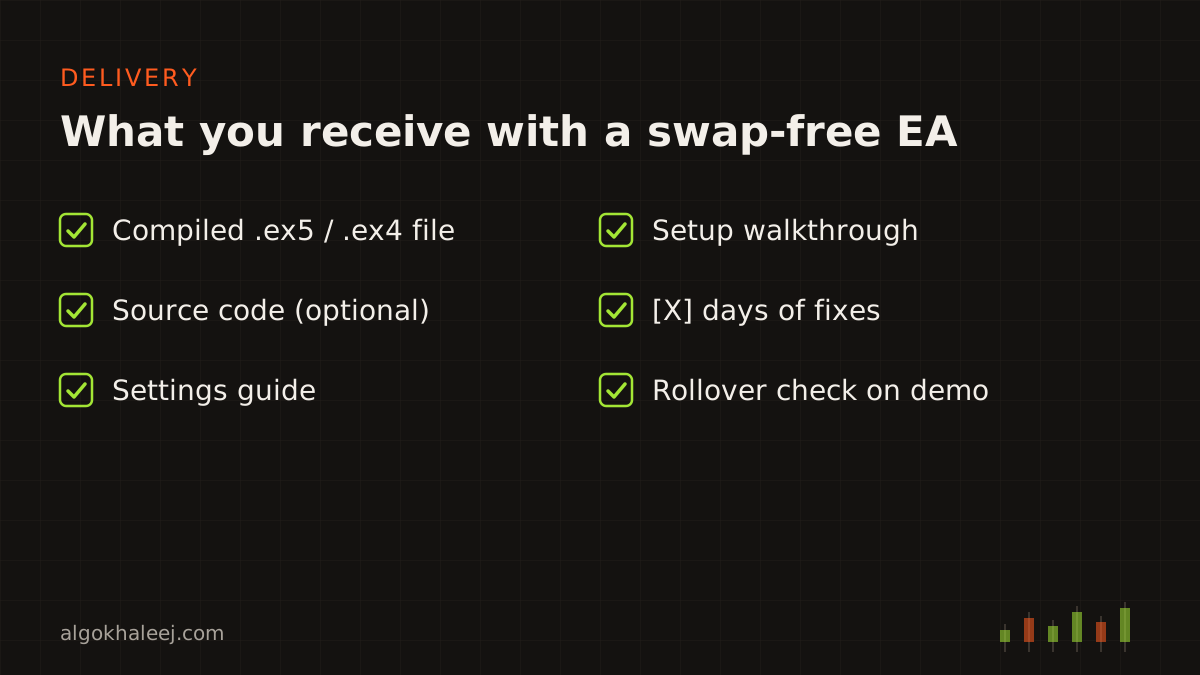
Every swap-free EA project ends with the same package:
- compiled .ex5 or .ex4 file, ready to attach to a chart,
- source code (.mq5 or .mq4), if you chose that option,
- settings guide that explains each rollover input in server time,
- setup walkthrough on a call, with a server-time check on your account,
- [X] days of fixes after delivery.
Safe delivery on your demo account
You test a trial build on your own demo account before you pay in full. That trial can carry an account-number lock or an expiry date. Once you approve it and pay the balance, the full version arrives, plus the source code if you chose it.
For a swap-free EA, the demo test has one extra step. After a real rollover, open the Experts log in the terminal. It shows the server time of each close, so you can confirm the timing on your broker.
Pricing for a swap-free EA
Adding a rollover module to an EA you already own starts from $50. A new EA with the full swap-free option set costs more, because it needs more testing. Each quote is a fixed USD price, agreed before we start. Our expert advisor development cost page shows where a rollover add-on sits next to other projects.
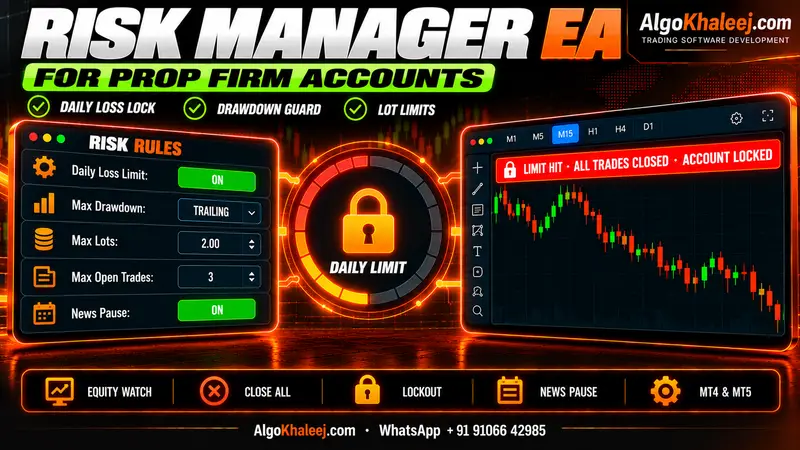
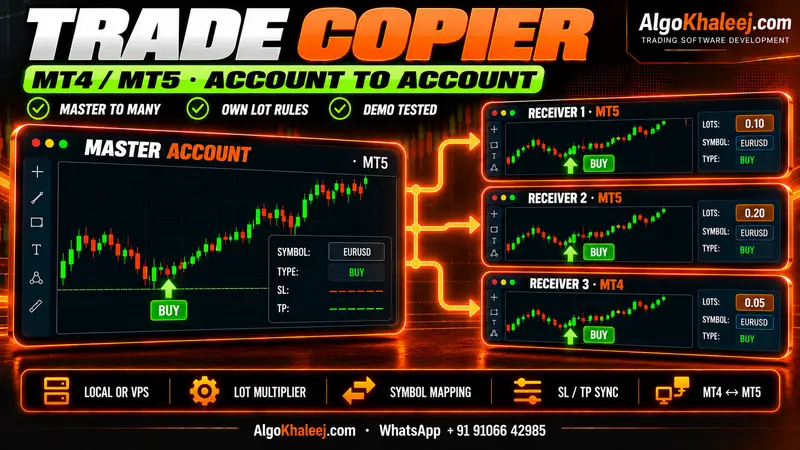
Do you also trade a funded account? Our prop firm risk manager EA adds daily loss and drawdown guards to the same code. If you copy trades between accounts, we can build the same rollover rules into an MT5 trade copier too.