FAQ · 16 answers

Trading Software Development FAQ

This trading software development FAQ answers the questions GCC traders ask us most. It covers services, prices, payments, testing, delivery and the things we do not do.

  • Custom built
  • Demo testing before payment
  • Source code option
  • NDA on request
On this page

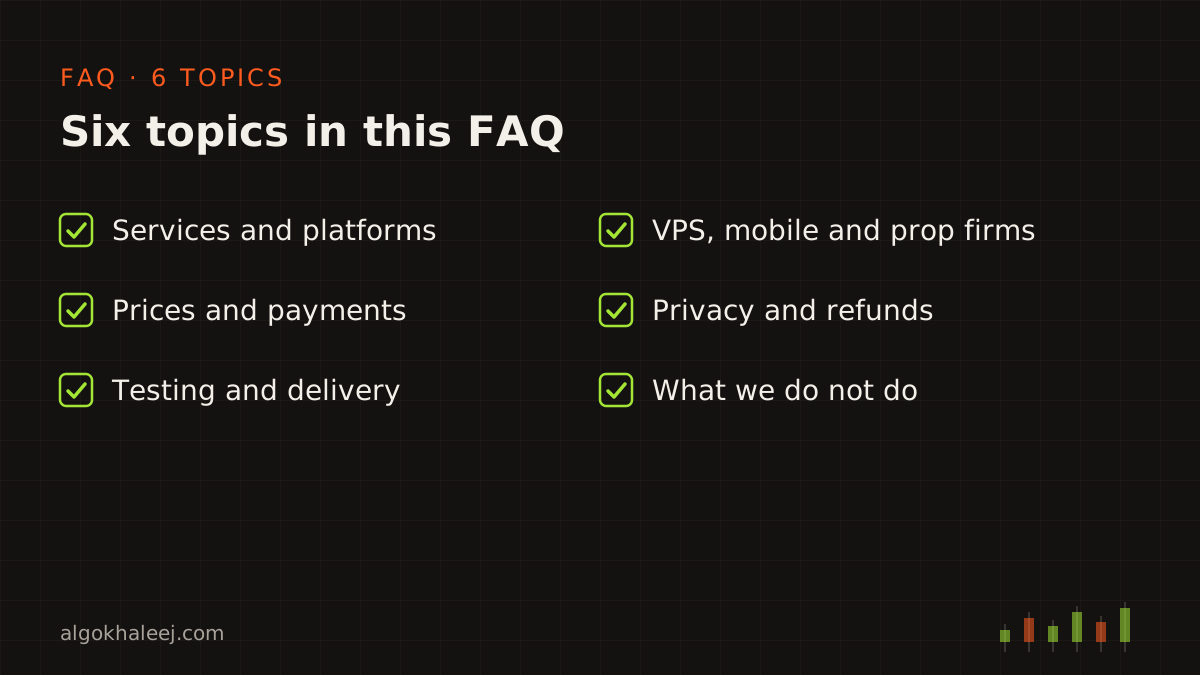
Trading software development FAQ topics grouped into six sections

How to use this trading software development FAQ

We grouped this trading software development FAQ by topic, so you can find what matters to you quickly. Each section below gives a short summary and links to the page with the full detail. After that, open any question in the list further down to read the full answer.

If your question is not here, ask us on WhatsApp. We reply during working hours, Sunday to Friday.

Services and platforms

The first topic in this trading software development FAQ is simple: what we build. AlgoKhaleej builds trading software from your own rules. That includes Expert Advisors, indicators, copiers, bridges and broker API scripts for MT4, MT5, TradingView and Python. Start with the trading bot development services page to compare every option.

Some tools also connect two platforms. For example, a TradingView to MT5 bridge turns your alerts into MetaTrader orders. Similarly, a Telegram signal copier for MT5 reads the channels you follow and places the trades for you. To see how TradingView alerts work, read the official Pine Script alerts guide.
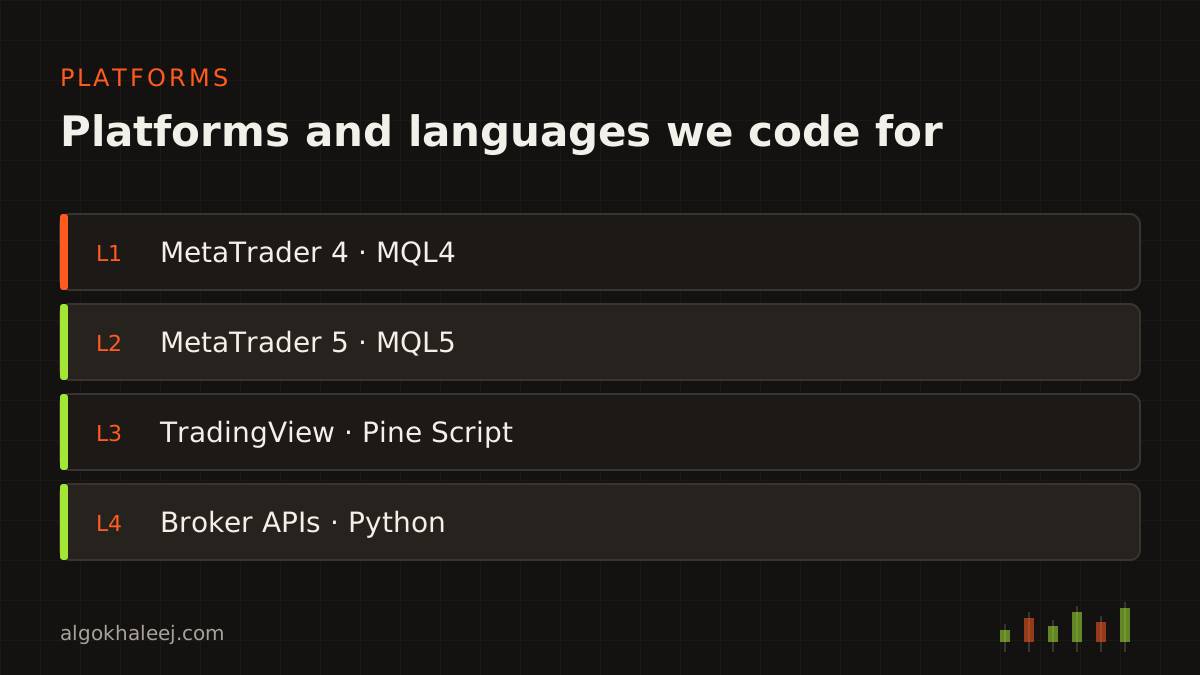
Platforms and languages we code for: MetaTrader 4, MetaTrader 5, TradingView and Python

Prices, payments and timelines

Many questions in this trading software development FAQ touch on money, so here is the short version. Every quote comes in US dollars and follows a written spec. You pay a deposit before coding starts, then the balance after you approve the demo build. The expert advisor development cost page lists starting prices, payment terms and the rules for change requests.

Timelines depend on the size of the job. That is why we confirm a delivery date in the quote, before you pay anything.

Testing, delivery and source code

Next, this trading software development FAQ covers safe delivery. Every project includes a demo build that you test on your own demo account. Until the final payment, the build can carry an account lock or an expiry date. After that, you receive the compiled file, a settings guide, a setup call and, if you ordered it, the source code.

Our custom EA development process page walks through all 12 steps, from your first message to the support window.
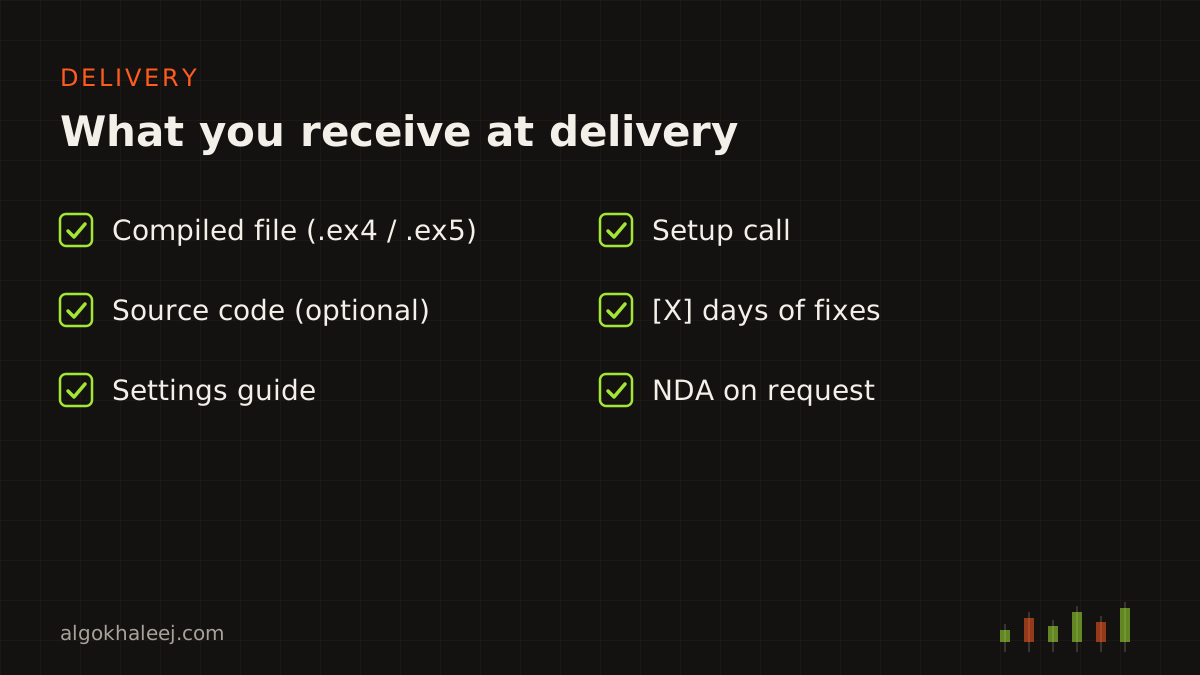
Delivery checklist: compiled file, optional source code, settings guide, setup call and fixes

VPS, mobile, prop firms and swap-free accounts

These topics come up in almost every chat, so they fill a big part of this trading software development FAQ. In short, an EA needs a running desktop terminal, so a VPS helps when your PC is off. The MT5 mobile app can show trades and alerts, but it cannot run an EA.

Prop firm traders often need strict limits in the code. Our prop firm risk manager EA adds daily loss and drawdown guards. Likewise, a swap-free EA can close trades before rollover, which keeps it compatible with swap-free or Islamic accounts. In both cases, check the rules of your firm or broker first.

Privacy, NDA and refunds

Your strategy stays yours. We keep your rules private, never reuse them and sign an NDA on request. Our privacy policy explains what data the website and the contact form collect.

Refunds follow clear rules, too. If you cancel before coding starts, you get your deposit back. After that, we fix problems instead of refunding. Read the full refund policy and the terms of service before you order.

What we do not do

The last part of this trading software development FAQ covers our limits. AlgoKhaleej provides software development only. So we do not sell signals, give investment advice, manage accounts or promise results. A signal copier copies sources you already follow, while you make every trading decision. Our disclaimer explains the risks of trading in full.
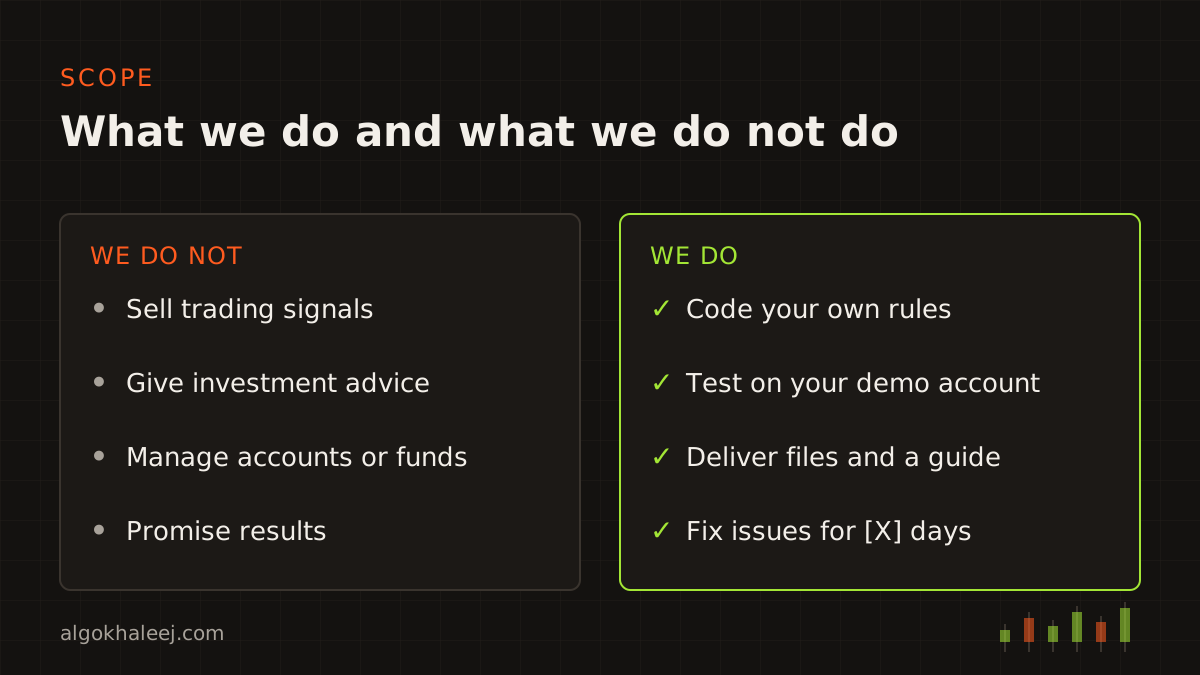
What we do and what we do not do: software only, no signals, advice or account management

Still have a question?

If this trading software development FAQ does not cover your case, message us on WhatsApp or use the contact page. Describe your idea in plain words, and we will tell you honestly whether we can build it.

Frequently asked questions

What trading software do you build?

We build custom tools from your rules, such as MT4 and MT5 Expert Advisors, indicators, Pine Script tools and TradingView to MT5 bridges. We also build signal copiers, trade copiers, prop firm risk tools and Python scripts for broker APIs.

Which platforms do you work with?

We work with MetaTrader 4, MetaTrader 5, TradingView and brokers that offer an official API. Our code is MQL4, MQL5, Pine Script or Python. If your platform is not on this list, ask us first.

How much does a custom trading tool cost?

Custom services such as indicators and Expert Advisors start from $50. Ready tools such as copiers cost $150 each, and broker API scripts start from $100. Websites start from $100, and mobile apps start from $300. The final price depends on your rules, filters and platforms. You get a fixed quote in USD after we agree on a written spec.

How do payments work?

You pay a deposit of [DEPOSIT %] before coding starts. Then you pay the balance after you test and approve the demo build. We accept [PAYMENT METHODS], and all prices are in US dollars.

How long does a project take?

It depends on the size of the job. A simple indicator moves faster than a multi-symbol EA with a panel. So we confirm a delivery date in your quote, before you pay anything.

What do I receive at delivery?

You receive the compiled file (.ex4, .ex5 or script), a settings guide and a setup call. In addition, you get [X] days of fixes for anything that does not match the spec.

Do I get the source code?

Source code is an option on every project. Tell us at the start, so we can add it to the quote. You then receive the .mq4, .mq5, Pine Script or Python file with the final payment.

Can I test the software before I pay in full?

Yes. You test a demo build on your own demo account first. It can carry an account lock or an expiry date. Once you approve it and pay the balance, you get the full version.

Do I need a VPS?

A VPS keeps MetaTrader online when your PC is off, so it suits EAs and copiers that run all day. For an indicator, you usually do not need one. We can also help you set up the terminal on a VPS after delivery.

Can an EA run on the MT5 mobile app?

No. Expert Advisors run in the desktop MT5 terminal on a PC or a VPS. However, you can still watch trades and get push alerts on your phone.

Can TradingView place trades on MT5?

Not on its own. A TradingView to MT5 bridge receives your webhook alerts, then turns them into orders. Webhook alerts need a paid TradingView plan with 2-factor login turned on.

Can you build tools for prop firm challenges?

Yes. We code daily loss limits, drawdown guards, trade count limits and trailing rules. However, each firm sets its own rules, so check them before you use any EA on a funded account.

Do your EAs work on swap-free accounts?

We can make an EA compatible with swap-free or Islamic accounts, for example with a close-before-rollover mode. This is a technical feature only. Also check your broker's terms, because swap-free conditions differ between brokers.

Will you keep my strategy private?

Yes. We keep your rules and files private, and we never reuse them for other clients. We also sign an NDA on request, before you share any details.

What is your refund policy?

If you cancel before coding starts, we refund your deposit in full. Once coding starts, the deposit covers the work done, and we fix problems instead of refunding. Our refund policy page explains every case.

Do you provide signals, advice or account management?

No. AlgoKhaleej provides software development only. We do not sell trading signals, give investment advice or manage accounts. You make every trading decision, while the software follows your rules.

WhatsApp · Email · Telegram

Tell us what you want to automate

Send your rules on WhatsApp. You get a clear quote, then a demo build to test before you pay in full.