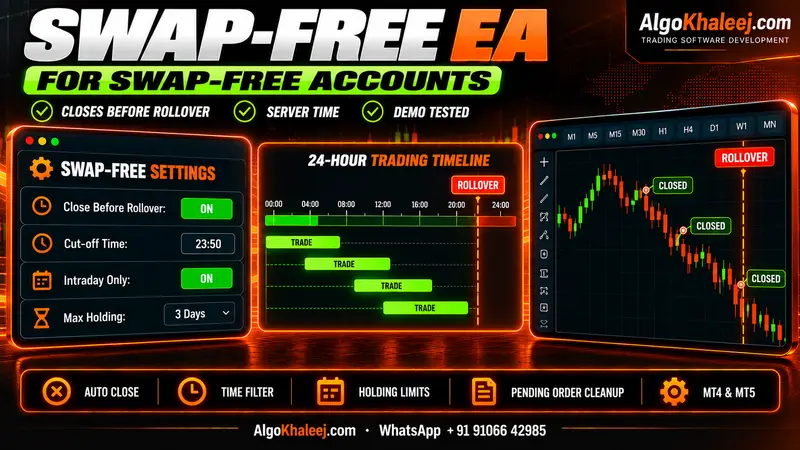
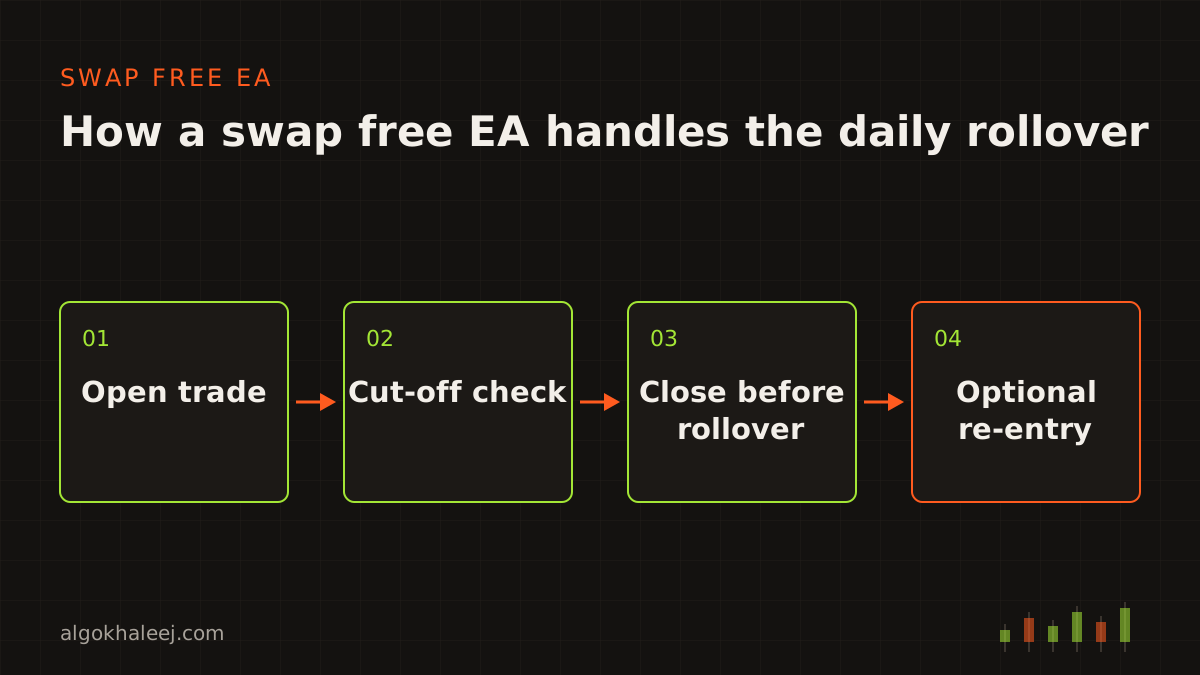
A standard EA often holds trades past the daily rollover. On a standard account, the broker then adds or takes swap for each night. A swap free account follows its own terms instead. For example, your broker may charge a fee after a set number of nights. It may also cap how long a trade stays open. So the EA has to know those terms and trade around them. Below, you will see how swap free EA works in plain terms, plus a simple way to test it on demo.
What swap free means for an EA
Your broker sets the account type, not the EA. You open a swap-free or Islamic account with the broker, and the broker sets its conditions. No code can turn a standard account into a swap free one. That is the first thing to know about how swap free EA works.
The EA’s job is to respect the conditions your account already has:
- Rollover time: the moment each day when the broker books swap or fees.
- Holding limits: how many nights a trade may stay open before a fee or a review.
- Symbol terms: gold, indices and some other symbols can carry their own rules.
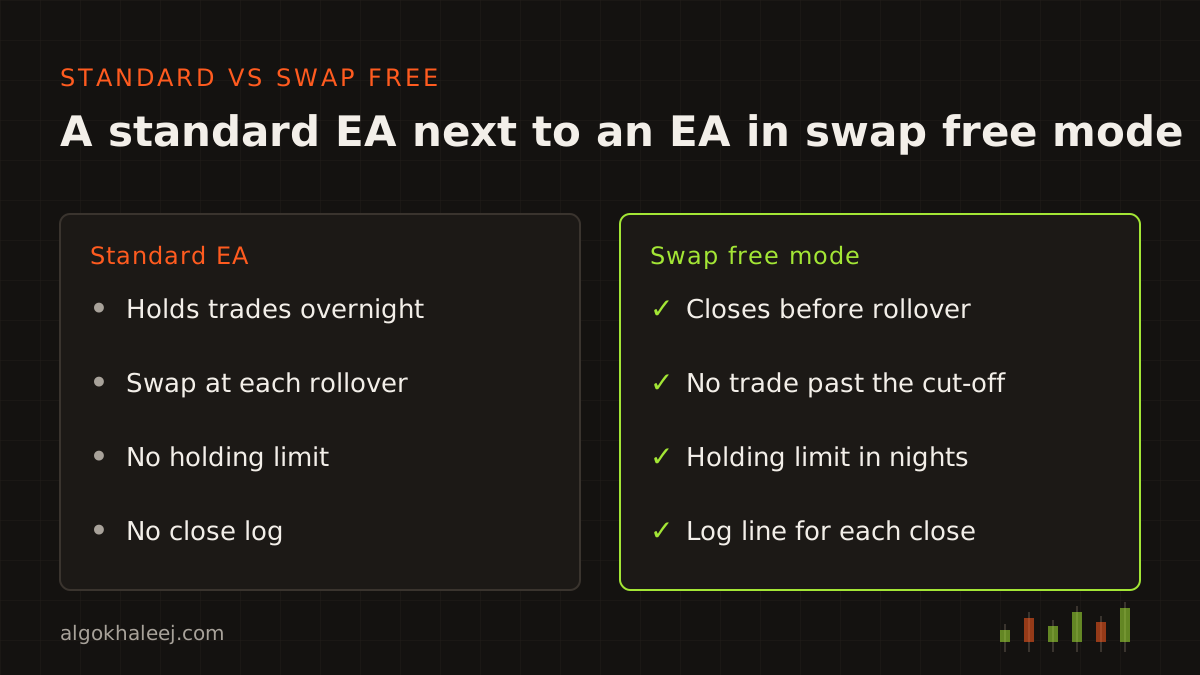
That is the real swap free vs standard account difference for an EA. A standard account lets it hold trades for weeks. On a swap free account, the same EA needs time rules first. We build software that is compatible with swap-free / Islamic accounts. However, we do not certify religious compliance. If that question matters to you, ask a qualified adviser.
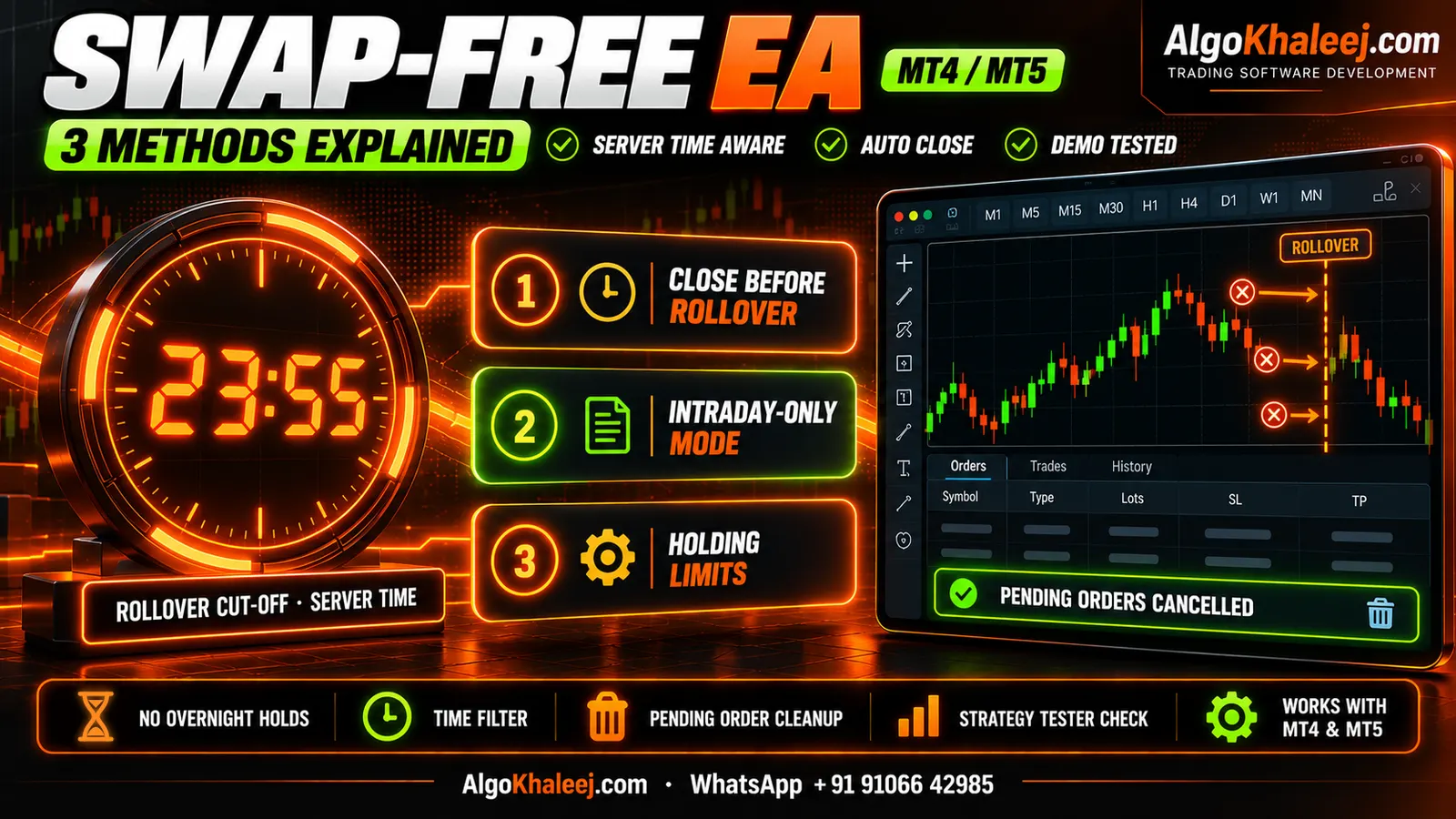
How swap free EA works: the 3 methods
Every swap free EA uses one or more of three methods. Each one is a simple time rule that you switch on or off in the inputs. Most traders combine two of them. For example, a day trader might use the intraday window, plus a rollover close as a backup.
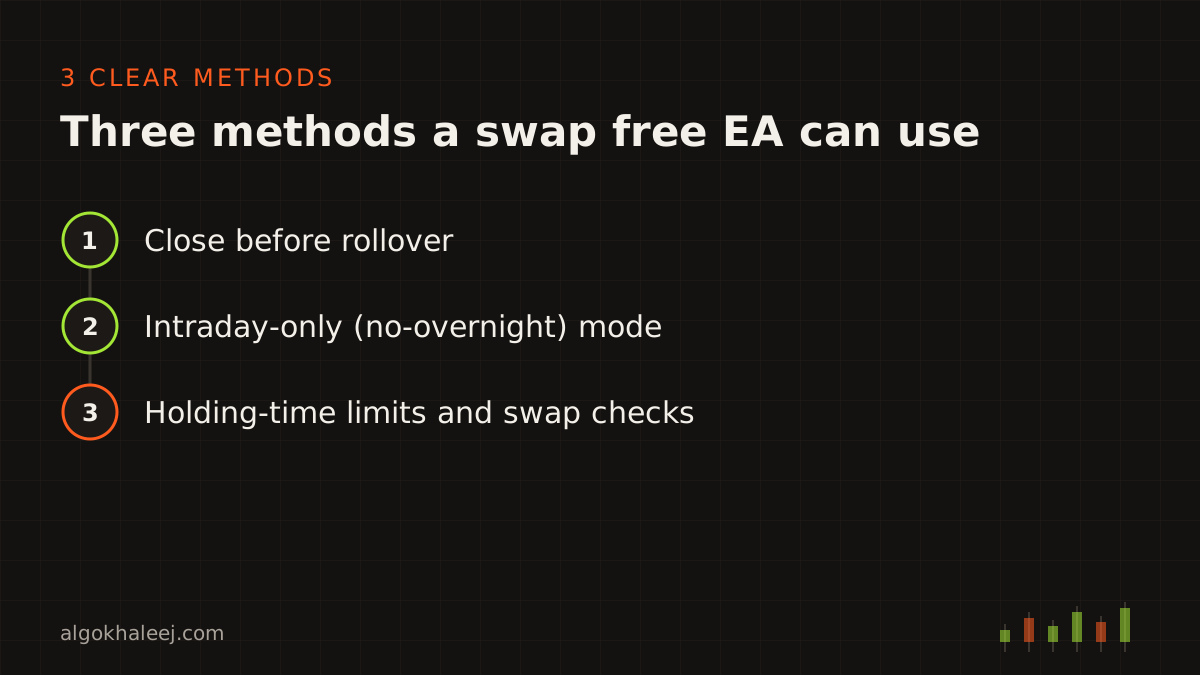
Here is how swap free EA works with each method in turn.
Method 1: Close before rollover
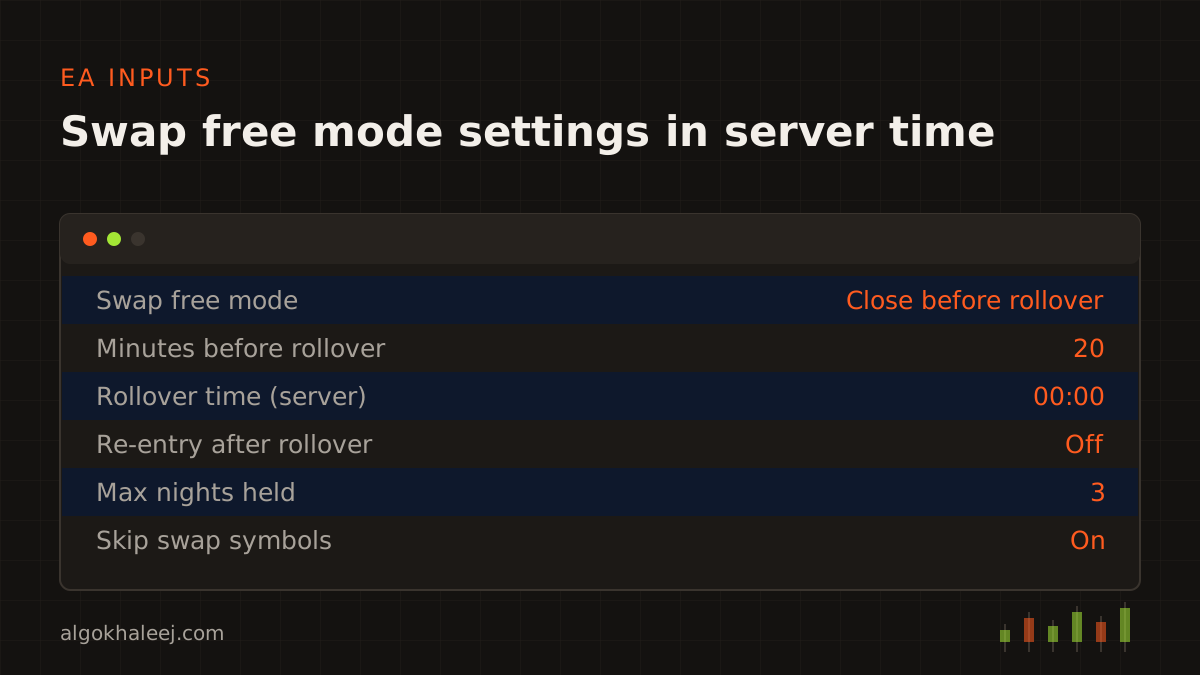
This is the most common method. The EA closes its positions a set number of minutes before the broker’s daily rollover. Say rollover falls at 00:00 server time and you set a 20-minute buffer. Then the EA starts closing at 23:40.
Spreads often widen around rollover. That is why the buffer matters, because the EA closes while prices still look normal. After rollover, it can open the trade again at the next valid price. That re-entry costs an extra spread, though, and prices can gap. Some brokers also limit this close-and-reopen pattern on swap free accounts, so check the terms first.
Method 2: Intraday-only (no-overnight) mode
Here the EA trades only inside a session window, such as 08:00 to 21:00 server time. A hard cut-off closes every position at the end of the window. After the cut-off, no new entry can start until the next session.
This mode suits scalping and day trading well. However, it changes how a swing strategy behaves, because trades can no longer run for days. So test a swing system in this mode before you use it on a live account.
Method 3: Holding-time limits and swap checks
Some swap free accounts allow a few free nights, then charge a fee. For this case, the EA tracks how long each position stays open. It counts every rollover the trade crosses. Then it closes the trade before the night that would bring a fee or a review. This is how swap free EA works on accounts that count nights.
The EA can also read each symbol’s swap values and its triple-swap day. In MQL5, they sit in SYMBOL_SWAP_LONG, SYMBOL_SWAP_SHORT and SYMBOL_SWAP_ROLLOVER3DAYS. If a symbol still shows a swap charge on your account, the EA skips it. The MQL5 documentation lists these with every other symbol property.
Rollover time: server time vs GCC time
Most questions about how swap free EA works come down to the clock. Rollover follows your broker’s server time, not your local time. Many servers also move one hour when US clocks change. The Gulf, however, keeps the same time all year.
Here is a worked example. Say your broker’s server runs on UTC+3 in summer and UTC+2 in winter. Rollover falls at 00:00 server time.
- In summer, that is 01:00 in the UAE and Oman (UTC+4).
- During winter, it moves to 02:00 UAE time.
- Saudi Arabia, Kuwait, Qatar and Bahrain (UTC+3) see 00:00 in summer and 01:00 in winter.
So never type a GCC time into the EA. Instead, the inputs take server time, and the EA builds each cut-off from the server clock. MQL5 code reads it with TimeTradeServer(), while MQL4 code uses TimeCurrent(). As a result, a change on your PC clock does not move the close time.
What happens to SL, TP and pending orders at the cut-off
At the cut-off, the EA works through a short list. First, it closes each open position at market. Next, it deletes its pending orders. Then it writes one log line per ticket, with the server time and the reason. That log is your proof that each close happened on time.
In re-entry mode, the EA also saves each trade’s SL and TP distances before it closes. After rollover, it rebuilds them from those distances, not from old prices. So a trade with a 300-point SL gets the same 300-point SL again.
Test it in the Strategy Tester and on demo
Testing shows how swap free EA works on your own broker, not just in theory. Start in the MT5 Strategy Tester with the “Every tick based on real ticks” model. Then check the trade list. No position should survive the cut-off on any test day.
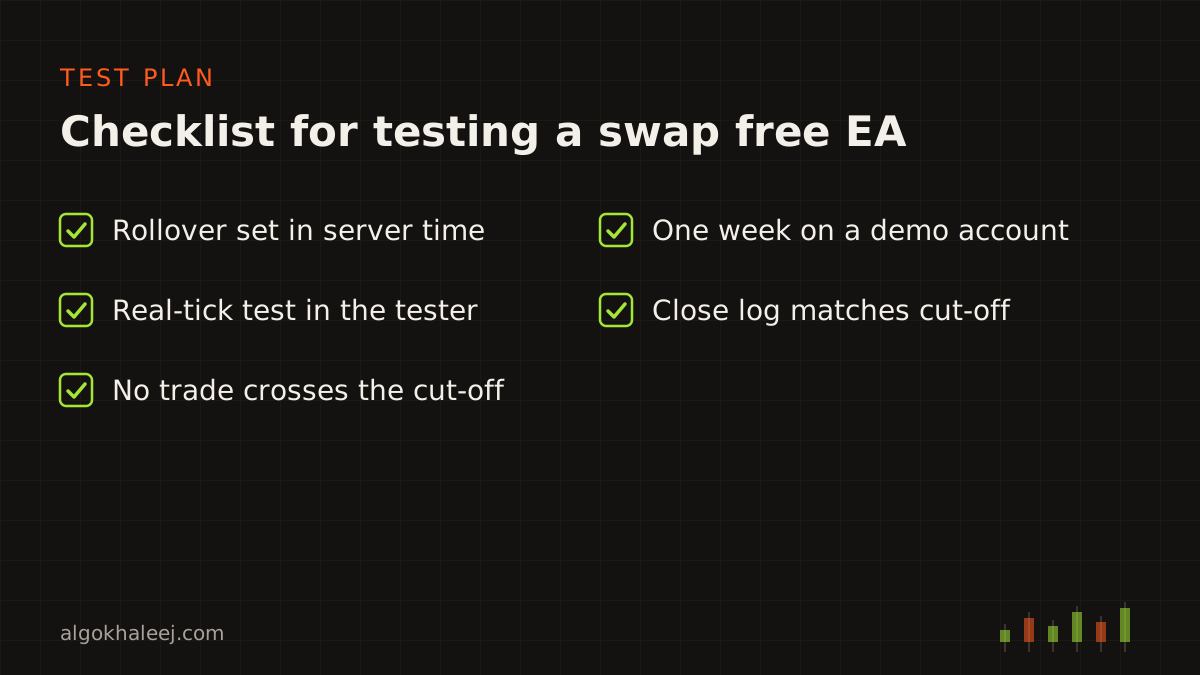
After that, run the EA for one week on a demo account. Ideally, pick a demo with the same swap free terms as your live account. Read the account history after each rollover, and look for swap or fee lines. Also open the Experts log and match each close time with your cut-off.
Check your broker’s terms first
Swap free conditions differ by broker and by symbol. Gold, indices and exotic pairs often follow other rules than major pairs. Some brokers charge an admin fee after a few nights, while others limit how long trades may stay open. A few also review accounts that hold positions for long periods.
So read the swap-free section of your account terms before you set any input. Then open the symbol specification in MT5 and see what your account reports. Knowing how swap free EA works helps here, because each term maps to one input. Finally, check your broker’s terms and your local regulations before you trade live.
![[SCREENSHOT: MT5 symbol specification window showing swap long, swap short and the triple-swap day]](/img/en/blog/how-swap-free-ea-works/symbol.svg)
Get a swap free EA built for your rules
Now you know how swap free EA works, from the rollover close to the holding limit. Our swap free EA service builds these methods into a new EA or into code you already own. Is your EA still on MT4, while you plan a move to MT5? Then read how to convert MQL4 to MQL5 first. For a full strategy build, see MT5 Expert Advisor development. Funded accounts carry time rules too. Our prop firm risk manager EA adds daily loss guards to the same code.
Every project follows our custom EA development process. So you test a demo build before the final payment. You then get the compiled file, plus the source code if you choose it.