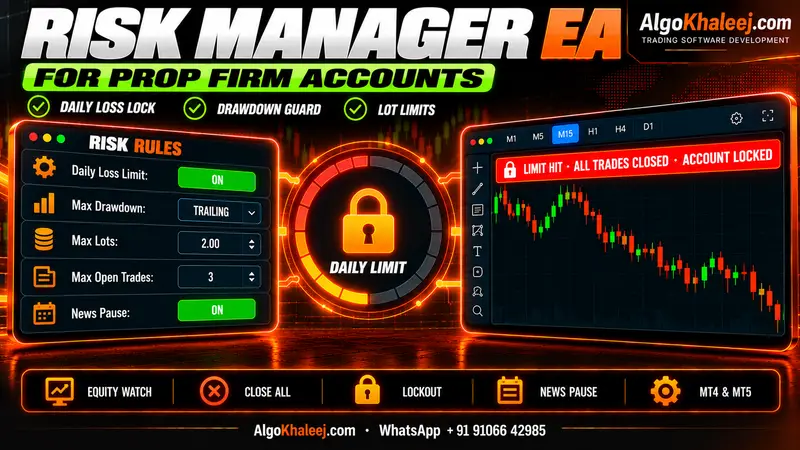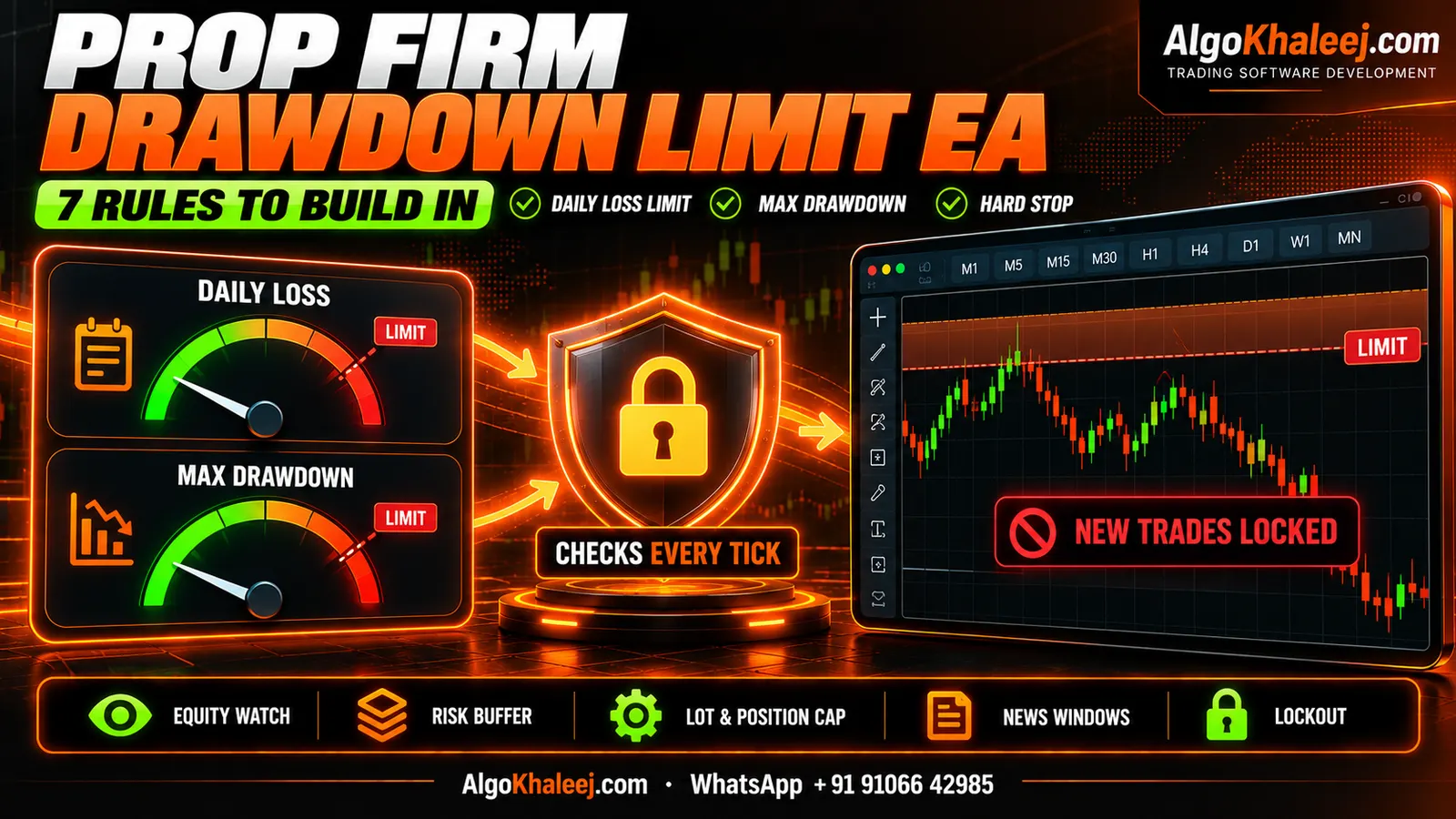
Many challenge accounts end on a rule breach, not on the strategy itself. Often it takes just one bad day. A news candle spikes, three trades go wrong at once, and the daily limit breaks before you can react. A prop firm drawdown limit EA turns the firm’s limits into code. Because it runs on every tick, it can act faster than any trader at the screen.
What a prop firm drawdown limit EA does
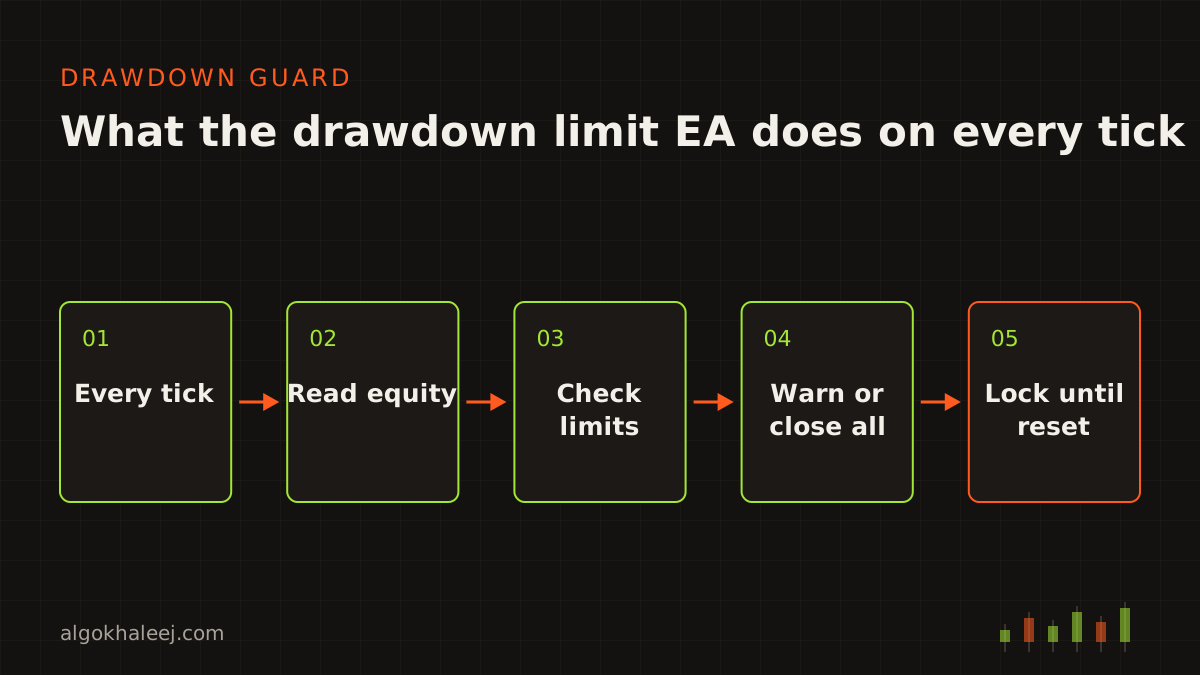
The idea is simple. The EA watches your equity, compares it with your limits and acts before a breach. It trades no strategy of its own. Instead, it runs as an account-wide guard next to your strategy EA, a trade copier or your manual trades. Some traders call it an equity protector EA.
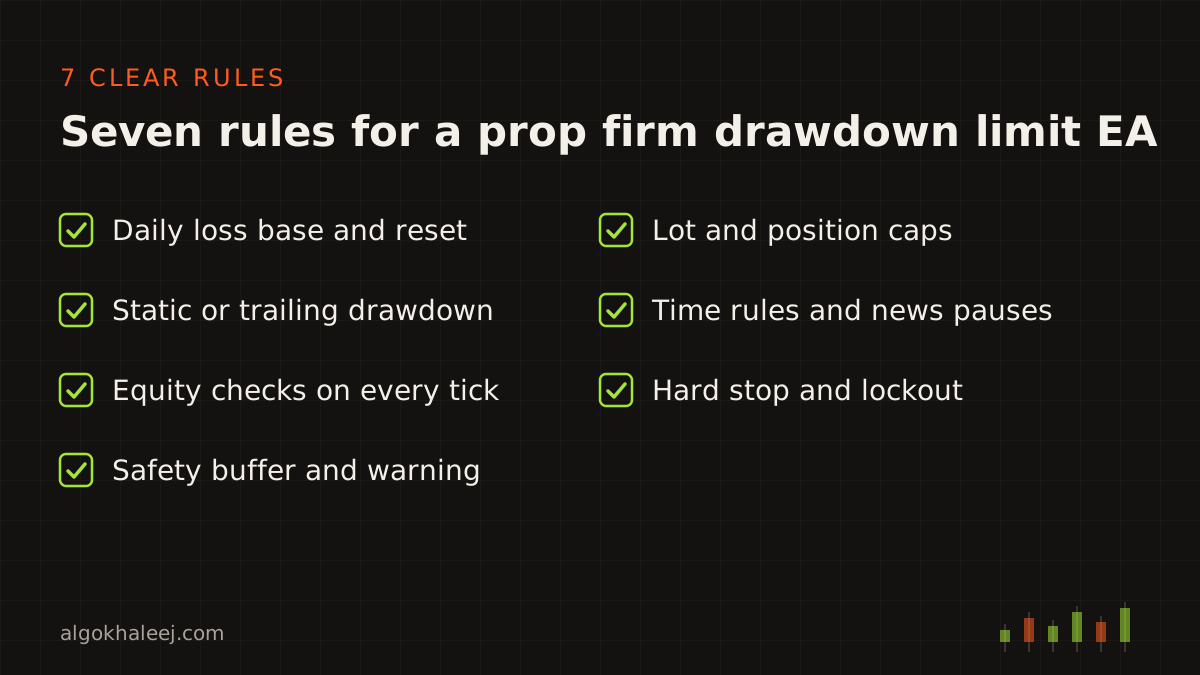
You set the numbers once, and the guard applies them the same way every day. It never gets tired, and it never hopes a bad trade will turn around. Most traders run it as a prop firm EA on MT5, while an MT4 version works the same way. Here are the seven rules every prop firm drawdown limit EA should include.
Rule 1: Daily loss limit from the right starting point
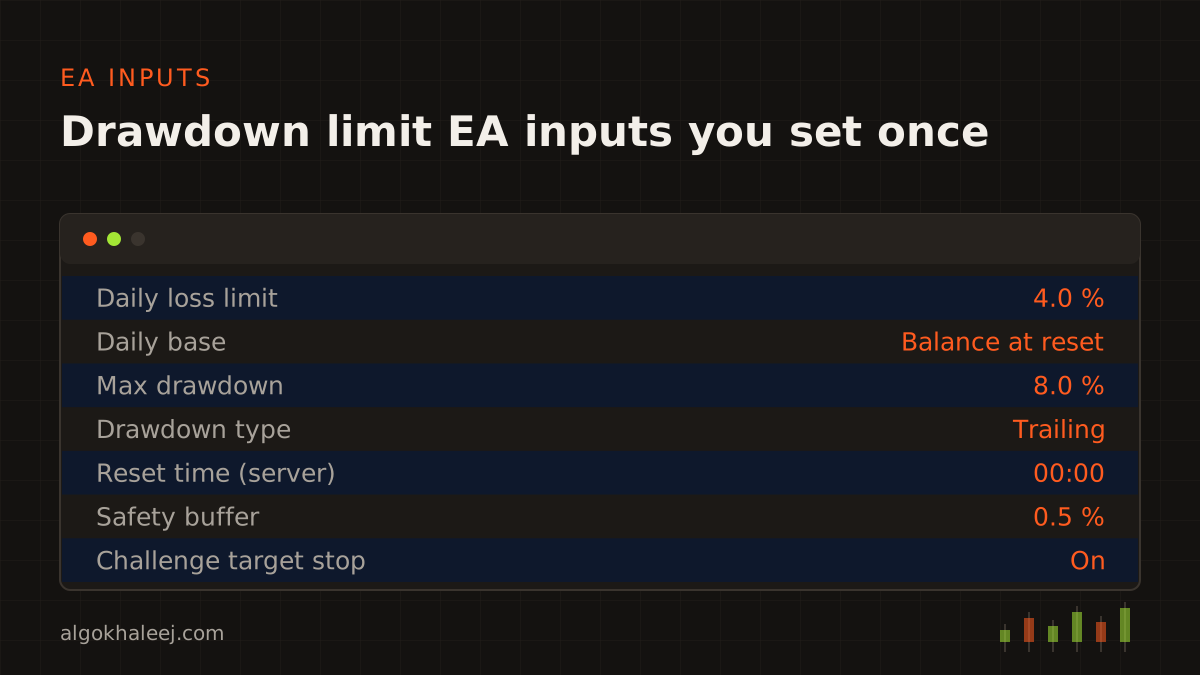
Firms call it the daily loss limit or the daily drawdown limit. Either way, they measure it from a base value. That base can be the balance or the equity at the daily reset, exactly as the firm defines it. So a prop firm drawdown limit EA must use the same base, or its numbers will not match the firm’s dashboard.
The reset time matters too. It follows the firm’s time zone, which may differ from your broker’s server time. For example, a firm may reset at midnight in its own zone, while the broker server runs two hours ahead. The EA converts that reset into server time for you.
Finally, the EA stores the day’s start value in a file. As a result, a restart or a VPS reboot does not reset the count mid-day.
Rule 2: Max drawdown, static or trailing
The overall limit comes in two models. A static drawdown sets a fixed floor below the starting balance. For example, with a 10% limit, the floor stays 10% under your starting balance for the whole challenge.
A trailing drawdown moves instead. Its floor rises with the highest balance or equity, and some firms stop it at a set level. So after a strong run, a trailing floor sits closer to your equity than a static one would.
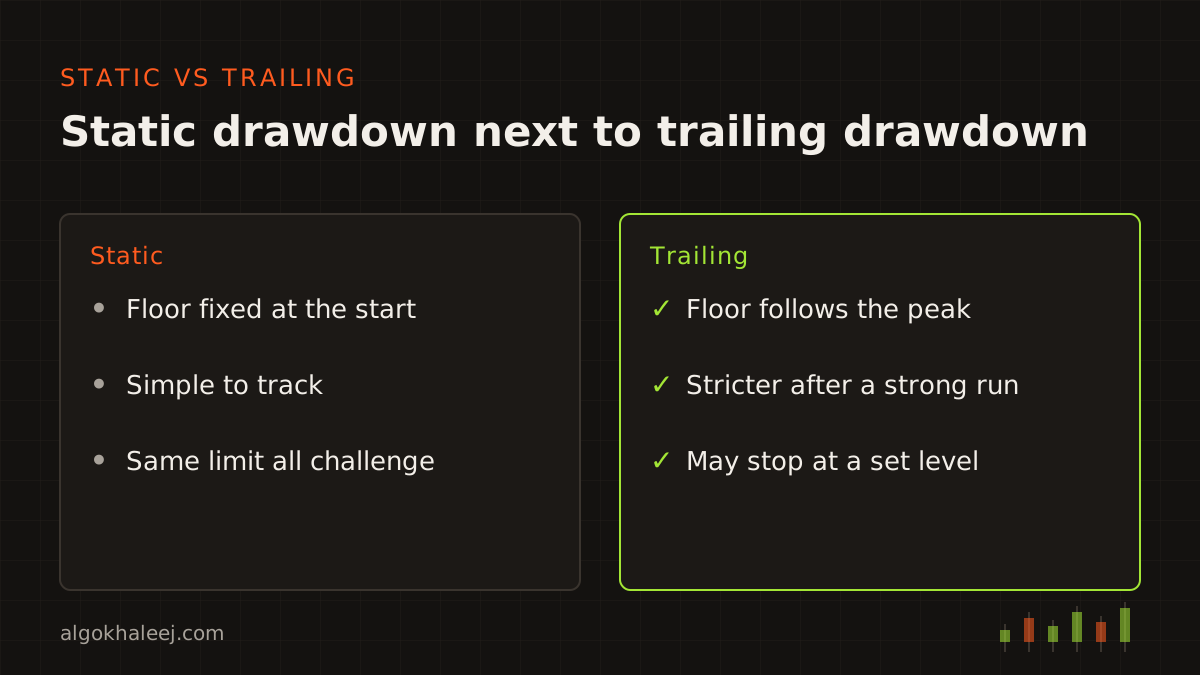
One input switches the EA between the two models. It also saves the peak value to a file, so the trailing floor survives a restart.
Rule 3: Watch equity, not only closed trades
Open positions count toward the limit. A floating loss can break the daily limit before any trade closes. So a guard that checks only closed trades reacts too late.
That is why a prop firm drawdown limit EA reads ACCOUNT_EQUITY on every tick. It also runs a one-second timer, because a quiet market may send few ticks. Together, the two checks cover fast and slow markets alike. The MQL5 account properties page lists equity, balance and the other values the EA reads.
Rule 4: Keep a safety buffer
Never set the guard at the firm’s exact number. Instead, act a little before it, for example at 4% when the limit is 5%. The gap leaves room for spread and slippage while the EA closes your trades.
Most traders use two levels:
- Warning level: the EA sends a push alert to your phone, for example at 3%.
- Action level: the EA closes every position, for example at 4%.
That way, you get time to step in before the hard stop fires.
Rule 5: Cap lots and open positions
Big lots break limits fast. So the guard checks every new trade against four caps:
- a max lot per trade,
- the max total lots across the account,
- your max number of open positions,
- per-symbol caps, for example on gold.
When a trade breaks a cap, the guard closes it at once and logs the reason. If the guard sits inside your own strategy EA, it can also size each trade from the SL distance. Then every lot fits your loss limit before the trade even opens.
Rule 6: Respect time rules and news windows
Many firms add rules about time. So the guard can pause trading around the news times you choose. For example, it can stop a few minutes before and after a big release. In MT5, it can also read event times from the built-in economic calendar. Before the weekend, it can close all trades if your firm requires it. On top of that, it can limit trading to the sessions you allow.
Minimum trading days are the firm’s rule, not the EA’s. Still, the EA can count them for you and show the number on its chart panel.
![[SCREENSHOT: Drawdown guard panel on an MT5 demo chart with limits in percent only]](/img/en/blog/prop-firm-drawdown-limit-ea/panel.svg)
Rule 7: Hard stop and lockout
When equity touches your action level, the EA acts in a fixed order. First, it closes all positions. Next, it deletes every pending order. Then it locks the account, so any new trade closes at once until the next daily reset.
The lock must survive a restart, so the EA saves it to a file. It also logs the event and sends a push alert. As a result, a reboot at the wrong moment cannot open the account for trading again.
Stop at the challenge target
This rule is optional, but many traders like it. Once equity reaches the challenge target, the EA closes everything and stops trading. That way, a late trade cannot undo a finished challenge. You then review the account and decide what to do next.
Test the guard before a paid challenge
A guard you have not tested is only a hope. So test every rule before you pay for a challenge.
Start in the Strategy Tester. A test mode can open random trades against tiny limits, such as a 0.2% daily loss. That way, each rule fires within minutes. Check that every rule fires at the right level and in the right order. Then run the prop firm drawdown limit EA on a demo account for a few days. Add some manual trades on top, too.
Finally, restart the terminal in the middle of a trading day. The daily count and any active lock should come back exactly as before.
Check your firm’s rules first
Firms differ on EAs, copiers, news trading and hedging. They also differ on the exact drawdown model, the daily base and the reset time. So read the current rules before you set a single input. When a point is unclear, ask support in writing. Then map each rule to one input of your prop firm drawdown limit EA. Above all, check your firm’s rules and your local regulations before you trade.
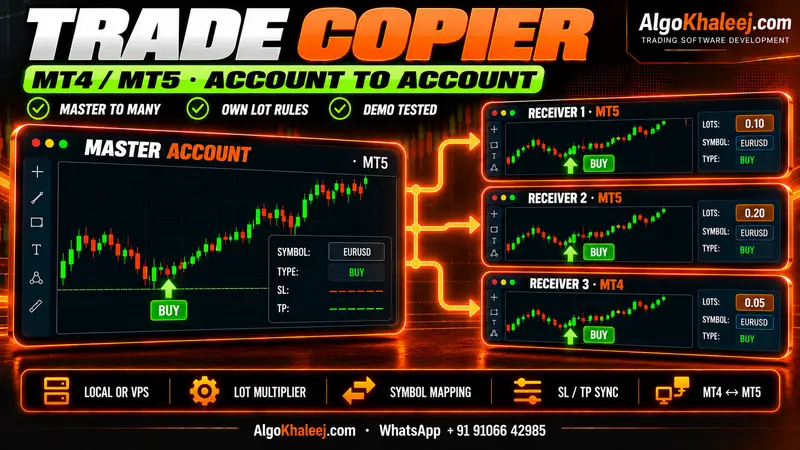
Get a drawdown guard built for your account
You can code these rules yourself. Or we can build a prop firm drawdown limit EA around your firm’s numbers. See our prop firm risk manager EA service for features and delivery. Do you copy one strategy into several funded accounts? Then an MT5 trade copier can carry the same caps on each one. Our guide to copy Telegram signals to MT5 shows how lot caps work in a signal copier. For a full strategy with the guard inside, start with MT5 Expert Advisor development. In every case, you test a demo build before the final payment, and the source code is optional.