How a Discord to MT4/MT5 copier works
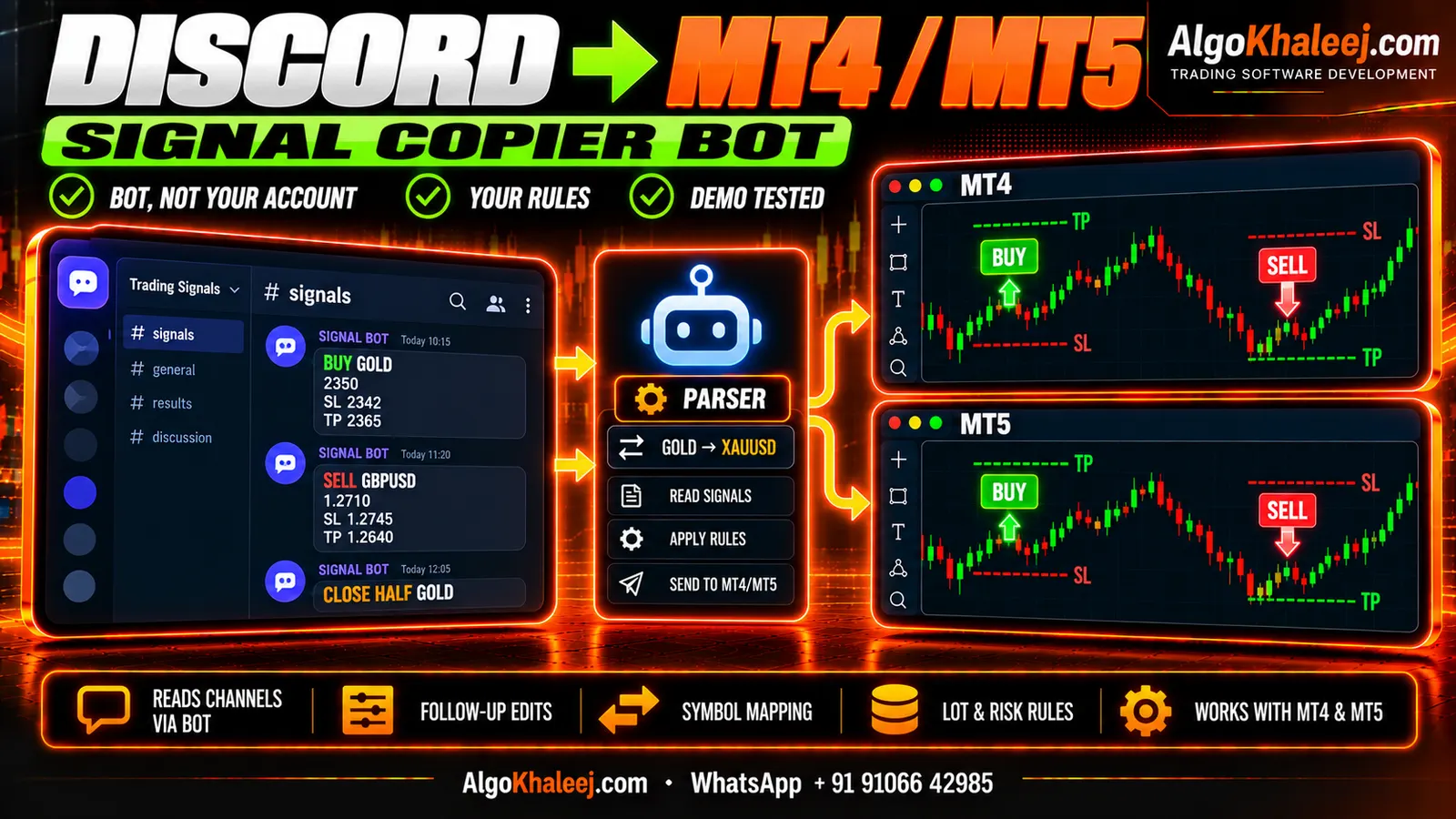
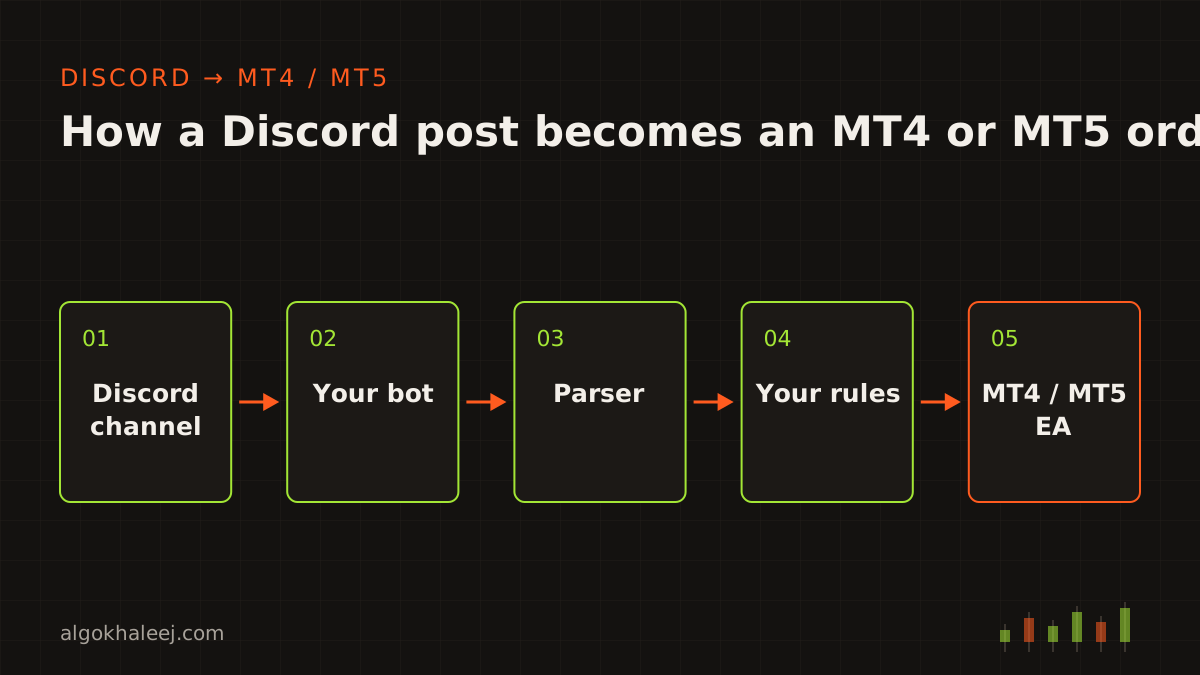
Many traders follow signal channels on Discord today. That works well on a phone, but you still copy each trade by hand. A Discord to MT4/MT5 copier takes over that job. It runs as a chain of four parts on your own Windows PC or VPS:
- A Discord bot joins your server and reads the channel you pick.
- A helper app takes each new post and parses it into order data.
- Your copy rules decide the symbol, the lot size and the limits.
- An EA (Expert Advisor) in MT4 or MT5 places and manages the order in your own account.
Speed depends on your internet link, your PC and your broker’s server. So we measure it on your own setup during the demo test, instead of quoting a number up front.
We build the software only. AlgoKhaleej does not provide, sell or pick signals. You copy channels you already follow, so you also check the server’s rules, Discord’s terms and your broker’s terms before you start.
Why we only use a Discord bot
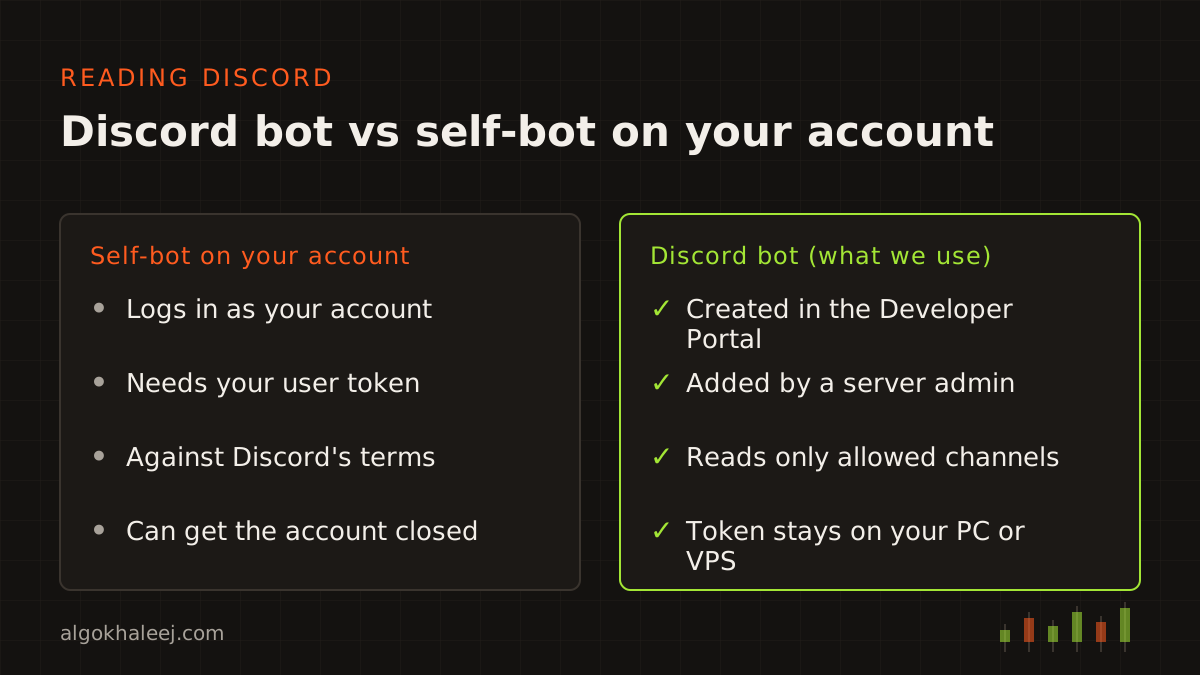
Software can read Discord in two ways. The right way is a bot account that you create in the Discord Developer Portal. The wrong way is a “self-bot”, where a script logs in with your personal account and reads whatever you can see.
Discord’s terms forbid self-bots, and Discord can close accounts that use them. So we never automate a personal account, and we never ask for your Discord password or user token. Every Discord to MT4/MT5 copier we build reads messages through a real bot and Discord’s official bot API. The Discord developer docs explain how bots, permissions and events work.
A bot has one limit, though. Someone with the Manage Server permission must add it to a server. In practice, that leaves two options:
- your own server, for example one that follows a channel you joined,
- a server you joined, if its admin agrees to add your bot.
Inside a server, the bot reads only the channels you allow. You also switch on its Message Content intent in the Developer Portal, so it can see the text of each post.
Signals from a server you only joined
Most traders do not own the server where the signals they follow appear. Instead, they join it as a member, without admin rights. Your bot cannot enter that server unless the admin adds it.
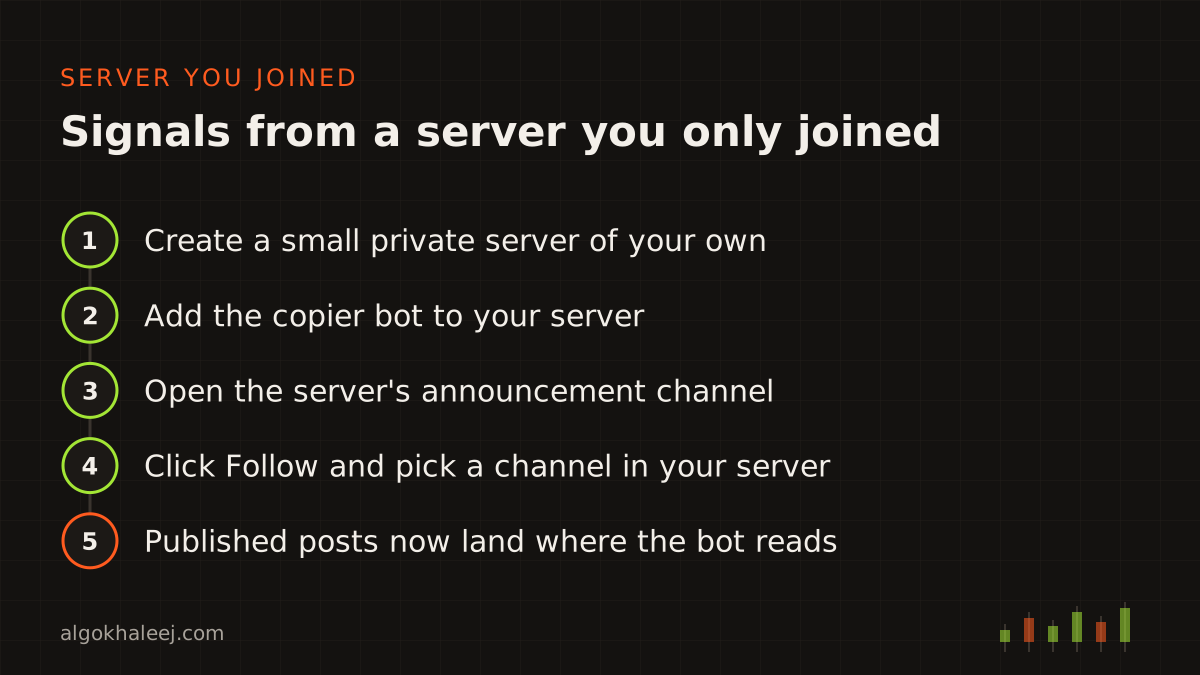
However, there is often a clean way around this. Many servers post updates in an announcement channel, and Discord lets members follow such a channel into a server they manage. It works like this:
- Create a small private server of your own.
- Add the copier bot to that server.
- Open the server’s announcement channel and click Follow.
- Pick a channel in your server as the target.
- From then on, each post its admins publish also lands in your channel.
Two details matter here. First, only posts the admins publish with the Publish button reach your server. So a missed publish means a missed copy. Second, replies and edits may not carry over the same way in a followed channel. So we check how follow-up posts arrive during the demo test. If the server has no announcement channel, ask its admin about adding a bot instead.
Message formats and the parser
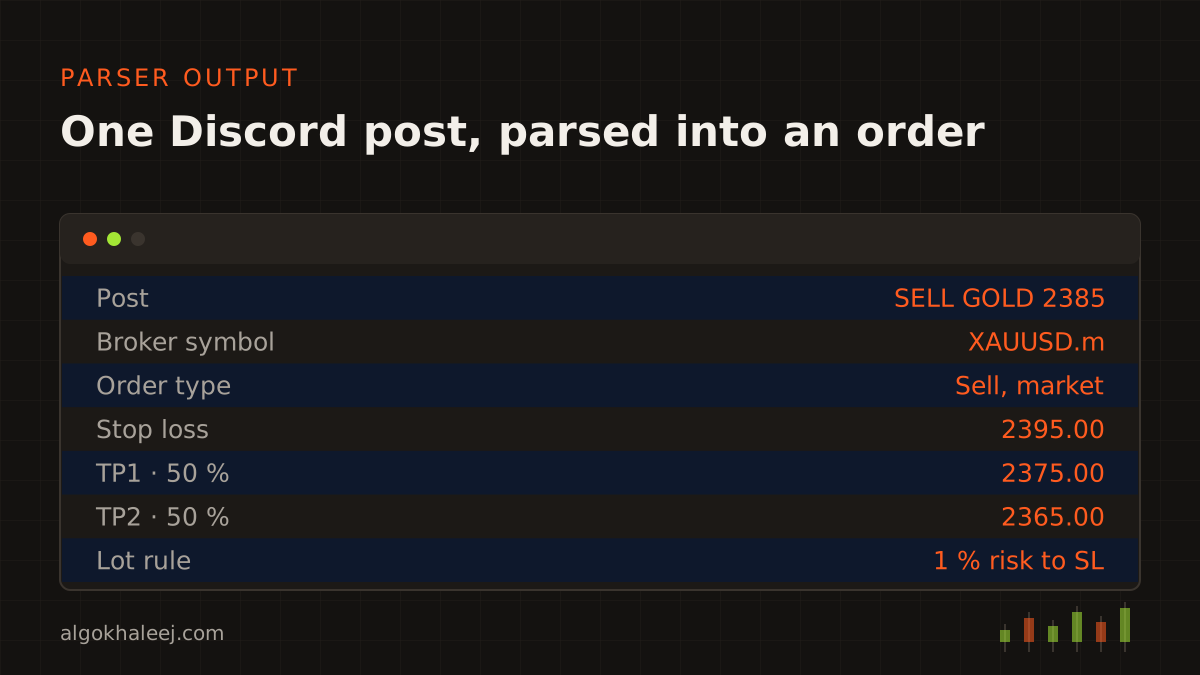
The parser is the heart of a Discord to MT4/MT5 copier. Every channel writes signals in its own style. One posts a neat block, while another writes a short line between chat messages. So we build the parser around your channel. First, you send us 20 to 30 real posts. Then we write a rule for every pattern they use. A typical post looks like this:
SELL GOLD 2385
SL 2395
TP1 2375
TP2 2365
The parser reads the side, the symbol, the entry, the stop and both targets. Then it splits the trade into two positions, one for each TP. It also copes with the usual variations:
- side words such as BUY, SELL, LONG or SHORT,
- entry zones like 2385–2390, placed as a market or limit order by your choice,
- market calls with no price, such as “BUY GOLD NOW”,
- noise like chart images, emojis, polls and chat, which it ignores.
When a post matches no rule, the copier skips it and writes a line in the log. As a result, a joke or a market comment never turns into a trade.
Follow-ups: move SL, close half, close all
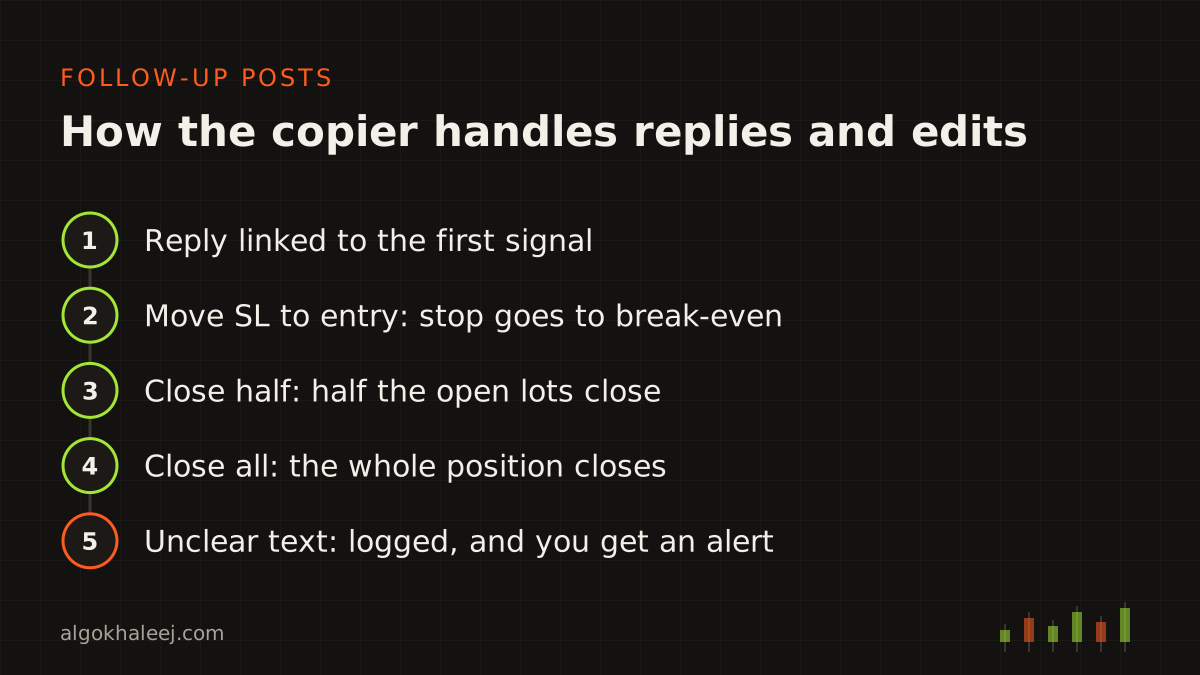
Most channels update a trade after the first post. On Discord, the update usually comes as a reply to the signal or as an edit. Each reply carries a link to the message it answers, and Discord also tells the bot about edits and deletes. As a result, the copier can match each follow-up to the right trade:
- “Move SL to entry” moves the stop to break-even.
- “Close half” closes 50% of the open lots.
- “Close all” or “exit now” closes the whole position.
- An edited entry or TP updates the order instead of opening a second one.
- A deleted pending signal can cancel its pending order, if you want that rule.
When a follow-up is unclear, the copier leaves the trade alone. Instead, it logs the message and shows an alert in MetaTrader, so you can decide by hand.
Symbol mapping for your broker
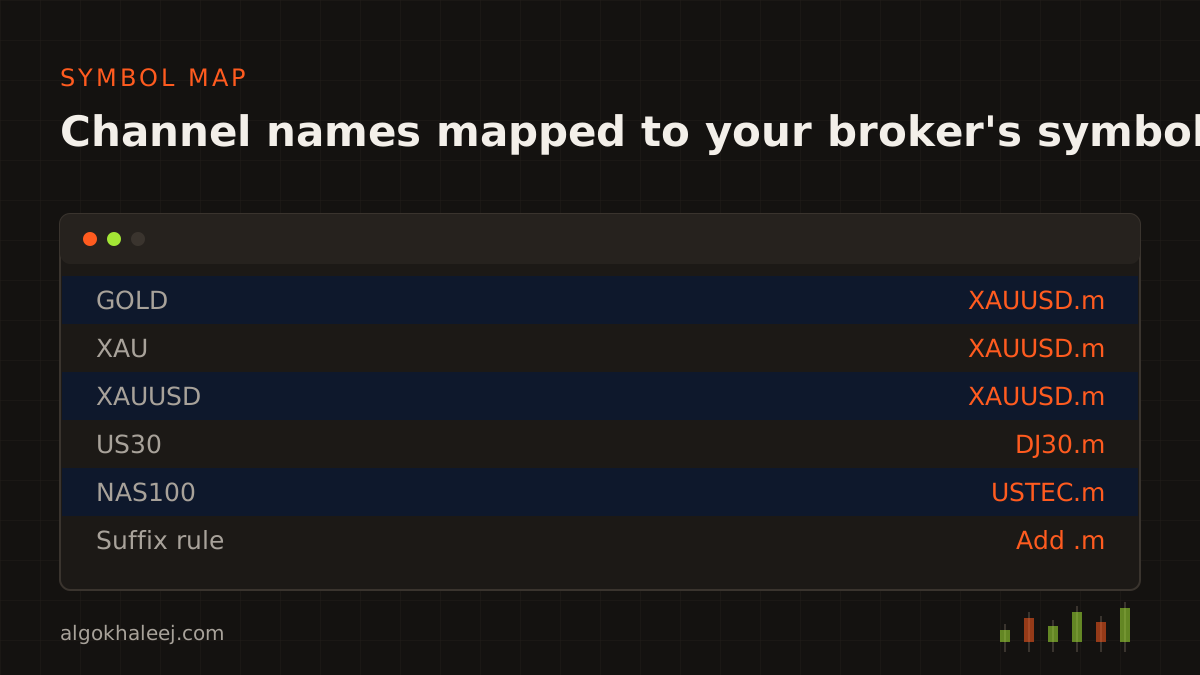
Channels write “GOLD”, “XAU” or “XAUUSD”. However, your broker may list the same market as “XAUUSD.m”, “XAUUSDm” or “GOLD#”. So your Discord to MT4/MT5 copier keeps a symbol map that you fill in once. For example, GOLD maps to XAUUSD, and a suffix rule then adds “.m” for your account.
The EA also checks that each symbol exists in Market Watch before it trades. If a name is missing, it logs the problem instead of guessing. You can edit the map yourself at any time, for instance when your broker renames a symbol.
Seven lot and risk rules you control
A signal rarely fits your account size. So the Discord to MT4/MT5 copier follows your plan, not the channel’s. You set these seven rules, and you can change them at any time:
- Lot mode: a fixed lot, a percent of balance risked to the SL, or a multiplier on the lot in the post.
- Lot cap: a maximum lot per trade, whatever the post says.
- Open trade limit: no new trades once you hold a set number.
- Daily loss limit: copying pauses for the day once you reach it.
- Trading hours: the copier skips signals outside the hours you choose.
- Price distance: no entry when price has already moved too far.
- Signal age: the copier ignores posts older than your limit, such as two minutes.
Before each order, the EA also checks your broker’s minimum lot, lot step and stop level. For example, a 0.033 lot becomes 0.03 when the lot step is 0.01. On a funded account, check the firm’s rules on trade copiers and EAs first, too.
MT4 and MT5: one copier, two EAs
A Discord to MT4/MT5 copier keeps the same Discord side on both platforms. Only the EA changes. We write an MQL4 EA for MT4 and an MQL5 EA for MT5. Each language handles orders its own way. For example, MT5 accounts use netting or hedging, so the MQL5 EA must know which mode your broker uses. MT4, by contrast, gives every order its own ticket.
Your symbol map and lot rules carry over between the two. So one helper app can feed your own MT4 and MT5 accounts at once. That counts as an extra account in the quote. The official MQL5 documentation explains how MT5 handles orders and positions, if you want the technical detail.
PC or VPS?
Your Discord to MT4/MT5 copier needs two things running: the helper app with the bot, and your MetaTrader terminal. On a home PC, both work while the PC stays on and online. If the PC sleeps, the bot goes offline, and posts can reach the copier late or not at all. That is why the signal age rule matters, since it stops stale entries after a reconnect.
A Windows VPS keeps both parts running all day, which suits channels that post at night. Either way, the bot token stays on your own machine. Treat it like a password: never share it, and reset it in the Developer Portal if it leaks.
Test on a demo account first
Testing is the one step you should never skip. So we test every Discord to MT4/MT5 copier in two passes. First, we run your saved posts through the parser and check every result. Next, the copier runs live on your demo account while the channel posts.
During that time, compare each demo order with the post behind it. Check the symbol, the side, the lots, the SL and every TP. Also test the odd cases on purpose. For example, post a typo, a signal with no SL and an edited TP in a test channel. Then read the log line the copier writes for each one. Once every case works, move to your live account with small lots.
What you receive
Your delivery includes:
- the helper app, set up with your Discord bot and parser profile,
- the compiled EA: an .ex4 file for MT4 or an .ex5 file for MT5,
- a settings guide for the symbol map, lot modes and filters,
- one setup walkthrough on your own PC or VPS,
- [X] days of fixes after delivery,
- source code, if you choose that option.
A trial build comes first. It runs on your demo account only and can carry an end date. So you watch real Discord posts turn into demo trades before you pay the balance. After the final payment, the full version replaces the trial.
Discord to MT4/MT5 copier price
As a ready tool, a Discord to MT4/MT5 copier costs $150. That covers one Discord channel with one message format, on MT4 or MT5. Extra channels, mixed formats and copying to more of your own accounts cost more. Once we see your sample posts, you get one fixed quote in USD. Our expert advisor development cost page lists every other price.
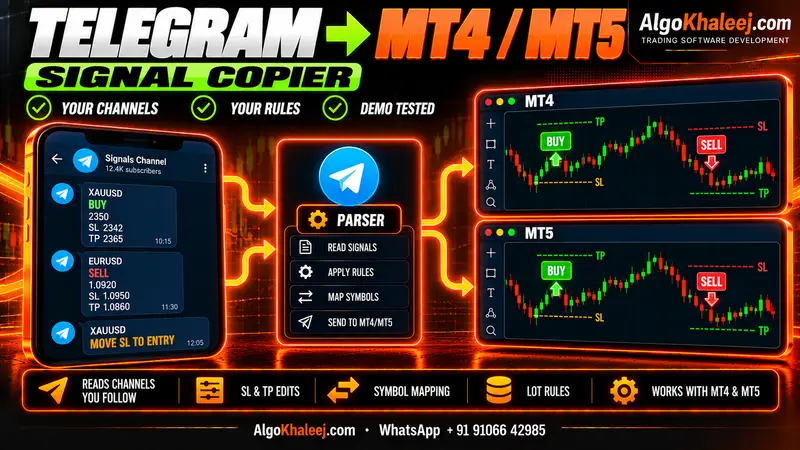
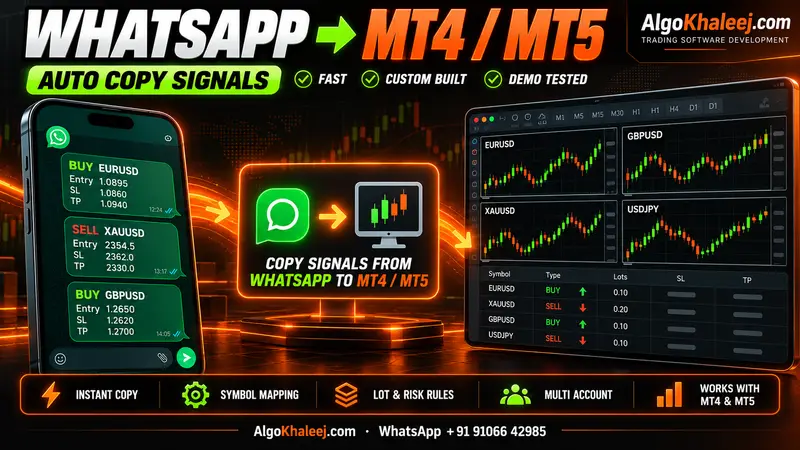
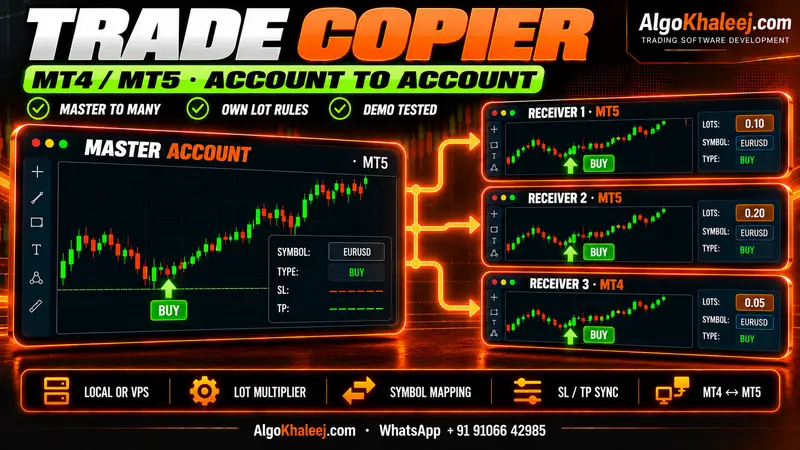
Do you also follow Telegram channels? Then see our Telegram to MT4/MT5 copier. For WhatsApp groups, there is a WhatsApp to MT4/MT5 copier too. To mirror orders between your own accounts, see the MT4/MT5 trade copier. Ready to start? Contact us with a few sample posts from your channel.