Who the MT4/MT5 trade copier is for
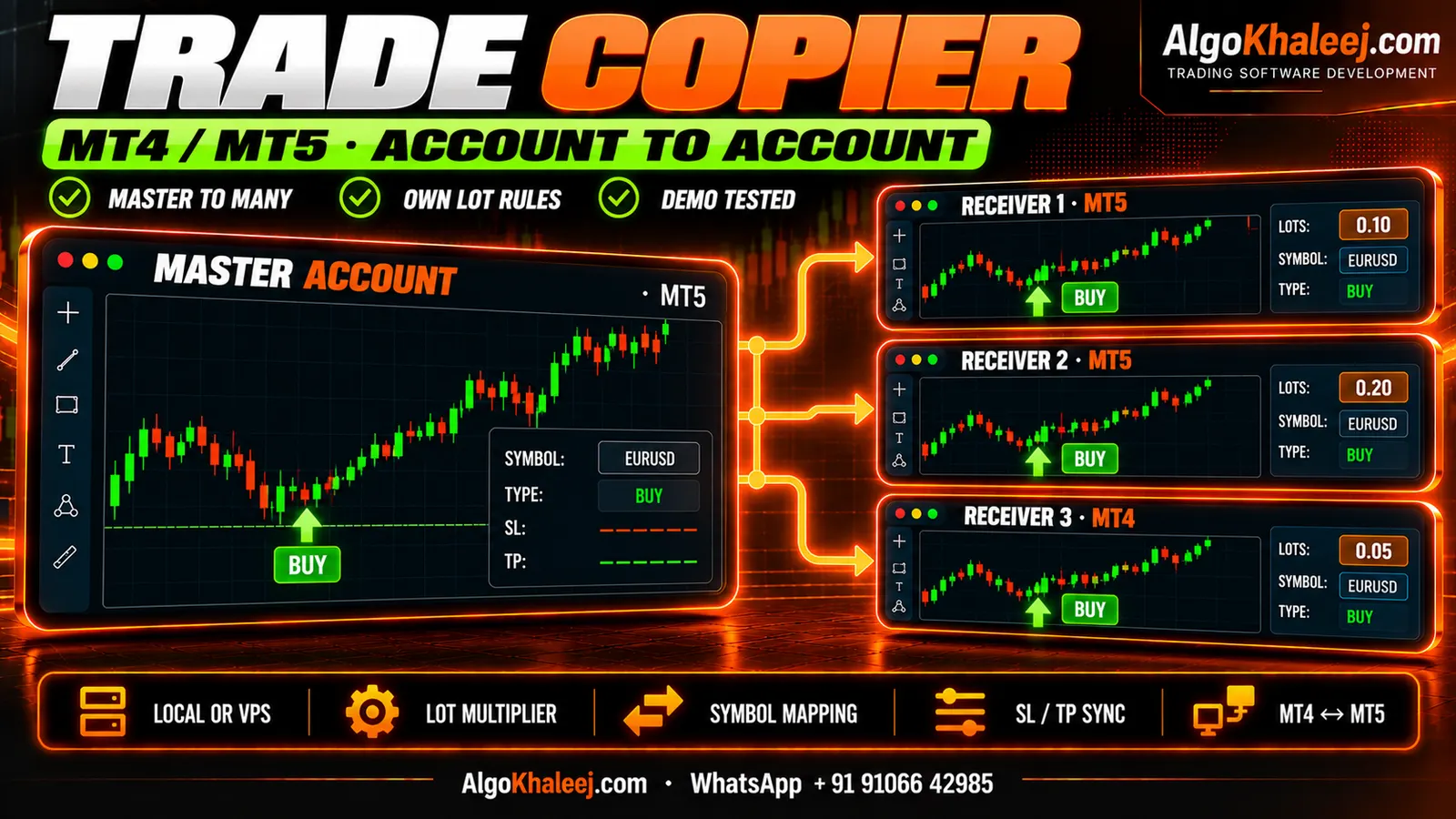
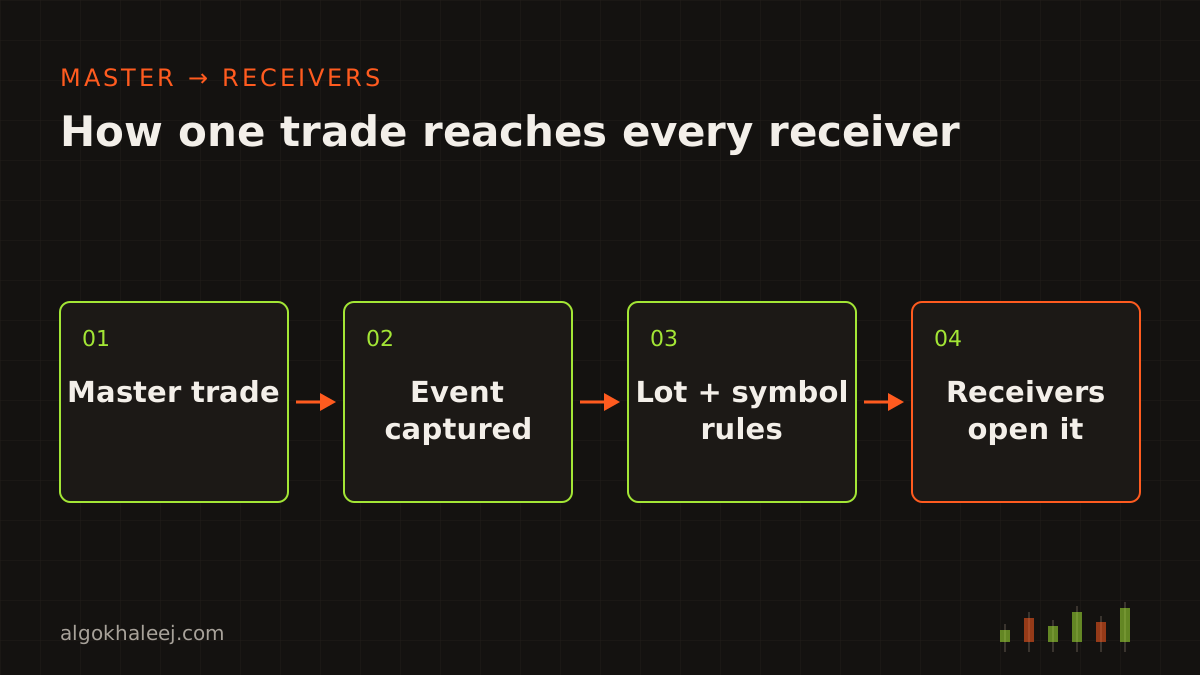
A trade copier mirrors one account onto others, so you place each trade once. Our MT4/MT5 trade copier helps when you:
- trade several accounts of your own and repeat every trade by hand,
- run an EA on one account and want its trades on the others too,
- keep some accounts on MT4 and others on MT5,
- test a strategy on demo and live at the same time.
The copier links only accounts you own or control. We build software only, so we do not provide signals, manage accounts or give investment advice.
Any mix of MT4 and MT5 accounts
The MT4/MT5 trade copier works the same way on both platforms. You can copy:
- MT4 to MT4, for example from one broker’s account to another,
- MT5 to MT5, on hedging or netting accounts,
- across platforms, from MT4 to MT5 or from MT5 to MT4.
The tool comes as an MT4 EA (.ex4) and an MT5 EA (.ex5). Both versions read the same trade messages. So one master can feed MT4 and MT5 receivers at the same time.
Local copier or cloud copier?
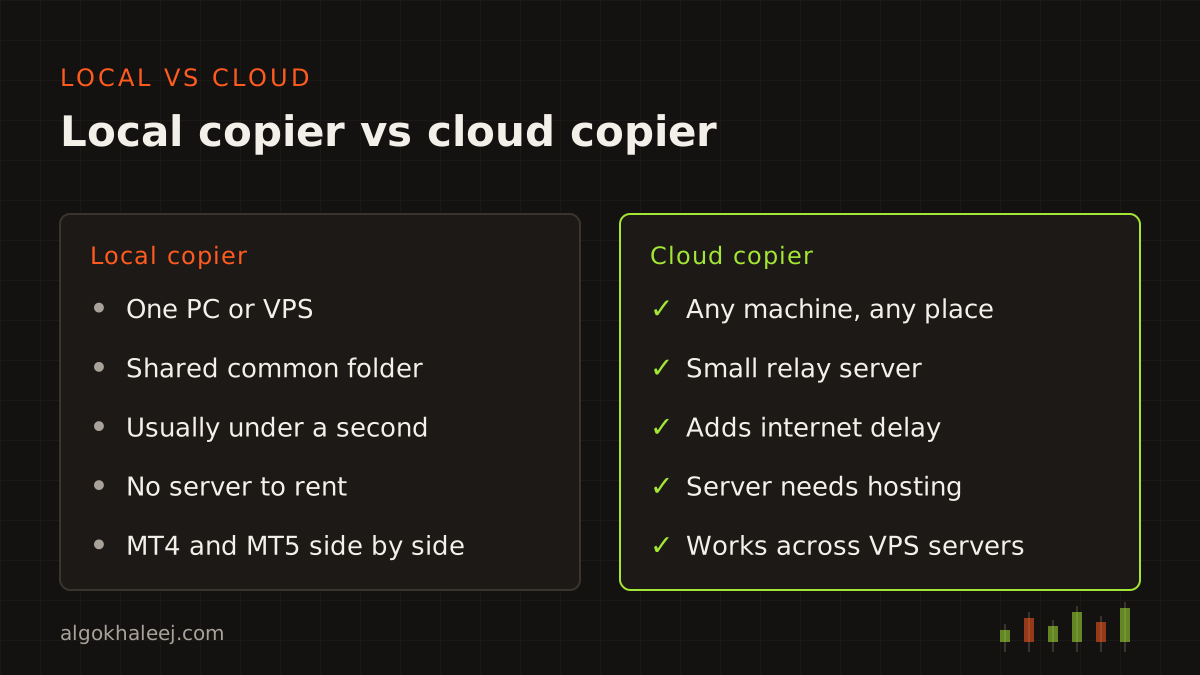
Every copier setup starts with one question: where do your accounts live? Both designs copy trades the same way, but they move the data differently.
Local copier: one PC or VPS
The master EA writes each trade event to a shared file in the terminals’ common folder. Receiver EAs on the same machine read that file many times a second. Because no internet hop sits in between, delays stay short, usually under a second plus your broker’s fill time. MT4 and MT5 terminals can share this folder, so mixed setups work too.
Cloud copier: accounts on different machines
When your accounts run on different PCs or VPS servers, the master sends each event to a small relay server. Receivers poll that server and act on new events. This adds internet time, usually from a fraction of a second to a few seconds. In return, your master and receivers can sit anywhere.
Six sync features in our MT4/MT5 trade copier
A copier only helps if every change on the master reaches the receivers. These are the six features traders ask for most.
1. Master and receiver accounts
One master can feed many receivers, and a receiver can follow more than one master. Each receiver keeps its own settings. So a small account and a large one can copy the same trade at different sizes.
2. Hedging and netting accounts
MT4 keeps every trade as a separate order. MT5 accounts, however, come in two modes: hedging and netting. On a netting account, all trades on one symbol merge into a single position. So if an MT4 master opens three buys on gold, a netting receiver holds one combined position. The copier tracks each master trade and adjusts that position for every open, close and partial close.
3. Lot scaling and fixed-ratio modes
Each receiver uses one of these lot modes:
- Same lot as the master,
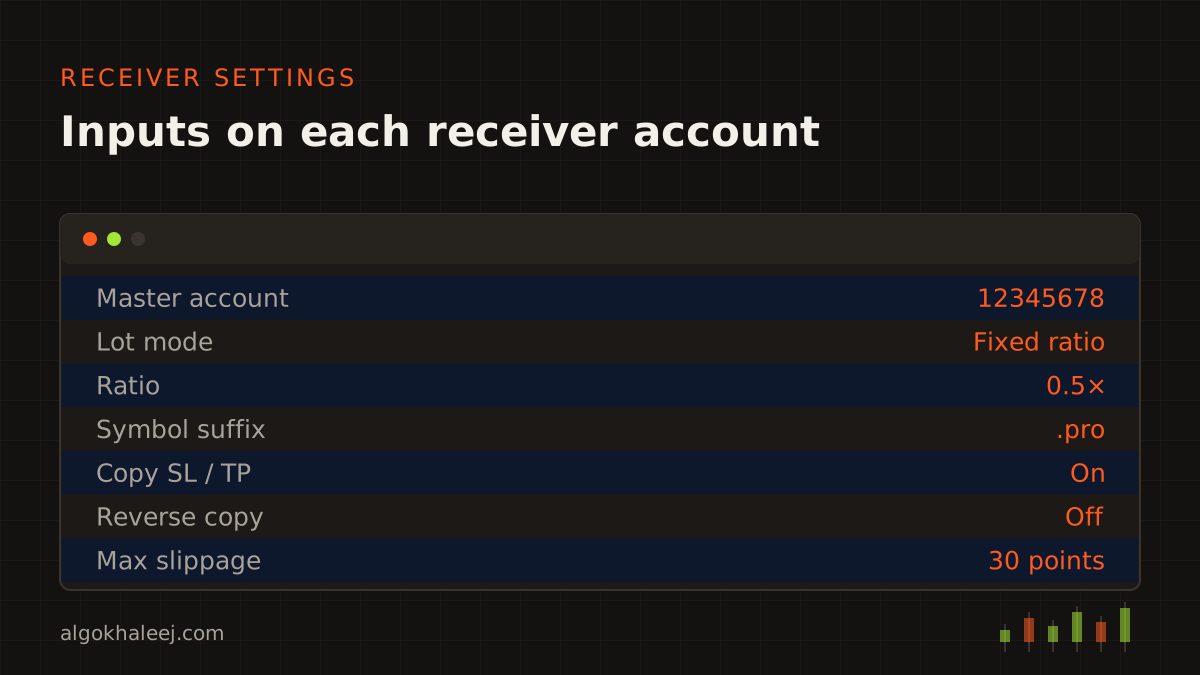
- fixed ratio, for example 0.5× or 2× the master lot,
- balance or equity ratio, so lots grow or shrink with each account,
- fixed lot on the receiver, whatever the master trades,
- risk percent, when the master trade carries a stop loss.
Every lot then rounds to the receiver’s lot step and stays inside its limits.
4. Symbol mapping
Brokers name symbols differently. EURUSD on the master may be EURUSD.pro or EURUSDm on a receiver, and gold may be XAUUSD or GOLD. So each receiver has a mapping table, plus a simple suffix rule for whole groups of symbols.
5. SL, TP and partial-close sync
When you move the stop or target on the master, every receiver follows. Partial closes copy in proportion: close 40% on the master, and each receiver closes 40% of its own copy. On MT4, the rest of a partly closed trade gets a new ticket number. That is why the copier links the old and new tickets. Pending orders, their expiry times and deletions sync too.
6. Reverse copy
Reverse mode opens the opposite trade and swaps the SL and TP. Some traders use it on demo to study a strategy from both sides. Before you use it live, check your account rules, since some firms ban opposite trades across accounts.
Latency and how the copier stays in sync
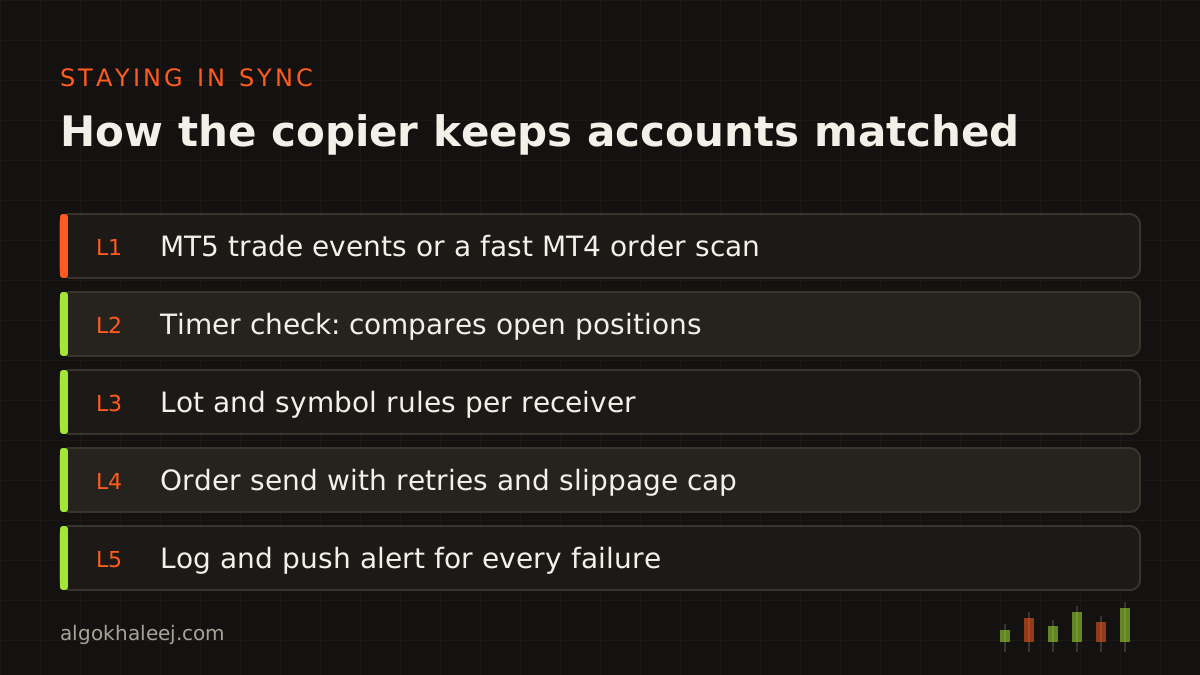
Copying always takes a little time. First, the master must see its own fill. Next, the copier passes the event on, and each receiver’s broker fills the new order. Price can move in that gap, so a receiver may fill a few points away from the master. A slippage cap lets a receiver skip a copy when price has moved too far.
On MT5, the master EA listens for OnTradeTransaction events, so it reacts the moment a deal happens. However, if the EA is busy, newer events can push older ones out of the queue. MT4 has no such event, so its master scans open orders on a fast timer instead.
On both platforms, the copier also compares open positions on a timer and repairs any gap it finds. We spend more test time on this check than on any other part of the MT4/MT5 trade copier. MetaQuotes describes the MT5 event in its OnTradeTransaction reference, while the MQL4 reference covers the MT4 side.
Prop firm accounts and copy rules
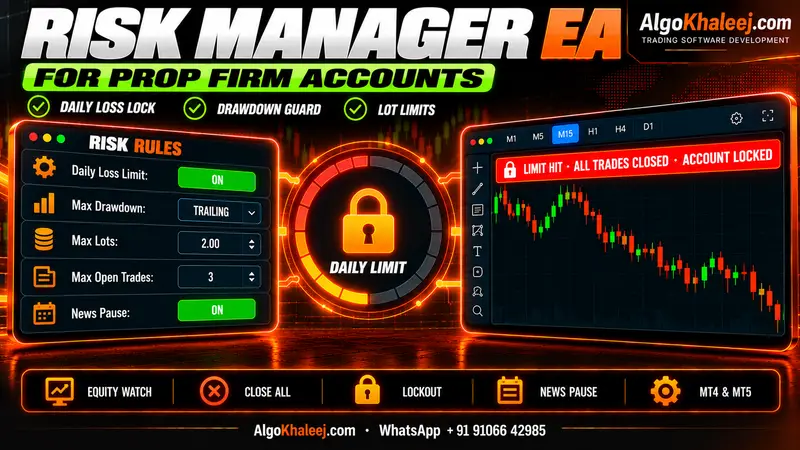
Many traders want to copy one funded account to another. Yet prop firm rules on copying vary a lot. Some firms allow it between accounts you own, while others ban it. So check the firm’s rules in writing before you connect a funded account. Then you can add each firm’s limits, such as a daily loss cap per receiver. Our prop firm risk manager for MT4 and MT5 handles those guards.
How we set up your copier
The MT4/MT5 trade copier is a ready tool, so we configure it for you instead of writing it from scratch.
Your setup. You list your accounts, platforms, lot modes and symbol names. Then we agree on edge cases, for example what happens when a receiver lacks the margin for a trade.
Configure. Next, we set up the master and receiver EAs for your accounts, on MT4, MT5 or both. For cloud copying, we also set up the relay server.
Test on demo. A copier has no strategy to backtest. Instead, you run it between two demo accounts and place test trades, edits and partial closes on the master. Each receiver should mirror every step.
Go live. Finally, a setup call links your real accounts, and you keep the files and the settings guide.
What you receive
Your MT4/MT5 trade copier comes with this handover:
- master and receiver EAs, compiled for MT4, MT5 or both,
- the relay server for cloud copying, with setup notes,
- a settings guide for lot modes, mapping and filters,
- setup walkthrough calls for each machine,
- [X] days of fixes after delivery,
- source code, if you order that option.
Safe delivery for every account
Every MT4/MT5 trade copier setup starts on demo. Trial EAs only run on the demo account numbers you give us, and they can stop on an expiry date. You test the copier between those accounts until every edit and partial close matches. Then, after the final payment, we release the unlocked EAs for your live accounts and any source code you ordered.
MT4/MT5 trade copier price
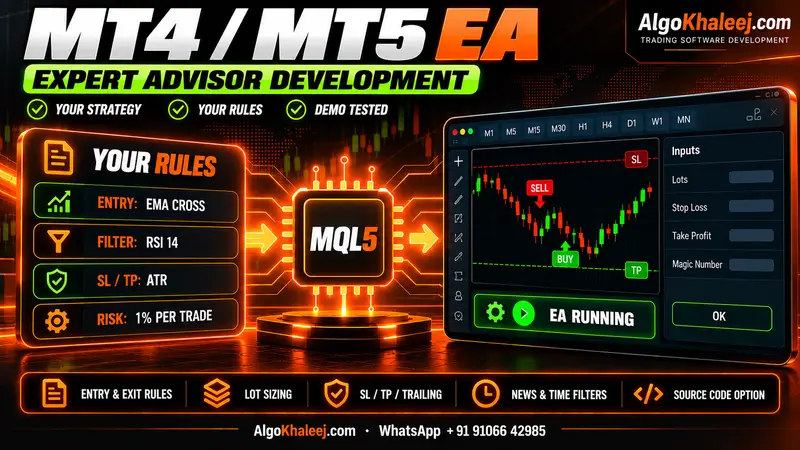
The standard MT4/MT5 trade copier costs $150 as a ready tool. That price covers a local copier between two of your accounts, both on MT4 or both on MT5. Cloud copying, MT4 to MT5 mixes and many receivers cost more, because each one needs its own tests. We agree on a fixed USD price before any work begins. For typical ranges, see our expert advisor development cost page.
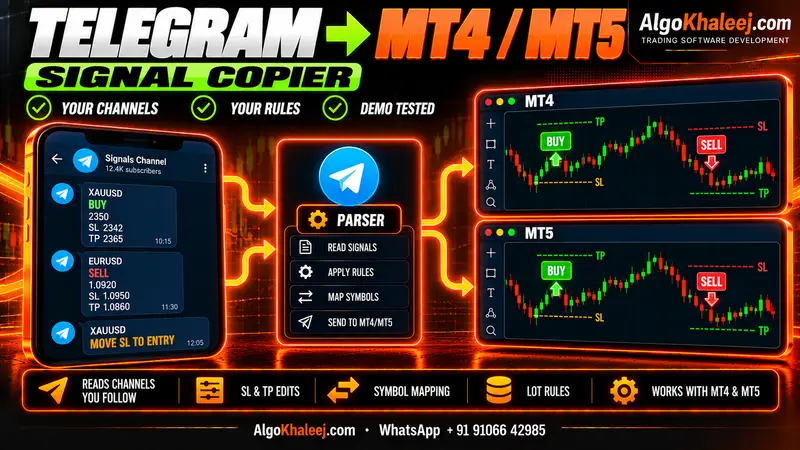
If your trades come from a Telegram channel rather than your own account, see our Telegram to MT4/MT5 copier instead. And if they start as TradingView alerts, our TradingView to MT4/MT5 copier turns each alert into an order. For any other setup, contact us with your account list and platforms.