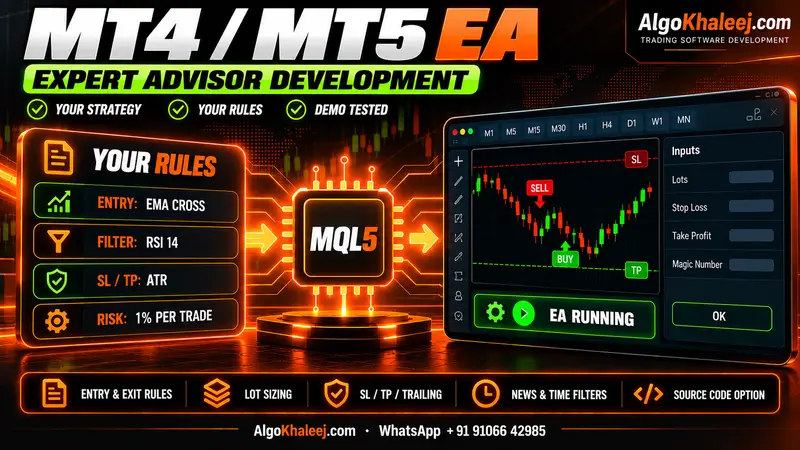
Who a prop firm risk manager EA is for
Funded-account rules leave little room for error. One fast news candle can break a daily limit before you react. This tool suits traders who:
- trade a challenge or a funded account by hand and want a hard stop,
- run one or more EAs and need a single guard over all of them,
- broke a daily limit before, often during a fast market,
- want a phone alert as the day’s loss nears each limit.
Still, a guard is not a strategy. It cannot fix a losing plan, and it cannot promise that you pass. Its job is narrow: it stops the account from breaking the limits you set.
8 guards inside one prop firm risk manager EA
Every guard is an input, so you choose the numbers and switch each one on or off.
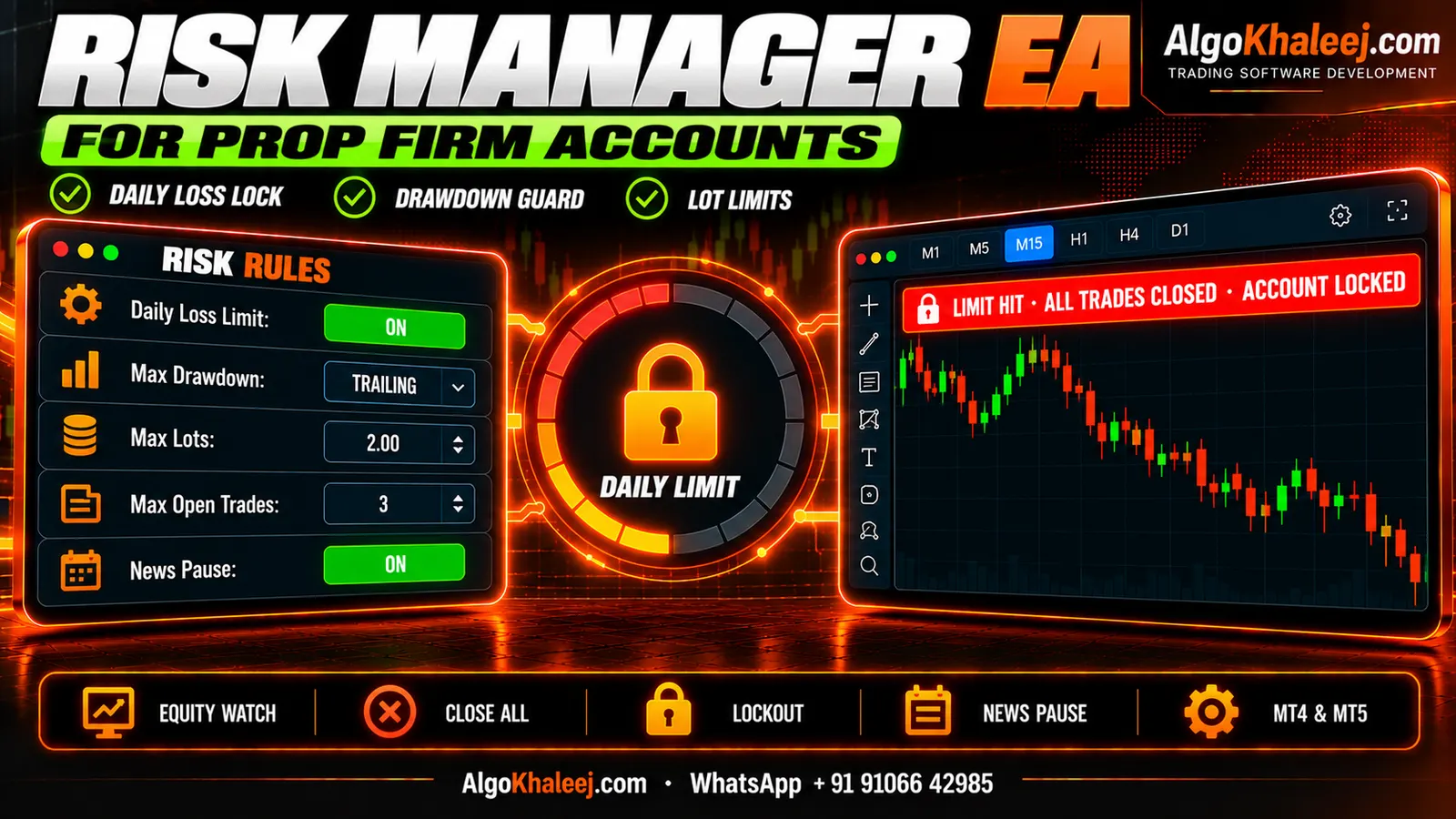
- Daily loss limit: the EA saves your balance or equity at the reset, then tracks the loss on every tick.
- Max drawdown guard: a static floor below your start balance, or a trailing floor that follows your highest equity.
- Lot caps: a maximum size per trade, plus a maximum total size open at once.
- Trade-count caps: limits on trades per day and on open positions, so a bad morning stays small.
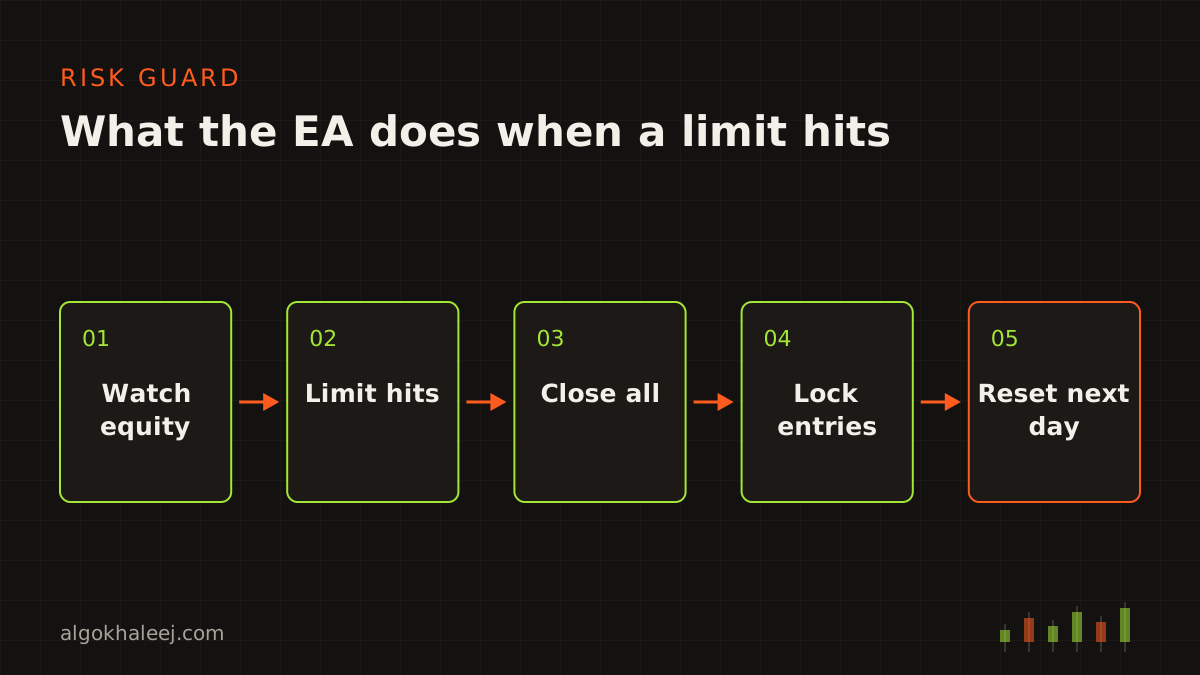
- Close all and lock: when any limit hits, the EA closes every position and deletes pending orders. Then it keeps the account flat until the next reset.
- Break-even: once price moves your chosen distance, the stop loss moves to entry plus a few points.
- Trailing stop: the stop follows price by points or by ATR, on all trades or only on symbols you pick.
- Partial close: part of a position closes at a level you set, while the rest keeps running.
Alerts reach your phone through MT5 push notifications or by email as the loss nears each limit. You can also set a challenge target. Once equity reaches it, the prop firm risk manager EA can close all trades and pause, so you can review before you trade again.
Daily loss: balance or equity, and the reset time
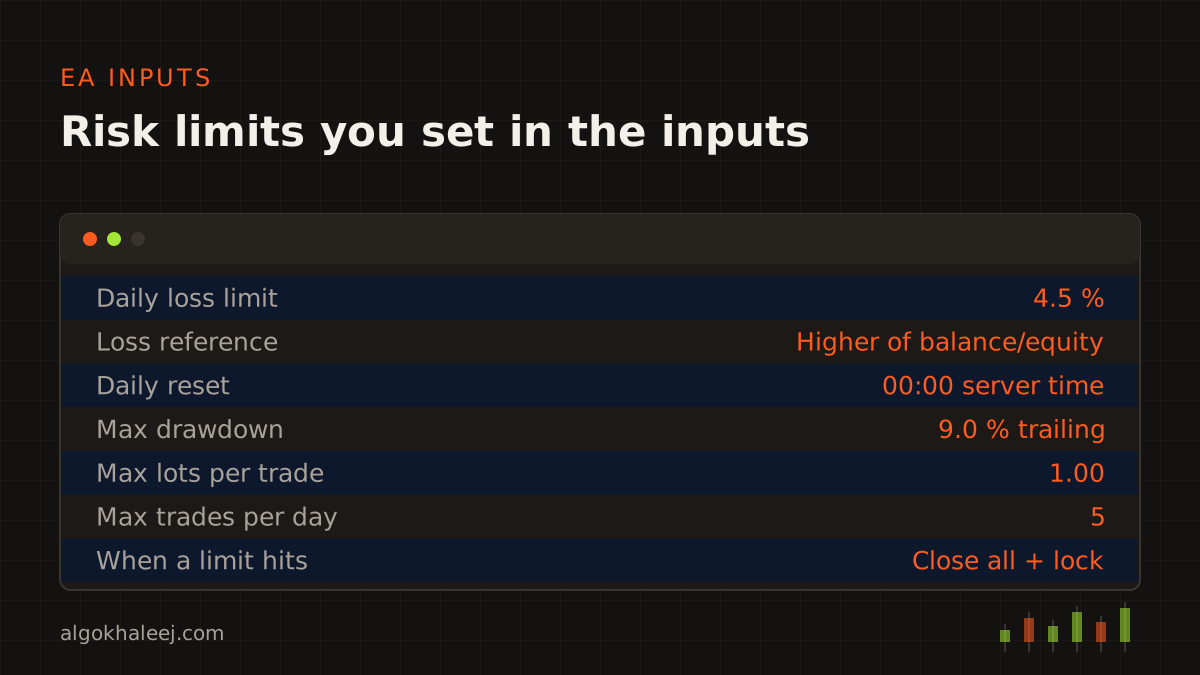
Firms define the daily loss limit in different ways. So the EA lets you choose the method your firm uses:
- Reference level: the balance at the reset, the equity at the reset, or the higher of the two.
- Loss measure: current equity, which includes open trades, or closed trades only.
- Reset time: any time in broker server time, such as 00:00. If your firm states another time zone, we convert it for you.
Here is an example. Say your firm allows a 5% daily loss, and you add a 0.5% buffer. The EA then closes everything at a 4.5% loss from the day’s reference level.
That buffer matters because the EA reacts to price. In a fast market or a weekend gap, the close can fill past your level. So we always place the trigger a little inside the firm’s limit.
The EA checks on every tick and on a one-second timer, so a quiet chart never delays a check. It reads balance and equity through the standard MQL5 account properties, the same values your terminal shows.
Max drawdown: static or trailing floor
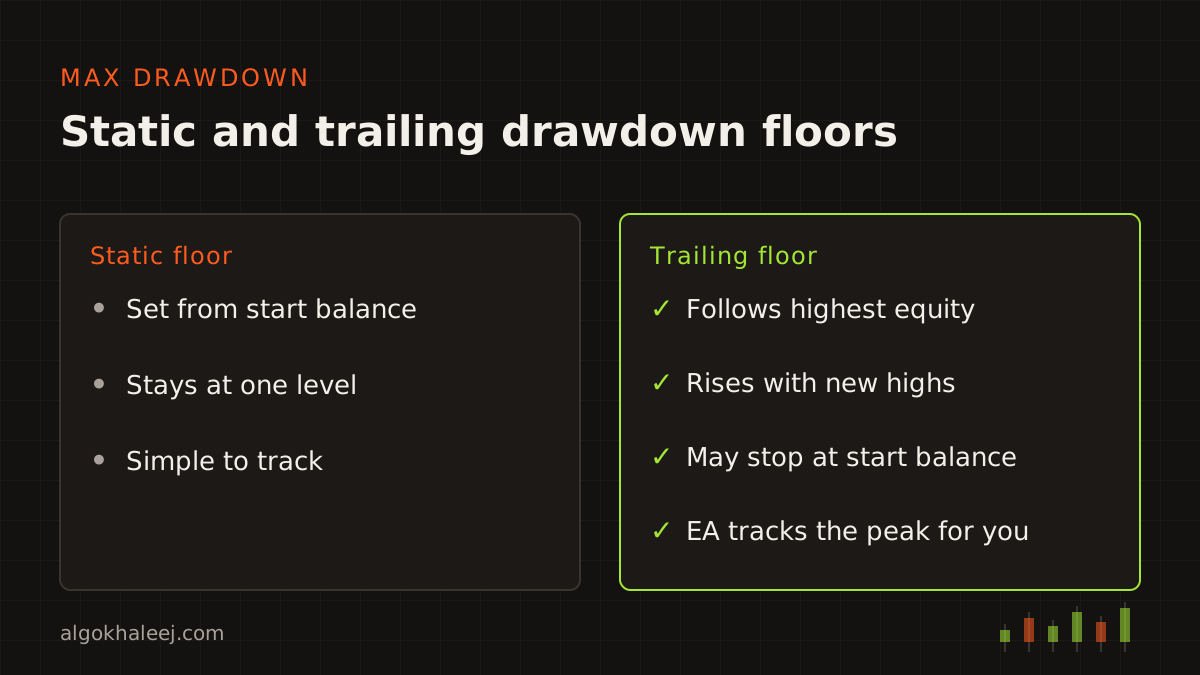
A static floor sits at a fixed level below your start balance, and it never moves. A trailing floor rises with your highest equity instead. Some firms stop the trail once it reaches the start balance. The EA saves that peak to a file, so a terminal restart never wipes it.
Works next to manual trading and other EAs
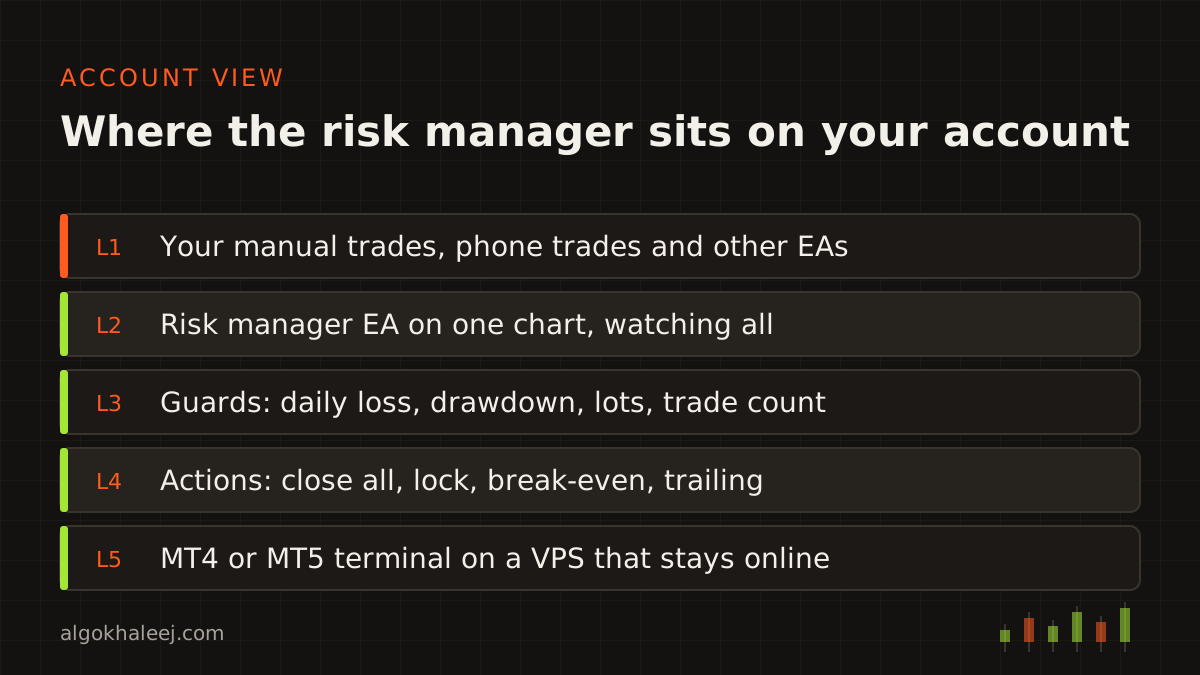
You attach the prop firm risk manager EA to one chart, and it watches the whole account. Manual trades, other EAs and trades from the mobile app all count. If you prefer, it can watch only chosen symbols or magic numbers. However, a firm’s limits cover the whole account, so full-account mode is the safer choice.
During a lock, the terminal still shows the trade buttons. So if you or another EA opens a trade, the guard closes it at once. It also deletes any new pending order until the reset.
Check your firm’s rules first
Each firm writes its own rules, and those rules change over time. Some firms limit EAs, trade copiers or news trading. Others cap lot sizes, hold times or weekend positions. So read the current rules, and ask the firm’s support in writing when a point is unclear.
Then send us those rules, and we map each one to an input. Some rules, such as a minimum number of trading days, stay in your hands, so we flag them in the settings guide. We never name or rate firms, and no tool can keep you inside every rule.
How a prop firm risk manager EA project works
- Rules: you send your firm’s rules and your own limits. Then we agree on the loss reference, the reset time and the buffer.
- Code: we write the EA in MQL5 or MQL4 and keep the guard logic apart from any strategy code.
- Backtest on demo: you test with tiny limits, for example a 0.2% daily loss, so each guard fires within minutes. Then you watch it close, lock and reset.
- Deliver: finally, you get the files, a settings guide and a setup call on your VPS.
What you receive
The package matches the platform you trade on:
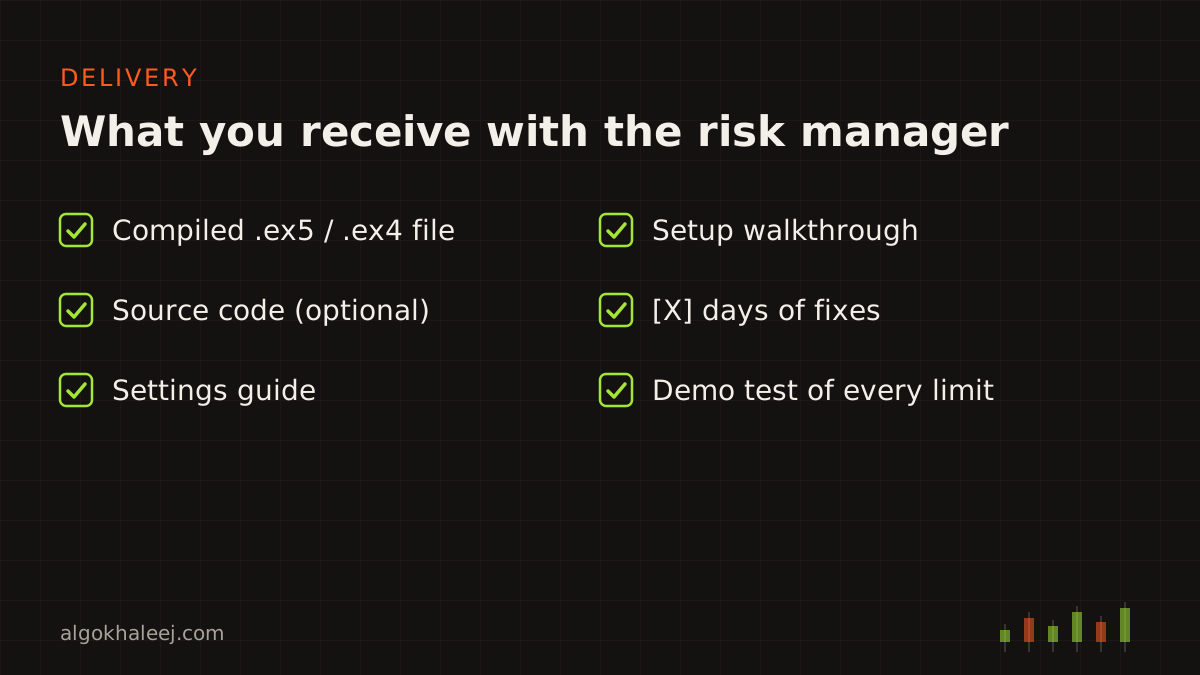
- the compiled .ex5 or .ex4 file for your terminal,
- a settings guide that maps each firm rule to an input,
- the .mq5 or .mq4 source code, if you chose it,
- a setup walkthrough on your PC or VPS,
- days of fixes after delivery.
Safe delivery: test every limit on demo
Before the final payment, you run a trial of the prop firm risk manager EA on a demo account. It works only on your account number, or until an expiry date. When every guard behaves as agreed, you pay the balance and receive the full build. Ordered source code arrives at the same time.
Pricing for a prop firm risk manager EA
A stand-alone risk manager costs $150 as a ready tool. Adding the same guards to an EA you already own starts from $50. Both come as fixed USD quotes, and our expert advisor development cost page shows typical ranges.
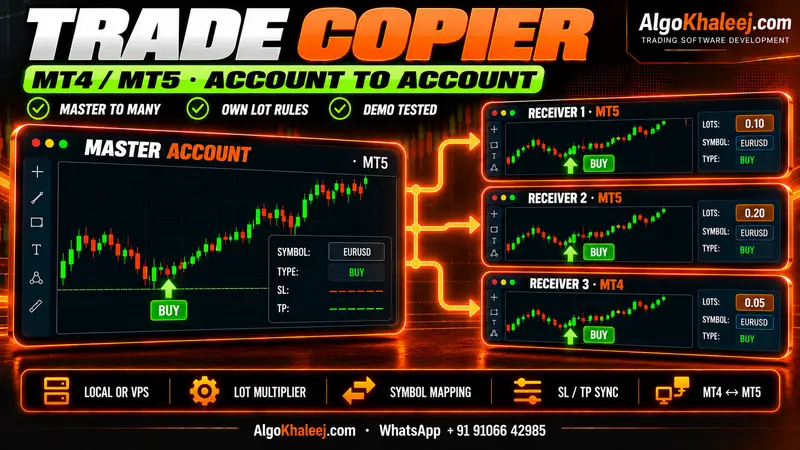
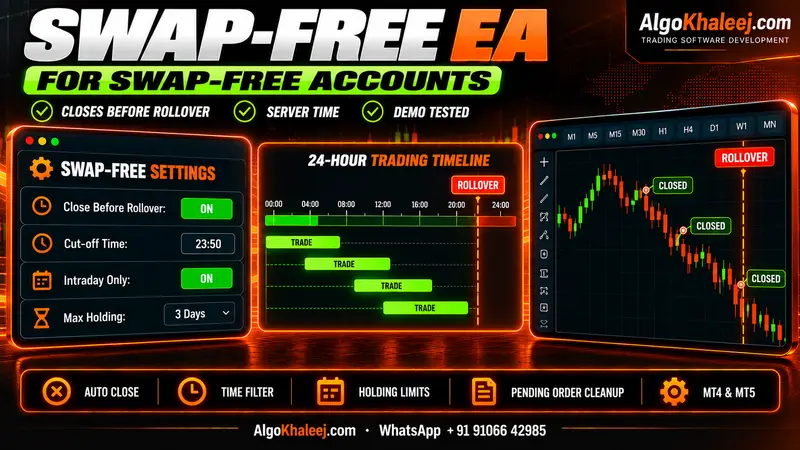
Do you run one strategy on several funded accounts? If your firm allows copying, we can add the same limits to each receiving account of an MT4/MT5 trade copier. For a full strategy with these guards inside, start with MT5 Expert Advisor development. On a swap-free account, the swap-free EA options add rollover rules as well.