Is Derayah on TradingView?
Derayah has been a broker partner on TradingView since May 2023, when TradingView’s announcement went out. Derayah clients can trade Saudi stocks on TASI from TradingView charts.
AlgoKhaleej is a team of trading software developers based in India, serving Gulf traders. We don’t work for Derayah or TradingView, and we don’t recommend any broker; each fact links to a public source under Sources.
What the Derayah link does on TradingView
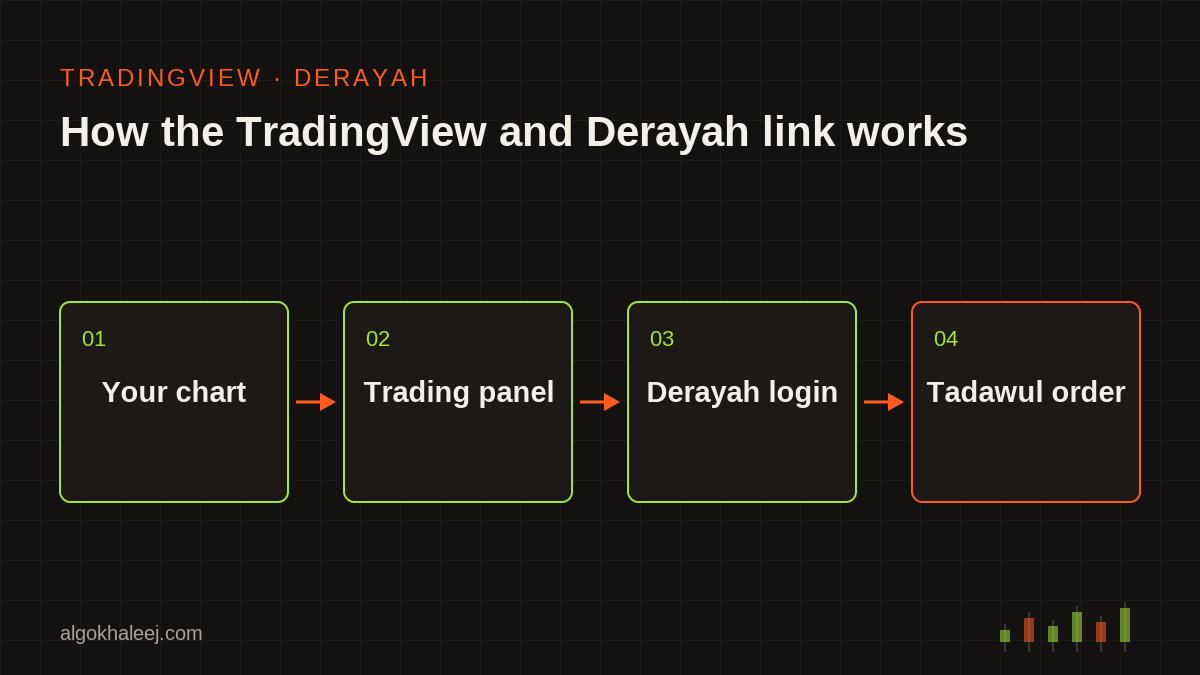
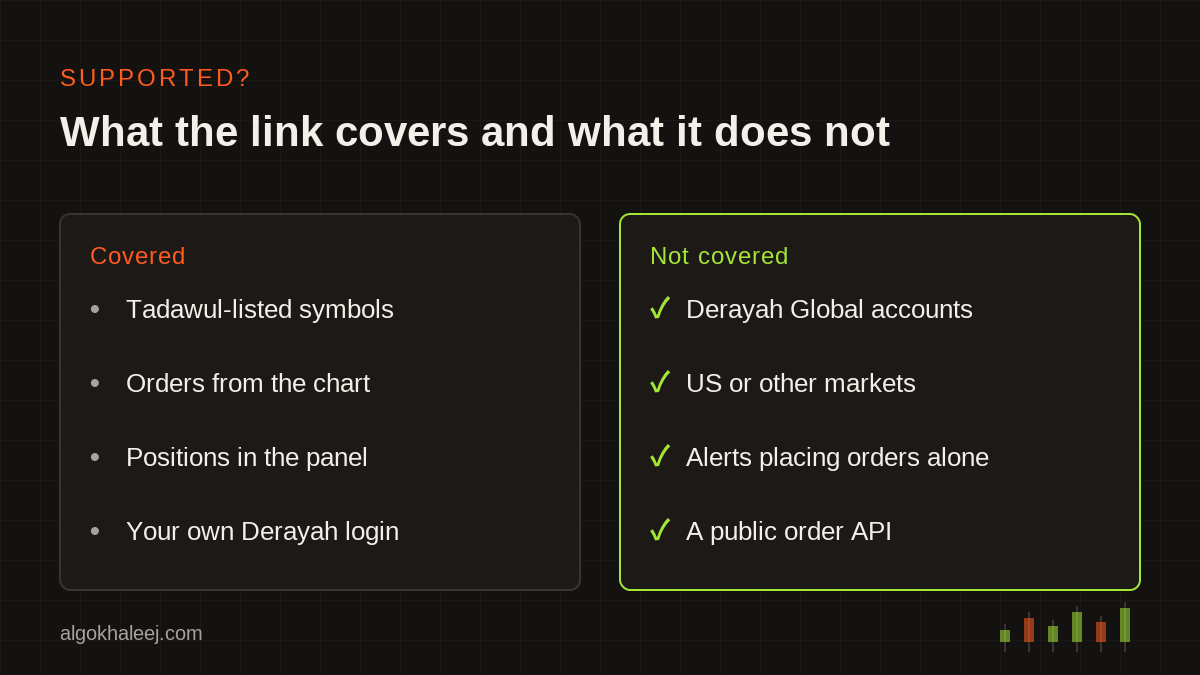
It is a broker connection built into TradingView. Once you sign in, the Trading Panel at the bottom of the chart shows your Derayah balance with your open orders and positions, as Derayah’s own guide to the integration describes. From that panel you can:
- buy and sell Tadawul-listed stocks,
- modify or cancel an order that hasn’t filled,
- follow your positions without switching apps,
- keep your chart analysis next to the order ticket.
TradingView’s Derayah help page sets two limits. Only symbols listed on Tadawul, the Saudi exchange, can be traded through the link. Derayah Global accounts are not supported either, so US stocks held through a global account stay on the Derayah platform.
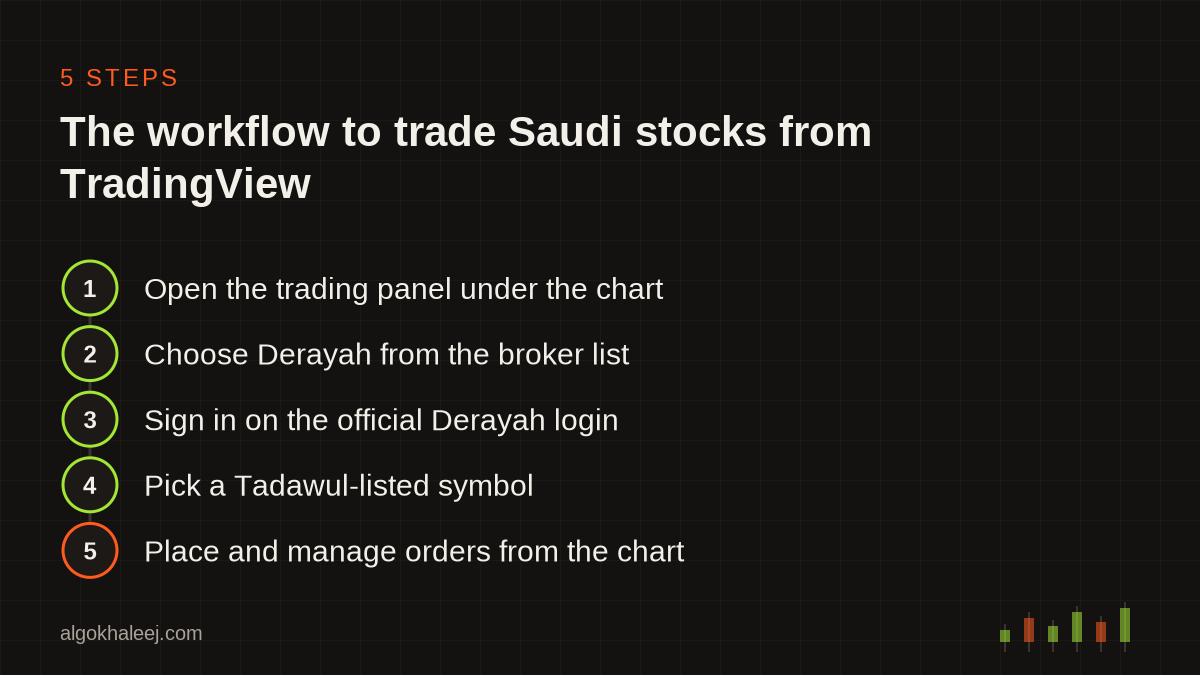
How to connect TradingView to Derayah in 5 steps
Derayah’s guide gives the steps in this order, though button labels can change:
- Open any chart on TradingView, then the Trading Panel at the bottom of the screen. It lists the brokers you can link.
- Choose Derayah.
- Log in with your Derayah username and password, then enter the verification code that Derayah sends to your phone. Type them only into Derayah’s own login window, never into a message to a developer, us included.
- Open the chart of a Saudi stock listed on Tadawul, because other markets will not trade through this link.
- Place orders from the order ticket on the chart, then review, change or close them in the panel.
TradingView’s help centre keeps a current guide if your screen looks different.
Can TradingView alerts place Derayah orders by themselves?
Not at the time of writing, though it is the question we hear most.
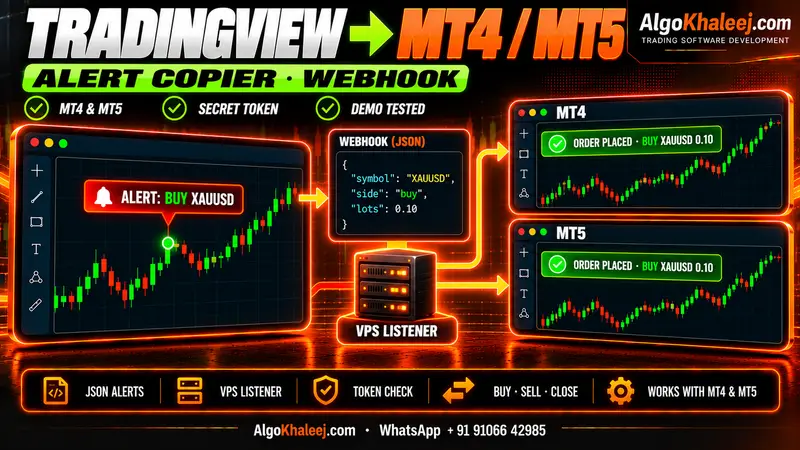
On MetaTrader 5 (MT5), a TradingView alert can send a webhook to a bridge, and an Expert Advisor (EA) running in the terminal then places the order, which works only because MetaTrader lets software trade the account.
We found no such route for Derayah: no public API for automatic order execution, and neither TradingView’s pages nor Derayah’s guide describe a webhook or script path into the account. A TradingView alert therefore cannot open a Derayah position on its own. You place each order yourself, from the chart or from the Derayah app.
If someone offers to fully automate a Derayah account, ask how the orders reach the broker. If the answer involves your password in someone else’s hands, or software that scrapes or clicks through the app, that breaks the normal, safe setup, where your login stays with you.
Alerts still save time. One can tell you the moment a stock breaks a level you set. You open the chart only when your rule triggers, and the order is still your call.
Does Sahm work with TradingView?
Sahm had no TradingView integration that we could find when this page was last checked. Sahm works as a mobile app. Brokers do join TradingView over time, so check TradingView’s current broker list before you decide anything.
The Capital Market Authority (CMA) has issued rules on algorithmic trading that apply to capital market institutions such as brokers, so read the CMA’s notices and your broker’s terms before you use any automated tool. We build software, and the trading decisions stay with you.
Custom TradingView tools for Saudi stocks
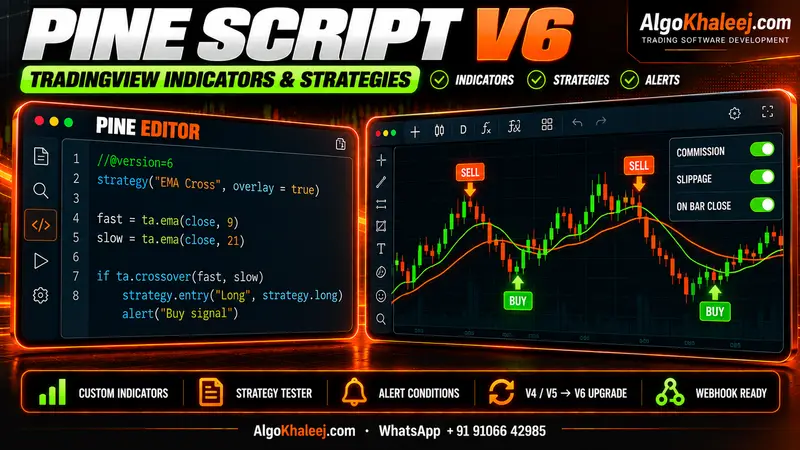
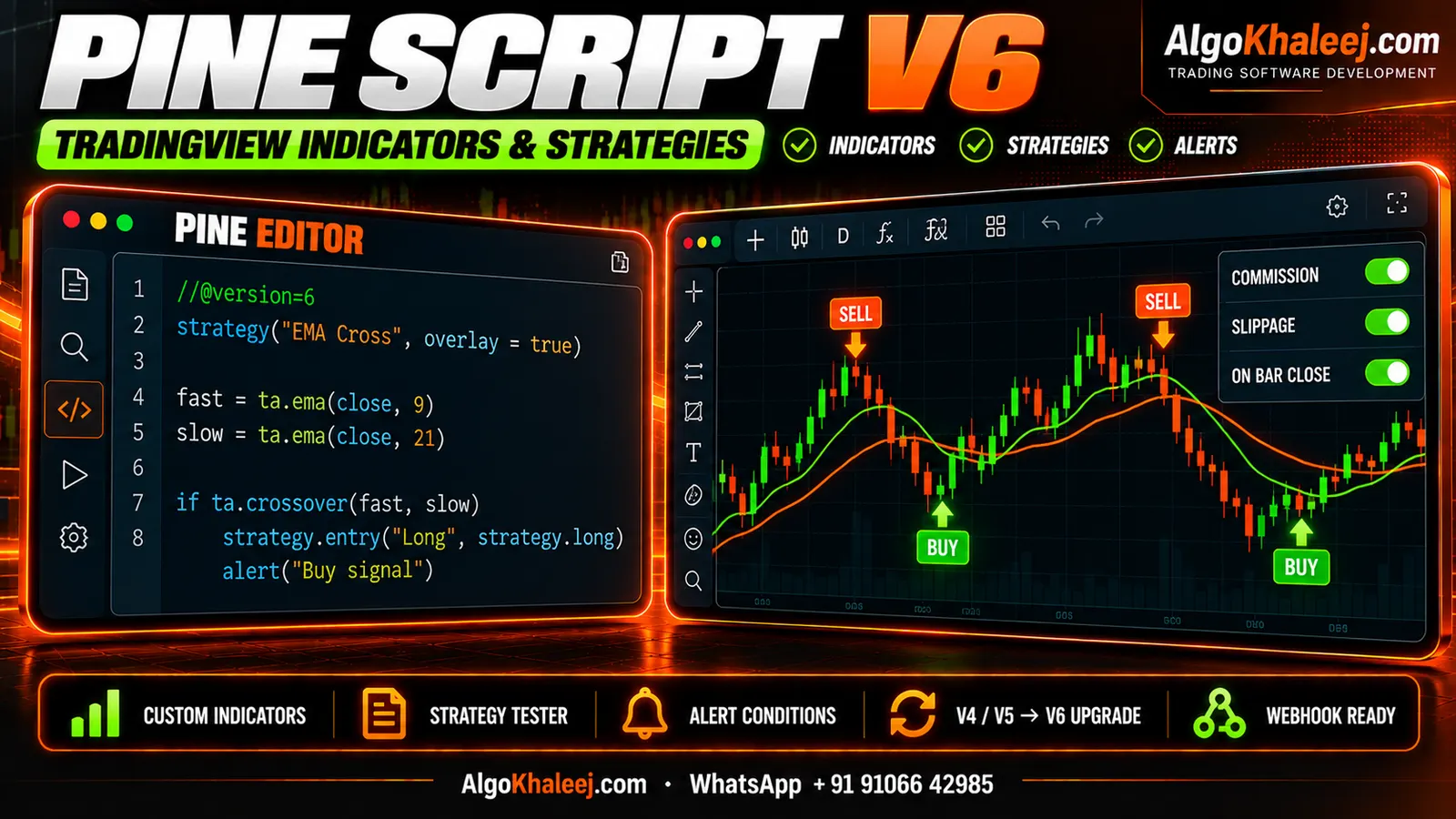
Since you already trade from the chart, tools that follow your own rules belong there. As a Pine Script developer team, we write in Pine Script v6 and build:
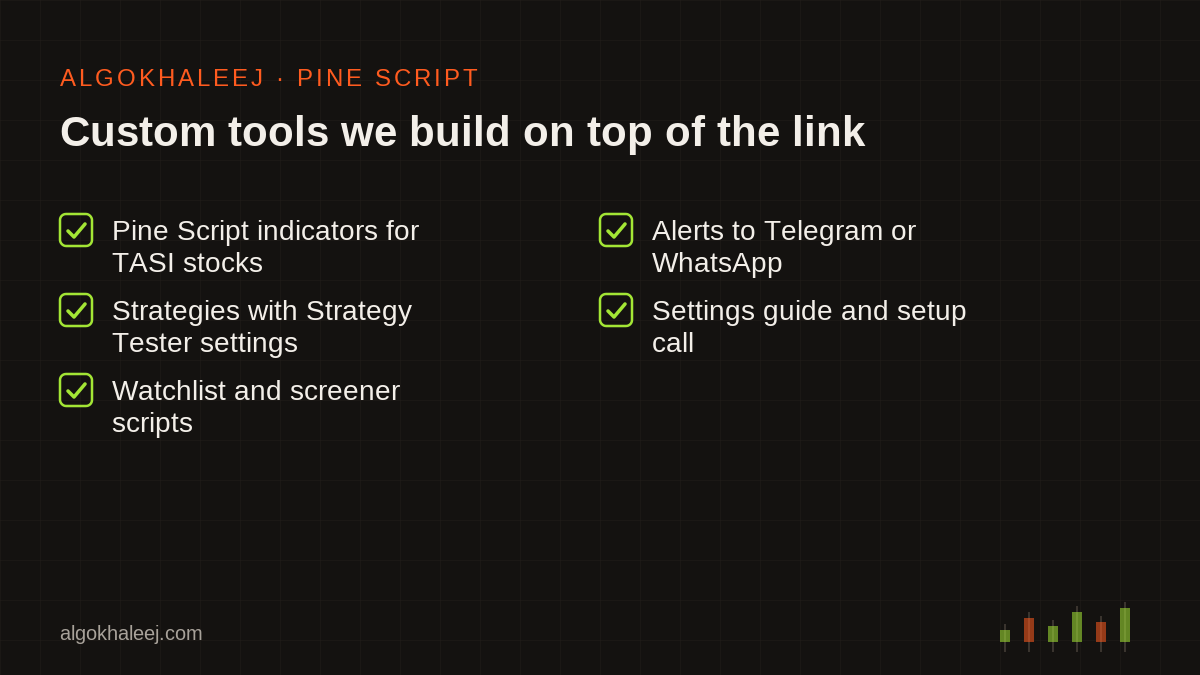
- indicators for TASI stocks, such as session ranges, volume filters or a trend table across timeframes,
- strategies that you test in the Strategy Tester with realistic commission and slippage,
- watchlist and screener scripts that flag Tadawul stocks matching your conditions,
- alerts to Telegram or WhatsApp, so a setup reaches your phone while you are away,
- a strategy version of an indicator idea, so you can backtest it.
A backtest shows how rules behaved in the past. It cannot predict the future, and it does not account for every fill. So treat it as a check on your rules, not as a forecast.
How a project works
Send your idea as text, a voice note or a marked chart. We reply with questions and a short written spec, and then write the script in Pine Script v6 with clear inputs and comments.
You test it on your own Saudi stock charts before the final payment. For a strategy, that means reviewing the Strategy Tester results with your real costs. You get the script, a settings guide and a setup call. After that, 7 days of fixes are included.
What does a custom TradingView tool cost in USD and SAR?
Custom trading tools start from $50, which is about 188 SAR at the fixed 3.75 peg. Strategies, screeners and alert routing cost more, depending on size. You see a fixed USD quote before we write any code. For typical ranges, see our pricing page.
Related services
If you also trade forex or gold on MetaTrader 4 (MT4) or MT5, a TradingView to MT4/MT5 copier can turn your alerts into MT5 orders. Our Saudi Arabia page covers the rest of our work with Saudi traders. To learn the language yourself, the official Pine Script documentation covers it in full.
Sources
- TradingView: Welcoming Derayah to TradingView (May 2023)
- Derayah: How to use Derayah’s integration with TradingView
- TradingView: Can I connect a Derayah Global account?
- CMA: circular on algorithmic trading (in Arabic)
- TradingView: How to trade on TradingView
- TradingView: Pine Script v6 strategies