What the ready MT4 and MT5 tools do
These six tools run next to your MetaTrader terminal on a PC or VPS. Each one is a small reader app, an Expert Advisor (EA) or both.
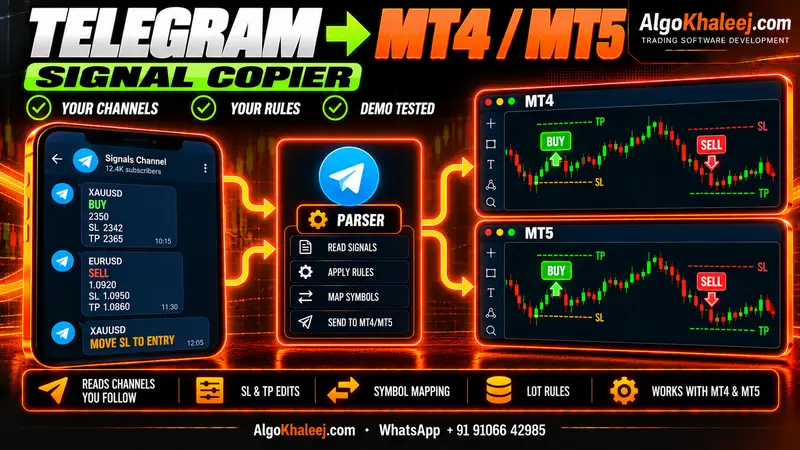
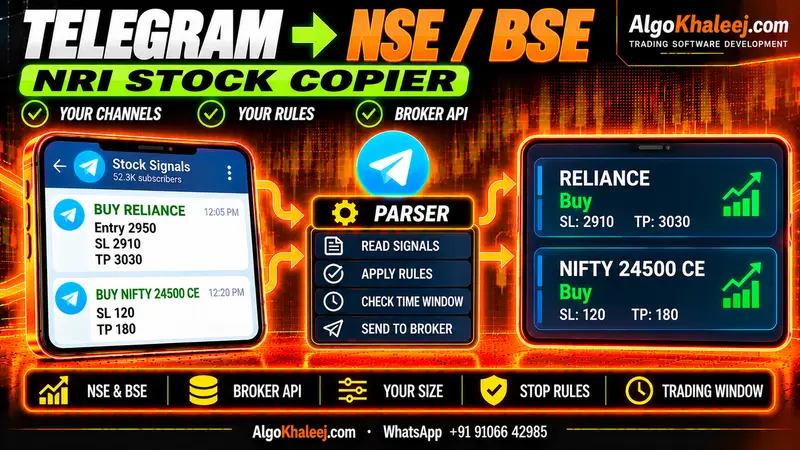
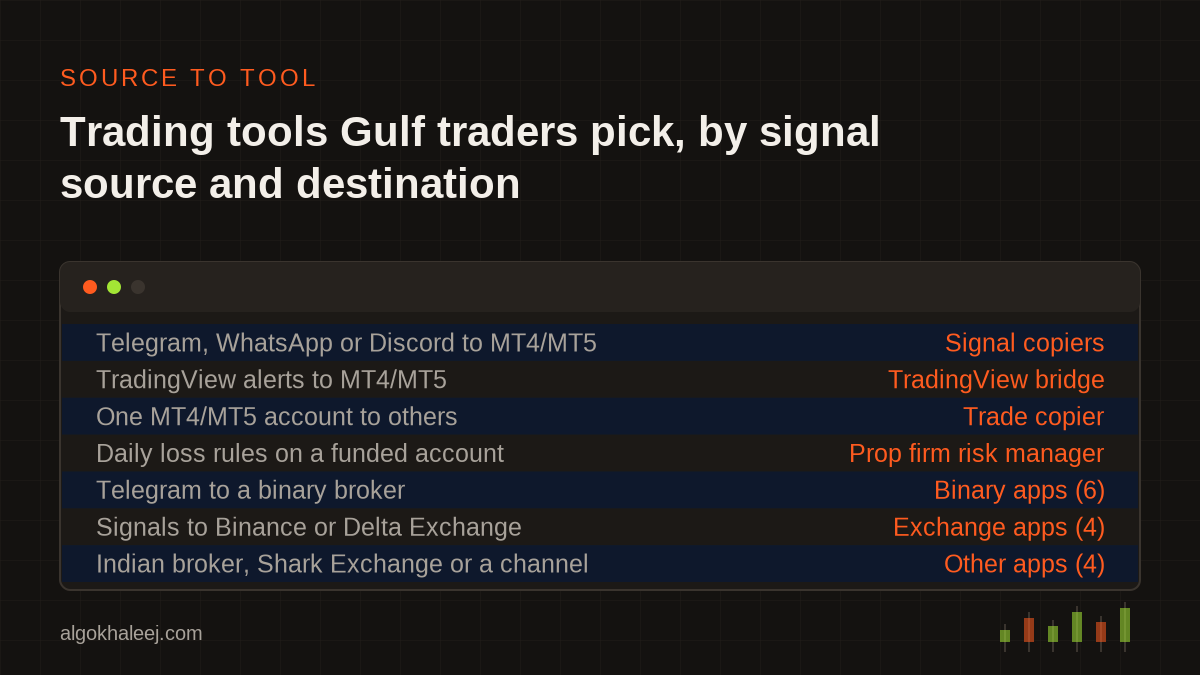
- The Telegram to MT4/MT5 copier reads channels through your own Telegram account and opens each signal as an order.
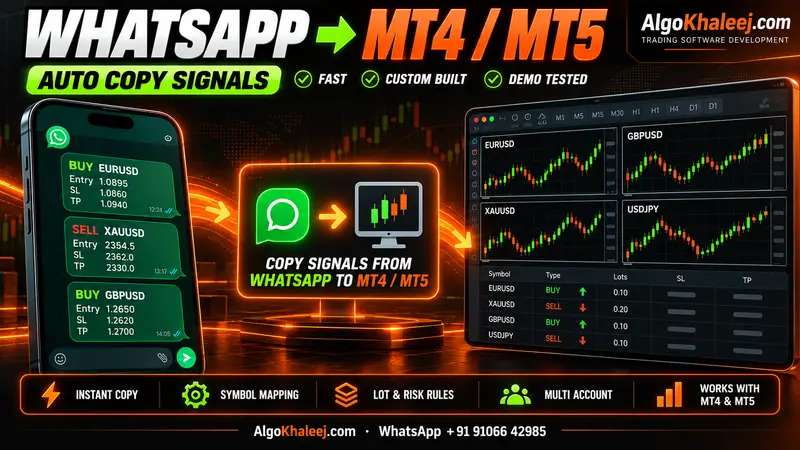
- WhatsApp groups go through the WhatsApp to MT4/MT5 copier.
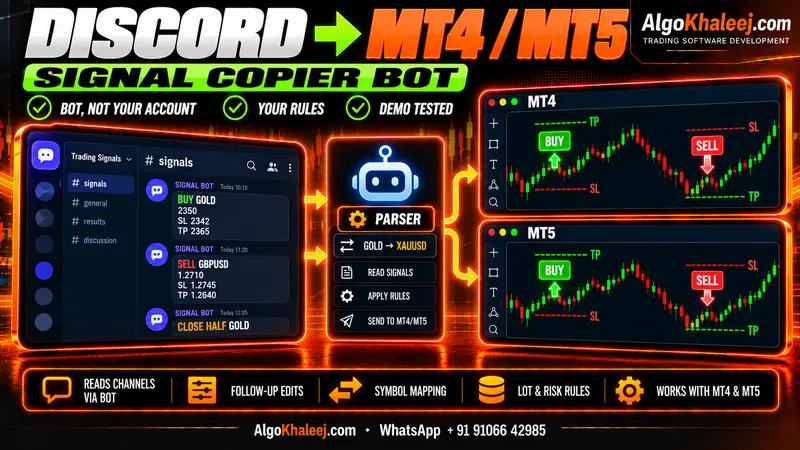
- Discord servers have their own Discord to MT4/MT5 copier.
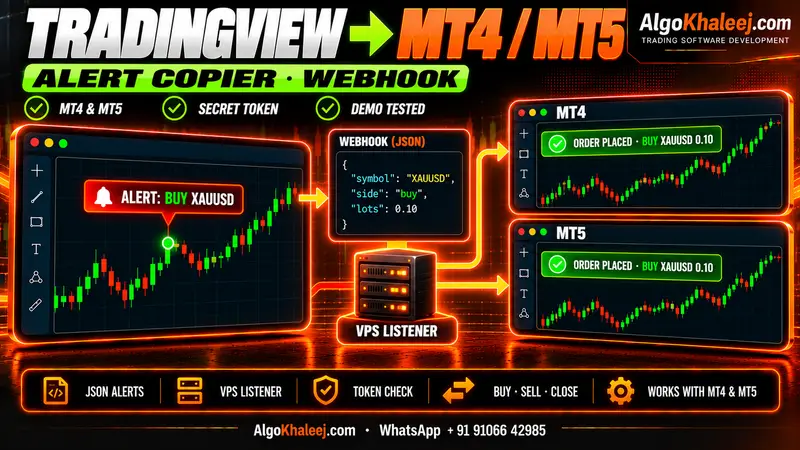
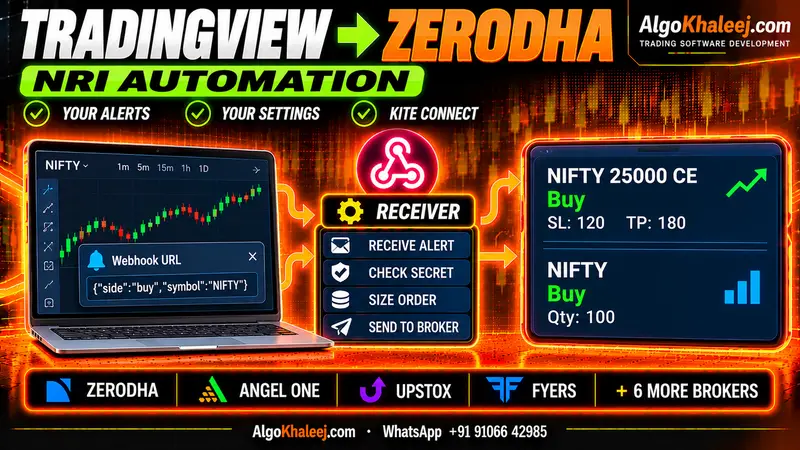
- TradingView alerts reach your terminal through the TradingView to MT4/MT5 copier, using a webhook.
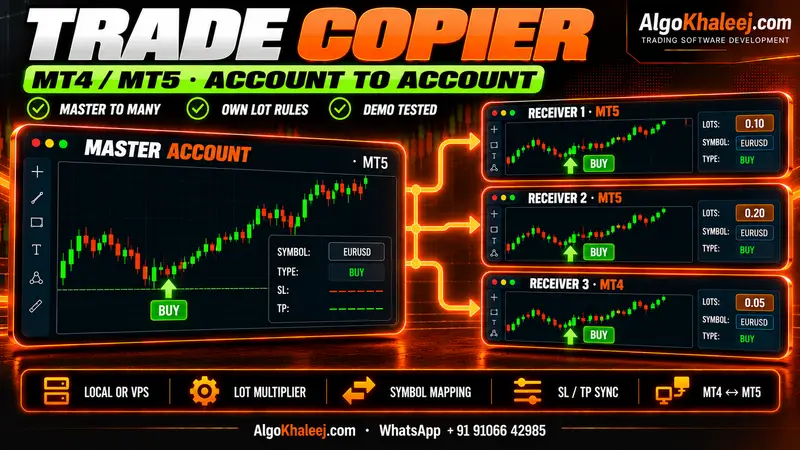
- A master account can drive your other accounts with the MT4/MT5 trade copier, across both platforms.
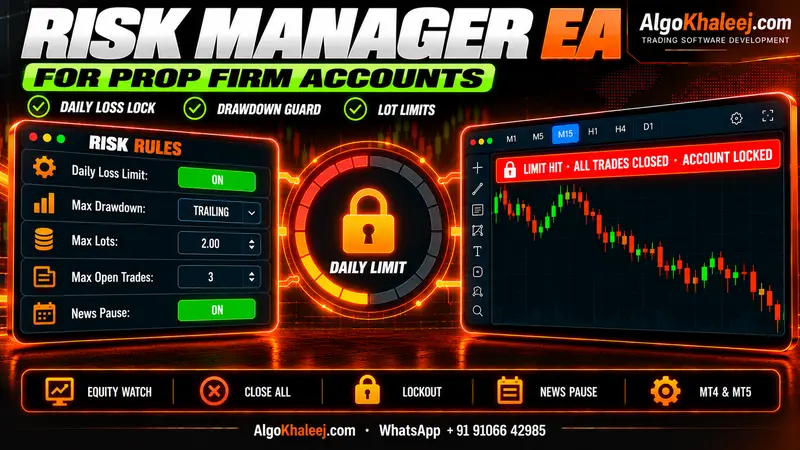
- Funded accounts get daily loss and drawdown limits from the prop firm risk manager.
Your own rules sit on top of every copier: lot size, a lot cap, symbol names, trading hours and a maximum signal age. For example, gold is the busiest symbol in many Gulf channels. Brokers list it under names such as XAUUSD.m or GOLD, so we map the names from your own Market Watch.
The ready Windows apps
Fourteen apps cover markets that MetaTrader does not reach. They need Windows 10 or 11, 64-bit, and they keep working only while the app is open and the machine is online. So a VPS keeps them running overnight.
Binary options brokers
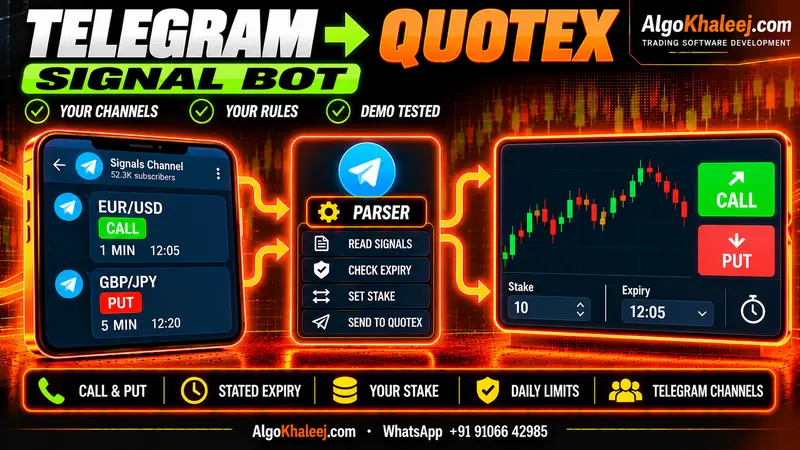
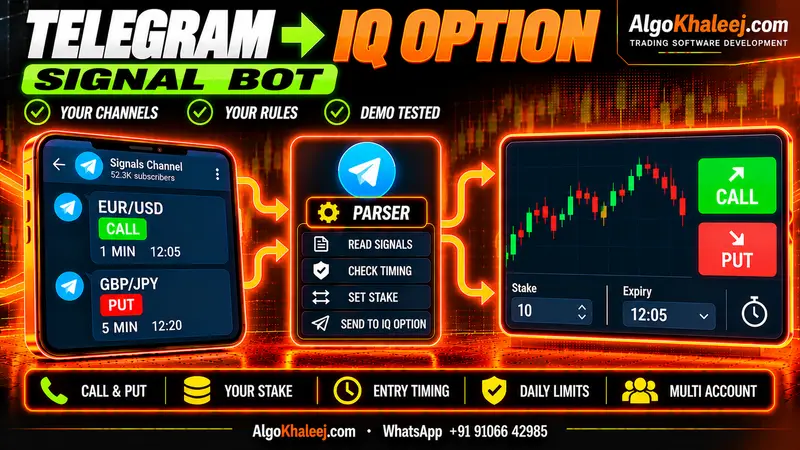
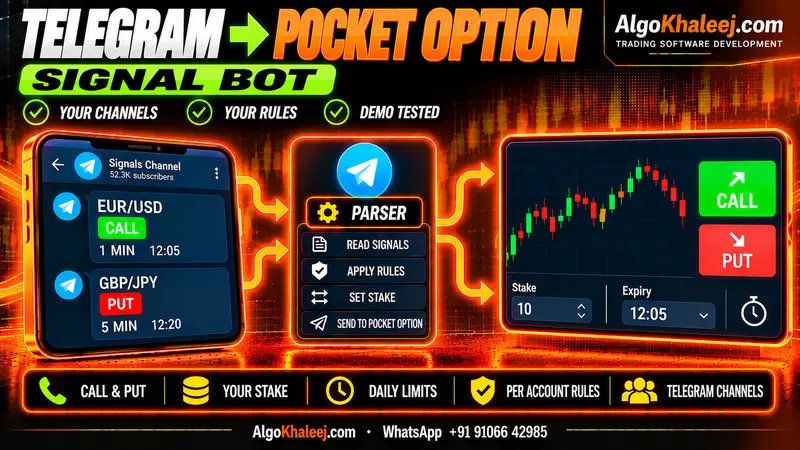
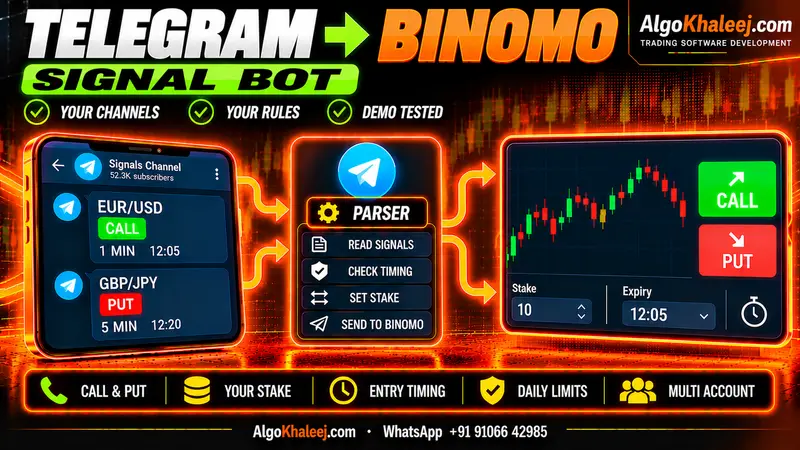
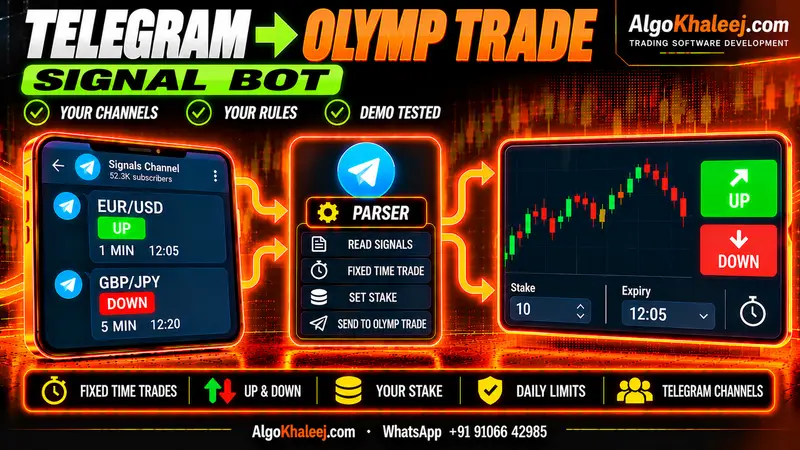
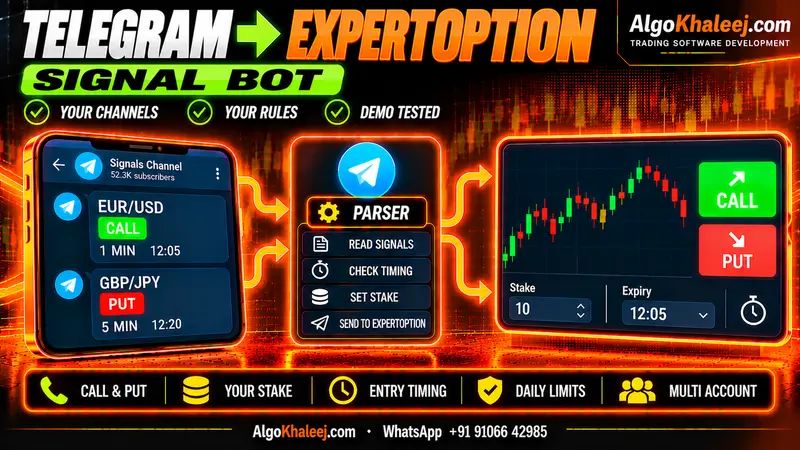
Six apps read Telegram signal channels and place the trades on Quotex, IQ Option, Pocket Option, Binomo, Olymp Trade or ExpertOption. In each one, the parser reads the asset, direction and expiry from every message. A signal with no expiry is skipped, because guessing one would change the trade. You sign in to the broker yourself in a Chrome window, so your broker password never goes into the app. Binary options are high risk, and you should check that the broker is allowed where you live.
Quotex
This app keeps one Chrome profile for each Quotex account and stays connected once you have signed in. It can follow the gale steps a signal gives, up to nine, or run your own martingale ladder instead. A minimum payout filter can skip assets that pay too little. Each account has a DEMO or REAL switch, its own stake, and a daily stop.
IQ Option
Calls can come from channels, groups or bots that your Telegram account reads. Press Browser login and the app opens Chrome, where you sign in; after that it keeps the session cookie. Timing follows IQ Option’s own rule: a signal inside the last 30 seconds of a minute is booked on the following minute.
Pocket Option
You sign in once in a real Chrome window for each account. After that, the app reuses the saved session and starts without opening the window again. Timed orders leave at the entry second on Pocket Option’s clock and never early, so a trade does not land on the previous candle.
Binomo
Stale signals are the main risk with Binomo, so this app drops any message older than 90 seconds. It places each CALL or PUT on every account you switch on. You bring a Windows PC or VPS with Chrome, a Telegram account that sees the channels, and a Binomo login for each account.
Olymp Trade
Signals open Fixed Time trades on your Olymp Trade accounts. The app keeps the login cookies and tokens, renews them by itself and never stores your password. New accounts also start on DEMO. Each one carries its own stake and daily stop-loss, so a test account and a live one can run side by side.
ExpertOption
For free-form posts that do not follow a fixed layout, you pick ChatGPT or Groq to read them. Every ExpertOption account has a separate Chrome profile, stake, limits and DEMO or REAL mode. Gales either follow only the ones a post lists, or run on that account’s own ladder.
Binance and Delta Exchange
Four apps place orders through the exchange’s official API. You create every API key inside your own account, so the key and its permissions stay under your control. All four need a Windows PC or VPS and trade only while the app is open.
Telegram to Binance
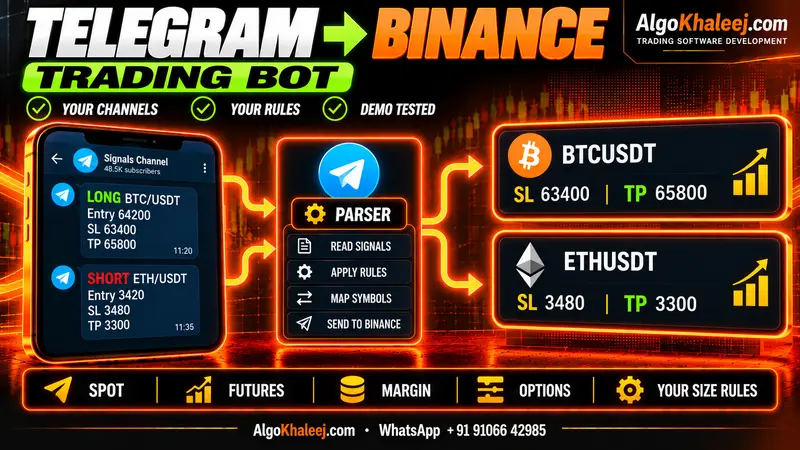
This one covers Binance spot, cross and isolated margin, USD-M and COIN-M futures, and options. The API key needs the permission for the market you trade, and it is restricted to the public IP the app shows. A message more than two minutes old is also left alone. Leverage comes from your account settings, never from the channel.
TradingView to Binance
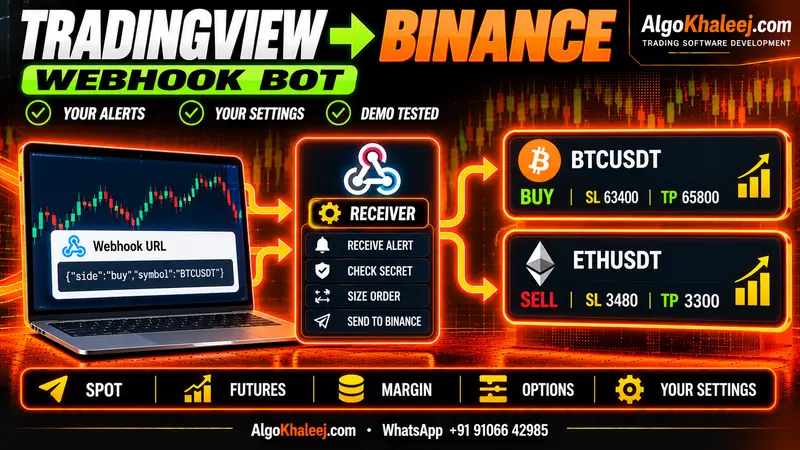
Alerts arrive as webhooks at an address on your own PC or VPS. The app accepts them only from TradingView’s webhook servers, and only with the right token and alert key. A public IPv4 address with port 80 open is needed, which is why a VPS suits most people. No AI reads these alerts, so a malformed one places no trade, and the journal says why.
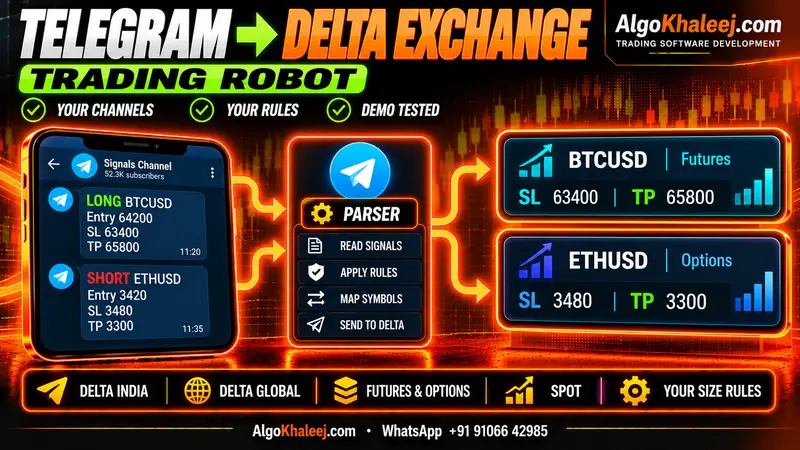
Telegram to Delta Exchange
Your Telegram account reads the channels you tick, and an AI model picks out the coin, side, stop loss and targets. Orders go to Delta India or Delta Global through a key with trading permission and the app’s IP whitelisted. Size and leverage come from your settings for each account, whatever the message says.
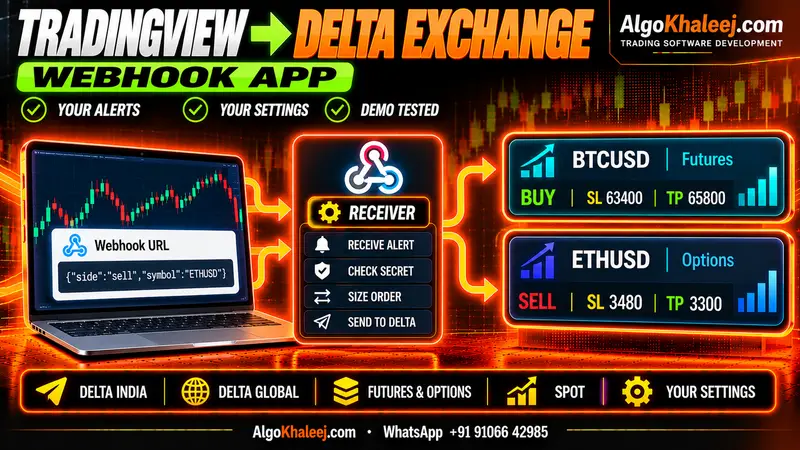
TradingView to Delta Exchange
Each alert carries the symbol, action, size, stop and target, and the app places it on every enabled Delta account. Options, however, get careful handling here. A sell or close alert never opens a new option position; it only sells back options you already hold. Stops and targets are not placed on options, MOVE contracts or spot trades.
Indian brokers, Shark Exchange and Telegram
Many of our Gulf enquiries for this group come from Indians living in the UAE and Saudi Arabia. Of all the trading tools Gulf traders ask us about, these four differ the most from each other.
Telegram to Indian brokers
It supports Zerodha, Angel One, Upstox, Fyers, Dhan, Groww, ICICI Direct, 5paisa, Kotak Neo and Alice Blue through each broker’s official API. You bring your own broker API keys, a key from Groq, OpenAI or DeepSeek, and a static IP registered with your broker. Once an entry fills, the app can place a real stop-loss order at the broker, so the stop sits in your own order book.
TradingView to Indian brokers
A small listener on port 80 takes TradingView webhook alerts and sends orders to the same ten brokers. Your broker accepts orders only from a registered static IP, and the app shows the address to register. An alert may say BUY CE or BUY PE with no strike. In that case the app picks the strike whose live premium is nearest your target, or skips the trade.
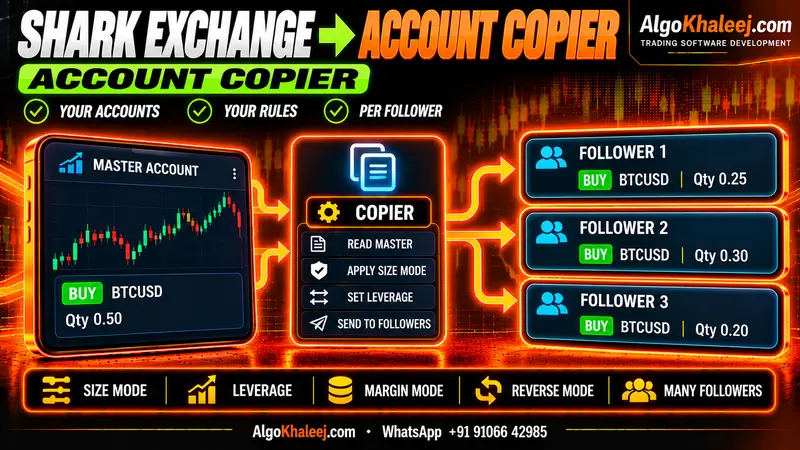
Shark Exchange copier
Shark Exchange is an Indian futures exchange whose contracts are quoted in rupees. However, nothing here reads Telegram or TradingView: the app copies one master account to follower accounts on the same exchange. Each follower has a size mode (same as master, multiplier, fixed quantity or balance ratio), its own leverage and an optional reverse mode. By default the master is checked every 2 seconds.
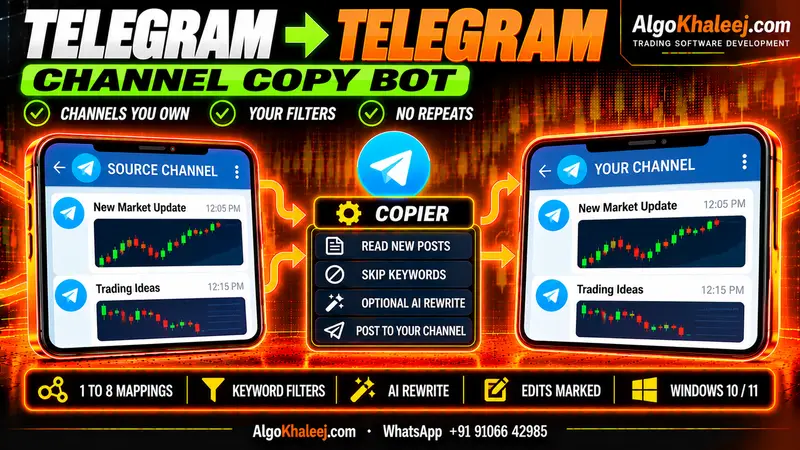
Telegram to Telegram
Posts from the channels, groups and private chats you choose go out to your target chats as fresh posts, with no “Forwarded from” label. You log in with your phone number, Telegram’s code and your two-step password if you use one. Skip keywords block posts that contain words you list. An edited source message arrives as a new post that starts with “EDITED:”.
Which trading tools Gulf traders should pick
Two questions settle most cases. Where do your signals come from, and where should the trade land?
After that, look at your account:
- A prop firm challenge needs the risk manager, even next to a copier, because the firm’s daily limit counts from its own reset time.
- Netting accounts on MT5 hold one position per symbol, which changes how a copier closes part of a trade.
- Swap-free accounts often use their own symbol suffix, and we check those names first.
- TradingView sends webhook alerts only on paid plans with two-factor authentication switched on.
If no tool fits, a custom build may. Our trading bot development services page lists what we write to order. Setup walk-throughs for many of these tools sit on the AlgoKhaleej blog.
What each setup needs on your side
Every tool runs on a machine you control. Before the setup call, check that you have the items in the row that matches your plan.
| Your setup | What you bring |
|---|---|
| Telegram channel to MT4/MT5 | MT4 or MT5 terminal, your Telegram account, an api_id from my.telegram.org |
| WhatsApp group or Discord server to MT4/MT5 | MT4 or MT5 terminal, and an account that already sees the group or server |
| TradingView alerts to MT4/MT5 | A paid TradingView plan with two-factor login, plus your terminal |
| Master account to your other accounts | Every account open in a terminal on the same PC or VPS |
| Funded account with daily limits | The firm’s daily loss figure and its reset time |
| Telegram to a binary broker | Windows PC or VPS, Chrome, your broker login and a Telegram account in the channel |
| Signals to Binance or Delta Exchange | Windows PC or VPS and an API key with trading permission |
| Indian broker account | A broker that offers a trading API, and its login details |
| Shark Exchange master and followers | One API key per account, with trading permission on each follower |
| Telegram to Telegram | A Telegram account in the source channels and a channel or group you run |
A PC at home or a VPS
The terminal and the apps work only while the machine is on and online. A home PC is fine for signals that arrive while you are awake. Most trading tools Gulf traders leave running overnight sit on a VPS, because a home PC that sleeps misses the signals that arrive meanwhile.
Logins stay with you
You type every login code and create every API key yourself. We also never ask for your Telegram password. During the screen share you sign in while we watch the settings, so the session files and keys stay on your own machine.
One tool or two
Some traders, however, need a pair. A Telegram copier feeding a funded account also needs the risk manager, because the copier does not know the firm’s limits. A trader with a master account in MT5 and a TradingView strategy may run the bridge and the trade copier side by side. We price each tool on its own and set them up in the same call.
How setup works
Every one of our trading tools Gulf traders order starts with a WhatsApp message. Tell us the signal source, the broker or exchange, the platform and how many accounts you run. We reply with what the tool can and cannot do for that setup.
The MT4 and MT5 tools cost $150 each for the standard setup, with extras such as more channels quoted after we see your messages. The Windows apps are priced on enquiry, because the price depends on the broker and the number of accounts.
We then install the tool with you over a screen share, on your PC or VPS. Where the broker offers a demo account, the first trades go there. You switch to live once the copies match what you expect.
There is also no public download. Every tool is set up for named accounts on a named machine.
Risk and your own checks
Binary options, futures and leveraged products are high risk, and you can lose more than you expect quickly. Check that the broker or product is allowed where you live before you connect any tool.
The trading tools Gulf traders get from us follow the signals and rules you give them. They do not judge whether a signal is good, and we do not promise results from any of them. So test with small sizes first, and keep watching the account while the copier runs.