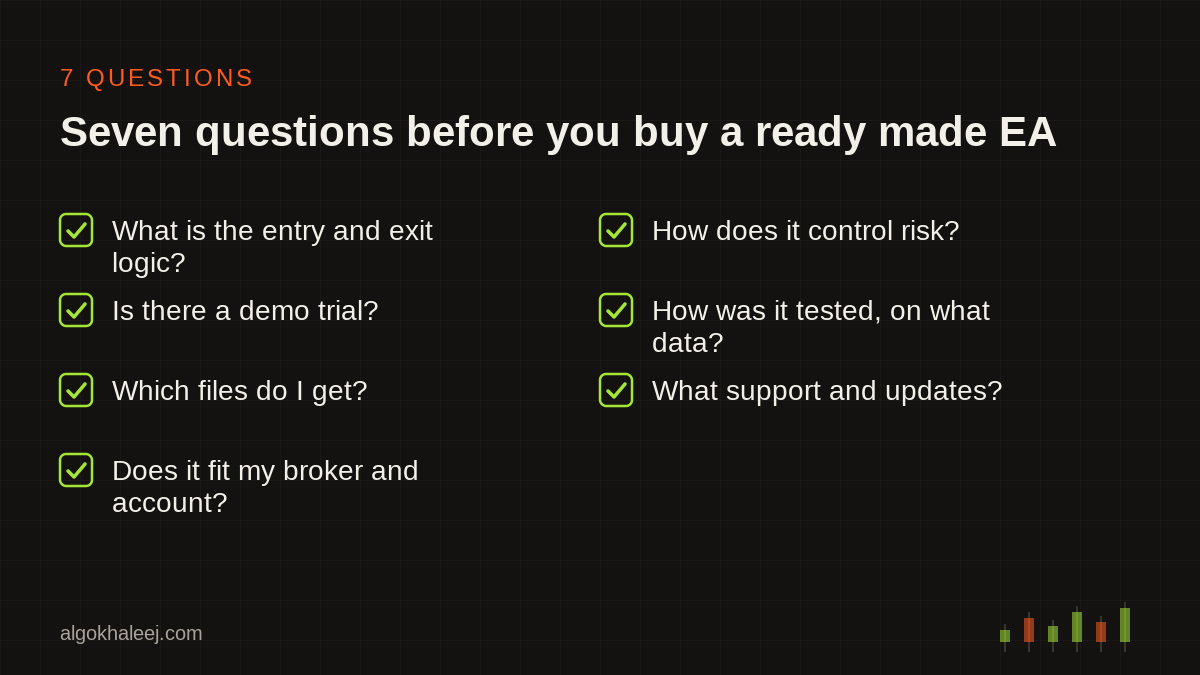
An ad shows a gold EA, a rising chart and a small price. You pay, and what arrives is an .ex5 file with a short message. Then the EA opens five trades at once, and you have no idea why or how to stop it.
Questions cost nothing while the money is still yours. A ready made EA carries logic someone else wrote for their own broker, balance or even market. You learn whether it fits yours by asking first and testing afterwards.
1. What is the entry and exit logic?
Ask the seller to explain in plain words when the EA opens a trade, on which timeframe, and what closes it. Nobody has to reveal every detail, yet “a smart private algorithm” tells you nothing.
Without that answer, a trade that went to plan and one that went wrong look the same, and you have no rule for when to switch the EA off.
Some sellers reply with balance screenshots or talk of steady monthly results. A screenshot hides the risk behind it, and nobody knows what the market will do tomorrow.
2. Is there a demo trial?
A seller who trusts the tool lets you try it. Ask for a build that runs only on a demo account, or one with an expiry date, and run it for at least two weeks to see quiet days and news days. When a seller refuses a trial and gives no clear reason, count it as a warning sign.
On the MQL5 Market, every product has a free demo version, but that demo runs only in the Strategy Tester. To watch the EA trade in real time, you still need a demo account build from the seller.
3. Which files do I get?
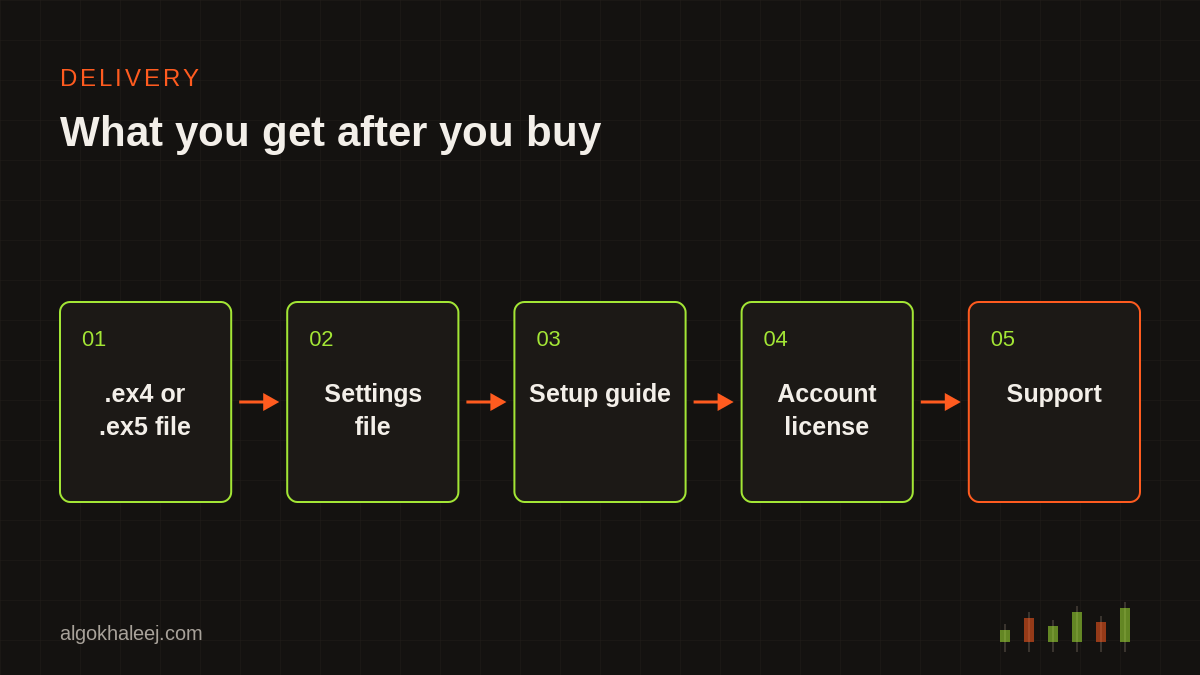
Most of the time you get a compiled .ex4 or .ex5 file. It runs, though you cannot change it, so the rest of the package matters:
- A settings file and a guide to every input should come with the EA.
- Licence terms vary, so ask what the licence covers and whether you can move it.
- Check whether the price buys a lifetime licence or a subscription you renew.
- Ask about the source code too, and whether the seller sells it at a higher price.
Sellers lock files in different ways. Some tie the EA to one account number, which it reads through ACCOUNT_LOGIN. An MQL5 Market product runs on the computer where you activated it, and each purchase includes a set number of activations. Reinstalling Windows or changing hardware uses up another one.
4. Does it fit my broker and account?
Brokers name symbols in different ways, such as XAUUSD at one and XAUUSD.m at another. Contract size, minimum lot and the smallest stop distance differ too, and MT5 reports each one per symbol. Ask whether the EA reads these values and handles a symbol suffix by itself.
Then there is the account type. An MT5 forex account runs in hedging mode, with several positions per symbol, or in netting mode, with one. Some EAs work in only one of them. If your account is swap-free, ask how the EA handles trades that stay open for days.
5. How does the EA control risk?
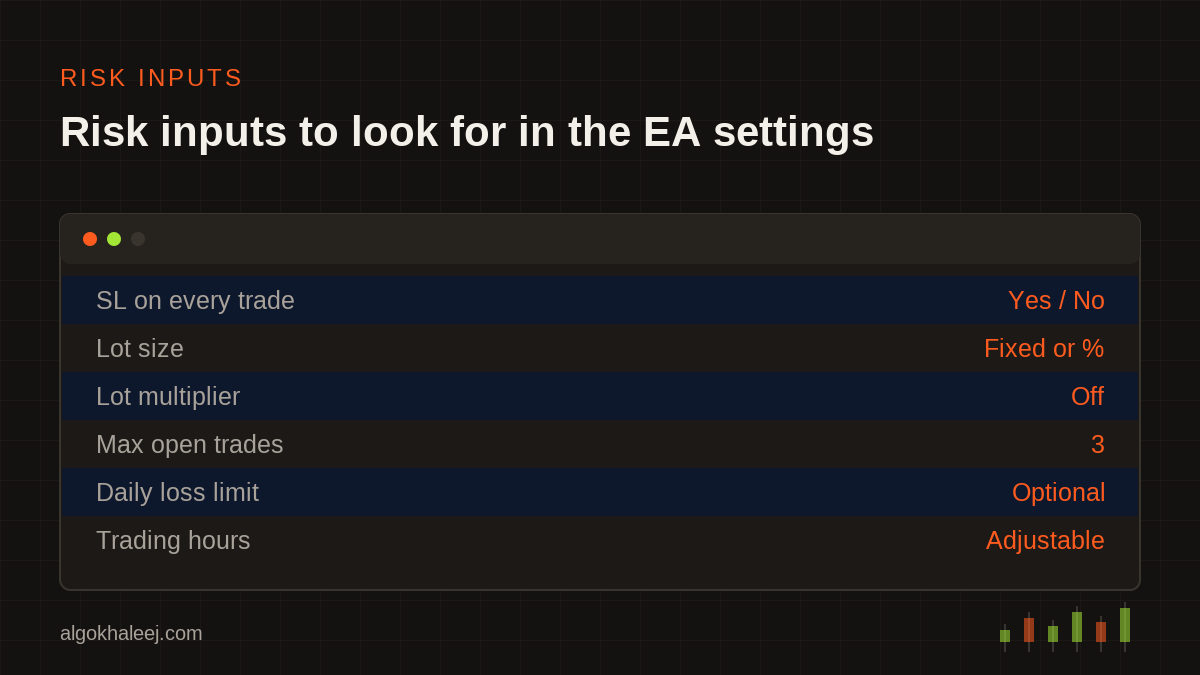
If the seller answers only one question properly, it should be this one. Open the settings and look for four inputs.
| Input | What to find out |
|---|---|
| SL on every trade | Whether the EA places a stop loss at entry or leaves trades open with no limit |
| Lot multiplier | Grid and doubling methods raise the size after each move against you. Ask plainly whether the EA uses one, and whether you can turn it off |
| Max open trades | Whether there is a clear cap on how many trades run at once |
| Daily loss limit | Whether the EA has one. It matters most on a funded account |
6. How was it tested, and on what data?
Ask about the test period, the tick model and the spread the seller used. One year of data with zero spread says little. Better still, run your own test in the MT5 Strategy Tester on your broker’s price history.
Whoever runs it, a backtest covers past prices only. Use it to learn the EA’s habits before the demo stage.
7. What support and updates come with it?
MetaQuotes releases new MetaTrader 5 builds often, and an EA nobody maintains can stop working after an update. Ask whether the seller keeps the tool up to date, how long support lasts, how you reach them and during which hours. If you cannot find an email, a phone number or support hours anywhere, do not buy.
Pressure and password requests
Two things should stop the purchase whatever the other answers were. One is time pressure, such as “the offer ends tonight” or “only two copies left”. The other is a request for your login. An EA runs in your own terminal, so the seller never needs your account password.
Extra questions for funded account traders
A funded account adds three questions. Does the firm allow EAs at all? Some firms ban ready-made EAs that many people run with the same settings, because their trades match. Does the EA count the daily and max loss limits the way your firm does? And can it pause before the news if the firm requires that?
The seller’s word is not enough here. Read the firm’s rules yourself and compare them with the EA settings line by line, because one breach can end the account.
How to test the EA after you buy
Even an EA from a careful seller should not go straight onto a live account. Run it through four steps first:
- Read the whole settings guide and write down what each input does.
- Repeat the backtest on your broker’s data.
- Put the EA on a demo account for two weeks or more.
- Open the Experts tab every day, where MT5 logs the EA’s messages and errors, and note anything you did not expect.
Only then decide whether it suits you. If you go live, start with the smallest size you can.
Keep the original file and the settings file you tested as well. When a changed input brings behaviour you dislike, you can go back to a known point. Note the date and reason for each change in a plain text file.
Ready made EA or custom EA?
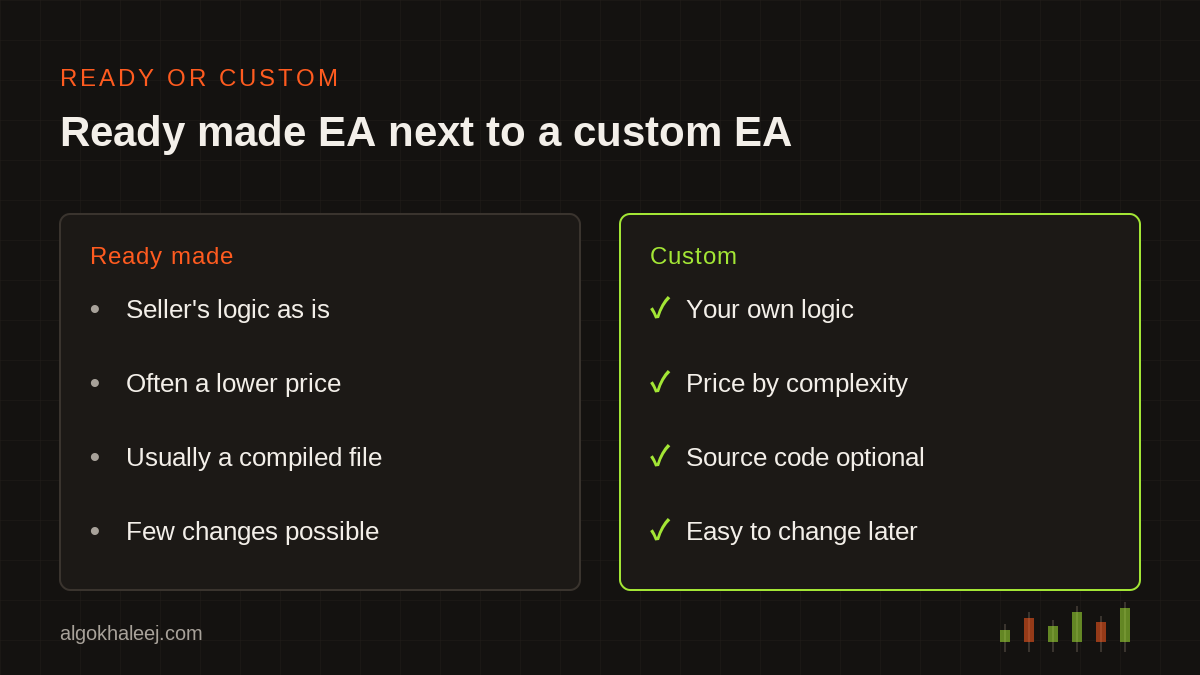
If the seller’s answers stay vague, a custom EA may suit you better, since it follows your own rules and you know every line in it. Whichever you choose, always check your broker’s terms and your local regulations.
The AlgoKhaleej team builds EAs on your rules, with a demo build locked to your account, a settings file, a setup guide and optional source code. Our MT5 Expert Advisor development page has the details. Already own an EA and want a safety layer on top? See the prop firm risk manager for MT4/MT5. An MT4 EA with source code can also move to MT5, and our guide on how to convert MQL4 to MQL5 explains that job. For prices, see the expert advisor development cost page.
Sources
- Compilation, MetaEditor help
- Buying from the MetaTrader Market, MQL5 article
- MetaTrader 5 help: Strategy Testing
- Account properties, MQL5 Reference
- Symbol properties: MQL5 Reference
- Platform logs, MetaTrader 5 help
- Release notes for MetaTrader 5