You built the EA, tested it and attached it to a chart. Then the power went out for an hour at midnight, or Windows restarted itself to finish an update, and the terminal never came back. An open trade can sit through that gap with nothing managing it. A night like that is what pushes traders to an EA VPS.
What stops an EA
An EA is a program inside the MetaTrader 4 (MT4) or MetaTrader 5 (MT5) terminal. To keep working, both the computer and the terminal have to stay on, with a steady connection to the broker’s server.
Your open trades stay open when the terminal stops, because the broker’s server holds the stop loss and the target. Everything the EA manages itself does stop, though, from the trailing stop to a partial close.
What is a VPS?
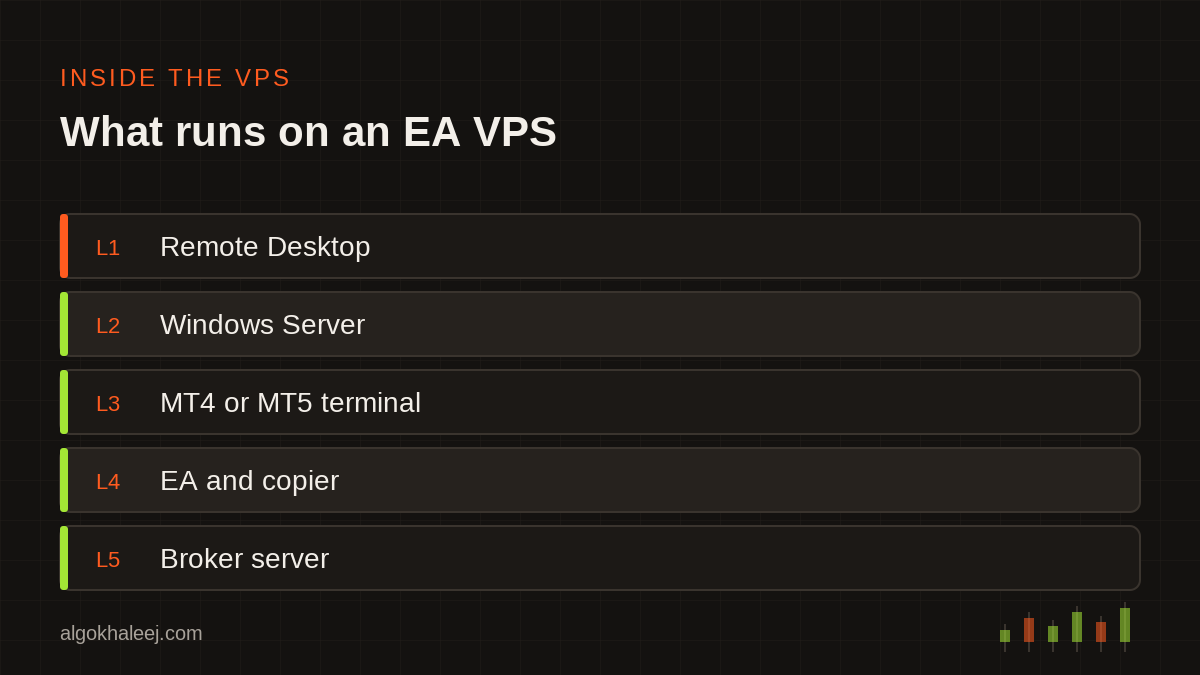
A VPS (virtual private server) is a virtual machine in a data centre that runs Windows just like your own PC. You reach it from your PC or phone through Remote Desktop, install the terminal there and leave it running.
EA VPS vs home PC: six points
1. Uptime
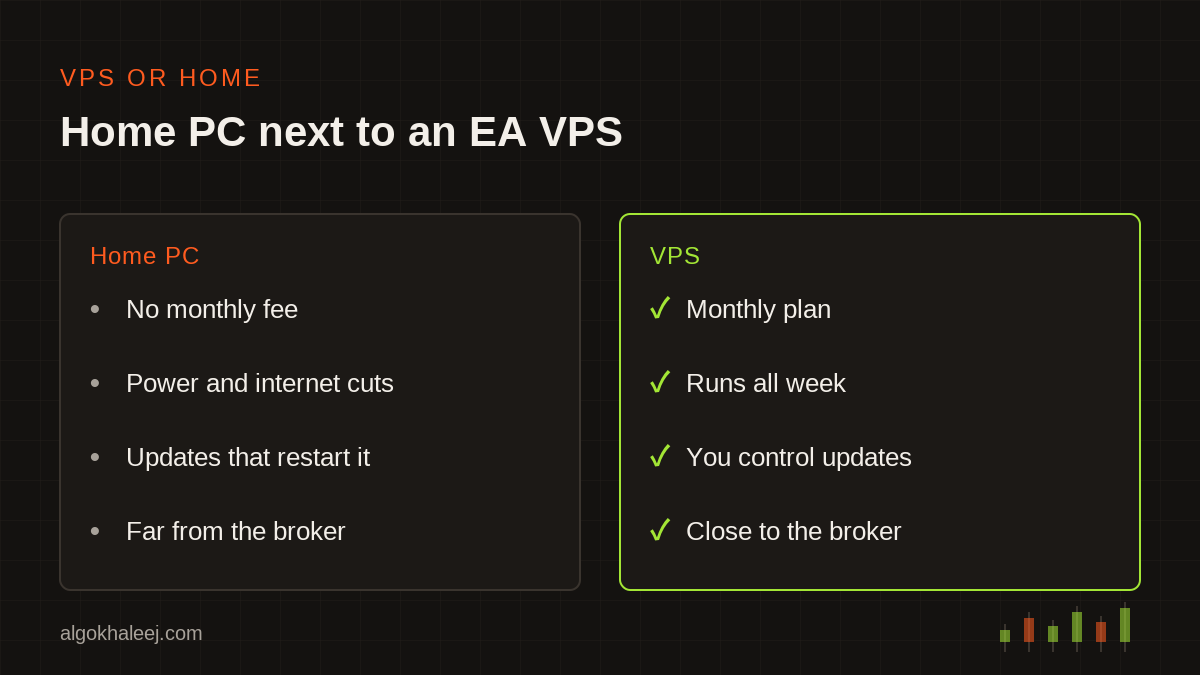
Data centres have backup power and several network links. Homes get power and internet cuts. Home internet in most Gulf cities works well, yet one cut at the wrong minute is enough.
2. Updates and restarts
Windows on a home PC will sometimes restart on its own to finish installing updates, and the PC may go to sleep at night if nobody changed that setting. On a VPS you decide when updates run. Pick the weekend, while the market is closed.
3. Latency to the broker
Latency is the time an order takes to reach the broker’s server. From a home in the Gulf it can be high when that server sits in Europe, and a VPS in the same city as the server cuts it a lot. Fast entries and signal copiers feel the gap most. A strategy that enters once a day on a high timeframe barely notices.
Measure it on your own account before you decide. Run the terminal at home and note the ping in the bottom corner of MT5, then do the same on a trial VPS for a few days and compare how often the connection drops in the Journal tab.
4. Cost
A home PC has no monthly fee, although it uses power and needs upkeep. A VPS comes as a monthly plan, priced by specs and location. Weigh that fee against what one stopped EA at the wrong moment could cost you.
5. Control and security
You sit in front of your home PC and know who uses it. A VPS faces the open internet. Give it a strong password and keep Windows updated. Install nothing you don’t need.
6. Outside tools
Telegram and WhatsApp copiers run a separate program next to the terminal, so they need a full Windows machine, either at home or on a VPS.
When a home PC is enough
A home PC makes sense when you trade set hours at the screen, or when your strategy runs on a daily chart and can sit out a short outage. Testing on a demo account works fine at home too.
Set the PC up properly first. Turn off sleep mode, move automatic updates to the weekend and add a backup power supply if you can.
When a VPS earns its monthly fee
Traders usually move for one of these reasons:
- Your EA trades around the clock, day and night.
- A signal copier must not miss a message.
- On a funded account, a guard EA has to stay on all the time.
- Fast execution matters to your strategy.
- You travel often, and nobody is home to keep the PC running.
Trading hours count here as well. The New York session runs past midnight in Gulf time, so a PC that sleeps at night misses it, and our guide to EA trading hours in Gulf time gives the session times.
Setting up the VPS step by step
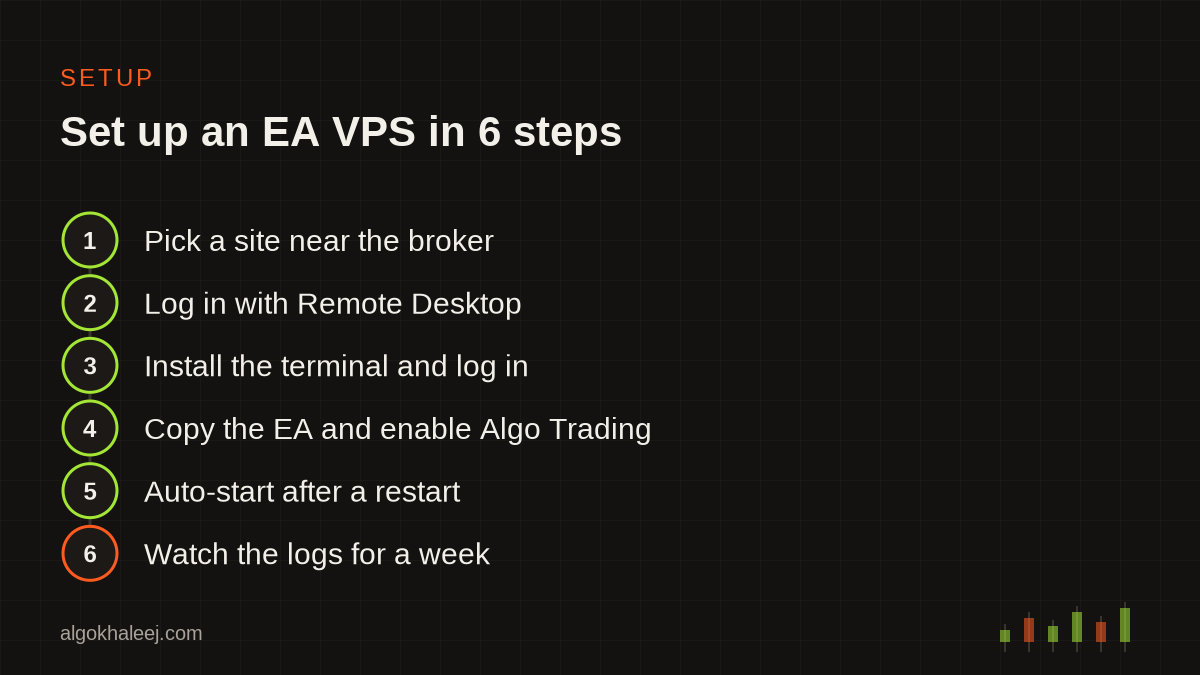
Start with the location and choose the data centre closest to your broker’s server. Log in through Remote Desktop and install MT4 or MT5, then sign in to your trading account.
Copy the EA file into the Experts folder and attach it to the chart with the settings you tested. After that, switch on the Algo Trading button. The MT5 algo trading help explains these settings in detail.
Many traders forget the next step: getting the terminal back after a restart. Put its shortcut in the Windows Startup folder, which Windows opens when you sign in, so after a reboot you connect through Remote Desktop once and the terminal starts with your session. Also make sure the EA saves its state to a file, so it picks up where it stopped.
Watch the logs during the first week. Open the Experts and Journal tabs each day and check that the connection holds and the EA behaves as it did in testing. Check your broker’s terms and your local regulations before you trade live.
Mistakes that stop an EA on a VPS
Each of these stops the EA without telling you:
- Signing out of Remote Desktop instead of just closing the window, which closes the terminal too.
- Picking a cheap server far from the broker, which wastes most of the latency gain.
- Running many terminals on too little memory, so they slow down or freeze.
- Leaving automatic updates on during trading days.
- Forgetting to renew the plan, so the server stops without warning.
Going through this list once a month takes a few minutes.
How many terminals fit on one VPS?
Memory and the number of open charts decide it. One terminal with one EA needs few resources, but every extra chart and indicator takes more memory, so close the charts you don’t need and lower the number of bars shown in the terminal settings.
For several accounts, give each one its own copy of MetaTrader in a separate folder. A problem in one account then stays in that account.
An EA built to run unattended
The AlgoKhaleej team builds EAs that run without supervision. They save their state, log each step and send an alert on any error. See our MT5 Expert Advisor development service for how we work, or the Telegram to MT4/MT5 copier if you copy signals from your own channels. Prices are on the expert advisor development cost page, and we help with the install on your PC or on your VPS.
Sources
- MetaTrader 5 help: migrating to virtual hosting
- Microsoft Support: Windows Update FAQ on restarts and active hours
- Microsoft Support: run an app automatically at startup