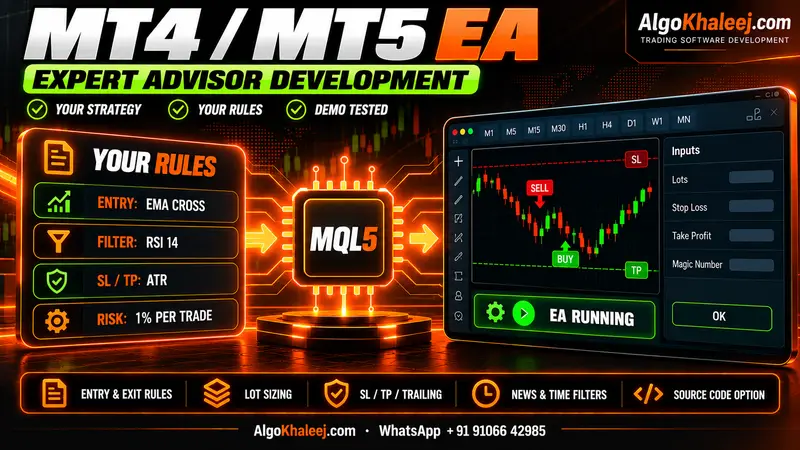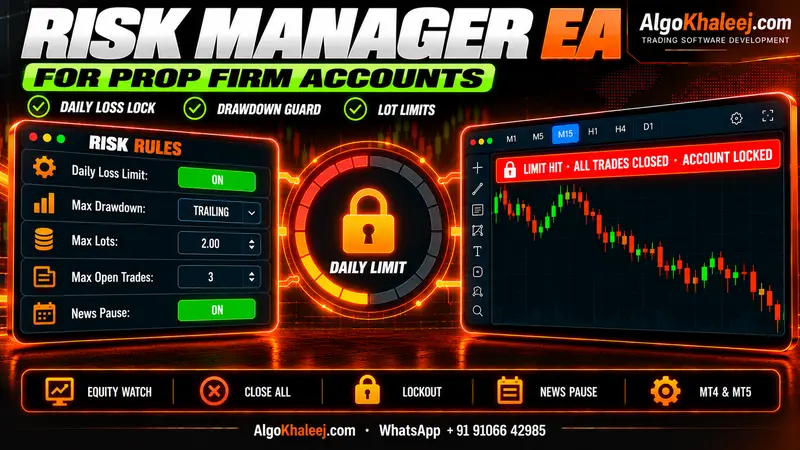

Search for “gold EA” and page one is mostly shop listings: a robot name and a chart picture next to a download button. Very few of them say what the code checks before it sends an order to your broker. Most of those checks depend on numbers the broker sets.
Your broker decides what XAUUSD means
Start with the name. Gold may appear as XAUUSD, GOLD, XAUUSD.m or XAUUSD+, so the symbol belongs in the EA inputs.
The numbers behind that name change from broker to broker too. MQL5 hands each one to the EA through SymbolInfoDouble and SymbolInfoInteger:
- Contract size (
SYMBOL_TRADE_CONTRACT_SIZE): how much gold one lot holds. - Digits (
SYMBOL_DIGITS): decimals in the price. - Tick size (
SYMBOL_TRADE_TICK_SIZE): the smallest price change. - Value of one tick in your account currency (
SYMBOL_TRADE_TICK_VALUE). - Volume step (
SYMBOL_VOLUME_STEP): the lot increment. - Stop level (
SYMBOL_TRADE_STOPS_LEVEL): the minimum gap in points between price and a stop.
Loaded when the EA starts, these values let it size trades correctly at two brokers with different gold contracts. Hard-coded, they work where the code was written and give the wrong lot everywhere else.
The spread is the other difference. On gold it often widens at the weekly open and around big news, so the filters have to be tighter than on a quiet currency pair.
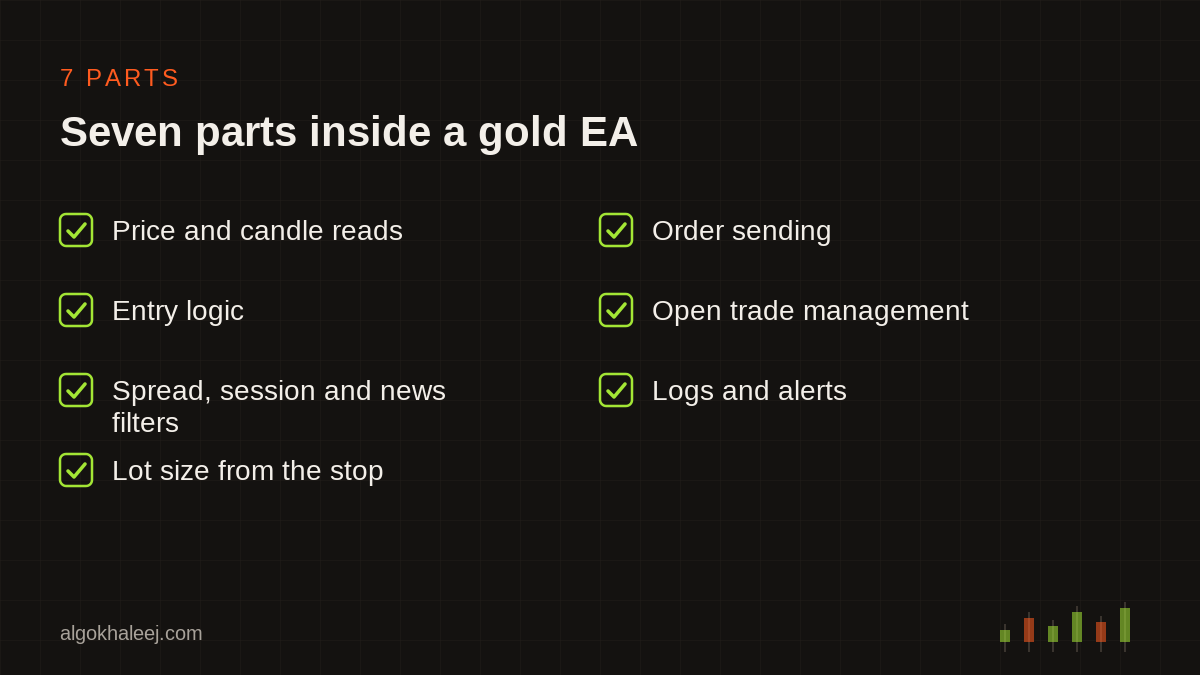
Part 1: Price and candle reads
Everything starts in OnTick, which the platform calls on each new tick. There the EA reads bid and ask, candle data and whatever indicator values your rules need.
Your rules also have to say whether they run on every tick or only at the candle close. Many strategies wait for the close, since a signal can appear and vanish inside one candle.
Part 2: Entry logic in numbers
Your strategy goes here, maybe a moving average cross or a break of the Asian session high. A rule like “when the trend gets weak” has to become a number, such as “ADX on M15 below 20”, before the code can test it the same way every time.
Each condition becomes one line of code, and the EA opens a trade only when all of them hold true on the same tick.
Part 3: Spread and session filters, plus news
A spread filter blocks entries while the spread is above your limit. MQL5 reports the spread in points through SYMBOL_SPREAD, so the limit is set in points as well.
A session filter keeps entries inside set hours. Gulf traders hit a snag here: those hours run on the broker’s server clock, which can sit hours away from UAE time (UTC+4) or Saudi time (UTC+3). We write session hours in server time and show the conversion in the settings guide; our post on EA trading hours in Gulf time walks through it.
News uses the same clock. An MT5 EA can take event times from the built-in economic calendar. The MQL5 docs state that every calendar function works in trade server time.
Part 4: Lot size from the stop, where weak code fails
The right lot depends on the stop distance and on what each tick is worth in your account. Divide the stop distance by the tick size to get the number of ticks. Multiply that by the tick value to get the loss for one lot, then divide your risk amount (say 0.5% of the balance) by that loss.
Next the EA rounds the lot down to the volume step and checks it against the minimum and maximum. Rounding down matters, because rounding up would push the loss at the stop past your limit. When the stop is so tight that the lot comes out above the maximum, the EA skips the trade.
Fixed lots skip all of this, and a 0.10 lot carries very different risk behind a tight stop than behind a wide one.

Part 5: Sending the order on MT4 and MT5
Each order goes out with a stop, a target and a magic number. The magic number tags the EA’s own trades, so it leaves your manual ones alone. In MQL4 the OrderSend call also takes a slippage value for the maximum price slippage, and in MT5 the CTrade class sets the same limit with SetDeviationInPoints.
Brokers reject stops placed too close to price. MT4 returns error 130 in that case, and the MQL4 docs warn that a stop level of 0 can still hide a floating limit on the server. A well written EA logs the error code, then retries once or stops. It should never loop.
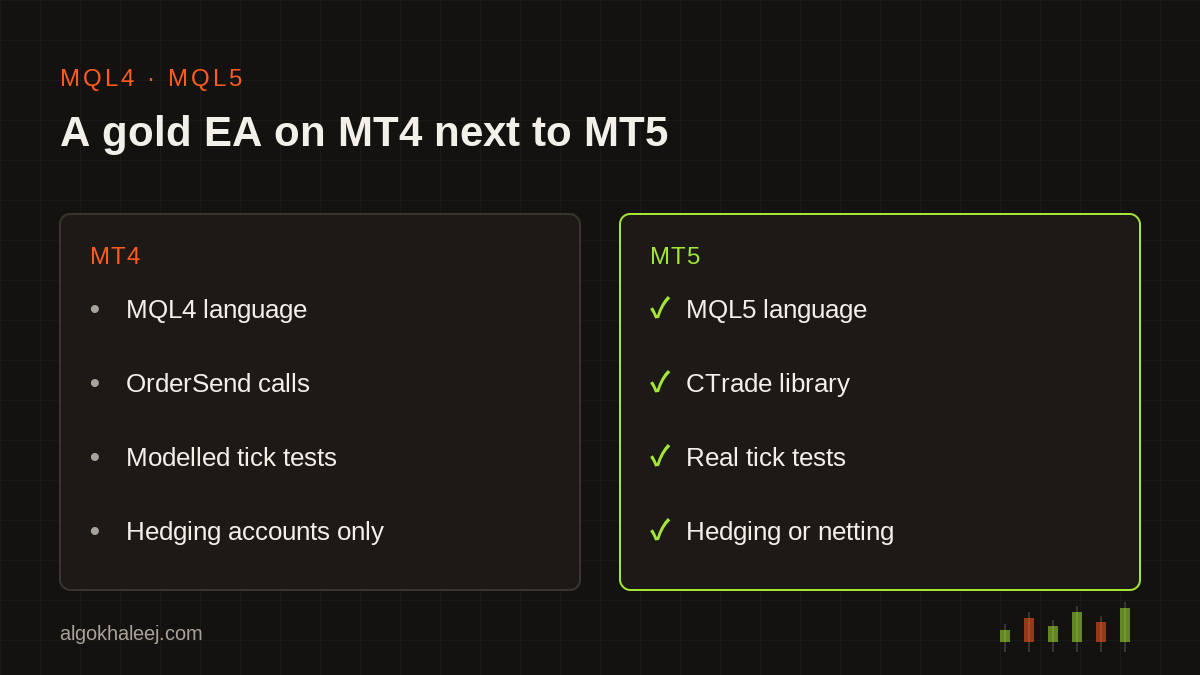
MT5 also supports netting accounts next to hedging ones, which changes how positions add up. An MT4 EA therefore cannot run on MT5 without a conversion.
Part 6: Managing the open trade
Once a trade is open, the EA can move the stop to breakeven or trail it behind price. Some traders add a time exit, such as closing everything before the New York session ends. Each rule becomes an input you can change without touching the code.
Part 7: Logs and alerts
A gold Expert Advisor should explain itself in the Experts tab, with a reason for every trade and every rejection, and it can push an alert to your phone. When something odd happens at three in the morning Gulf time, that log saves a lot of guessing.
Testing a gold EA before a live account
Start in the MT5 Strategy Tester with “Every tick based on real ticks” if your broker’s history allows it. The difference shows on gold. With real ticks the spread can change within a minute bar, while the generated “Every tick” mode uses one fixed spread per minute bar, so the spikes that trip an XAUUSD EA flatten out.
Then go through the trades on the chart one by one and check that each entry sits where you expected. After that, run the EA on a demo account for at least two weeks, keeping in mind that past results say nothing about the future.
The terminal also has to stay online. If your home PC sleeps, the EA sleeps with it, so compare an EA VPS and a home PC first.
Which five faults should you look for in an XAUUSD EA?
Whether you buy the EA ready-made or have it built, check the code for these:
- A symbol name fixed in the code, which fails at a broker that adds a suffix.
- Fixed lots that ignore the stop distance.
- No spread filter, so trades open into the wide spread of the weekly open.
- Error codes ignored, so the EA retries dozens of times in seconds.
- No saved state, so a platform restart wipes its memory of open trades.
None of these fixes needs more than a few lines of code.
What the code cannot do
An EA runs your rules fast and with discipline, and it runs a weak rule with exactly the same discipline. It also does not replace a check of your broker’s terms and your local regulations.
Get an XAUUSD EA built on your rules
The AlgoKhaleej team builds the EA around your own rules, and our MT5 Expert Advisor development page shows how we work and deliver. For gold filters set in Gulf time and prices in AED and SAR, see our gold trading bot for UAE traders page. If you trade gold in a funded account, add our prop firm risk manager for MT4/MT5 on top. Prices are on the expert advisor development cost page, and whichever route you take, you test a demo build on your account before the final payment.
Sources
- MQL5 docs: symbol properties, including tick value and volume step
- MQL5 docs: economic calendar functions
- MQL4 docs: OrderSend and error 130
- MetaTrader 5 help: real and generated ticks in testing