The first signal lands in the channel and nothing happens on the chart. Before you touch a setting, find out which half of the copier lost it.
Which half of the copier dropped the signal
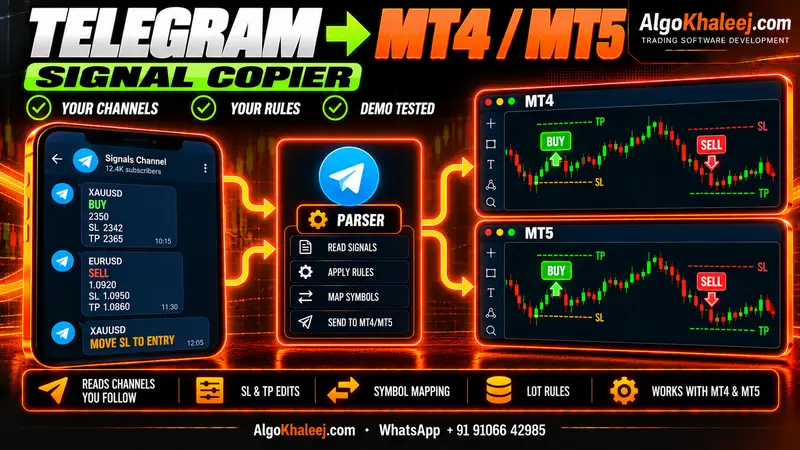
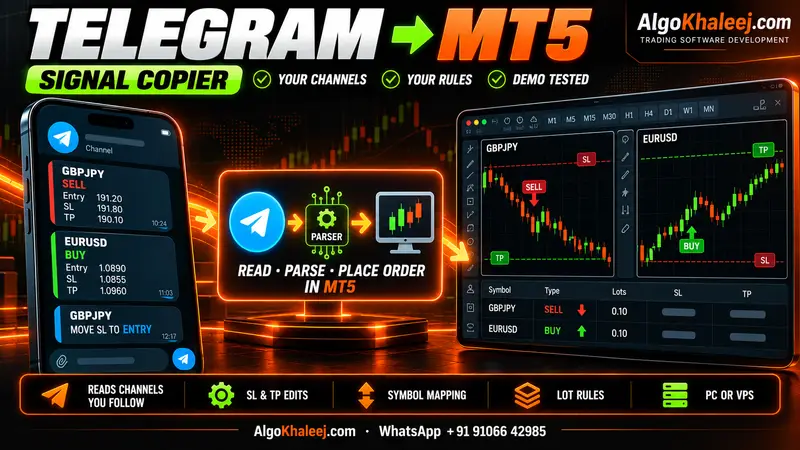
Our copier, like most, is two programs. A small reader on your PC or VPS turns each post into order data: symbol, direction, entry, SL and TP. An EA in MT4 or MT5 applies your lot rules and sends the order. A signal can die in the reader, in the EA or at the broker’s trade server.
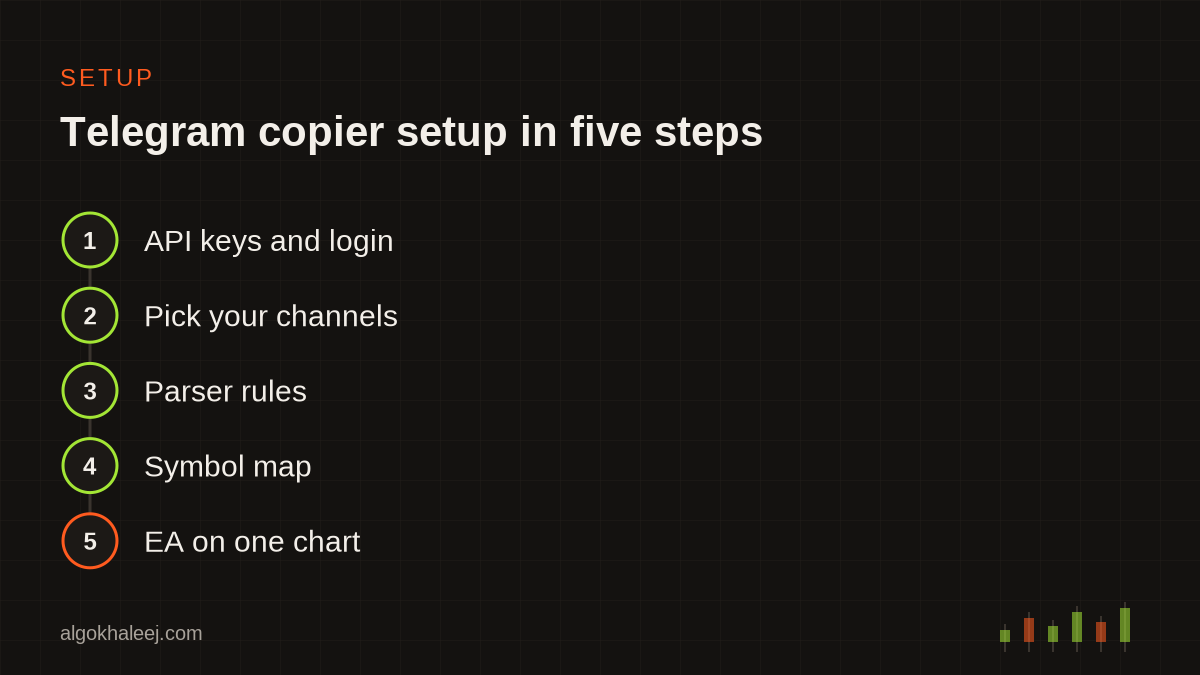
Five setup steps to check first
A skipped step sits behind many faults, so check these five first.
- Create your api_id and api_hash at my.telegram.org, then log in once with the code Telegram sends you, plus your password if two-step verification is on. The Telegram API docs explain these keys.
- Pick only channels you have joined, and start with a single one.
- Teach the parser the words your channel uses for direction, SL and TP.
- Fill in the symbol map so every channel symbol sits beside its broker name.
- Attach the EA to one chart, then switch on Algo Trading in MT5 or AutoTrading in MT4.
Our guide to copy Telegram signals to MT5 covers each step in more detail.
Read the copier log before you change anything
Open the Experts tab in the terminal’s Toolbox and find the last signal. A good copier writes four lines for it: the raw text, the parsed data, the order sent and the server’s reply.
No message text means the reader never got the post. Text with the wrong numbers beside it means the parser needs a new rule. A rejected order carries an error code, and most of those point at the lot size or the stop.
Send that log with your first support message; the cause is often clear from it at once.
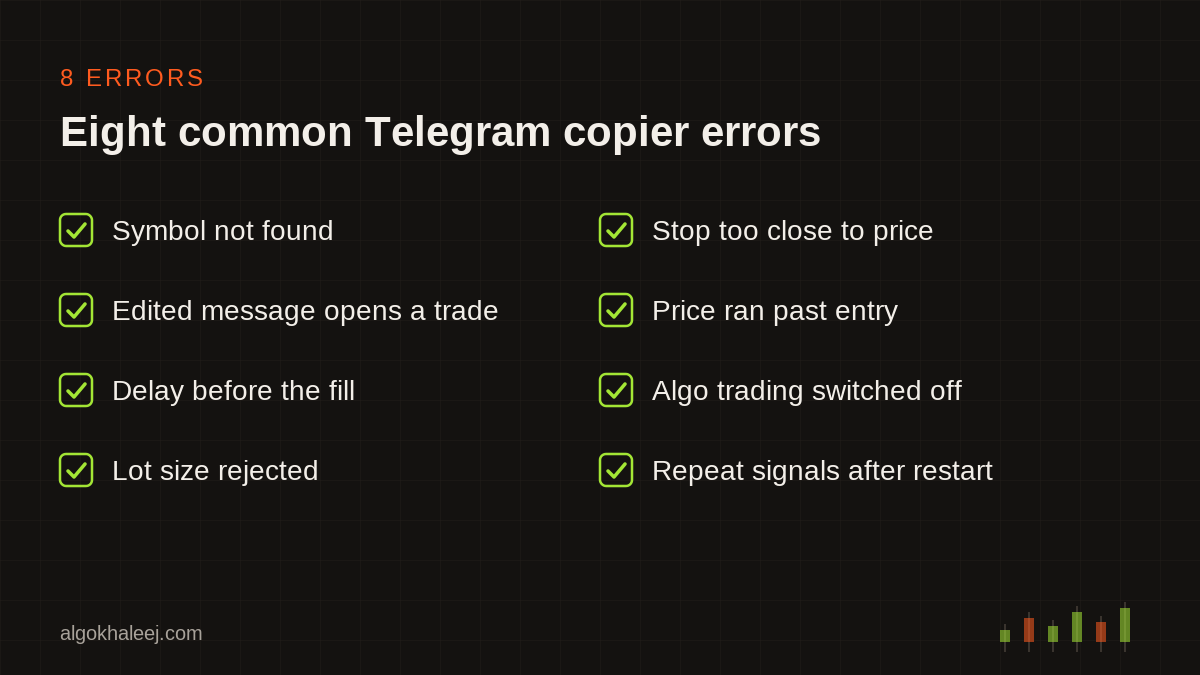
Eight Telegram copier errors and how to fix them
Faults that reach the terminal or the broker carry a code that MetaQuotes documents. MT5’s five-digit codes come from the trade server; 4301 is a runtime error.
| Fault | MT5 code | MT4 code |
|---|---|---|
| Symbol not found | 4301 ERR_MARKET_UNKNOWN_SYMBOL | 4106 ERR_UNKNOWN_SYMBOL |
| Lot size rejected | 10014 TRADE_RETCODE_INVALID_VOLUME | 131 ERR_INVALID_TRADE_VOLUME |
| Stop too close to price | 10016 TRADE_RETCODE_INVALID_STOPS | 130 ERR_INVALID_STOPS |
| Algo trading switched off | 10027 TRADE_RETCODE_CLIENT_DISABLES_AT | 4109 ERR_TRADE_NOT_ALLOWED |
Errors 2 and 8 show no code, because the broker accepted a valid order both times; only the copier’s log reveals them.
1. Symbol not found (symbol suffix)
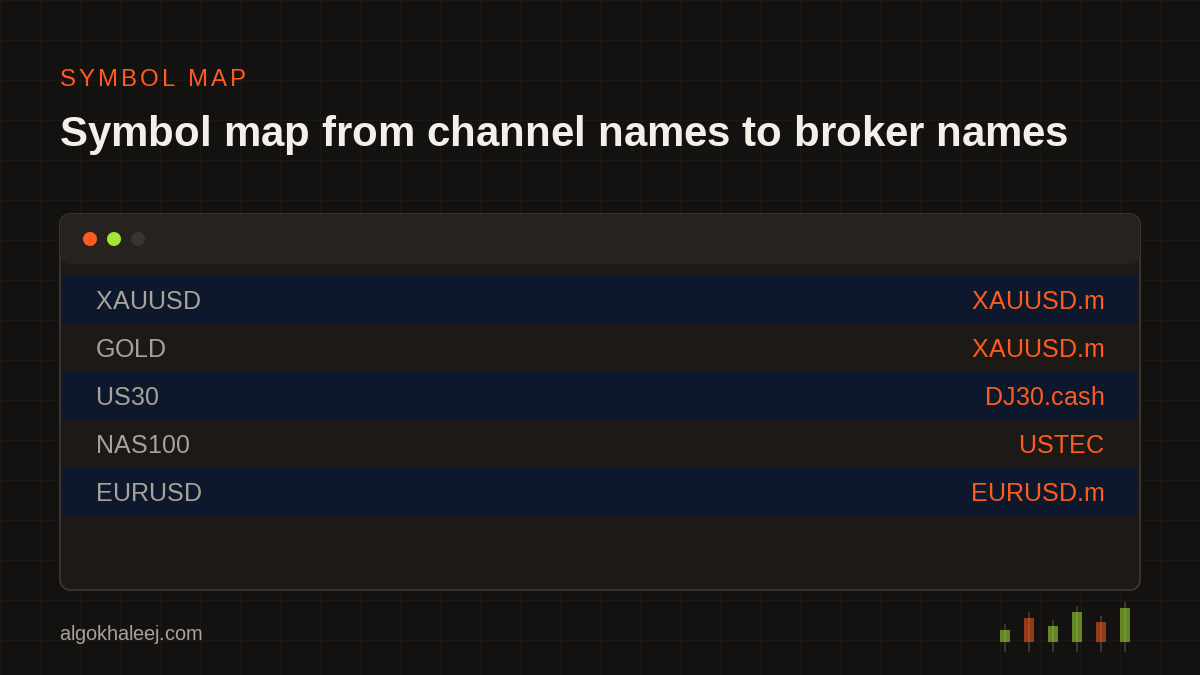
No fault on this list turns up more often. The channel writes XAUUSD, while your broker lists the same market as XAUUSD.m or XAUUSD+. The EA cannot find that name on your account and drops the signal.
Add a map row for every name the channel uses. Check Market Watch too: in MT5 an unselected symbol gives error 4302, ERR_MARKET_NOT_SELECTED, until you show it or the EA adds it with SymbolSelect. A new broker or account type often brings a new suffix, so recheck the map then.
2. An edited message opens a second trade
Providers edit signals all the time, to correct an SL or add a TP. The edit arrives as its own update for the same post, and the Telegram docs state that editing a message does not change its ID. A basic copier reads the new text, sees a complete signal and opens a second trade.
When the copier stores each message ID next to the trade it opened, an edit finds that trade and changes only its SL and TP. If your channel edits posts to add comments, set the copier to ignore edits.
Deleted posts need a rule as well. Close the trade when the signal disappears or keep it open, but write the choice into the settings.
3. The order fills seconds after the post
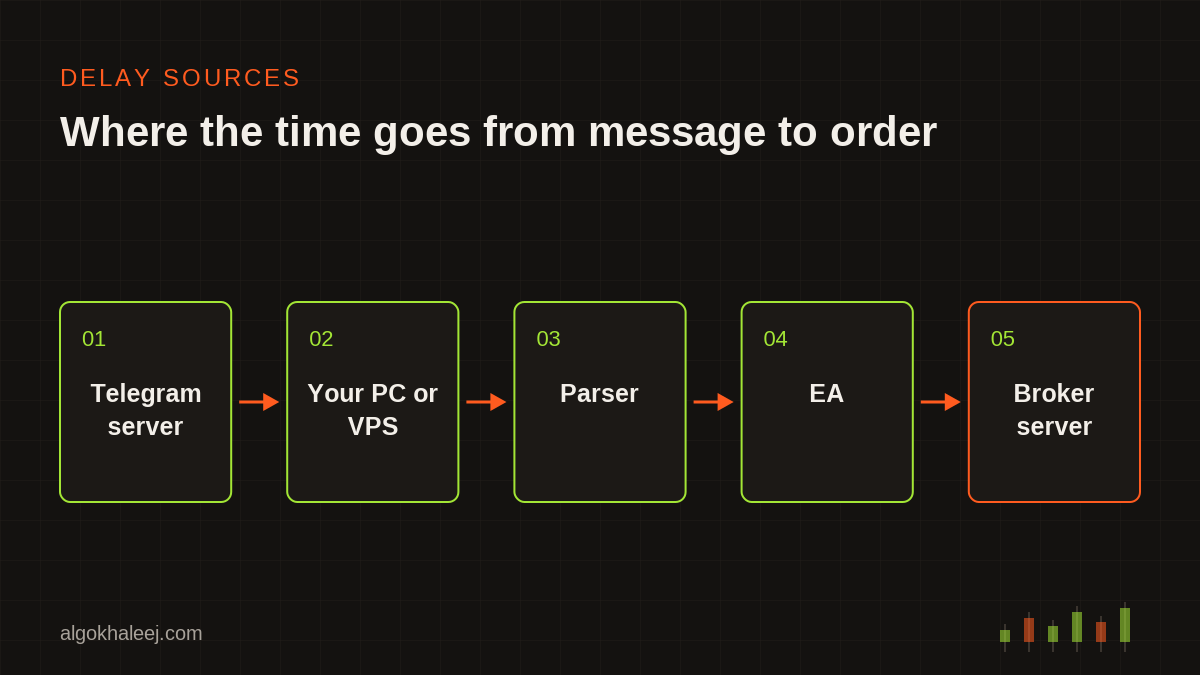
The copier should log three times per signal: message arrived, order sent and broker confirmed. A big gap before arrival points at the connection; one after sending points at the broker.
A VPS near your broker’s server shortens the last leg. Each extra service in between adds a hop, and no setup removes delay completely.
4. Lot size rejected
Every symbol has a minimum lot, a maximum lot and a lot step (SYMBOL_VOLUME_MIN, SYMBOL_VOLUME_MAX and SYMBOL_VOLUME_STEP in MT5). A copier that works out 0.013 lots on a symbol with a 0.01 step sends a volume the server refuses. Round each result down to the step and keep it inside the limits.
5. Stop too close to price
Brokers set a minimum distance in points between price and a stop: SYMBOL_TRADE_STOPS_LEVEL in MT5, MODE_STOPLEVEL in MT4. A signal whose SL or TP sits inside it gets rejected. A zero in MT4 is no free pass, because the MQL4 docs say the server may control that distance in a way the terminal cannot see.
The EA can open the trade without a stop and add it a moment later, leaving it briefly unprotected, or move the stop to the nearest allowed level. Choose one and test it on a demo account.
6. Price ran past the entry
Sometimes the post arrives after price has left the entry, and a basic copier fills anyway. A max slippage setting, counted in points like the deviation field of an MT5 trade request, stops that. Past the limit, the copier skips the signal or places a pending order at the entry zone.
A max signal age, such as 20 seconds, covers the other case: an old post that arrives after a dropped connection opens nothing.
7. Algo trading switched off
This one shows up most after a platform update or a move to a new machine. The Algo Trading button on the toolbar (AutoTrading in MT4 and in MetaQuotes’ MT5 help) enables automated trading for the whole terminal. Then the “Allow Algo Trading” box in the EA’s properties lets that one EA trade. The MT5 algo trading help covers both.
8. Repeat signals after a restart
On startup a Telegram client asks the server for the updates it missed while offline. A copier with no record of the posts it already handled may trade that catch-up batch as new signals. Save handled message IDs in a file and check each post against it after every restart.
Before you move the copier to a live account
- Every channel symbol has a row in the symbol map.
- Edits and deletes each have a written rule.
- Max slippage and max signal age both have values.
- The log shows all three times for each signal.
- A full week on a demo account has run with no unexplained Telegram copier errors.
Also check your broker’s terms and your local regulations before you trade live.
A copier with the symbol map and edit rules built in
It is easier to prevent Telegram copier errors than to chase them on a live account. The AlgoKhaleej team builds the Telegram to MT4/MT5 copier with a symbol map, edit rules and max slippage built in, and it copies only the channels you choose. Custom logic on top goes through our MT5 Expert Advisor development service, with prices on the expert advisor development cost page. Either way, you test the copier on your own demo account before the final payment.
Sources
- Telegram API: obtaining an api_id and login
- Telegram API: updates
- MQL5: return codes and runtime errors
- MQL5: symbol properties and trade request
- MQL4: error codes and symbol properties
- MetaTrader 5 Help: Expert Advisors