
Who uses a channel copier
Signal groups in Dubai, Abu Dhabi and Riyadh often pull calls from several paid rooms and repost them to their own members. Doing that by hand means sitting at the phone all day. Also, a forward shows where the post came from, and many group owners would rather keep their sources private. Typical users of this app fall into a few groups:
- an admin who runs one VIP channel fed by three or four providers,
- a team that wants a backup group carrying the same posts,
- an educator who turns English calls into an Arabic layout for a Gulf audience,
- a trader who simply wants every call from many rooms in one place.
We build and set up the software. We do not sell signals or pick sources for you.
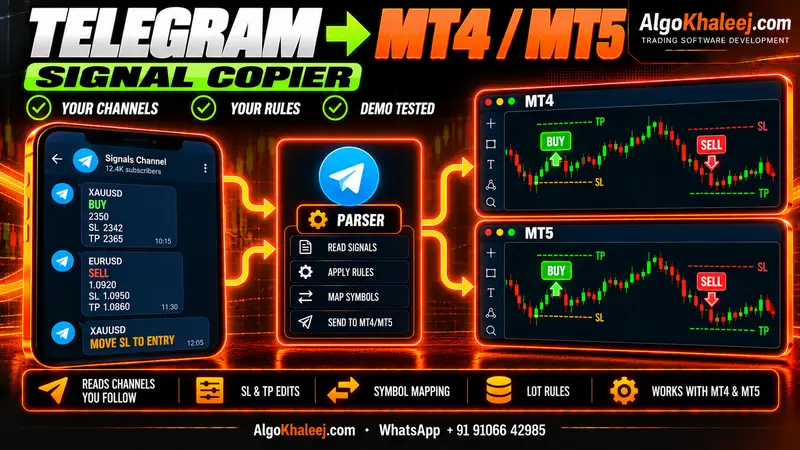
How the telegram channel copy bot signs in
The app logs in as your own Telegram user account through Telegram’s official client API. You type your phone number, then the code Telegram sends, then your two-step password if you set one. After that, the session stays on that PC, so you sign in once per machine.
Since it acts as you, it can read any channel, group or private chat that your account can see. However, posting has a rule of its own: your account must be allowed to write in each target. For your own channel, that means admin rights with posting turned on.
Mappings: sources and targets
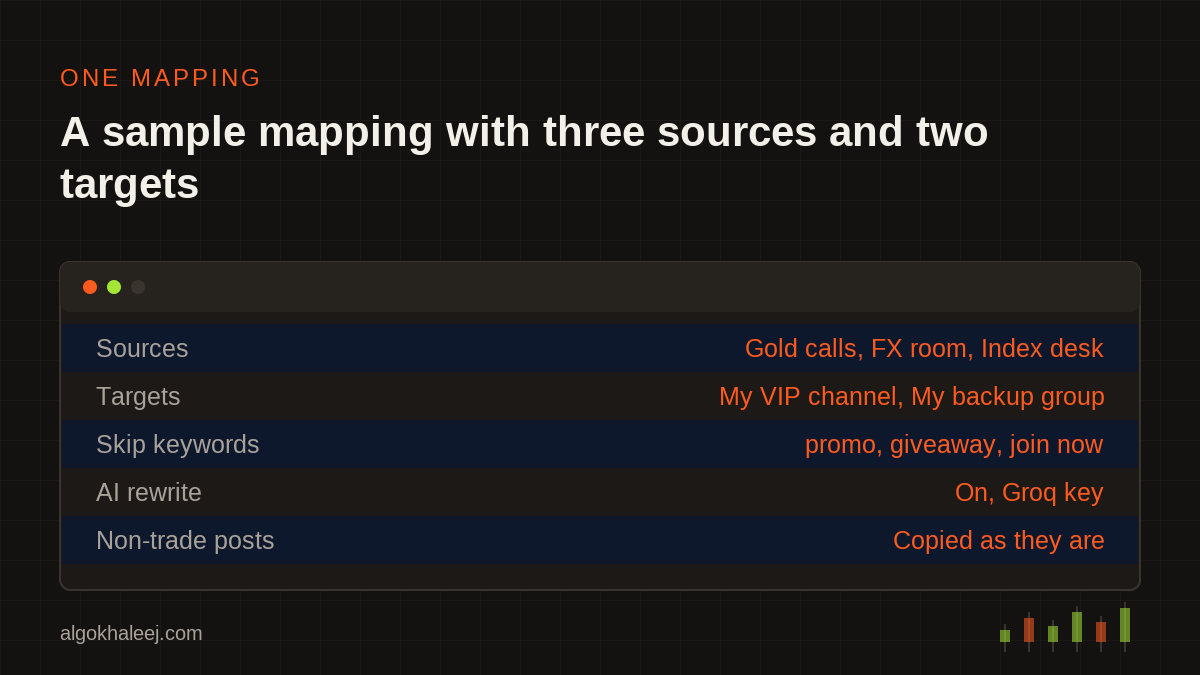
First, a mapping links a SOURCE list to a TARGET list. You can run from one to eight mappings at once. Each list can hold many chats, so several sources can feed one target, and one source can feed several targets.
Also, each list has a search box, and your ticks stay put while you filter. Then the app saves your mappings, skip keywords and the Auto start choice, so the next launch picks up where you left off.
What gets copied
Every copy goes out as a new post from your account. Photos, videos, albums, replies and voice notes all come across. When a post is an album, it lands as one album.
The app first sends media by reference, which keeps it fast and playable. If Telegram refuses that, it downloads the file, uploads it again and then deletes the temporary copy. Replies keep their thread too: when the original post was copied earlier, the reply points to your copy.
Edits work a little differently. An edited source message arrives as a new post that starts with “EDITED:”, so your members can see that the call changed.
Skip keywords
You can type a comma separated list of words, and any message that contains one of them is skipped. Case does not matter. For example, “promo, giveaway, join now” keeps adverts out of your channel. The same filter also checks album captions and edited messages. If you leave the box empty, everything gets copied.
AI rewrite in your own layout
The AI step is off by default. When you turn it on, you pick Groq, OpenAI or DeepSeek and enter your own key for that provider. Only the message text goes to the provider. Load models then lists the fast models your key can reach, and a timeout stops a slow provider from holding up the queue.
The AI sorts each message into one of eleven kinds and fills a template you can edit. Fields include {symbol}, {direction}, {entry}, {sl}, {tp1} to {tp6}, {original}, {time} and {date}. A line whose fields are all empty is left out, so a call with two targets does not show four blank lines.
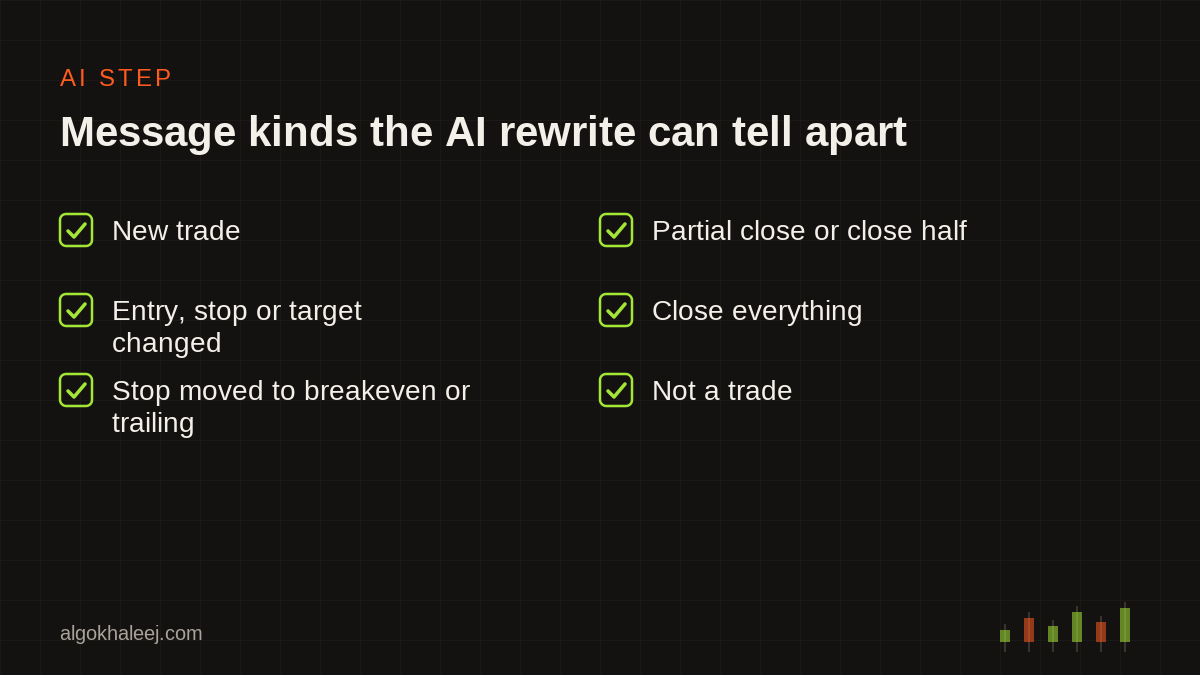
A switch called “Forward messages that are not trades” is on by default. So chat, news and charts still pass through untouched. Turn it off and only trade messages reach your channel.
Before going live, TRY IT runs one sample message through your key, model and templates. It shows the finished post next to what the model read.
The AI also fails open. If the key is missing, the provider is down or rate limited, or the output looks broken, the original message goes out instead. Also, the AI runs once per message, so three targets still cost one call.
Telegram’s rules on spam and flooding
Telegram’s terms of service ban using the service to send spam or to scam users, and they ban breaking copyright. Any telegram channel copy bot makes it easy to repost someone else’s paid content, so copy only channels you own or have permission to repost. Otherwise you risk reports and limits on your account.
Telegram also limits how fast an account may send. When an account sends too much, the API returns a FLOOD_WAIT error with the number of seconds to wait. The app obeys that wait before it sends again. It leaves about half a second between sends, retries network errors and reconnects after a drop. In addition, it remembers the last 5,000 messages, so a restart never posts the same message twice.
The Telegram API terms also say that an app must not act for a user without the user’s knowledge and consent. Here you run the copier on your own account and choose every mapping yourself.
Running it around the clock
You need Windows 10 or 11 (64-bit), and no Python. However, only one copy runs per PC. With Auto start ticked, relaying begins once your chats load, so a Windows VPS can keep it going overnight. A live log shows sends, skips, errors and uptime, and a rotating log file keeps the history.
Gulf time helps here. A London room that posts at 08:00 UTC reaches you at 12:00 in the UAE (UTC+4) and 11:00 in Saudi Arabia (UTC+3). A VPS covers the hours when your own PC is off.
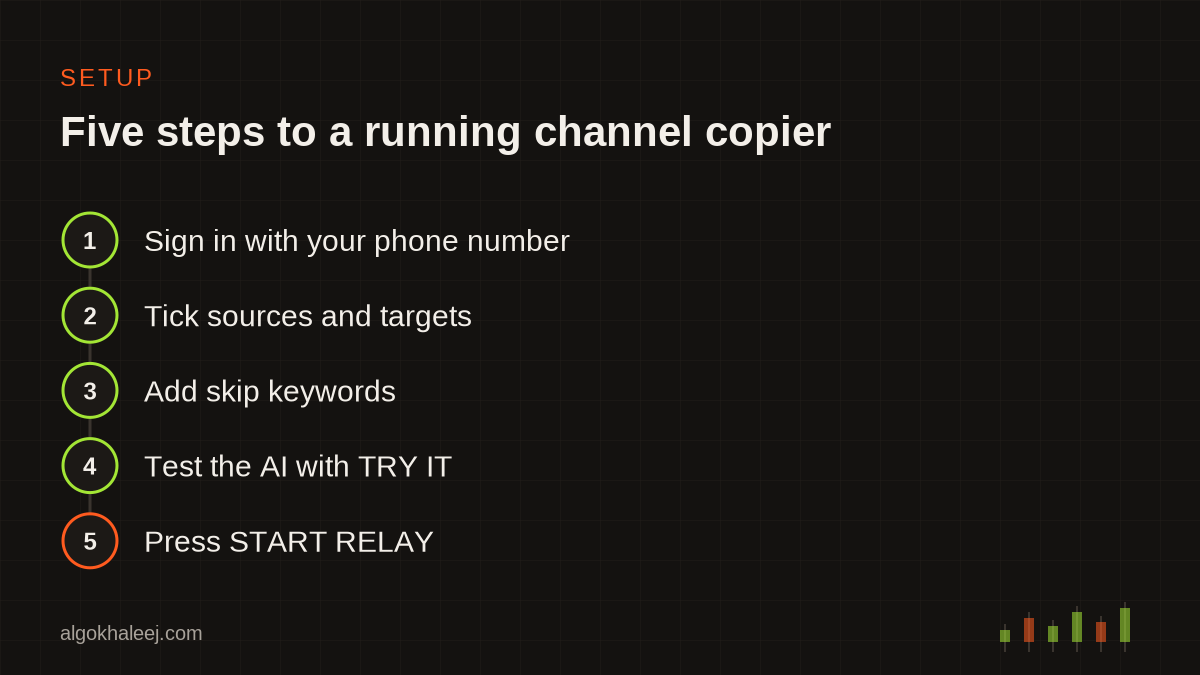
Setup with our team
We are a remote team in India with no Gulf office. Over a call we can install the app, sign in, build your mappings and write your templates. The price is on enquiry.
If you want calls to open trades on MetaTrader rather than land in another chat, see our Telegram to MT4/MT5 copier. The Tools page lists our other ready apps, and the trading software FAQ answers common questions.