You open a channel, hold your finger on a post, and the forward option has gone. Or Telegram tells you the owner protects this content. Nothing is wrong with your phone. The owner of that channel made a choice, and Telegram enforces it for every member.
For anyone who runs a channel copier, this matters. So let’s look at what the setting does, then at what a copier may and may not do with it.
What Telegram’s Restrict Saving Content setting does
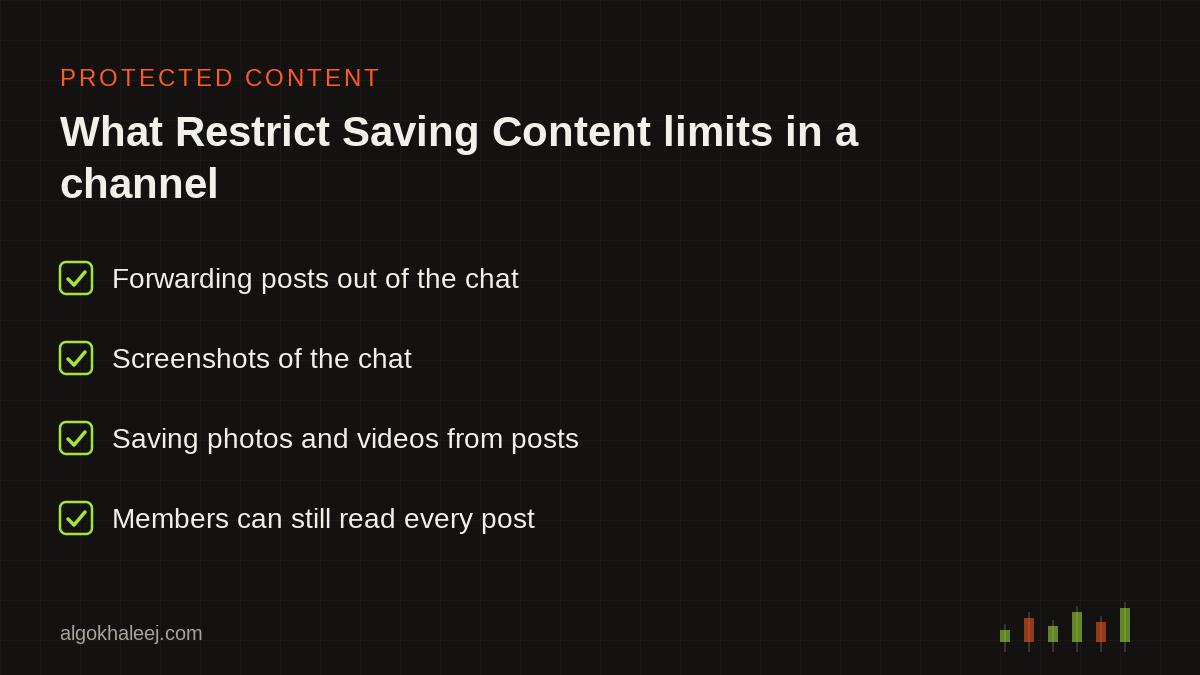
Telegram added the setting on 7 December 2021. Its blog post says owners of groups and channels can restrict message forwarding from their chat. The same switch also prevents screenshots and limits saving media from posts. Telegram presented it as a way to keep content for members only.
The owner turns it on from the Info page of the chat. It sits under Channel Type, or Group Type for a group, as a toggle named Restrict Saving Content.
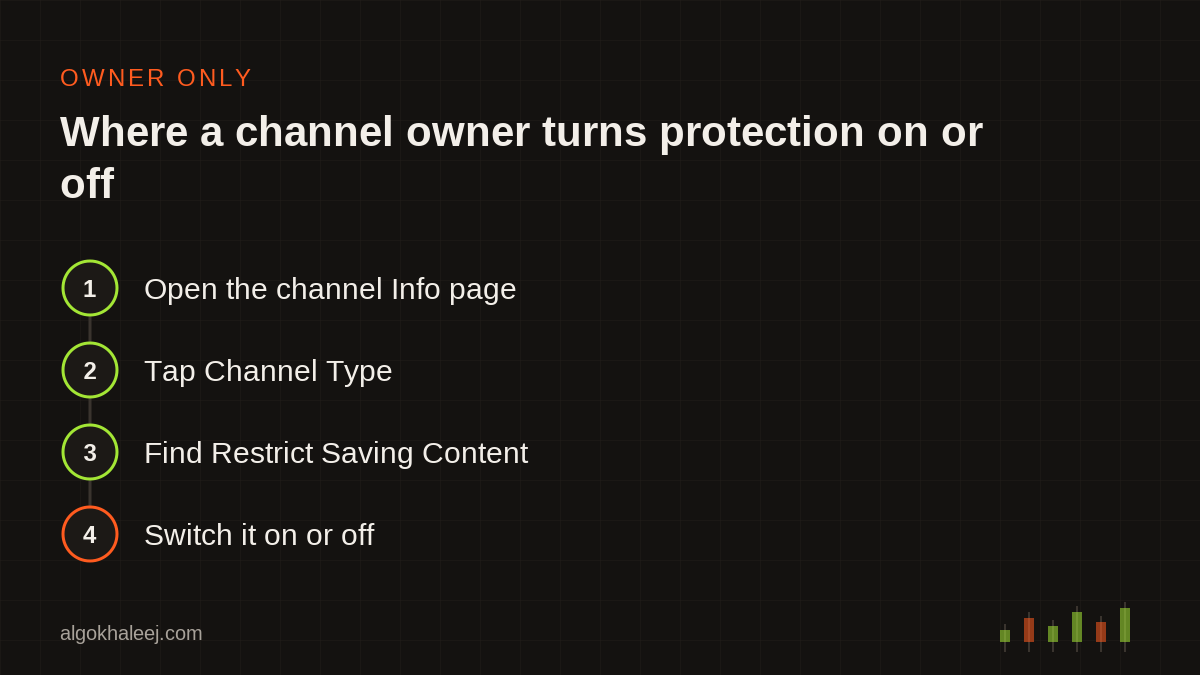
Telegram’s developer docs describe the matching method in one line: it turns content protection on or off for a channel, a group or a private chat. However, it needs admin rights. An ordinary member who tries gets an error saying an admin is required.
So the rule sits with the owner. Members see the posts, yet they cannot pass them on with Telegram’s own tools.
What changes for members
Once protection is on, three things change for everyone in the chat:
- the forward option disappears from its posts,
- screenshots of the chat stop working,
- photos and videos from posts are harder to save.
Reading stays the same. You still see every post while you remain a member. Also note what Telegram’s post covers. It names forwarding, screenshots and saving media. It does not list every way a person might reuse a post, so don’t read the gaps as permission. The purpose is clear: the owner wants the content to stay inside the chat.
Telegram channel copying and forwarding not allowed: where copiers stand
Here is our position, stated plainly. Nobody should use a copier to get around a channel owner’s restriction. When an owner switches on protection, that is a clear “no” to reposting their content somewhere else. Copying it into your own channel anyway ignores that choice. It may also break Telegram’s Terms of Service, which forbid users to violate copyright and intellectual property rights.
This applies to every tool, ours included. Our Telegram channel copier is for channels you own, or channels whose owner has given you permission to repost. We give no bypass help. We also won’t set the app up for a source you have no rights to.
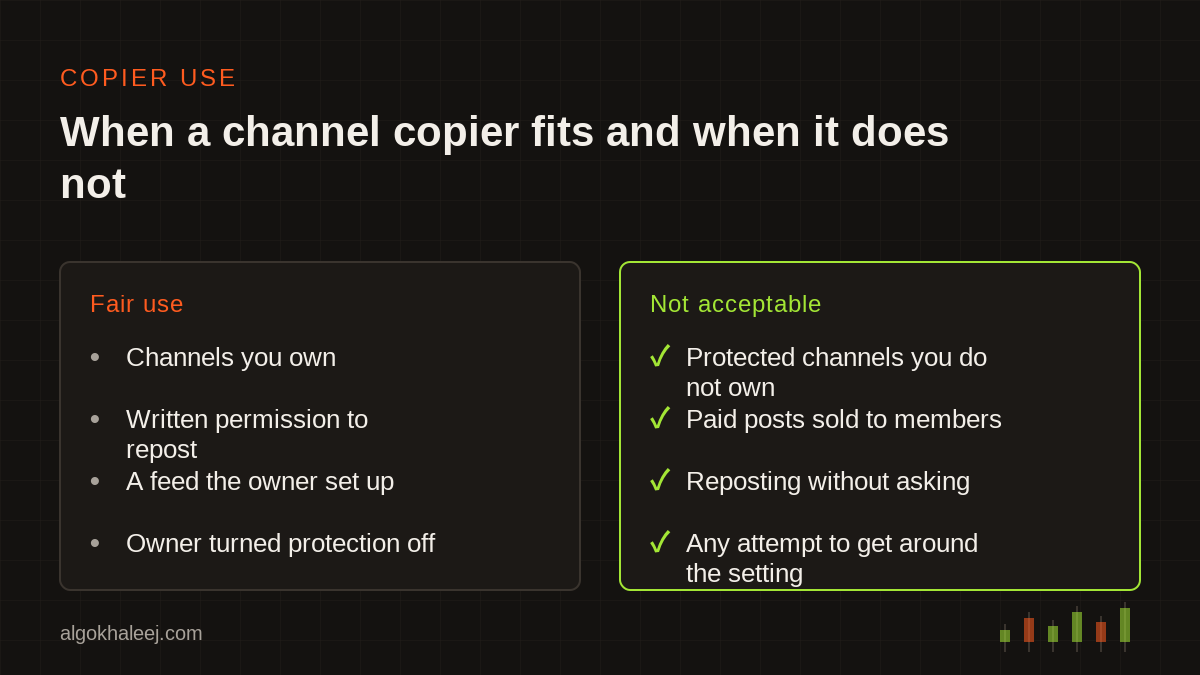
Think about it from the owner’s side. Many protected channels sell access. If a copier reposts those posts into a free channel, the owner loses the thing they charge for. That is why the “telegram channel copying and forwarding not allowed” notice should end the question, not start a search for a way round it.
Reposting a channel and reading a signal are different jobs
A channel copier republishes posts. It takes a message from one channel and posts it as a new message in another. That is exactly the kind of reuse protection is meant to stop.
A signal copier does a different job. Our Telegram to MT4 and MT5 copier, for example, reads a trade call and places an order on your own trading account, so nothing gets republished. Even so, paid signal channels often have their own rules about automated tools. Telegram’s post doesn’t speak about trading software at all, so the owner’s terms decide. Ask the channel before you connect any tool, and keep the answer.
Trading itself carries risk, and forex and leveraged products are high risk. Check that your broker and the product are allowed where you live.
The fair routes that still work
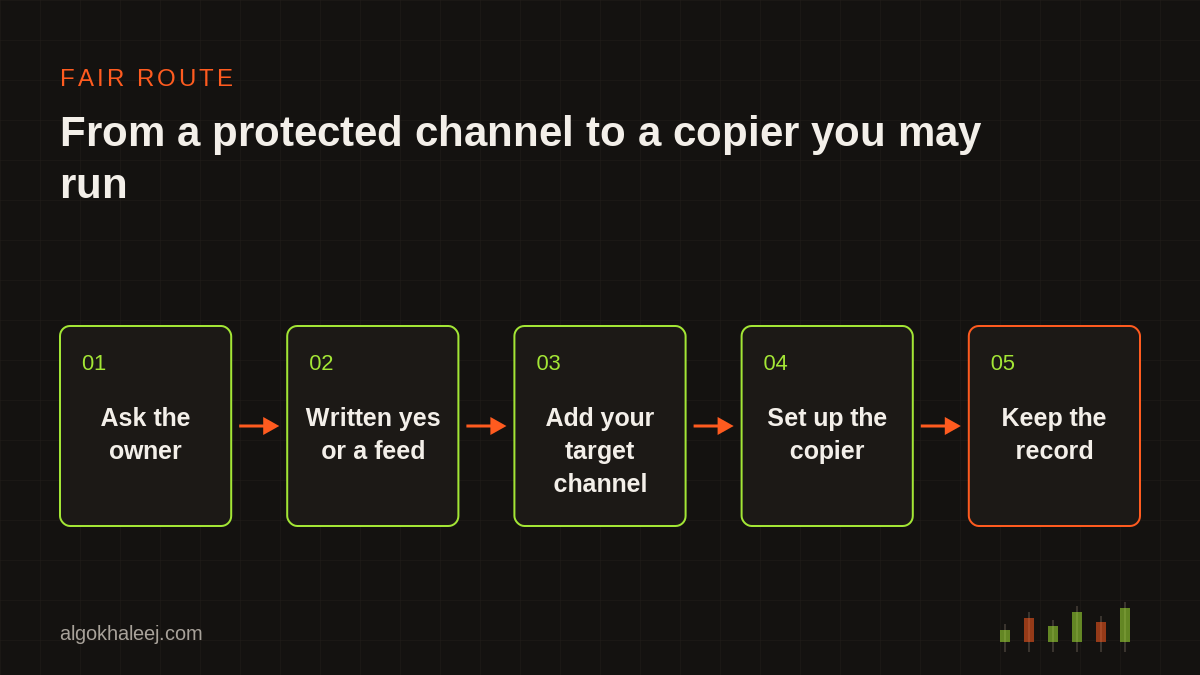
You still have honest options when the owner of a channel you want has protected it.
- Ask the owner to turn the setting off. Only an admin can do it, and some owners will for a partner channel.
- Get written permission. Even a short message that names your target channel and what you will repost is enough, and it protects you later.
- Request a separate feed. For instance, the owner might run a second, unprotected channel for partners, or add your copier’s account to a channel set up for sharing.
- Use content you own. If the source is your own channel, the choice is yours.
Then set up the copier only after one of these is in place.
If you own the protected channel
Owners face a trade off. Protection is a setting for the whole chat. If you turn it off so your own copier can repost, every member can forward your posts too.
One tidy answer is to keep the paid channel protected and post shared content to a second channel that you own without protection. Your copier then reads from that second channel. You keep control of both, and nobody needs special treatment.
Before you decide, check the setting yourself on the channel’s Info page. Then test with one harmless post and see how it behaves in your target.
Setting up a copier the fair way
Once you own the source or hold permission, the setup is simple. Our channel copier runs on Windows 10 or 11 (64 bit) and signs in with your own Telegram account, using your phone number, the login code and your two step password if you have one. Telegram’s own login flow works the same way for any app built on its API.
Next, you map sources to targets. The app takes 1 to 8 mappings, and each target needs your account to hold admin rights to post there. A few more points:
- skip keywords drop posts you don’t want repeated,
- edits to a source post arrive as a new post marked EDITED,
- the app remembers the last 5,000 messages, so restarts don’t create repeats.
Finally, keep the owner’s written permission with your setup notes. If someone later asks why your channel carries their posts, you can show it. For common setup problems on the trading side, see our guide to Telegram copier errors in MT4 and MT5.
We are a remote team in India, so all setup help happens online.