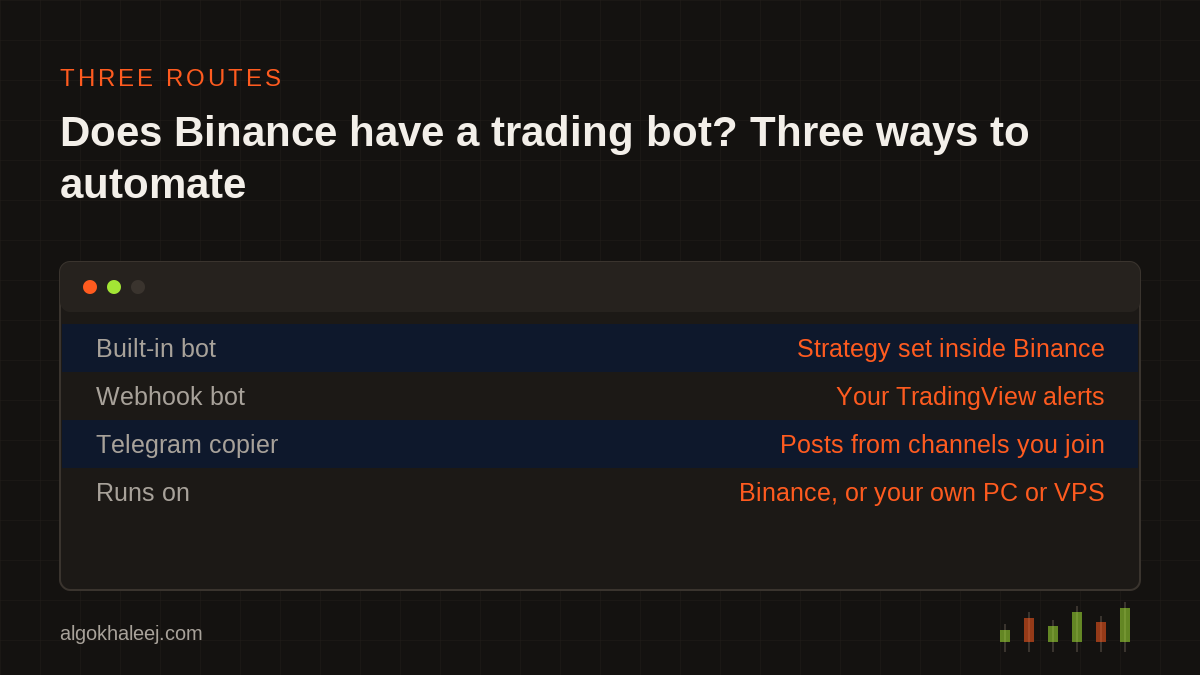
Most people who ask this question already trade on Binance by hand. They want orders to go in while they sleep or sit in a meeting. For a trader in Dubai, a 02:00 move is easy to miss, and in Riyadh that same moment is 01:00.
Futures and margin are high risk products. Check that Binance and the product you use are allowed where you live.
What Binance’s built-in bots do
A built-in bot is a strategy that Binance runs for you inside your own account. You open the bot screen, choose a pair, enter an amount and set the strategy’s numbers. After that, the bot places and cancels orders by itself until you stop it.
Binance changes the list of bots, their settings and their fees from time to time. For that reason we do not list them here. Check Binance’s bot page for the current line-up, the rules for each strategy and the fees before you start one.
Built-in bots suit one kind of trader well. You have no strategy of your own, and you are happy to pick one of Binance’s ready plans and tune a few numbers. In that case you can skip API keys and extra software, and your own PC can stay off.
Where built-in bots stop
The limit is the signal source. A built-in bot follows the strategy types Binance offers, and it reacts to the price on Binance with the settings you gave it.
Many traders work another way. Some wrote a Pine Script strategy on TradingView, which fires buy and sell alerts. Others pay for a Telegram channel that posts entries, stops and targets. Neither source sits inside Binance’s bot menu, so neither can drive a built-in bot.
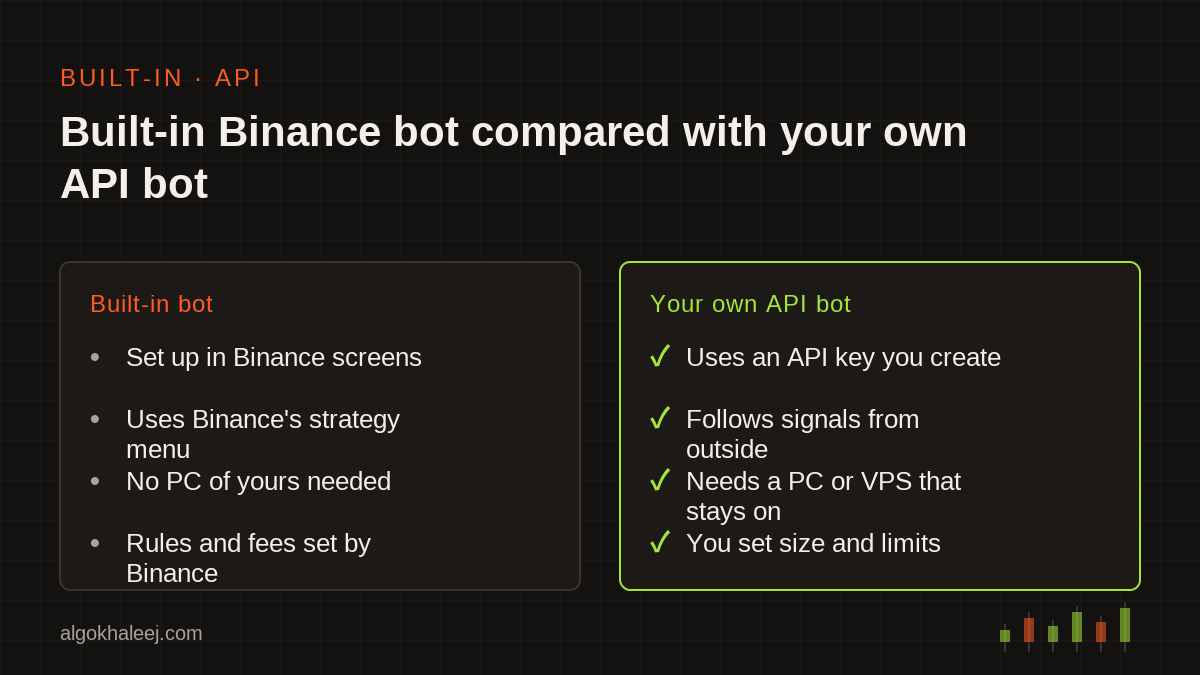
For those traders, the answer is an API bot. It is a small program on your own PC or VPS that listens to your signal source. Then it turns each signal into an order and sends it to Binance with an API key you create.
Does Binance have a trading bot for TradingView alerts?
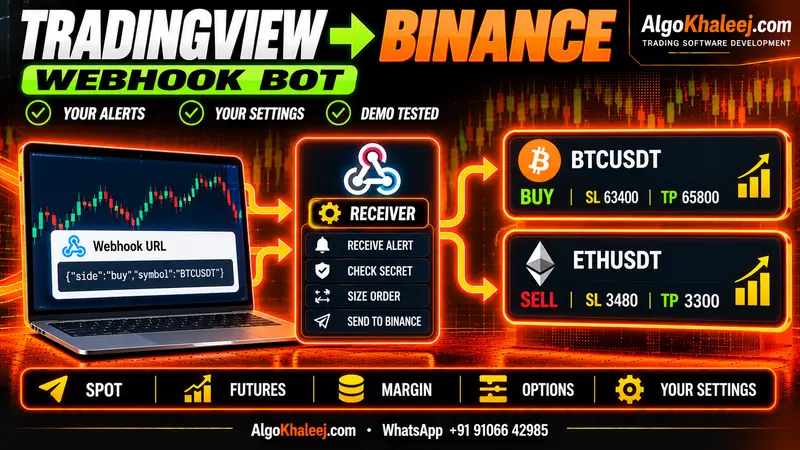
Binance’s own bots do not run your TradingView strategy. You connect the two with a webhook. A webhook is a web address that TradingView calls each time an alert fires, with your alert message as the body.
TradingView’s webhook help page sets a few rules for that address:
- webhook alerts only work after you turn on two-factor authentication,
- the address may use port 80 or 443, and other ports are rejected,
- IPv6 addresses are not supported, so the bot needs a public IPv4 address,
- a request that takes longer than three seconds is cancelled.
TradingView also publishes the four IP addresses it sends from. As a result, a careful bot accepts alerts only from those addresses and ignores everything else.

An alert cannot place a Binance order by itself, though. Binance’s spot API docs say each trade request must be signed. The request carries a timestamp and a signature made with your API secret. By default it stays valid for 5,000 milliseconds, and the bot can raise that window to 60,000 at most. The bot in the middle does that signing and checks the reply.
Our TradingView to Binance webhook bot is one ready option for this route. It runs on Windows and reads your alert fields as written.
Telegram channels need a copier
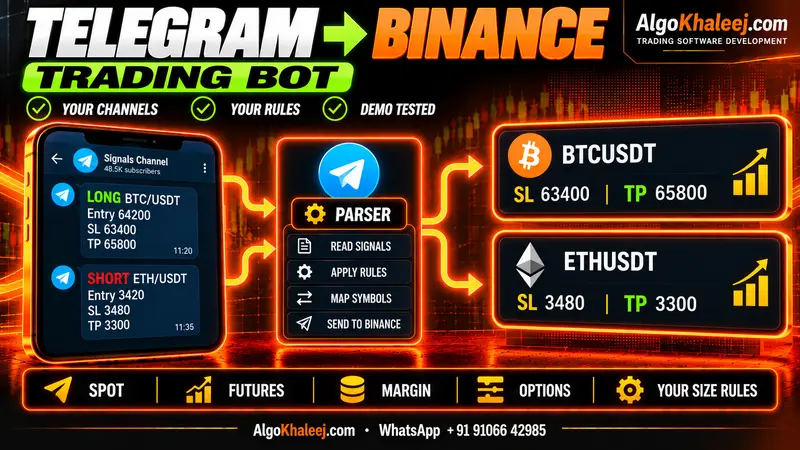
A channel post is free text, unlike a webhook alert with fixed fields. So a copier has to read the post, find the pair, side, stop and target, and skip anything that is not a trade. Most copiers sign in to Telegram as your own account, the way any Telegram app does. Telegram asks every third-party app of that kind to follow its API Terms of Service.
We cover the full setup in our guide on how to copy Telegram signals to Binance. If you would rather not build one, our Binance Telegram trading bot does the reading and placing for you.
What an API bot needs from you
An outside bot asks more of you than a built-in one. First, you create the API key in Binance and give it trading rights only. Binance’s docs also allow a split: one key with trade permission for orders, and a separate key with user data permission to watch them. Withdrawal rights are never needed.
Second, the bot must keep running. Binance trades every day, and signals often arrive at night. A home PC that sleeps at midnight UAE time misses everything until morning. So a small Windows VPS is the usual home for a webhook bot or a copier. It also gives you the fixed public IPv4 address that TradingView needs.
Third, you test before real money moves. Binance offers demo accounts for spot and futures, with their own API keys. Fire a few alerts or let a few posts copy there, and then compare each demo order with its signal.
Picking the route that fits

The answer to “does Binance have a trading bot” depends on where your trade ideas come from. If you have none and like the idea of a ready plan, a built-in bot is the simplest choice. If your ideas live in a TradingView strategy, a webhook bot fits. And if they arrive as posts in a channel you follow, a Telegram copier is the tool.
Some traders end up with two routes, for example a built-in bot on one pair and a webhook bot on another. That works, as long as each one has its own pair and you watch the shared balance. For custom logic that no ready app covers, our trading bot development team builds to order. We are a remote team in India, so all help happens online.