Who this app is for
You built a strategy or an indicator on TradingView, and its alerts fire at all hours. Placing each one by hand on Binance is slow, and a late entry or a missing stop costs money. Traders in the UAE and Saudi Arabia who ask us about this app usually fit one of these cases:
- their Pine Script strategy already sends buy and sell alerts,
- signals fire overnight or during office hours,
- two or more Binance accounts need their own size and market,
- the stop and target have to go in together with the entry.
The app follows only the alerts you write. We do not sell strategies or signals, and what trades stays your call.
Futures, margin and options are high risk products. Check that Binance and the product you use are allowed where you live.
What you need before you start
TradingView sends webhooks on paid plans only. Its help page also says webhook alerts need two-factor authentication on your TradingView account. Turn that on first.
The app itself needs Windows 10 or 11, 64-bit, and a public IPv4 address. TradingView does not send webhooks over IPv6. It only accepts ports 80 and 443, and the app listens on port 80. You open that port in Windows Firewall, and in your VPS provider’s firewall or home router as well.
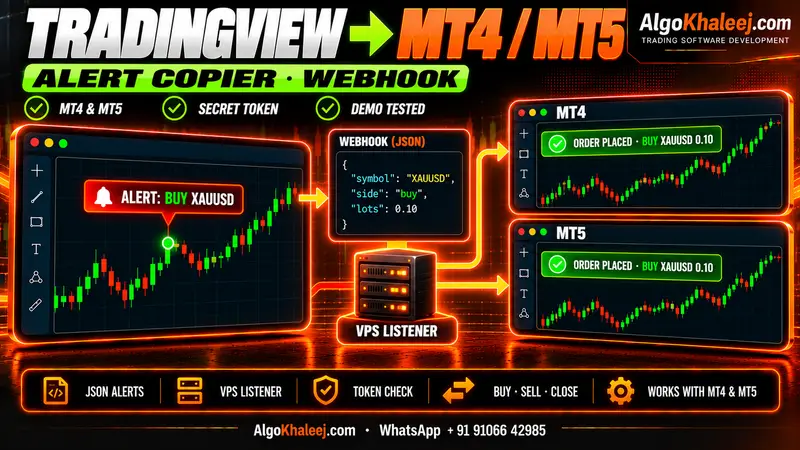
Our TradingView to MT5 webhook guide explains how alerts travel from TradingView to your machine in more depth.
How alerts reach the app
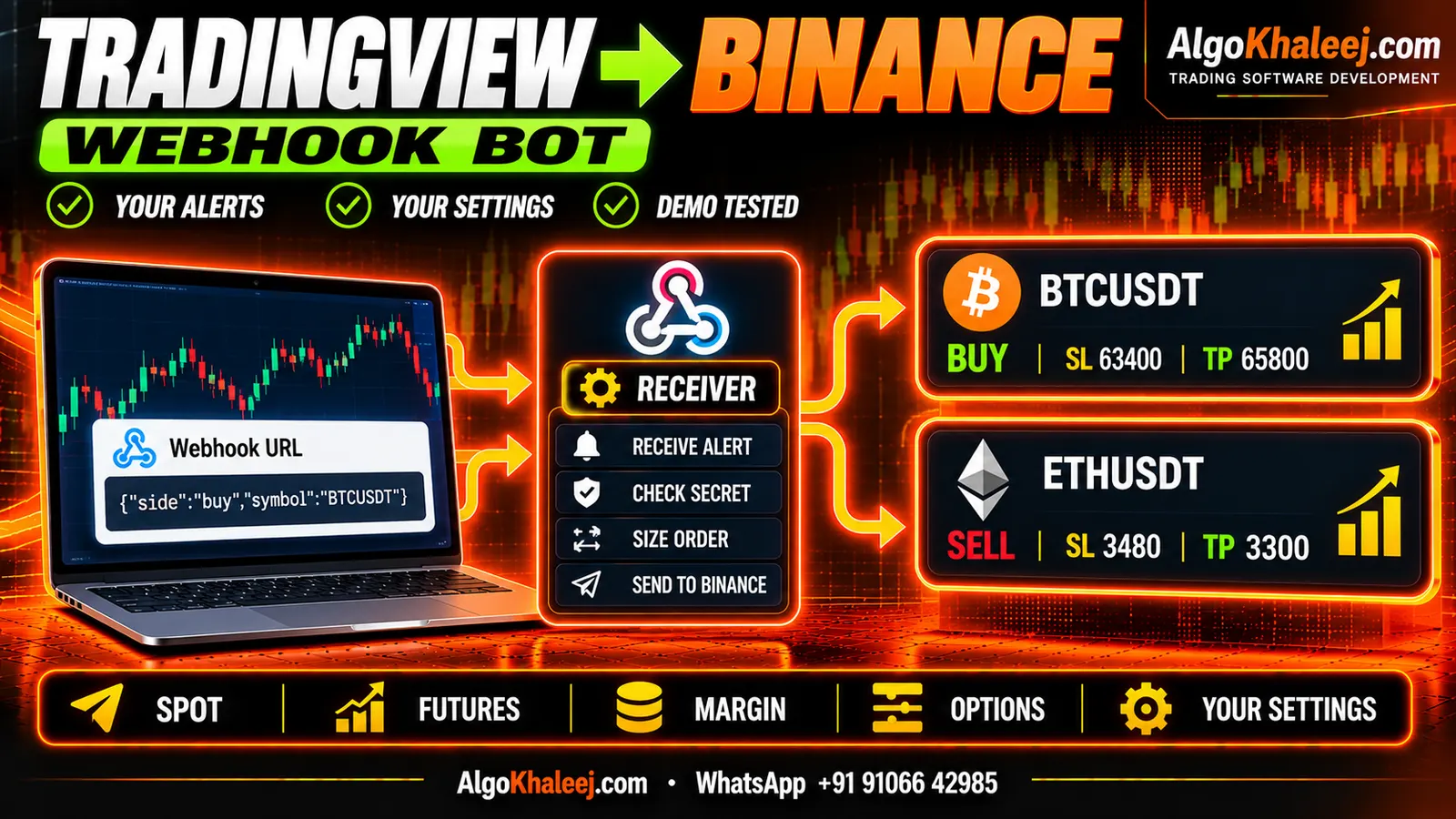
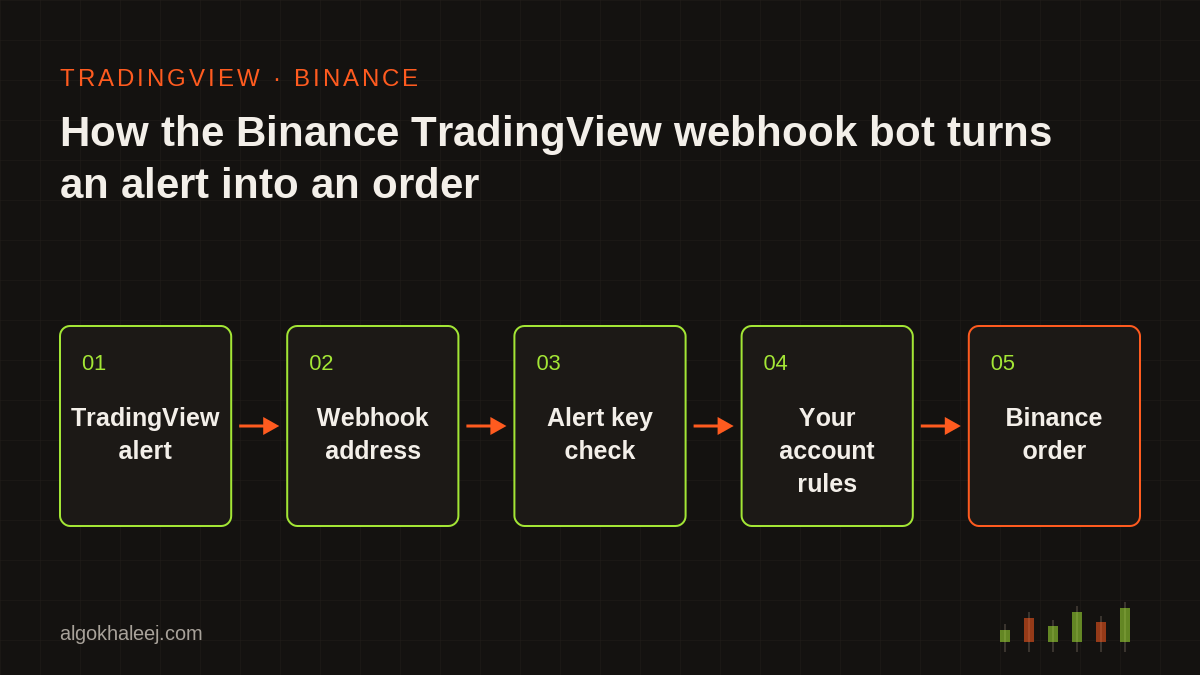
The app gives you a webhook address in this form:
http://YOUR-PUBLIC-IP/tv/YOUR-SECRET-TOKENIn practice, the long random token works like a password. A Copy button puts the full address on your clipboard, and you paste it into the Webhook URL box in TradingView’s alert settings.
Three checks protect that address.
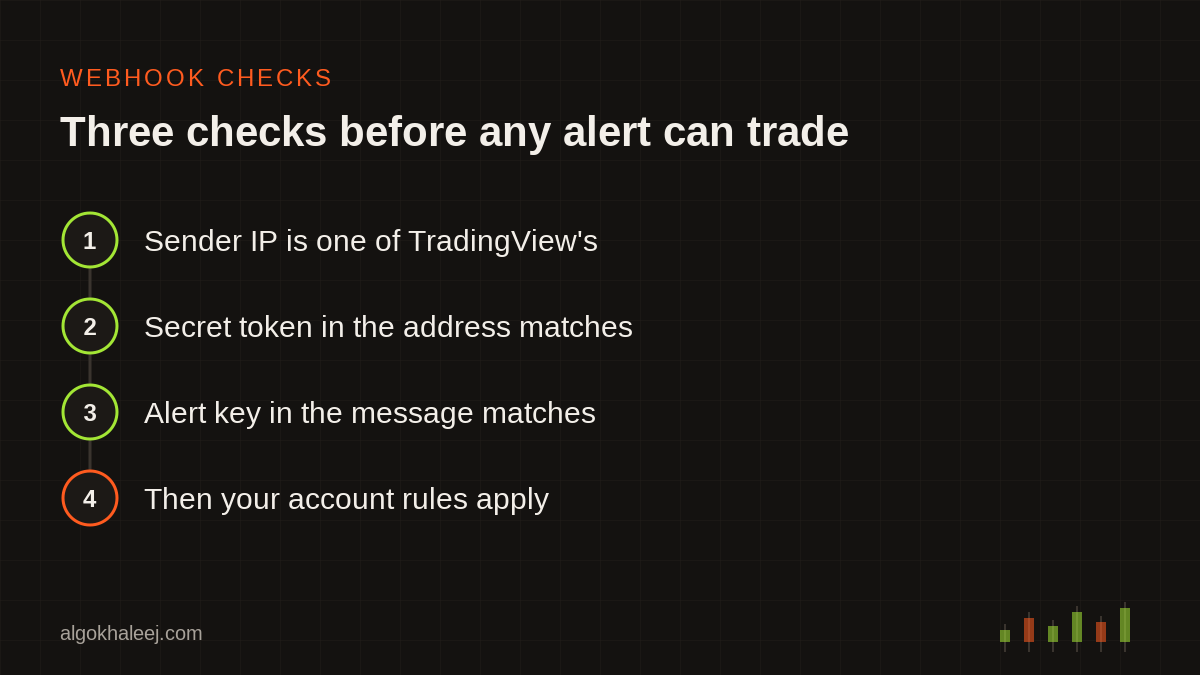
Posts must come from TradingView’s own sender IP addresses, which TradingView lists on its webhook help page. The token in the address must match. And the message must carry your alert key. A post that fails any of them never trades.
TradingView cancels a webhook request when the server takes more than three seconds to handle it. The app therefore has to be running and reachable at the moment the alert fires.
The alert message the Binance TradingView webhook bot reads
The app uses no AI to guess what you meant. It reads each field exactly as written, and a wrong field means nothing trades. You pick your options in the app, and it builds the JSON message for you to paste into TradingView.
For example, a strategy alert could read:
{"key": "your-alert-key", "symbol": "{{ticker}}", "action": "{{strategy.order.action}}", "market": "usdm", "usdt": 50, "sl_pct": 2, "tp_pct": 4}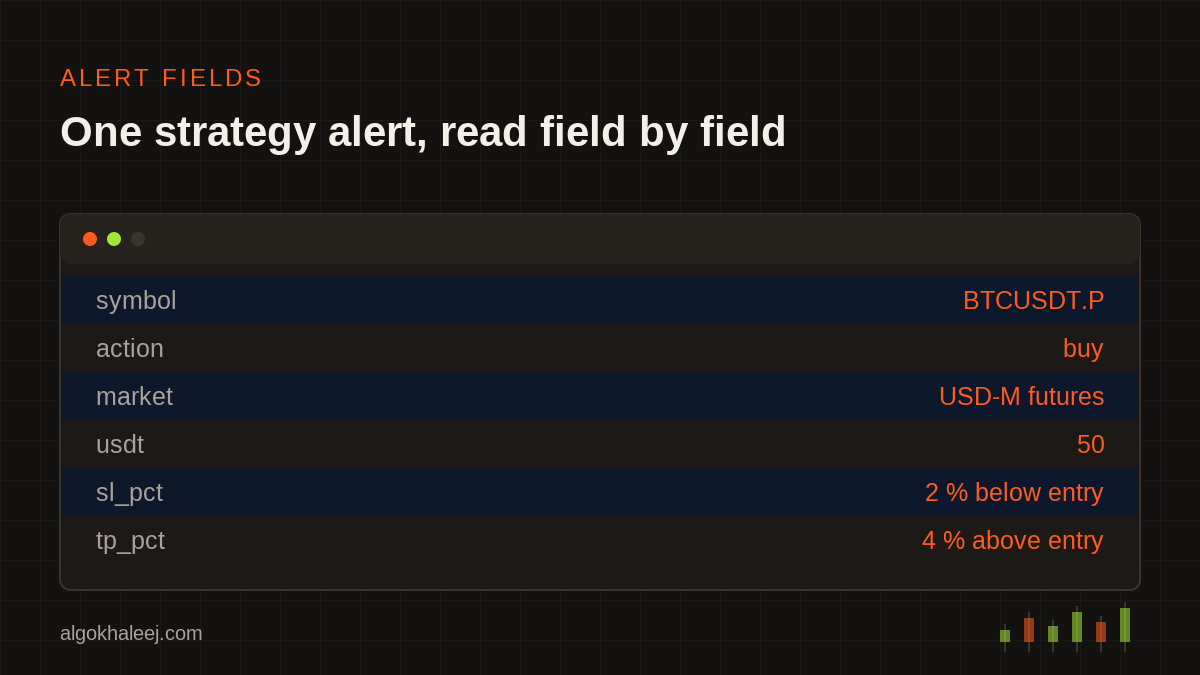
Here is what each field does:
| Field | What it holds |
|---|---|
| key | Your alert key, required on every alert |
| symbol | Usually {{ticker}}, such as BTCUSDT.P or BTCUSD.P |
| action | buy or long, sell or short, close, or closelong and closeshort |
| market | usdm, coinm, spot, margin, isolated or options |
| usdt or qty | A USDT amount, or a coin or contract quantity |
| sl and tp | Stop and target as prices |
| sl_pct and tp_pct | Stop and target as a percent from the entry price |
| account | One named account, or all of them |
If an alert leaves out the market or the amount, each account uses its own setting. The app also reads quarterly futures codes such as BTCUSDT25Z2026.
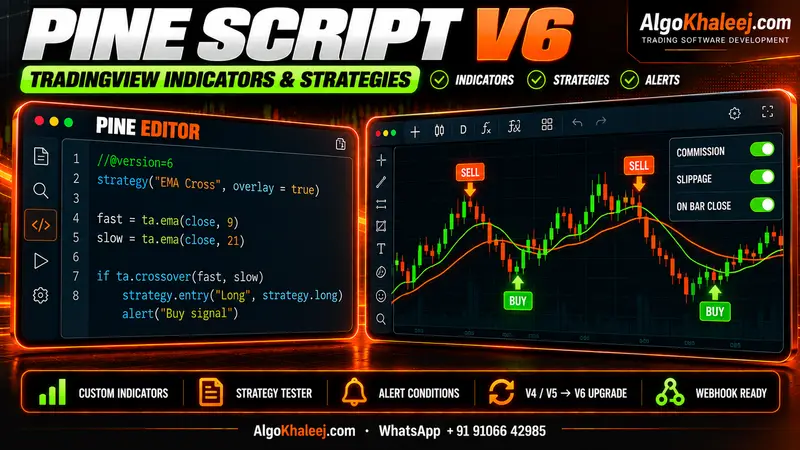
A strategy alert built on {{strategy.order.action}} sends buy or sell each time the strategy places an order. One alert therefore covers both directions. Our Pine Script developer page covers custom strategies if yours still needs alert code.
Binance markets the webhook bot trades
Each linked account trades one market, which you choose when you add it. An alert can still name another market for that one trade.
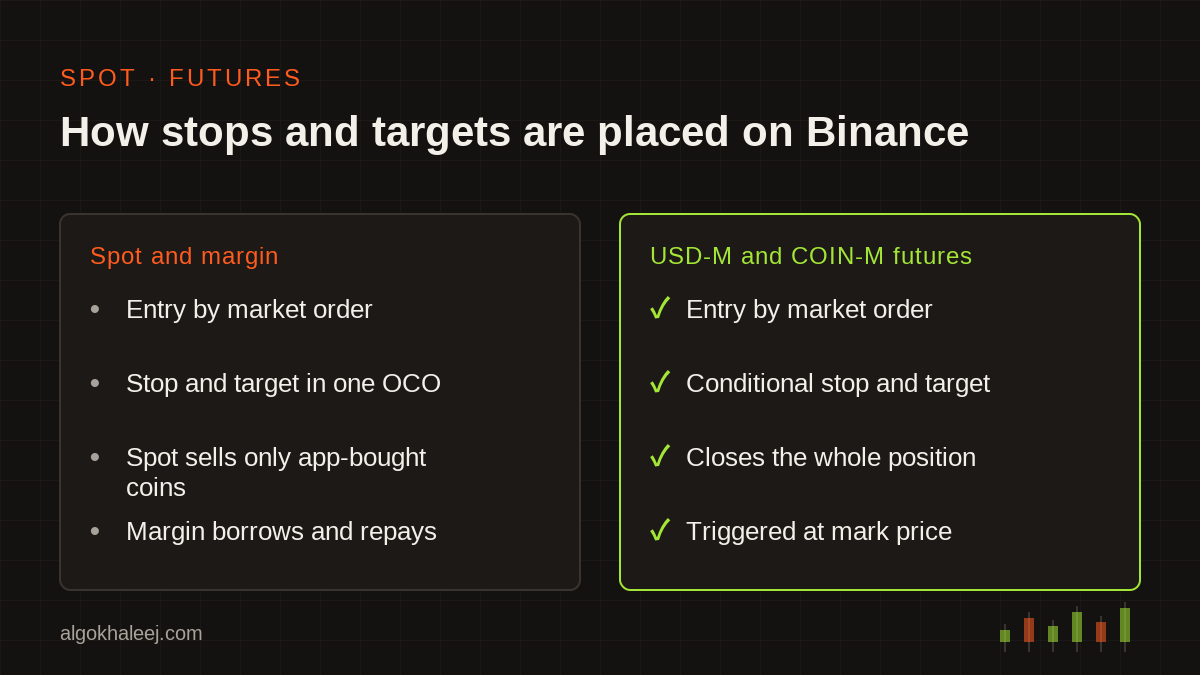
USD-M futures use market orders sized in USDT, on perpetual or quarterly contracts, in one-way or hedge mode. COIN-M futures trade whole contracts: 100 USD per contract for BTC, 10 USD for other coins.
On spot, a buy spends your USDT amount. A sell or close only sells coins the app itself bought, so your own holdings stay put.
Cross and isolated margin borrow what a buy needs. A margin sell first closes a long the app opened, and with none open it borrows and sells short. Closing repays the loan with interest.
Options work differently. A buy alert buys a call and a sell alert buys a put, unless the alert names the option type. By default the app picks the at the money strike and the nearest expiry at least 12 hours away.
Stops, targets and closing a position
On futures, the stop and target go in as conditional orders that close the whole position at the mark price. Spot and margin get one OCO order holding both. Binance’s spot API docs describe OCO as a pair of orders where one fill cancels the other.
When Binance refuses a stop on a futures or margin trade, the app closes that trade at once and the journal says why. If a new alert on the same symbol brings a stop or target, the old ones are cancelled first.
A close alert shuts the whole position on that symbol at market and then cancels its stop and target.
API keys and several Binance accounts
You make the API key on Binance yourself. Tick only the permission the market needs, then restrict the key to the public IP the app shows. The key and secret stay on your PC and go only to Binance, and the app shows just their last four characters.
Each account has its own key, market, amount per trade, leverage and on and off switch. A leverage of 0 keeps Binance’s own setting. Every alert goes to all accounts that are switched on at the same moment, unless it names one account.
Testing on a Binance demo account
Demo keys come from demo.binance.com and cover spot and futures. Margin and options have no Binance demo, so they run in Real mode only.
The Check button reads the account balance to prove the key works. Test order, on demo only, places the smallest order the market allows and closes it again. We suggest you fire a few alerts on demo and read the journal before you add a Real account.
The journal, repeat orders and Pause
After each alert, a line shows up in the journal per account, with side, size, symbol and price. Each line also says Placed or Not placed, with the reason. It also logs the milliseconds from alert to Binance’s reply.
If Binance does not answer in time, the app looks up the order by its own ID before trying again. That check stops the same order from going in twice.
A Pause button at the top of the dashboard stops all new orders until you resume.
Running on UAE and Saudi time
Binance does not close for weekends, and many strategies fire at night. An alert at 02:00 UAE time (UTC+4) is 01:00 in Saudi Arabia (UTC+3), when most home PCs sleep. The app only takes alerts while its window is open, and closing the window stops it.
For that reason, a small Windows VPS suits the Binance TradingView webhook bot. It keeps running while your own computer is off, and it usually has the public IP the webhook needs.
How to get the app
To get started, send us your Binance markets, the number of accounts and how your alerts are set up on WhatsApp. We reply with a quote and help with the port, the key and the first demo alert. Our team works remotely from India.
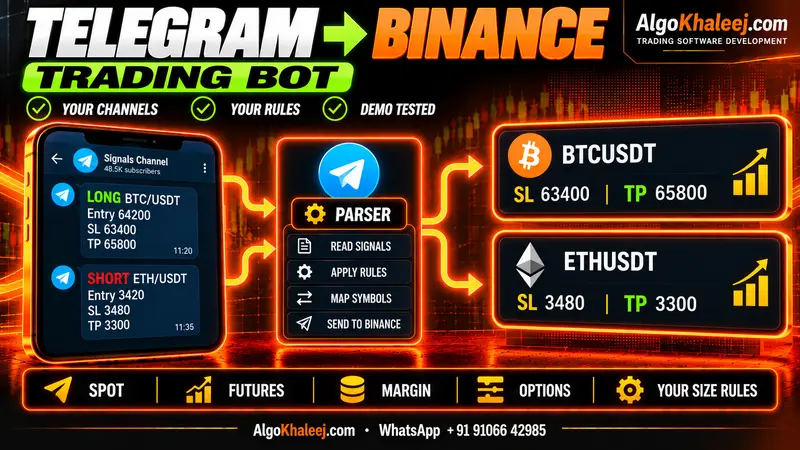
The Tools page lists our other ready apps. If your signals come from Telegram channels instead, see the Binance Telegram trading bot.