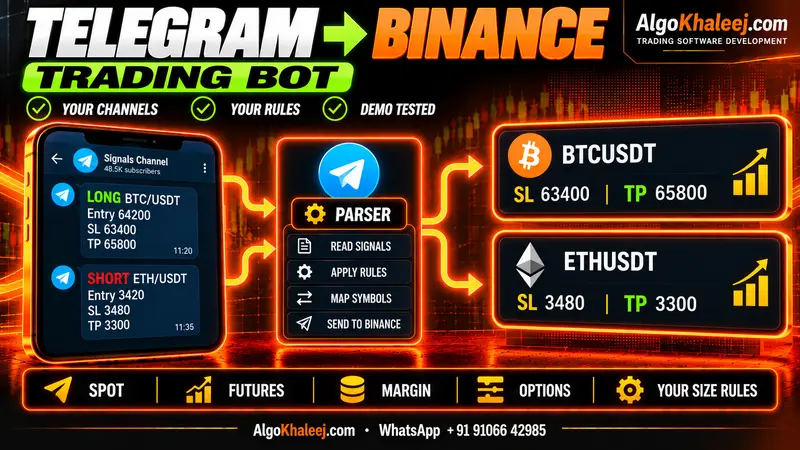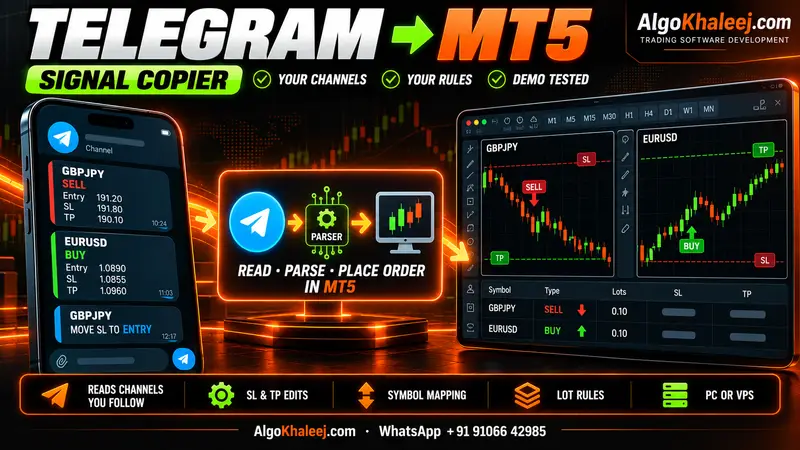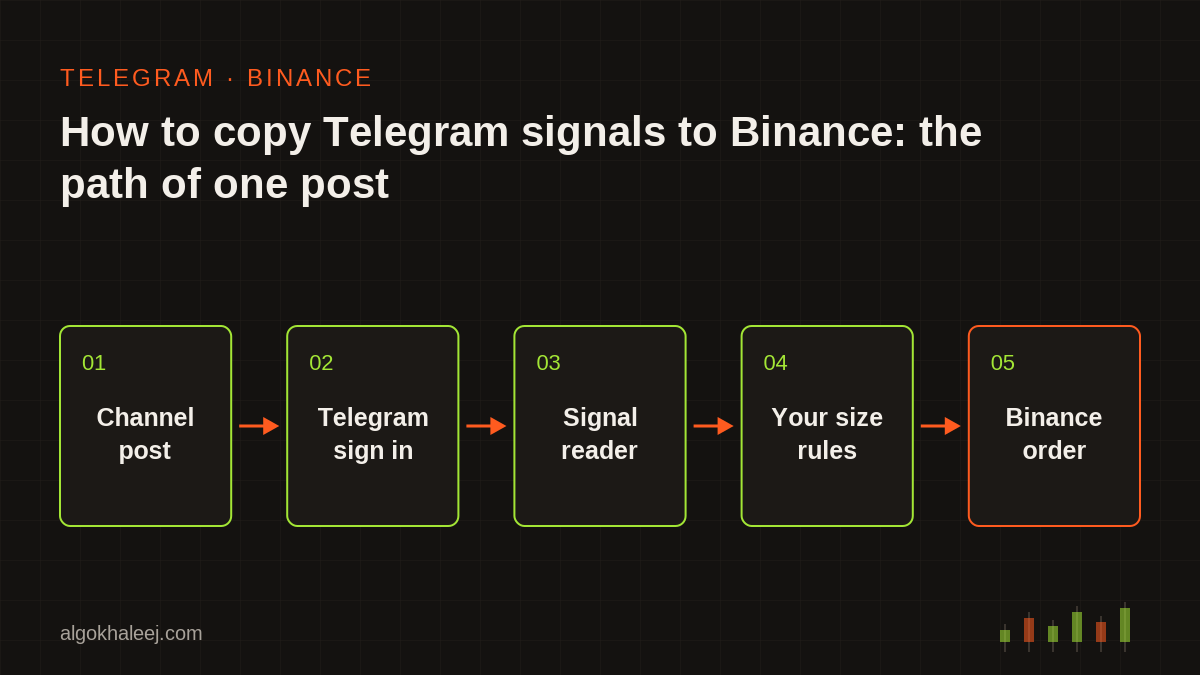
Most Binance signal channels post at odd hours. A call at 02:00 UAE time is 01:00 in Riyadh, and by morning the entry is long gone. Copying by hand also invites typos, such as a stop at 3,250 instead of 3,520.
Futures and margin are high risk products. Before you copy anything, check that Binance and the product you use are allowed where you live.
What you need before you start
You need these four things in place before the first signal:
- a Binance account with access to API Management,
- Telegram membership of the channel you want to copy,
- one Windows PC or VPS that stays on while signals arrive,
- your written rule for how much each trade may use.
The last one matters most. Channels say “buy ETH”, yet they never know your balance. So the copier needs a fixed amount per trade from you, and that cap should hold whatever the post says.
How to copy Telegram signals to Binance: picking the reader
A copier has to see the channel first, and Telegram allows two ways in.
A user session signs in as you, with your phone number and the code Telegram sends. Developers register an app on Telegram’s site to get an api_id, then the program logs in like any Telegram app. It can read every chat you have joined, including private paid channels.
A bot is a separate Telegram account. Telegram’s bot FAQ says bots receive all messages from channels where they are a member. However, only a channel admin can add a bot, so this route works for your own channels and rarely for someone else’s.
For channels you follow as a member, the user session is the usual choice. Treat its session file like a password, because anyone holding it can read your chats.
Step 1: Create a Binance API key with the least access
Binance’s API documentation makes two points about keys. First, a new key cannot trade by default; you enable trading in API Management. Second, the key and the secret are both sensitive, and you should revoke them at once if you notice odd activity.
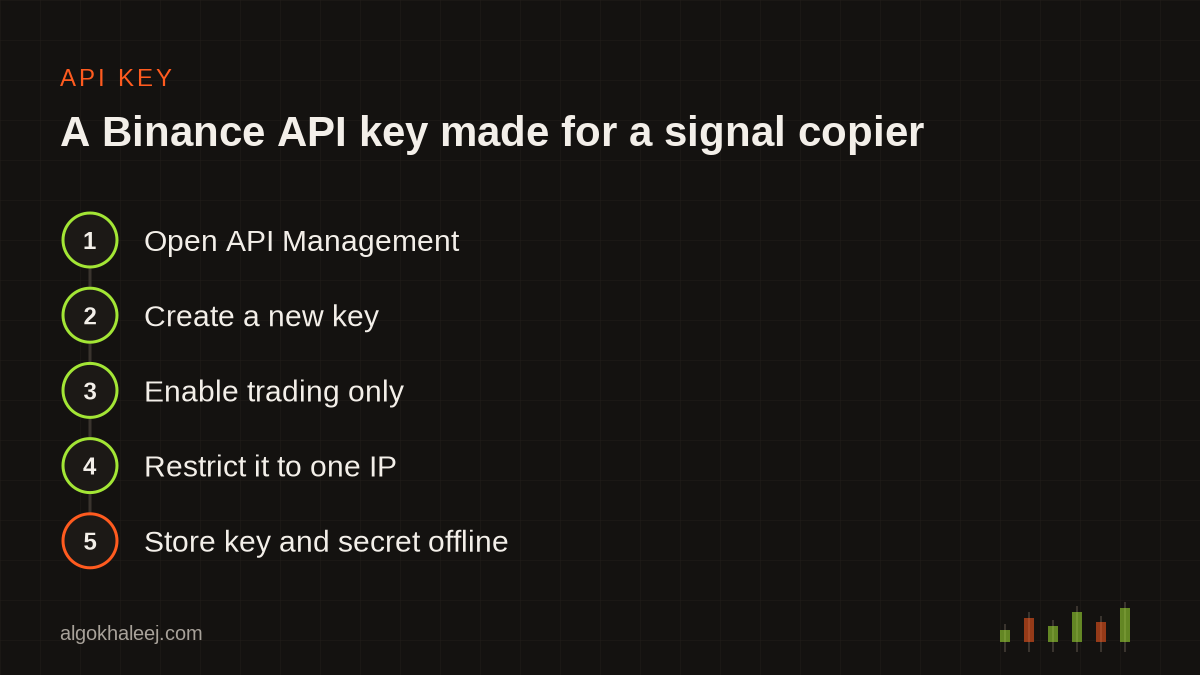
Then give the key only what the copier needs. Spot needs spot trading, and futures needs futures access. Withdrawals stay off. Also restrict the key to the public IP address of the machine that runs the copier. A leaked key is then useless anywhere else.
Step 2: Connect Telegram and tick the channels
After sign in, the copier lists your chats. Tick only the channels whose trades you want. Leave out chat groups where members post their own ideas, because the reader cannot tell a member’s guess from the admin’s call.
Next, decide what counts as new. A good copier ignores anything already in the chat when it starts. Otherwise yesterday’s posts could fire as fresh orders.
Step 3: Teach the reader your channel’s format
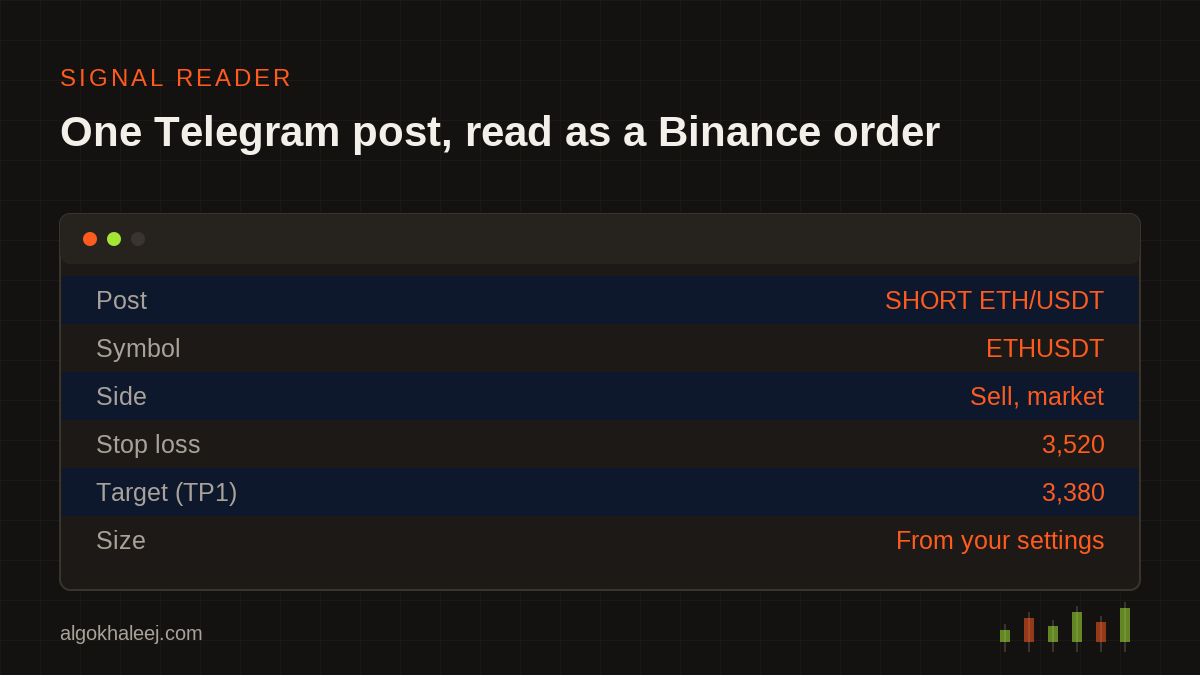
Every channel writes signals its own way. For example, one post might look like this:
SHORT ETH/USDT
Entry 3,450
SL 3,520
TP1 3,380  TP2 3,300
The reader turns ETH/USDT, ETHUSDT or plain ETH into the Binance symbol ETHUSDT. It also reads “short” as sell and “long” as buy. A later post such as “close ETH now” should close that position.
Channels also post results, news, adverts and “if price reaches X” plans. These should be skipped and logged, never traded. When the reader is unsure, the safe outcome is no trade. Test a dozen real posts from your channel before you trust the reader with money.
Step 4: Set size, leverage and stops yourself
Your settings should decide the amount per trade, and no post should exceed it. Leverage works the same way. If a post says “use 20x”, a careful copier ignores that and keeps the number you set for that account.
Stops and targets come from the post. Even so, the copier should never invent a stop that the signal did not give. If a channel often skips stops, think twice about copying it at all.
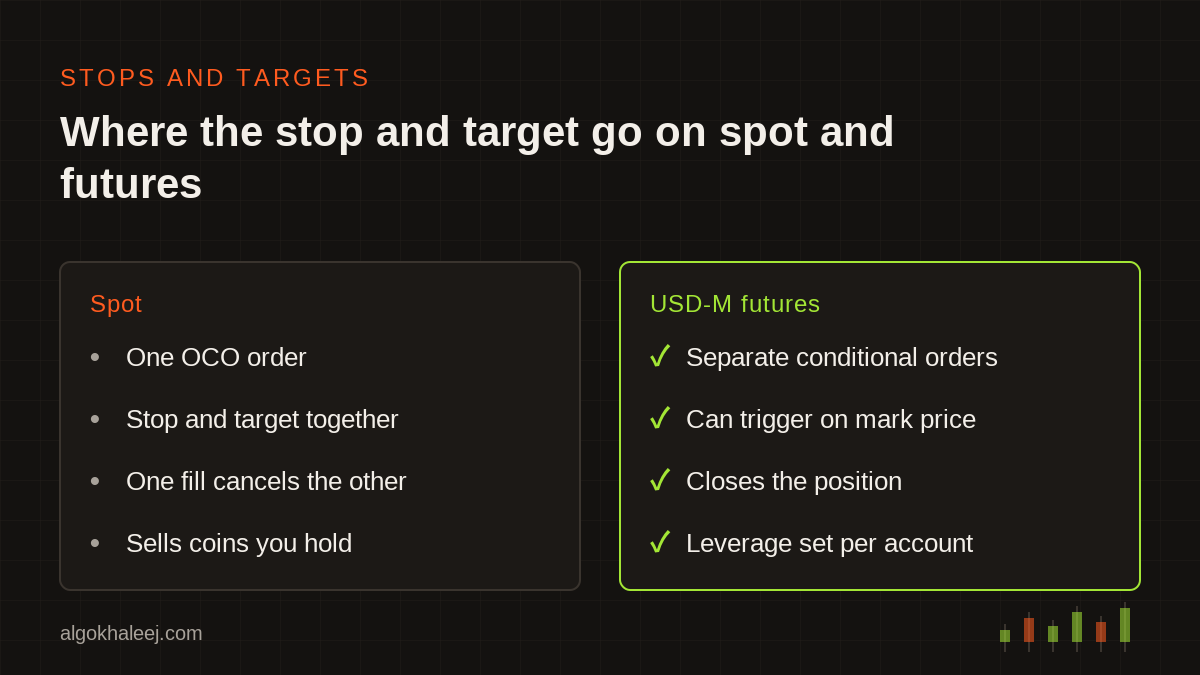
On spot, Binance supports an OCO order: one order holds the stop and the target, and when one fills, the other cancels. Futures use separate conditional orders that close the position. Your copier should also handle what happens when Binance refuses a stop. Closing the trade straight away is safer than leaving it open with no stop.
Step 5: Guard against old and repeated orders
Telegram sometimes delivers a backlog after a reconnect. A post that is two minutes old may already be far from its entry price, so many copiers skip anything older than a set age.
Repeats are the other risk. Binance’s spot docs say a signed request is valid for a window that defaults to 5,000 milliseconds. If Binance does not reply in that time, the copier should check the order ID before it sends the order again. Otherwise one signal can open two positions.
Step 6: Test on Binance demo, then keep it running
Binance offers demo accounts at demo.binance.com, with their own API keys for spot and futures. Link a demo account first and let it copy a few days of signals. Then compare each demo order with the original post: symbol, side, size, stop and target.
After that, the copier must stay on. Binance trades every day of the week, and night signals are common. A home PC that sleeps at 01:00 Saudi time misses those posts, and the age rule means it will not catch up later. Our guide to running trading software on a VPS or a home PC compares both setups.
When TradingView alerts are the better source
Sometimes the “signal” is your own strategy, posted to Telegram from a TradingView alert. In that case, reading Telegram adds a step you do not need. TradingView can send the alert straight to a webhook instead, and the order details arrive in a fixed format. Our TradingView to Binance webhook bot works that way. Keep the Telegram route for channels run by other people.
Build it yourself or use a ready copier
Developers who want to code how to copy Telegram signals to Binance can use a Telegram client library and Binance’s REST API. Then the real work is the format reader, symbol rules, order age, repeat checks and stop handling. Each new channel format needs its own round of testing.
If you would rather not code it, our Binance Telegram trading bot is one ready option for Windows. It handles the reader, the size caps and the repeat checks for you, and the Tools page lists our other apps. We are a remote team in India, so setup help happens online.