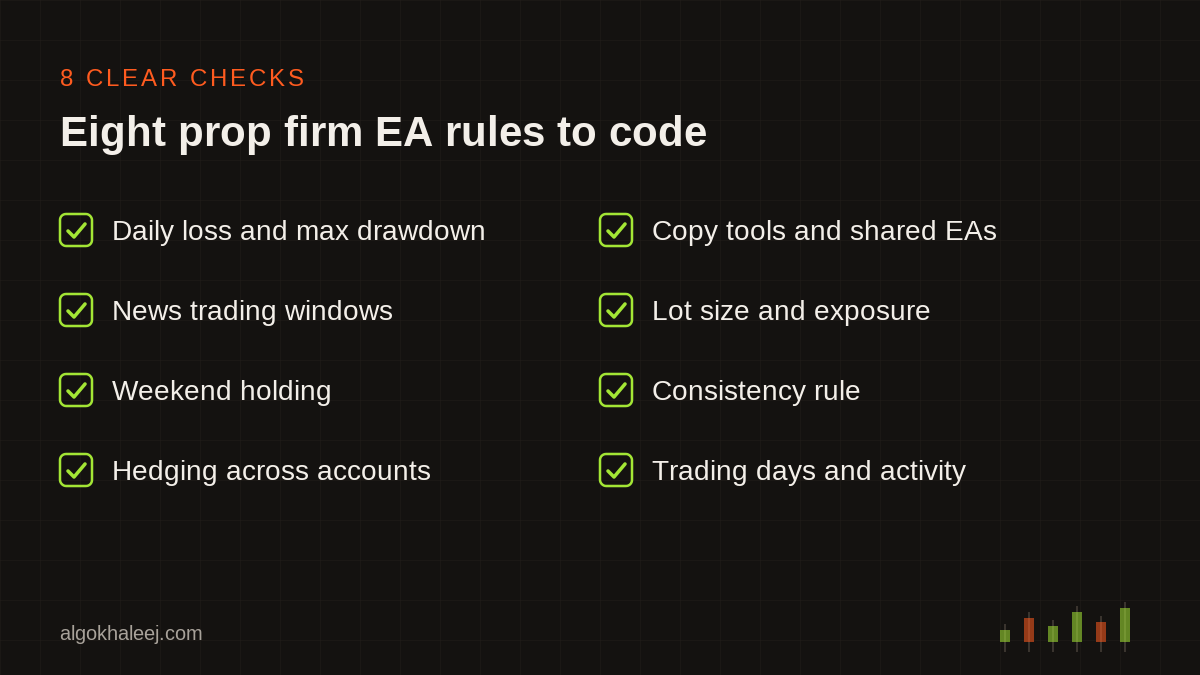
Most traders watch the daily loss limit, the most visible rule, and little else. The rule book is longer than that. A trade held through a news release can close an account. So can a hedge split across two accounts, or one day that earned too much of the total.
An Expert Advisor knows none of this until someone codes it. Each rule becomes an input you can change and a check that runs before an order leaves the terminal.
Why prop firm EA rules for UAE traders need code
The firm grades how closely you follow its rules, and your strategy only counts inside them. A person trading by hand misses a news time or forgets a trade on Friday evening. The EA runs the same list on every tick. On MT5 it can also run the checks from OnTimer, which the terminal calls at fixed intervals even when no new price arrives.
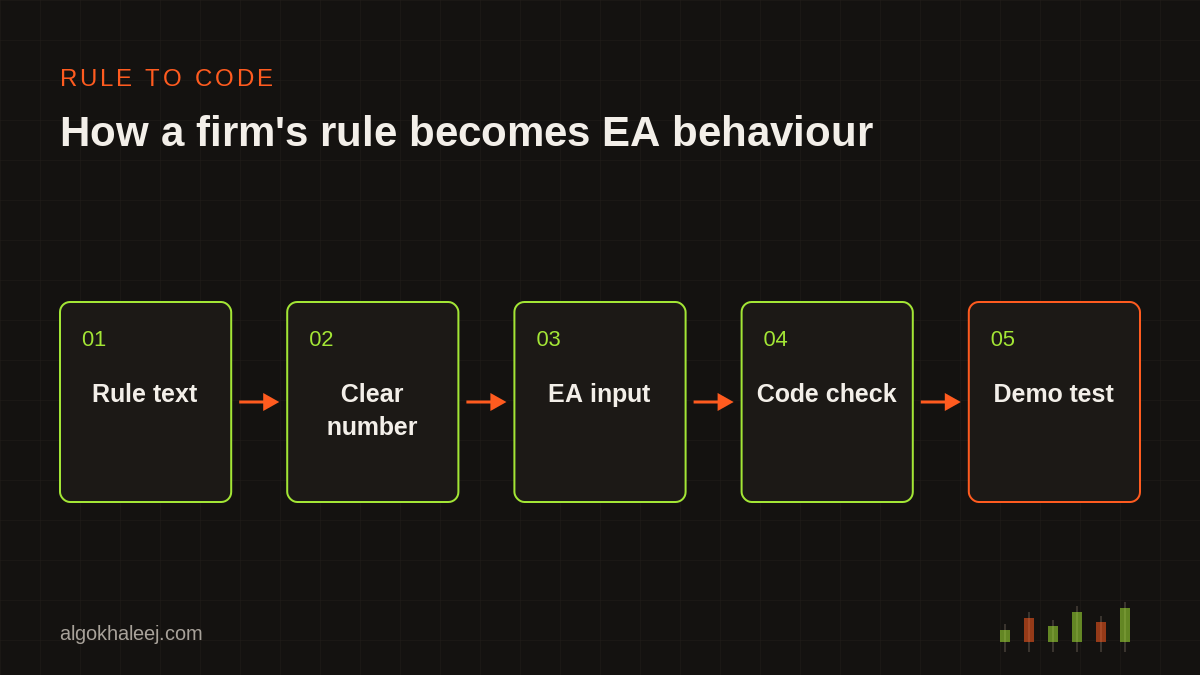
You pin each rule’s text to a number. The number becomes an EA input, and the code compares it with the account before each trade.
Check 1: Daily loss and max drawdown
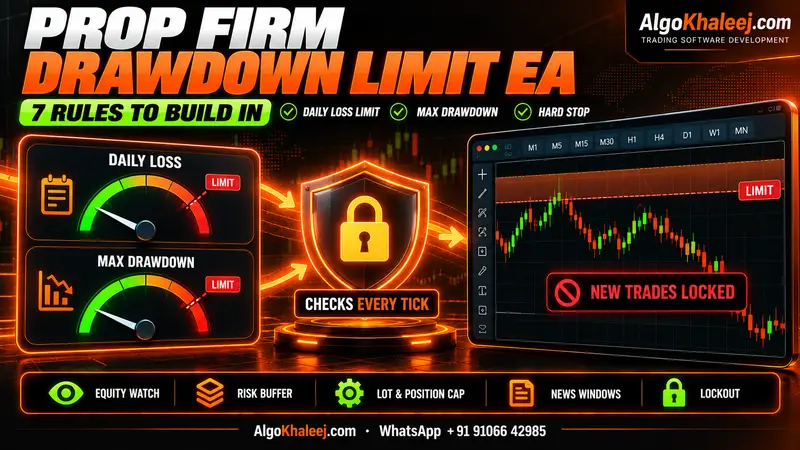
These two limits sit under every other rule on a funded account. One measures the loss inside a single day, while the other measures the deepest drop since the challenge began. On MT5 the EA works both out from the account’s own numbers, read with AccountInfoDouble(ACCOUNT_BALANCE) and AccountInfoDouble(ACCOUNT_EQUITY). The details differ by firm: base value, reset time, static or trailing.
Our guide to the prop firm drawdown limit EA builds that guard step by step. On its own, it still leaves the other seven rules open.
Check 2: Trading around the news
Many firms limit opening or closing trades near major news. Some use a two-minute window before and after the release, others five minutes. The rule may also cover trades that were already open.
The EA therefore needs a source for news times. On MT5 it reads them from the economic calendar built into the platform. It blocks entries before the event, then closes open trades or leaves them, whichever your firm requires. MQL4 has no calendar functions, so on MT4 we use a table you update or an outside source.
Check 3: Holding trades over the weekend
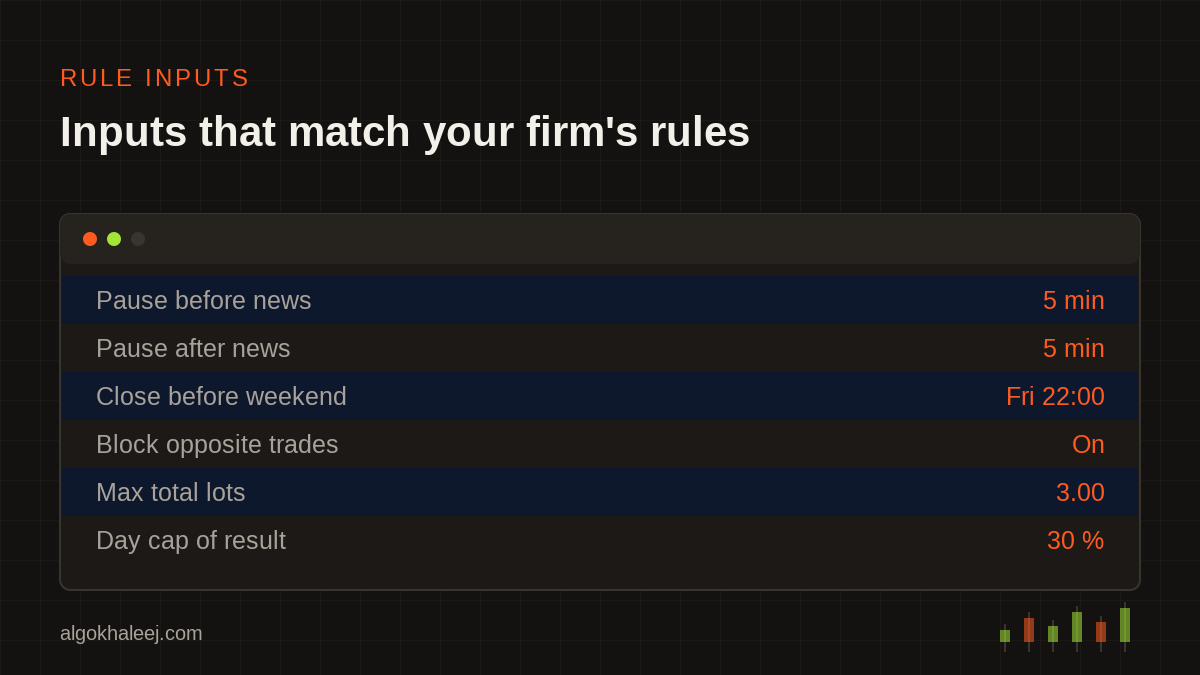
Some firms ban open trades from Friday close to Monday open. A stop loss that triggers fills at the Bid or Ask price of that moment. After a weekend gap, that price can sit well past the stop level. The EA closes every trade at a time you choose before the market shuts, then blocks new entries until it opens again.
Gulf traders tend to slip on the clock. The prop firm EA rules for UAE traders are the same ones every other client signs. You set the closing time in broker server time, though, not UAE or Saudi time.
A server on GMT+2 runs two hours behind the UAE (GMT+4). A close at 22:00 server time therefore happens at midnight in Dubai and at 23:00 in Riyadh. The EA reads that clock with TimeCurrent(), the time of the server’s last quote.
Check 4: Hedging across accounts
Many firms allow opposite trades inside one account but ban them across two accounts, whether at the same firm or at two different firms.
The EA can refuse a trade that opposes an open position on the same symbol in your account. It cannot see your other accounts, so hedging across them stays your job: never run two opposite strategies on two funded accounts.
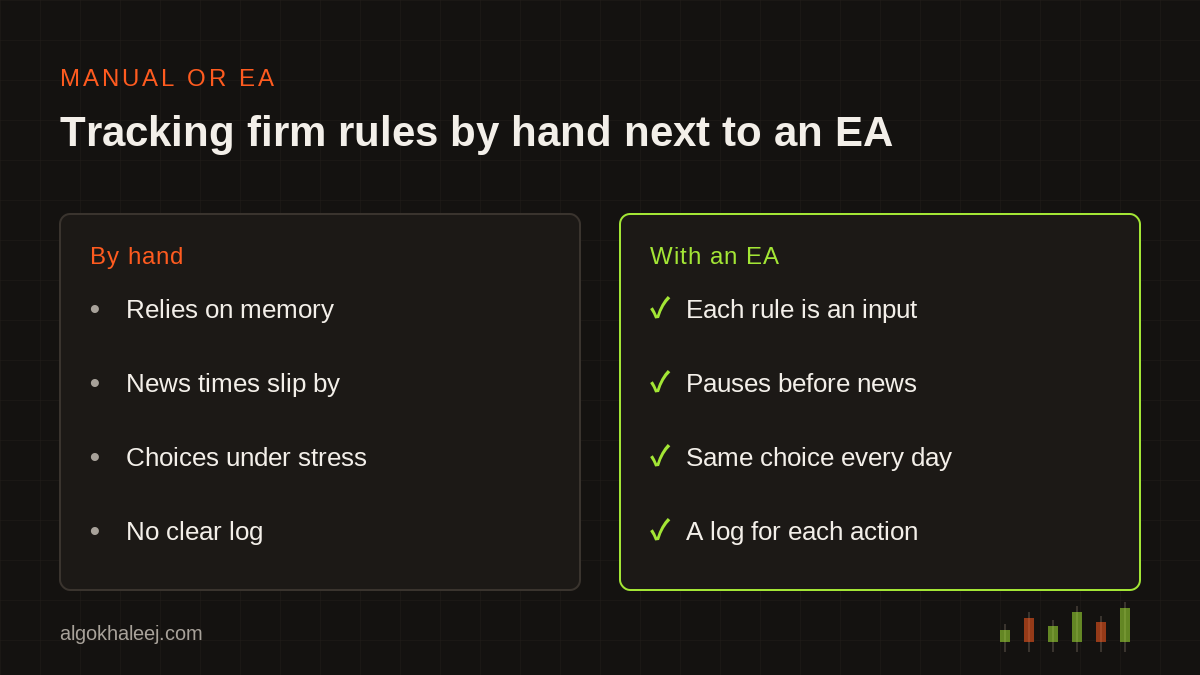
Check 5: Copy tools and shared EAs
Some firms flag accounts whose trades match many other accounts. A few restrict popular ready-made EAs, and others ban copying signals from public sources.
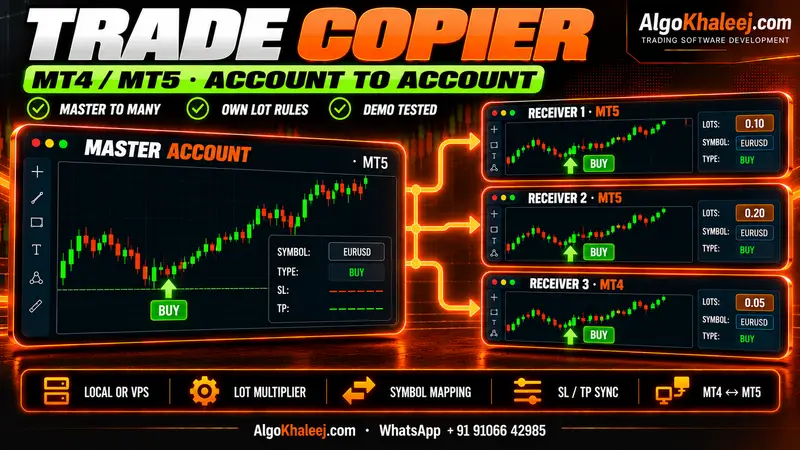
An EA coded to your own rules trades differently from a product many people bought, though the firm still has the final word. If you copy your own account into several funded accounts, get the firm’s approval first. Once it agrees, our MT4/MT5 trade copier can carry the same caps onto each account.
Check 6: Lot size and exposure
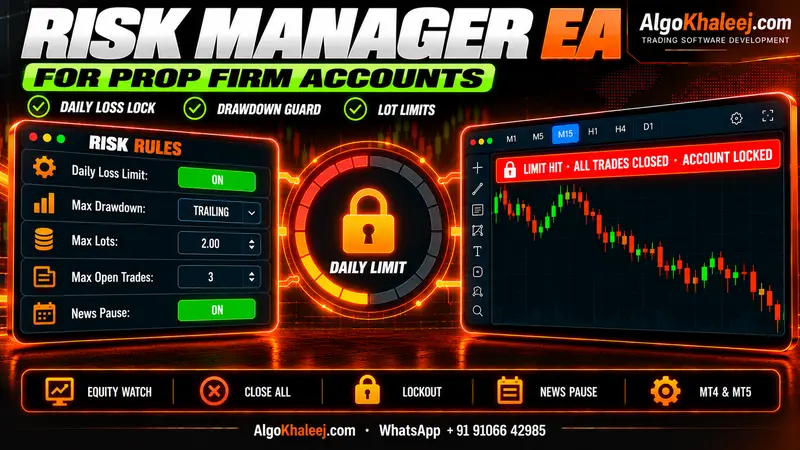
Some firms cap the lot size per trade or the total lots open at once. Others limit how many trades you can hold together. The EA checks each new order against these caps before sending it.
Certain methods are banned outright at some firms, such as doubling the lot after a loss or running a dense grid. Leave them out of the strategy, and have the EA block any lot increase after a losing trade.
Check 7: The consistency rule
Some firms cap the share of the total challenge result that any single day may supply, such as 30%. A result built on one big day fails that test.
The EA tracks each day’s result next to the running total. As the day nears the cap, it stops trading until the next day, so a strong day ends before it can break the rule.
Rules can change after you get funded
The evaluation and the funded account do not always share one rule book. Some firms allow news trading during the challenge and ban it after funding, while others change the lot cap or the consistency share.
Keep one settings file for each stage. On the move to the funded account, load the new file and review every input before the first trade.
Check 8: Trading days and activity
Many firms require a minimum number of trading days before a challenge can end. Others close an account after a stretch with no trades at all. The EA counts your trading days, shows the count on its chart panel and warns you as the idle period nears the limit.
Where to find the rules and how to read them
Firms post their rules in an FAQ page or in the account agreement. A key rule sometimes sits in a side note, so read the whole page and not only the summary.
Search it for these words: news, weekend, hedge, EA, copy, consistency and max lot. Each hit may need an input in your code.
When a rule is unclear, ask support in writing and save the reply. That reply is your record if a dispute comes up later.
Test each rule on demo before a paid challenge
List your firm’s rules in two columns: the rule text and its number. Every row needs a matching input in the EA.
Then test each rule on a demo account. Set a fake news time a few minutes ahead and watch whether the EA pauses. Move the weekend close to a time near now and confirm the trades close. The MT5 Strategy Tester guide from MetaQuotes explains how to test code before it goes live.
Firms update their rules, so review them before each new challenge, along with your broker’s terms and your local regulations.
A ready tool or a custom EA
The AlgoKhaleej team turns your firm’s rules into clear inputs, and you test a demo build before the final payment.
For a ready tool you set to your own numbers, see our prop firm risk manager for MT4/MT5. If you want a full strategy that follows the firm’s rules from the inside, start with MT5 Expert Advisor development. The expert advisor development cost page lists prices.