Who asks us for this app
Signal channels for IQ Option often post calls with a one minute or five minute expiry. Typing each one by hand means you lose the entry minute, and sometimes the whole call. Traders in the UAE and Saudi Arabia who ask for an IQ Option signal bot Telegram setup tend to share a few habits:
- they follow channels that post late at night, Gulf time,
- a morning list sets out entries over many hours,
- one demo and one real account each need a different stake,
- a daily stop has to hold, even during a gale run.
We do not sell, grade or choose signals. The app copies only the channels you switch on, onto IQ Option accounts you own, so each trade stays your own decision.
Binary options are high risk products, and a losing trade costs its whole stake. Check that IQ Option is licensed or allowed where you live before you trade with real money.
How the IQ Option signal bot Telegram copier reads your channels
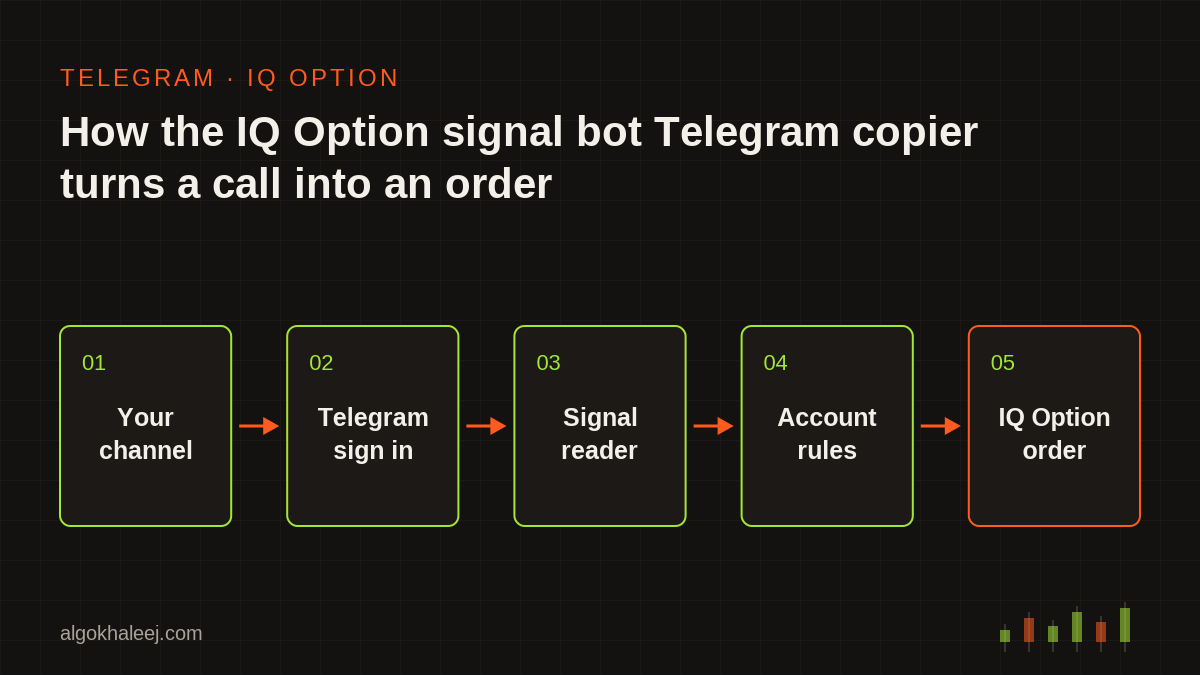
First, you sign in with your phone number in international format and the code Telegram sends you. This is the same login every Telegram client uses through Telegram’s official API. When your account has a two-step password, the app asks for it once and does not keep it.
Next, every channel, group and bot your account can read appears in one list with its own switch. Private channels work too, as long as your account can open them, and you need no admin rights.
Old posts never trade. After a restart, the app skips the backlog, so a call from an hour ago cannot open late.
From a Telegram call to an IQ Option order
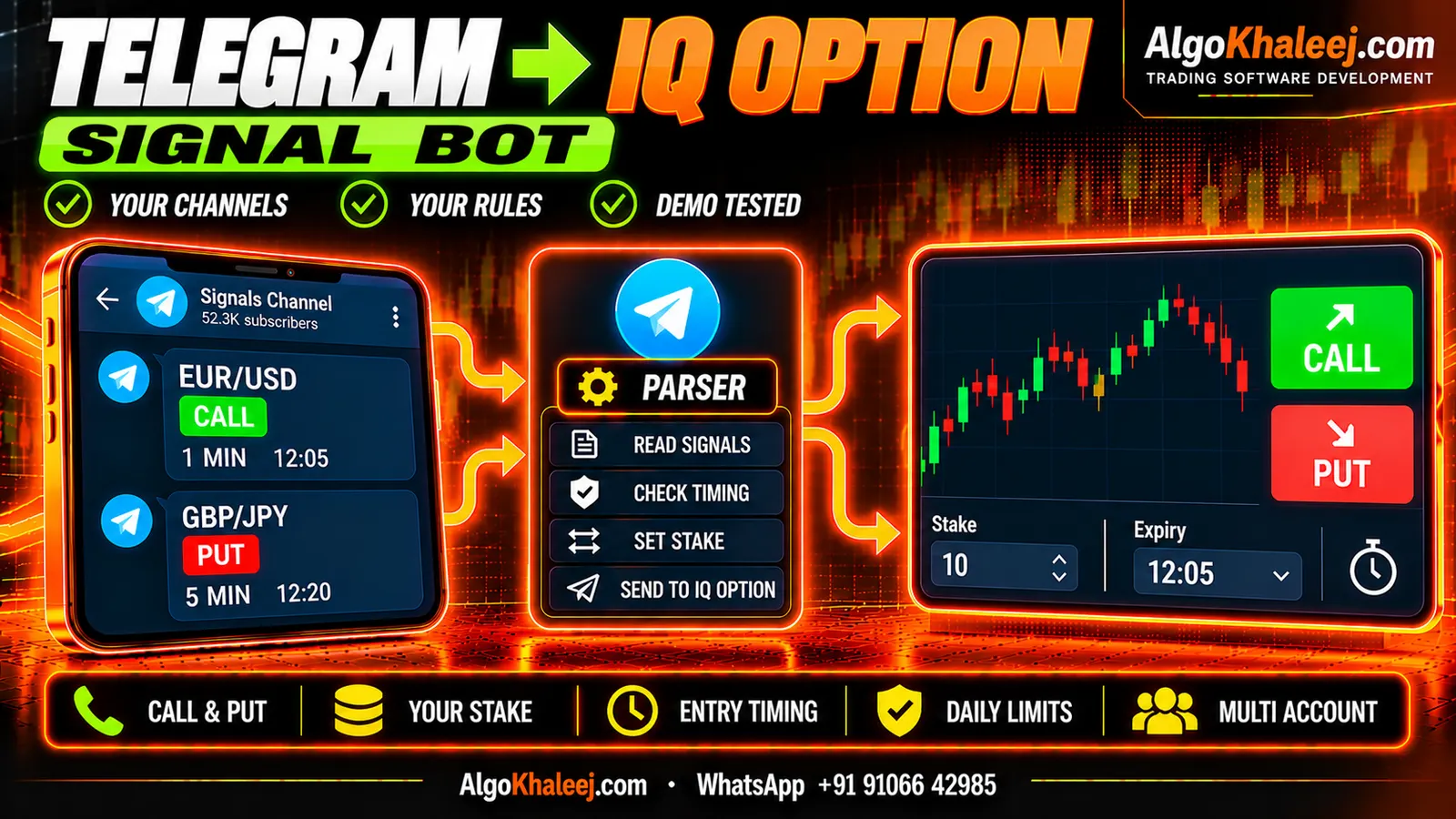
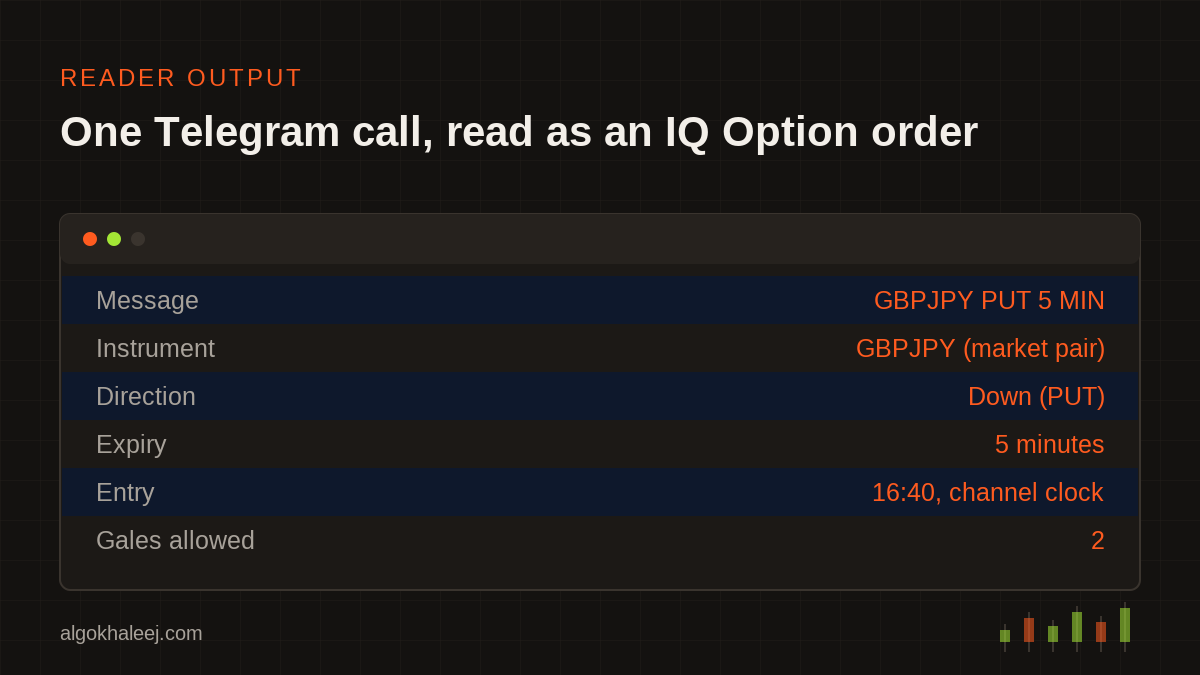
Channels write calls in their own style, with emojis, arrows and a mix of languages. A typical call might read:
GBPJPY PUT 5 MIN
Entry 16:40
Até 2 gales
The reader turns that into one order: GBPJPY, direction down, a five minute expiry, entry at 16:40 on the channel’s clock and two gales allowed. Along the way it follows a few strict rules:
- EURUSD means the market pair, while the OTC pair trades only when the message says OTC,
- a call with no expiry never trades, because the app has no default expiry,
- expiries can read M1, 1 minute, 5 min or a clock time,
- recaps, result posts and adverts get ignored.
An AI engine reads free text in any language. ChatGPT comes built in, and Groq is the other choice. Fixed bot templates need no AI call at all. Once the app has learnt a channel’s layout, it also parses that layout on your own machine.
On the Keywords page you add your channel’s own words for CALL, PUT and ignore. Then the Test parse box shows the instrument a pasted message matches, or the reason it would skip, before any money is at stake.
Signing in to IQ Option without sharing your password
The account form asks only for a name. Browser login then opens iqoption.com in Chrome, on a separate Chrome profile for each account. You sign in there yourself and clear any captcha or device check.
After that, the app saves the session cookies and the browser’s user agent. Later starts connect without a window, and one session covers both your demo and real balances. If you use IQ Option on another of its own domains, the app spots that tab and follows it.
Separate Chrome profiles keep each account’s history and saved logins apart, so several accounts can stay signed in at once. Orders go from your PC or VPS straight to IQ Option, never through our servers, and each one records its latency in milliseconds.
Entry times, expiry and UAE or Saudi time
You can choose one of three entry modes:
- Signal time: the order waits for the time written in the call.
- On arrival: a call with no time enters at once.
- Trade by minute: only the minute counts, for channels that write hours in another zone.
All timing follows IQ Option’s clock, not your PC’s. Settings shows both clocks side by side, so a drift on your PC is easy to spot.
Expiries settle on whole minute marks. For example, a one minute call placed at 14:32:10 settles at 14:33:00. However, inside the last 30 seconds before a mark, the app books the next minute, so a call at 14:32:55 settles at 14:34:00. Longer expiries add whole minutes to that mark.
A line such as TIME ZONE GMT+5:30 tells the app a channel’s zone, and it remembers it for that channel. Say that channel posts an entry for 18:00. That is 16:30 in the UAE (UTC+4) and 15:30 in Saudi Arabia (UTC+3), and you convert nothing by hand.

Signal lists and late lines
Some channels post a whole session of calls in one message. The app keeps that list as one session, in order, on IQ Option’s clock. Line one must fall within 3 hours, while later lines can run up to 12 hours ahead. A list-wide line such as MARTINGALE 1 STEP applies to every call in it.
Sometimes a line’s time has already passed by the moment the app reaches it. It still enters, but only when it is late by no more than a tenth of its expiry, and never by more than 5 minutes. So a one minute line can enter up to 6 seconds late, and a fifteen minute line up to 90 seconds late. Past that window the line counts as missed.
Scheduled trades show on the Trades page and survive a restart. Each one opens once at most. When the app was closed at a line’s time, it marks that line missed and never places it late.
Stake, daily limits and payout floor
There is no global stake. Instead, each account carries its own money rules:
- trade amount, used for every call on that account,
- daily stop loss and daily target, which pause only that account once hit,
- payout floor, optional and 85% unless you change it, which refuses calls paying less.
A binary option returns a share of the stake when the direction is right at expiry, and you lose the stake when it is wrong. With a $20 stake at an 85% payout, a win adds $17 and a loss costs $20. At 75%, that same win adds only $15.
Gale steps and what they put at risk
Gale is short for martingale: after a loss, the next trade uses a bigger stake to recover what you lost. You choose the mode for each account under Gales from.
By message is the default. Gales come only from the call, through lines such as “1º GALE” or “Até 2 gales”, up to nine per call. After a loss, the gale reopens the same instrument, direction and expiry on the next expiry at double the stake, on the losing account only. A call with no gale line gets none.
My own system runs your ladder after a loss instead:
- Multiply raises the stake by your value,
- Increment adds your value to the start stake at each step,
- Custom lots follows your own list of stakes.
You also set Max steps and choose Next Expiry or Next Signal under Apply on. With One trade at a time switched on, an account finishes its trade before it takes the next call.

Demo, logs and requirements
Each account has a DEMO or REAL badge that you can switch. We suggest you keep the IQ Option signal bot Telegram copier on DEMO until you have followed at least one call from signal to result, before any IQ Option bot trading with real money.
The app keeps five views:
- Feed: each message, the AI’s verdict and any skip reason.
- Trades: instrument, direction, expiry, amount, latency and result for each account.
- IQ Option history: each account’s broker record.
- Analytics: a week of results, top instruments, top channels and the result of each gale step.
- Dashboard: live status, the signal tape and a start or stop switch for the listener.
You need Windows 10 or 11 (64-bit), Google Chrome and outbound HTTPS access. Orders go out only while the app is open and online, so a VPS suits night sessions when your own computer is off.
Setup with our team
We usually set it up with you in this order:
- Install the app and sign in to Telegram.
- Add an IQ Option account and finish Browser login once.
- Switch on the channels you want to copy.
- Set each account’s stake, daily limits, payout floor and gale mode.
- Run on DEMO until a call has gone from signal to result.
We are a remote team in India with no Gulf office, and we can guide you through each step online. The price of the IQ Option signal bot Telegram copier is on enquiry, so tell us how many accounts and channels you plan to run.
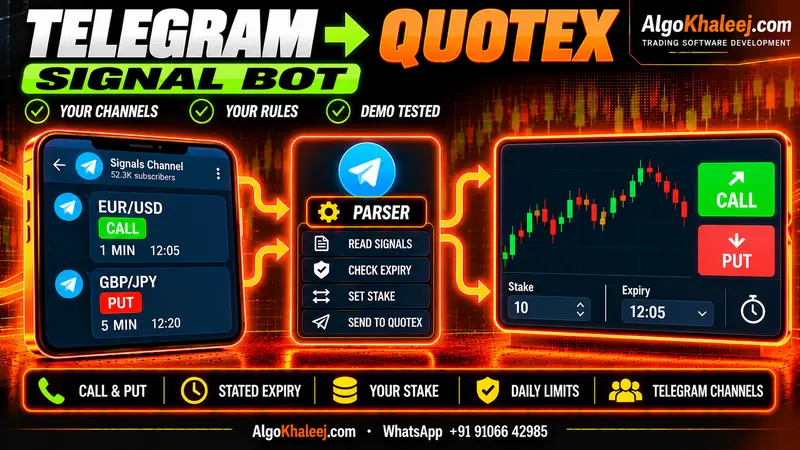
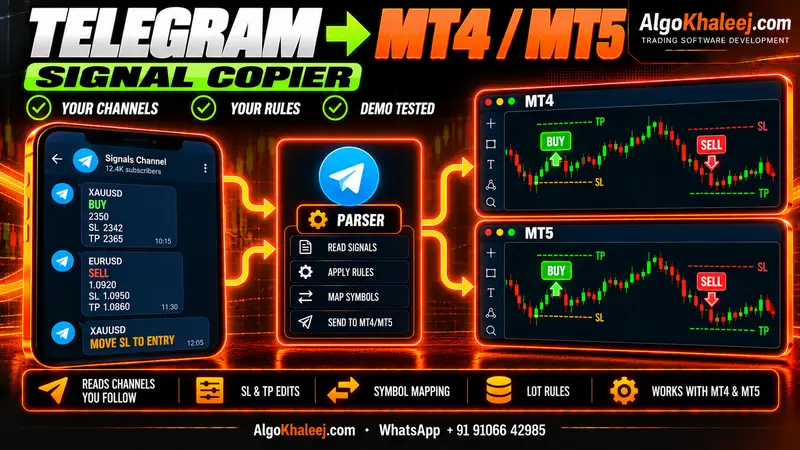
For a channel that posts Quotex calls, the Quotex Telegram signal bot works the same way. Forex and gold traders on MetaTrader should look at our Telegram to MT4/MT5 copier instead. The Tools page lists every ready app, and our trading software FAQ answers common questions.