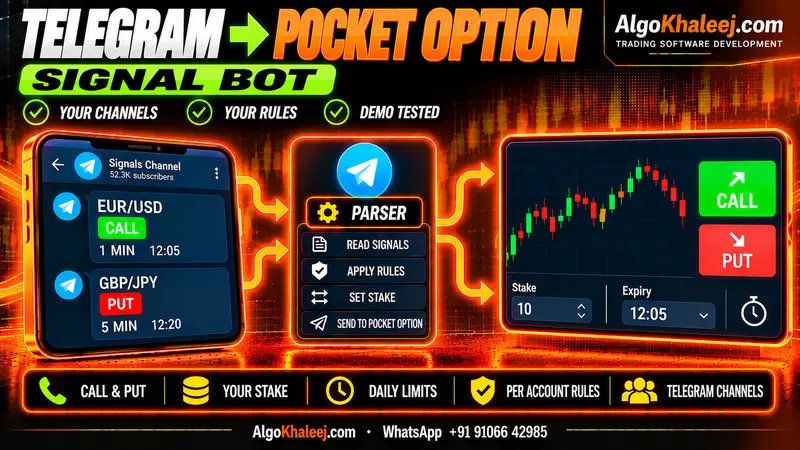
Who this app is for
Many Telegram channels post Quotex calls with a one minute or five minute expiry. By the time you open Quotex and type the trade, the entry minute has often gone. Traders in the UAE and Saudi Arabia who ask us for a Quotex Telegram signal bot usually fit one of these cases:
- they follow channels that post calls late at night, Gulf time,
- a signal list arrives in the morning with entries spread over many hours,
- they run a demo and a real account, each with its own stake,
- they want a daily stop that no gale step can break.
We do not sell, rate or pick signals. The app trades only the channels you switch on, on Quotex accounts you own, so what it copies stays your decision.
Binary options are high risk products, and every losing trade costs its full stake. Check that Quotex is licensed or allowed where you live before you trade with real money.
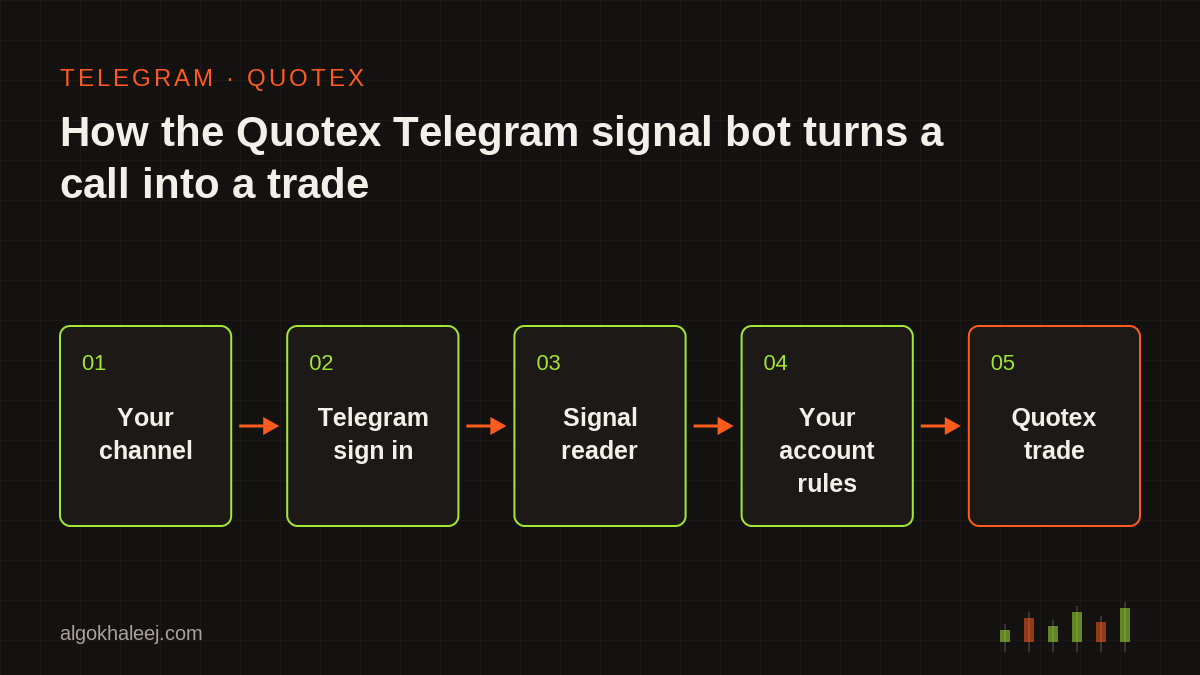
How the Quotex Telegram signal bot reads your channels
You sign in with your phone number and the code Telegram sends you. Any Telegram app uses this same login through Telegram’s official API. If your account has a two-step password, you type it at sign in, and the app does not store it.
Next, you switch on the channels to copy, one at a time. Public channels, private channels, groups and signal bots all work, as long as your own account can see them. You need no admin rights.
When you switch a channel on, the app reads its last ten posts once to learn the format. It places no trades from those posts. After that, only new posts can trade, and a restart skips the backlog, so an old call never opens late.
How a call becomes a Quotex trade
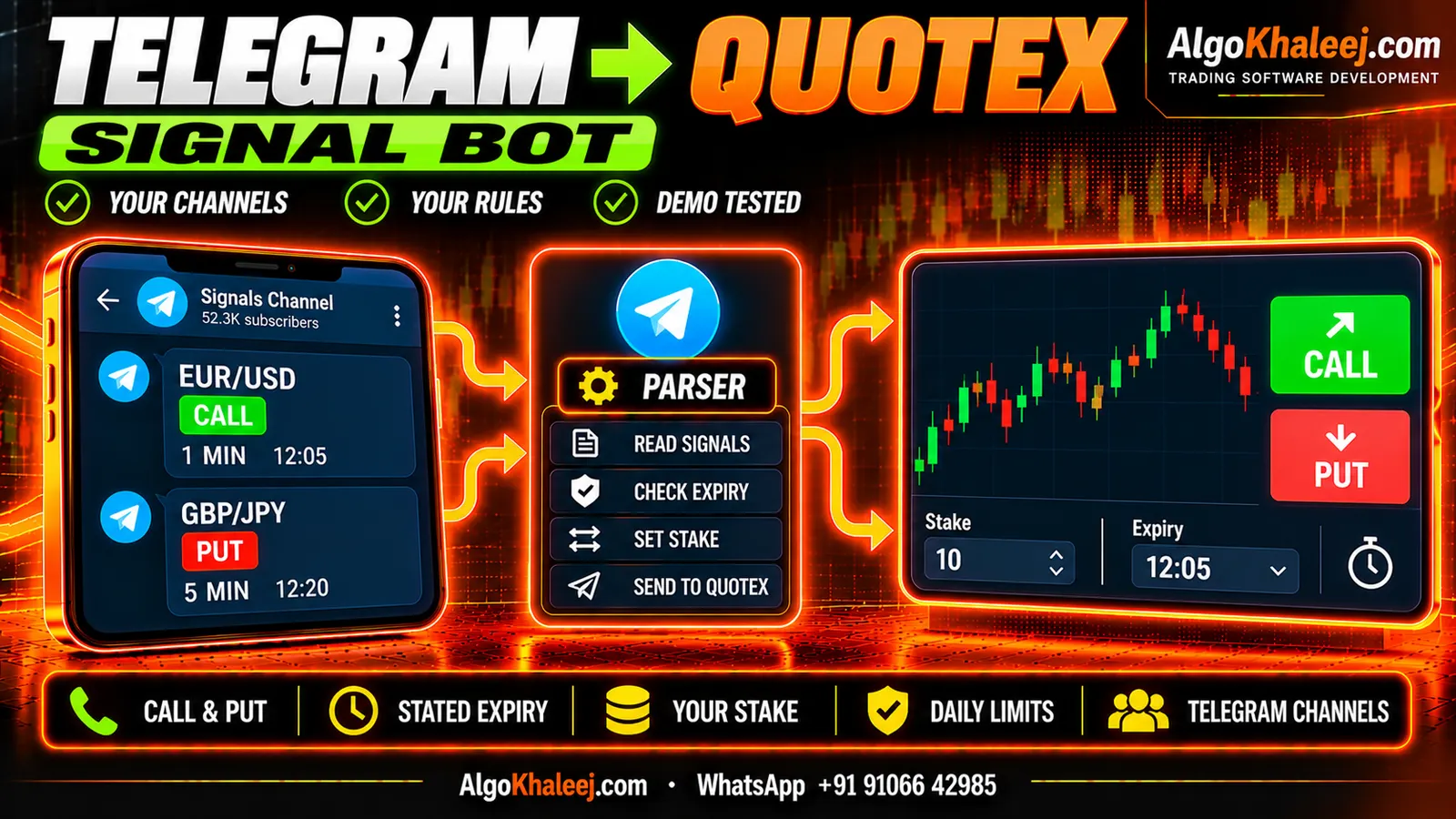
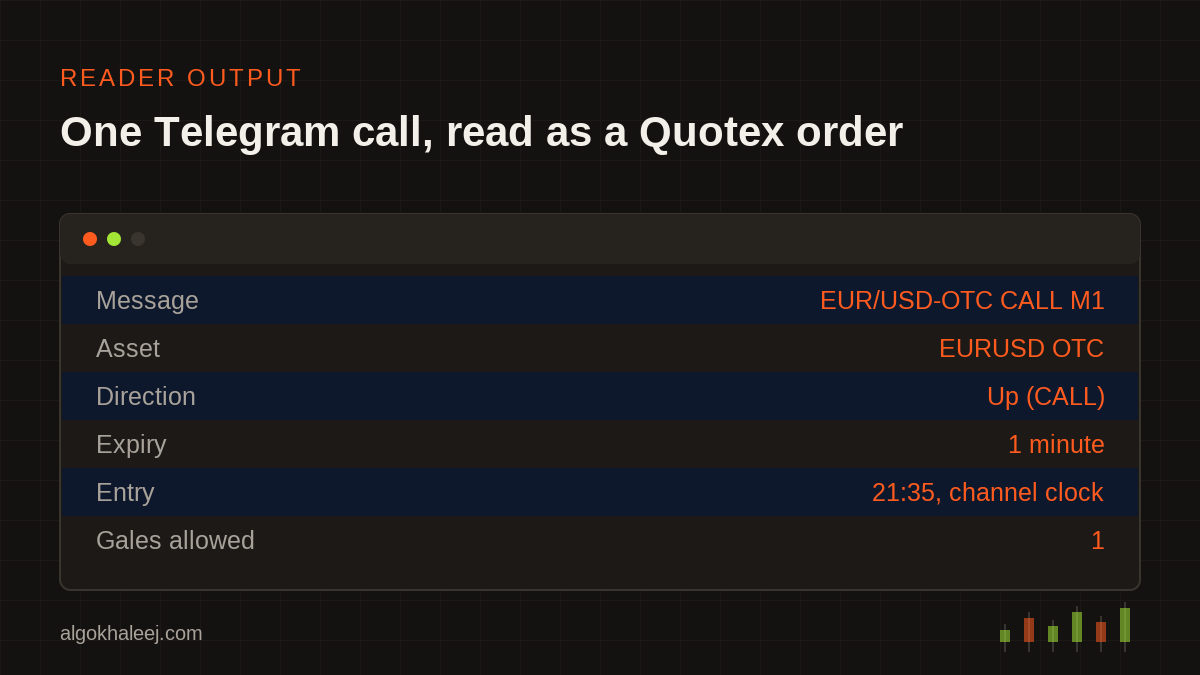
Calls arrive with emojis, arrows and mixed languages. A typical one might look like this:
EUR/USD-OTC | CALL | M1
Entry 21:35
1º GALE
The reader turns that into one order: EURUSD OTC, direction up, a one minute expiry, entry at 21:35 on the channel’s clock, and one gale allowed. It also applies these rules:
- names such as EURUSD, EUR/USD and EURUSD-OTC map to Quotex’s own asset codes,
- an OTC asset trades only when the message says OTC,
- the app skips calls for a closed market and logs why,
- a call with no expiry never trades, since the app has no default expiry,
- recaps, result posts and adverts get ignored.
A message can give the expiry as M1, 1 minute, 5 minutes, 30 seconds or a clock time. When it has no clear asset, direction or expiry, the app skips it and logs it rather than guessing. On the Keywords page you also choose which words count as CALL or PUT. Then the Test parse tool shows how a pasted message would trade, before any money is involved.
Entry times in UAE and Saudi time
You can pick one of three entry modes:
- Clock time: the trade waits for the time written in the message.
- Immediate: a call with no time enters at once.
- Trade by minute: only the minute counts, so a call for 14:35 enters at the next :35 on Quotex’s clock, whatever the hour.
Many channels post in their own time zone, so a signal timezone setting tells the app which clock each channel uses. If a message carries a line such as GMT+5:30, the app uses it and remembers it for that channel.
Say a channel set to UTC-3 posts an entry for 14:00. That is 21:00 in the UAE (UTC+4) and 20:00 in Saudi Arabia (UTC+3). You do not convert anything by hand, because timed entries run on Quotex’s clock.
Stake, daily limits and payout floor
Each account has its own money settings:
- trade amount: the stake for every call on that account,
- daily stop loss and daily target: once either one hits, that account pauses until you press Resume paused, while other accounts carry on,
- minimum payout: off by default, and when on it rejects calls paying under your floor (85% unless you change it).
A binary option pays a set share of the stake when the direction is right at expiry. When it is wrong, you lose the stake. With a $10 stake at an 85% payout, a win adds $8.50 and a loss costs $10. At a 70% payout, the same win adds only $7.
How the gale steps work
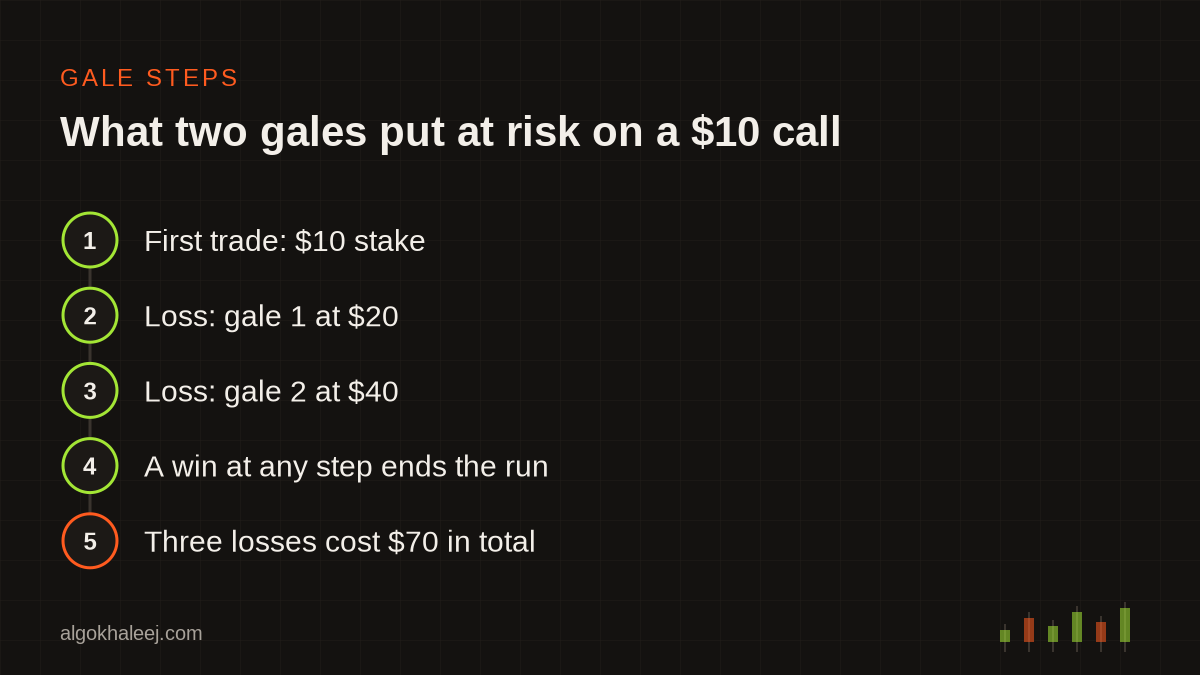
Gale is short for martingale. After a loss, the next trade uses a bigger stake to win back what you lost. You choose the mode for each account under Gales from.
By message is the default. It reads the gale line in the call, such as “1º GALE”, “Até 2 gales” or “USE 1 STEP MTG”, for up to nine gales. A call with no gale line gets none. After a loss, the gale opens on the next expiry with the same asset and direction, at double the stake. A win ends the run, and the app drops any gale it cannot place on time.
My own system lets you build the ladder yourself, with Multiply, Increment or Custom lots, a cap on steps, and each step placed on the next expiry or the next signal.
Signal lists posted ahead of time
Some channels post a whole session of calls in one message. The app treats that list as one session and enters each line at its own time on Quotex’s clock. The first line must fall within 3 hours, and later lines can run up to 12 hours ahead.
Scheduled trades show on the Trades page, survive a restart and open only once. If the app was closed when a line was due, it marks that line missed and never enters it late.
Signing in to Quotex
Browser login opens a Chrome window on a separate Chrome profile for each account. You sign in once and clear any Cloudflare check, and then the app saves the session for later starts. Chrome keeps the history and saved passwords of each profile apart, so several accounts can stay signed in together.
Trades go straight from your PC or VPS to Quotex and never pass through our servers. Every trade records its latency in milliseconds.
Demo mode, logs and requirements
Each account has a badge that switches it between DEMO and REAL. The Test trade button places one 60 second CALL on EURUSD OTC at the account’s stake and shows its latency. We suggest about a week on demo before real money.
You need Windows 10 or 11 (64-bit), Google Chrome and outbound HTTPS access. The app trades only while it is open and online, so a VPS suits night sessions. It runs on your machine and is not a bot inside Telegram.
Setup with our team
Setup follows five steps:
- Install the app and sign in to Telegram.
- Add a Quotex account and finish Browser login once.
- Switch on the channels you want.
- Open Edit on each account to set its stake, daily limits and payout floor.
- Run it on DEMO before going live.
We are a remote team in India with no Gulf office, and we can walk you through these steps. The price of the Quotex Telegram signal bot is on enquiry, so send us your number of accounts and channels.
For forex and gold calls on MetaTrader, our Telegram to MT4/MT5 copier is the better fit. The Tools page lists the other ready apps, and our trading software FAQ covers common questions.