Traders in the UAE and Saudi Arabia often send us a GitHub link and ask one question. Can this run my Delta account? Usually, yes. Only after someone does the setup, keeps the machine on and watches the log, and that someone is normally you.
Futures and options on Delta Exchange use leverage and are high risk, and you can lose more than you expect. Check that the exchange and these products are allowed where you live before you trade with real money.
Open source Delta bots: strengths and the work they leave
Open source code has real strengths, and plenty of traders run their own bots from public code. You can read every line, see exactly which orders it sends and change it to fit your rules.
Delta itself keeps a Python REST client on GitHub. Its API docs also name CCXT as its authorized SDK provider, so many community bots build on one of those two.
However, a repository is code, not a running service. You install it, add your keys and keep a machine on. Nobody watches it but you.
So before you run any bot, look at four things:
- the part of the code that places and cancels orders
- a licence file, which says what you may change and share
- when the last update landed, and whether issues get answers
- which Delta address and API version the bot calls
Check 1: the API key and its permissions
On Delta, you choose a key’s permissions before you create it. Delta’s docs say a key with Trading permission needs at least one whitelisted IP address.
Keep the secret out of the repository, too. A common slip is to commit a config file with the key inside, then push it to a public fork. Delta’s docs warn never to expose keys in client side code. Store the key in an environment variable or in a local file that your .gitignore excludes.
Check 2: the IP whitelist and where the bot runs
A key with Trading permission accepts requests only from the addresses you list. From anywhere else, Delta returns the error ip_not_whitelisted_for_api_key.
Delta’s docs note that a home internet provider may change your IP about once a week. When that happens, a bot on a home PC stops placing orders, and since nothing pops up on screen, you only find out when you open its log and see the same error repeated for hours.
For that reason, the docs suggest a cloud machine with a static public IPv4 address. A VPS also keeps the bot running through the night, Gulf time. Our guide to running trading software on a VPS or a home PC compares the two setups.
Check 3: Delta India, Delta Global and testnet addresses
Delta runs separate sites, and each has its own API address. Delta’s GitHub client lists four:
| Site | Base URL |
|---|---|
| India live | api.india.delta.exchange |
| India testnet | cdn-ind.testnet.deltaex.org |
| Global live | api.delta.exchange |
| Global testnet | testnet-api.delta.exchange |
A key made on Delta India works only with the India address. Likewise, a key from a demo account works only on the testnet.
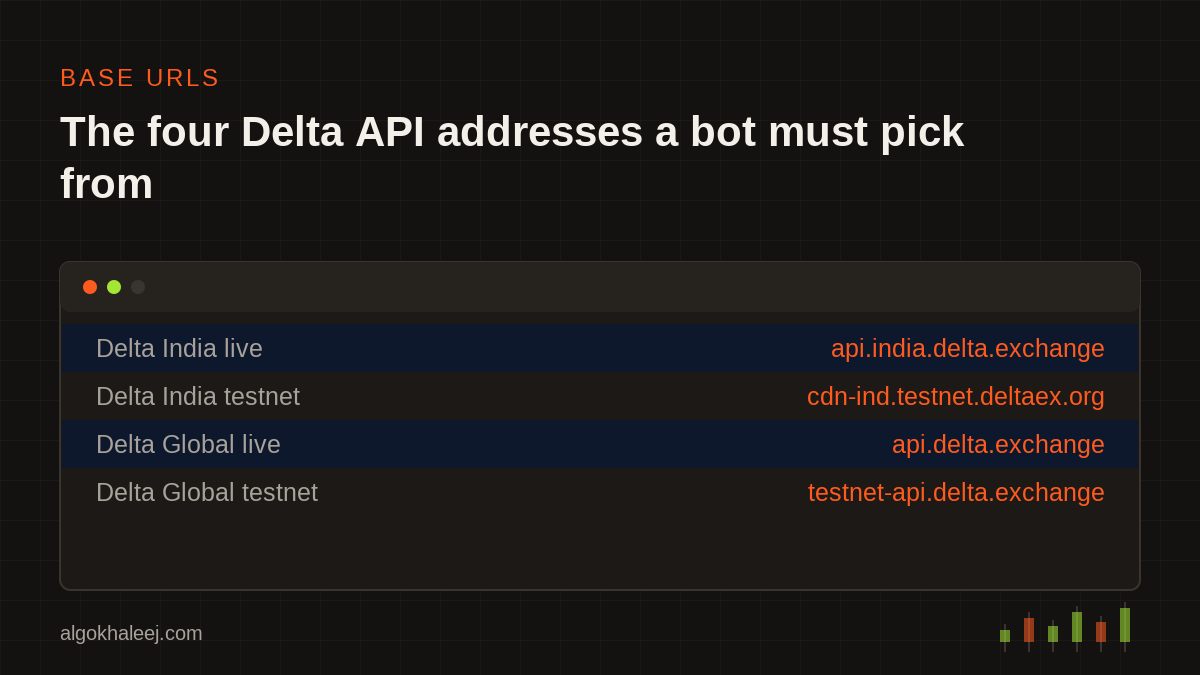
Many GitHub bots were written for one site only. Search the code for the base URL first. If it is hard coded to the Global address and your funds sit on Delta India, every request fails.
Check 4: clock, signatures and rate limits
Each private request carries a signature. The bot builds it with HMAC SHA256 from the method, a timestamp, the path, the query and the body. Delta then refuses any signature that reaches it more than 5 seconds after its timestamp, with the error SignatureExpired. Clocks matter here. A VPS with a drifting clock can fail on every order until you sync it.
Rate limits are the other trap, and they bite when a bot sends far more requests than its author planned for. Delta gives each account a default quota of 20,000 units per fixed 5 minute window. Order endpoints weigh more than price reads, and past the quota the API answers with HTTP 429. A bot that polls prices in a tight loop can burn that quota. It may then fail to send the one order that matters.
Check 5: stops, brackets and the deadman switch
Delta’s docs say a bracket order covers the whole position, and a contract allows only one bracket per open position. A bot that tries to add a second bracket gets an error. So check how the code handles a repeat signal on a coin it already holds.
Delta also offers a deadman switch: when the bot’s heartbeats stop, Delta can cancel its open orders. See whether your bot uses it.
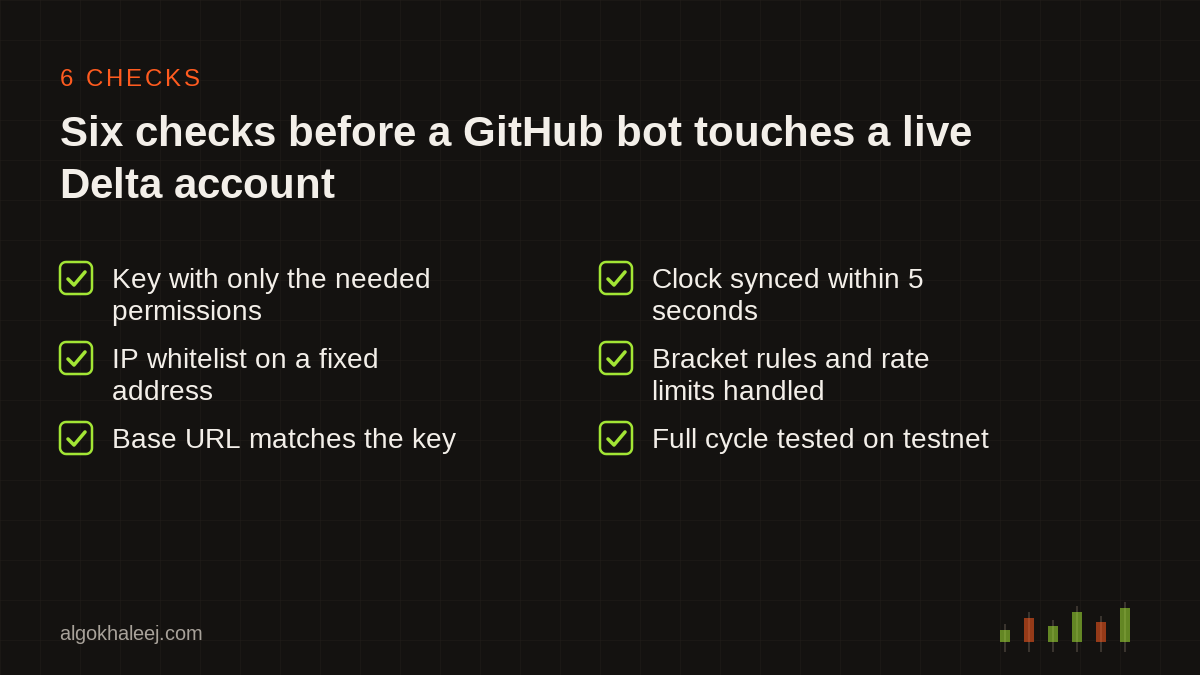
Check 6: run it on the testnet first
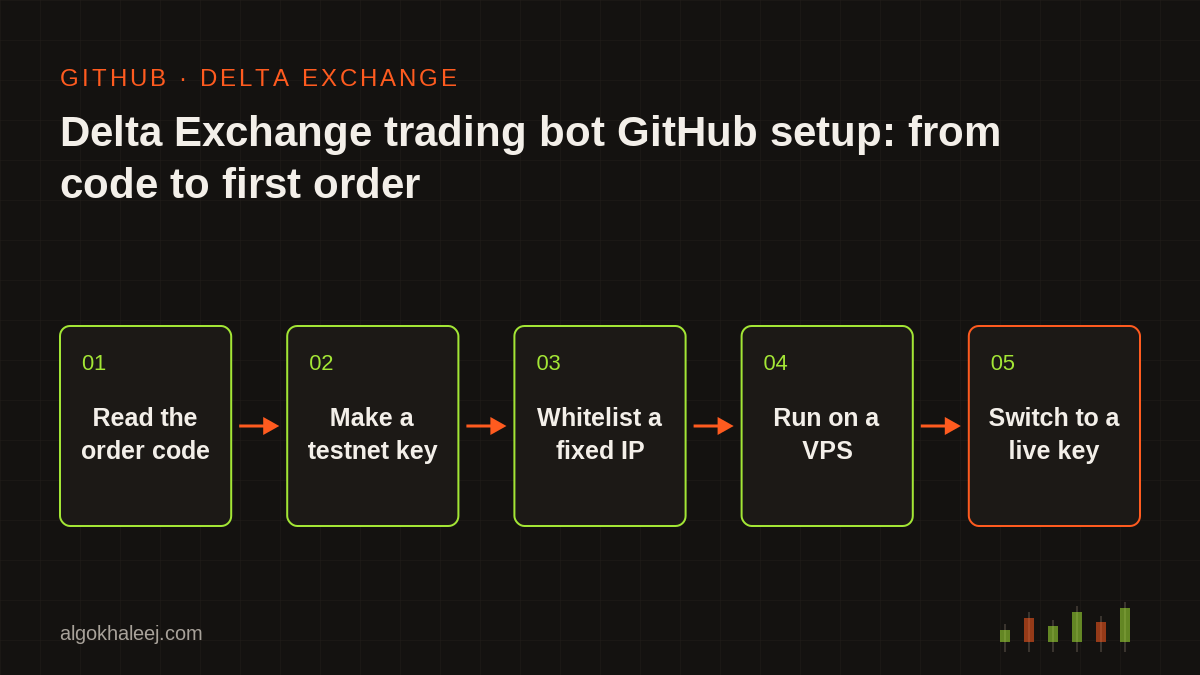
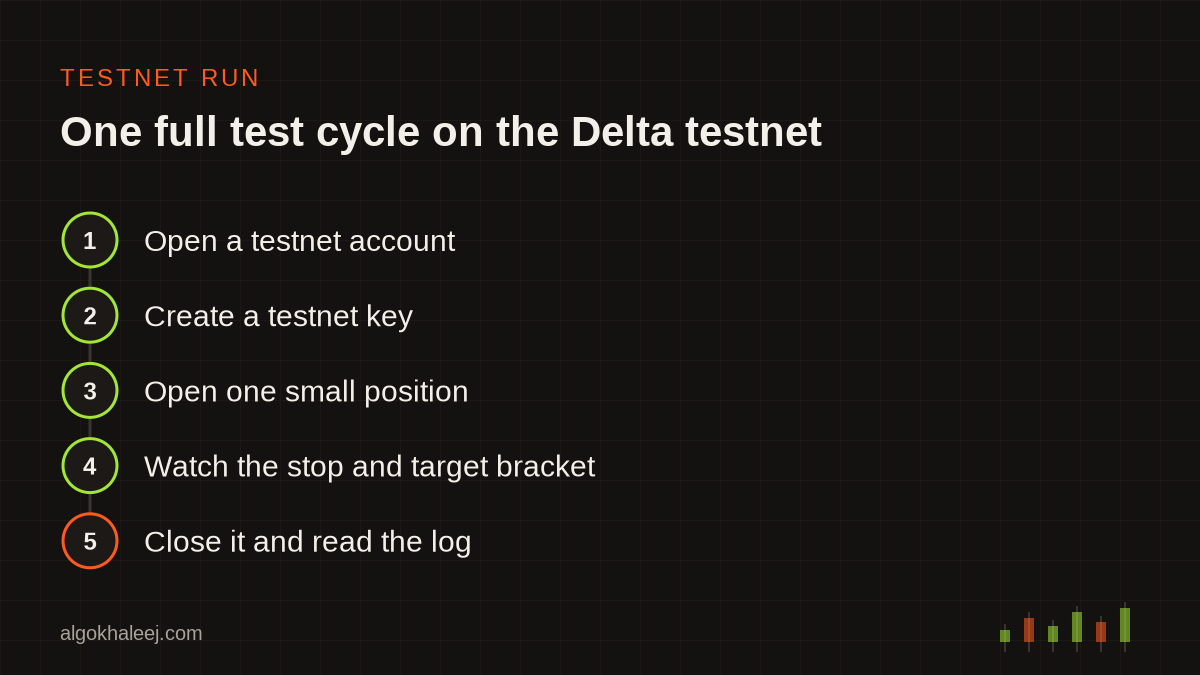
Delta’s GitHub client points Indian users to testnet.delta.exchange and everyone else to testnet-global.delta.exchange. Open an account there and create a testnet key. Then run one full cycle: entry, stop, target and close.
Afterwards, compare the contract, size, trigger price and fill in the log with what you expected. Create a live key only when all four match.
Updates: keeping the bot current
APIs change, and Delta’s is no exception: its changelog shows nine dated entries in 2026 up to October. Any of them can rename a field or add a rule your bot does not know.
Every Delta Exchange trading bot GitHub project depends on someone keeping up with them. With code from GitHub, that someone is you, unless the author is still active and quick to patch. Pin the package versions you tested, and read Delta’s changelog now and then. Also, rerun the testnet cycle after every update, because a working bot can break overnight.
Delta Exchange trading bot GitHub code or a ready app?
| Task | Code from GitHub | Ready app |
|---|---|---|
| Strategy logic | Edit it freely | Limited to the app’s settings |
| Key and IP setup | You find your IP and write the config | The app shows its IP and checks the wallet |
| Testnet | You set the testnet address | A Demo switch per account and a test order |
| Signals | Your own code decides | Telegram channels or TradingView alerts |
| API changes | You or the author fix them | The vendor fixes them |
So if you write Python and want a strategy of your own, a GitHub project is a sound start. On the other hand, if you mainly want to follow signals without keeping code alive, a ready app saves those hours.
Our two Delta apps
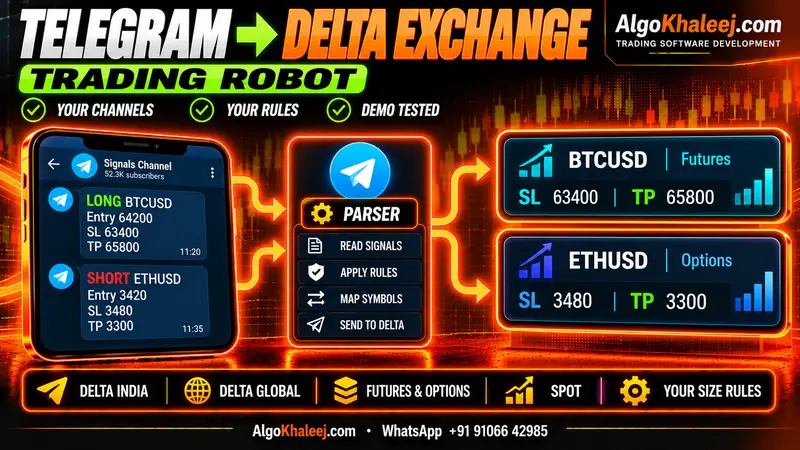
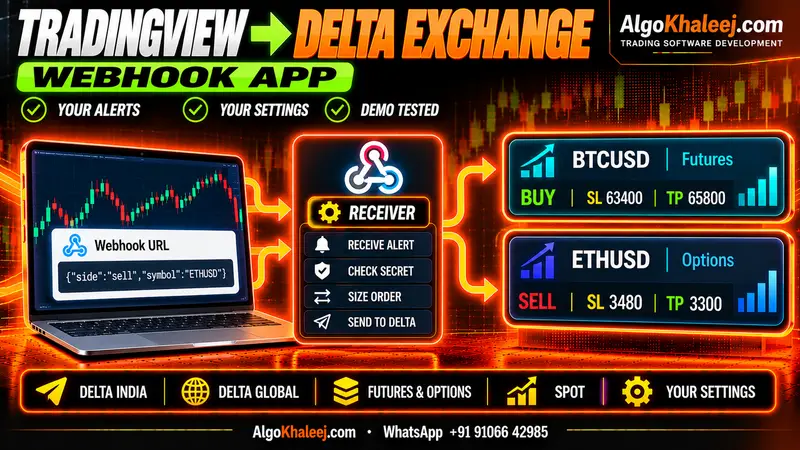
We build two ready Windows apps for Delta India and Delta Global. The Delta Exchange robot for Telegram signals reads the channels you follow. The Delta Exchange TradingView webhook places your TradingView alerts. Both keep your key on your own PC or VPS.
Some steps still stay yours. You create the key, whitelist the IP and test on the testnet first. We are a remote team in India with no Gulf office, and we set the app up with you online. For a bot with your own rules, see our trading bot development services.